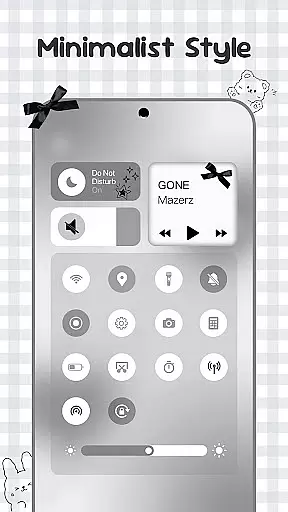
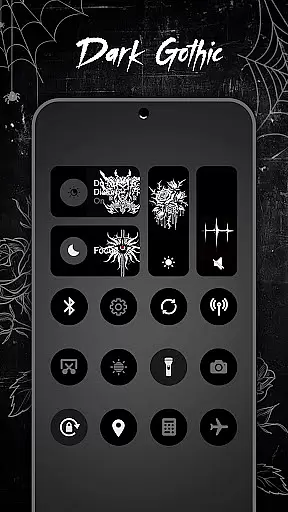
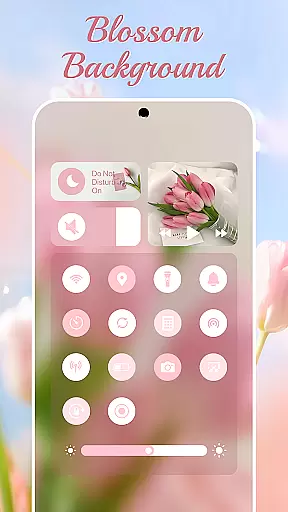
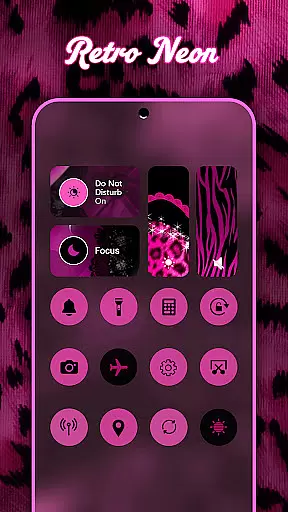
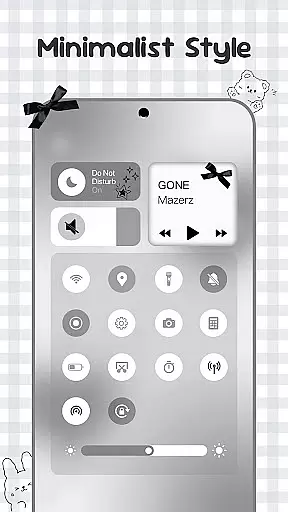
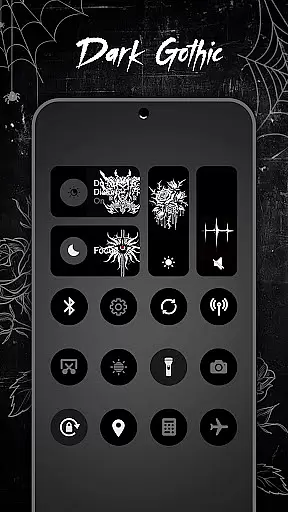
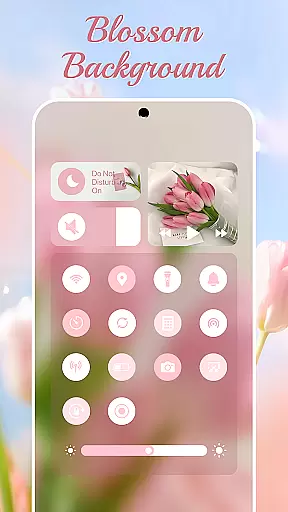
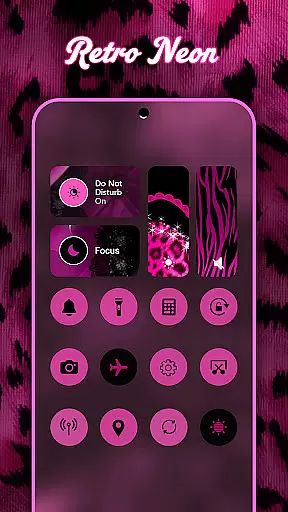
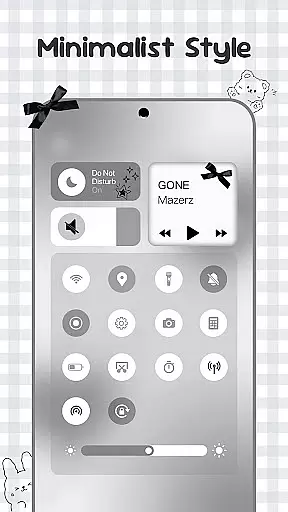
Control Widget is a highly customizable quick settings panel for Android devices, offering users both functional control and aesthetic personalization. This app allows you to manage essential device functions such as Wi-Fi, Bluetooth, brightness, and volume through beautifully designed interfaces.
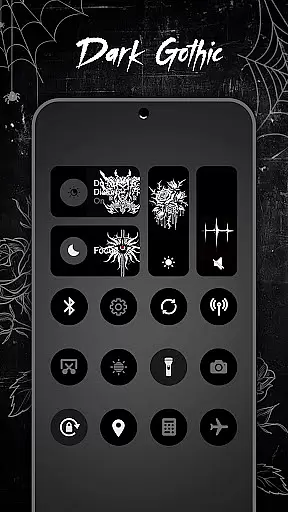
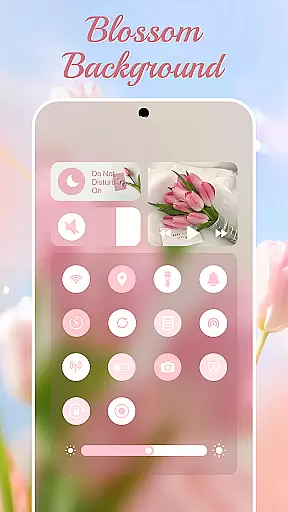
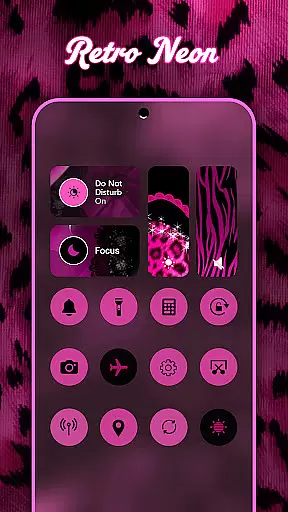
What sets Control Widget apart is its extensive theme library, featuring thousands of design options including anime, K-pop, neon gradients, and more. These themes enable users to match their device's control panel with their personal style or current mood. The app also provides practical tools like screenshot capture, screen recording, and flashlight activation, all accessible with simple taps.
Whether you're looking to streamline your daily device interactions or seeking to personalize your Android's appearance, Control Widget serves as an all-in-one solution that combines usability with creative freedom.
Control Widget stands out with its unique combination of functionality and personalization features. The app offers a comprehensive suite of control tools including brightness adjustment, volume control, Wi-Fi and Bluetooth management, and quick access to essential functions like Do Not Disturb and flashlight.
The true innovation lies in its theming capabilities. Users can choose from thousands of aesthetic themes across various categories such as minimalism, soft coquette, sports, and entertainment-inspired designs. The app's live style updates allow for instant theme switching, while the one-tap transformation feature makes customization effortless.
Additional notable features include seamless integration with Android's Accessibility Services for enhanced functionality, support for custom theme requests, and perfect synchronization with various wallpapers and icon packs. These features collectively create a personalized yet practical user experience that goes beyond basic device control.
Customization is at the heart of Control Widget, offering users an extensive array of options to tailor their Android experience. With thousands of aesthetic collections ranging from Anime to K-pop, neon gradients, minimalism, and more, users can curate a style that resonates with their personality.
The app's live style updates feature allows for dynamic personalization, enabling users to switch panels effortlessly to match their mood or home screen aesthetics. This flexibility ensures that your device remains a true reflection of your current preferences.
One of the standout aspects of Control Widget is its one-tap magic transformation. Users can instantly change their entire control panel, experiencing real-time personalization that enhances usability while maintaining visual appeal. This seamless integration of form and function makes customization not only comprehensive but also intuitive.
Control Widget excels in theme compatibility, ensuring that every design element harmonizes perfectly with various wallpapers, icon packs, and widgets. Whether you prefer sleek modern aesthetics or vibrant thematic layouts, this app adapts seamlessly to complement your chosen style.
The app's dedication to providing cohesive visual experiences means that no matter how diverse your themes areu2014from sports to TV/film-inspired designsu2014they will always look polished and professional on your device. This attention to detail elevates the overall user interface consistency.
Moreover, Control Widget invites user participation in custom theme creation, allowing individuals to request specific themes tailored to their vision. This collaborative approach not only enhances personal satisfaction but also guarantees unparalleled compatibility across different customization elements, making it the ultimate companion for personalized Android control panels.
Highly customizable
User-friendly interface
Extensive theme library
One-tap functionality
Comprehensive control options
Requires accessibility permissions
May affect device performance
Premium themes cost extra
Complex setup process
Limited iOS compatibility

Gun Chase - Let the chase begin.
 4.80
4.80
AI-powered Copilot. Personalized keyboard with gifs, stickers & themes
4.40
Personalize your phone with stunning HD and 4K wallpapers!
4.70
Dark icon pack based on One 8
4.80
Ultimate widget creator. Design custom widgets for a truly unique home screen!
3.90 4.50
4.50
Color phone with cool effects for call screen, flash alert & ringtones music
4.50
Your home screen, just the way you like it.
4.30
Fast SMS & group chat - use GIFs and emojis from your home screen launcher.
4.50
Winter's Journey: digital watch face for Galaxy Watch & Wear OS
4.80
Shimeji adds cute animated characters to your screen, lively and fun.
4.70
Bring adorable pets to life on your screen. Playful, interactive and full of fun
4.60
Turn text & photos into stunning AI videos, art, and creative visual stories.
4.50 4.50
4.50
Vibrant Adaptive Icons with Material You and Enhanced Monet Colors.
4.50
200+ Material Inspired Widgets
4.50
Wear Os Watch Face - Seasonal - Animated Snow Effect - 9 Animals
4.20
Interactive Miniature Painting Catalogue
3.30
Capture moments that pass like a storm, second by second.
4.1


User Reviews