
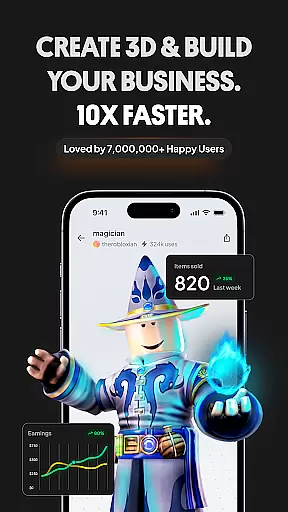
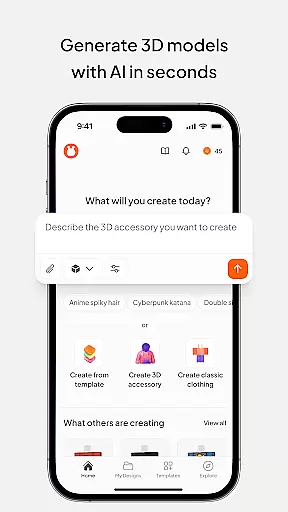
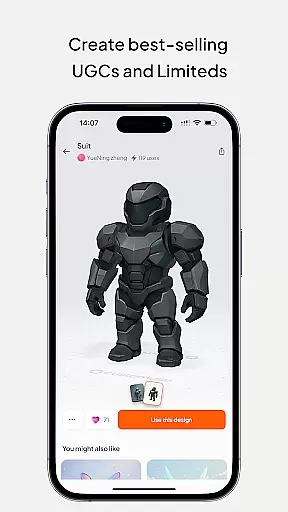
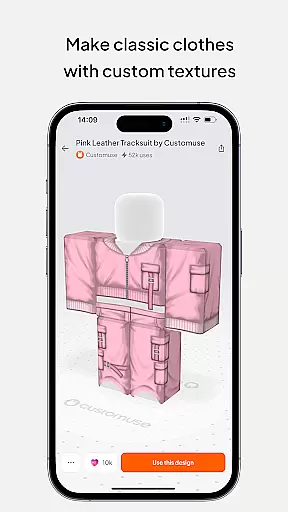
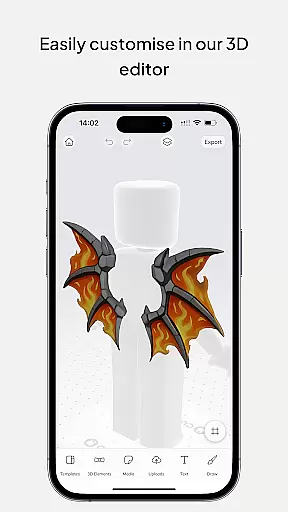
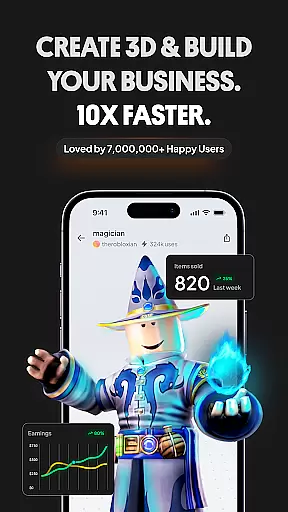
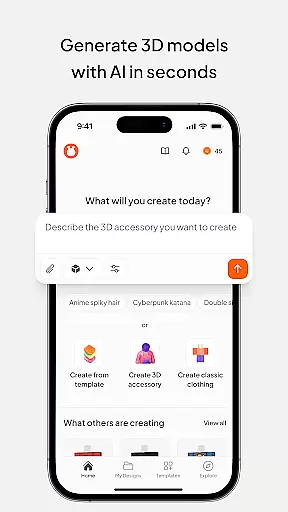
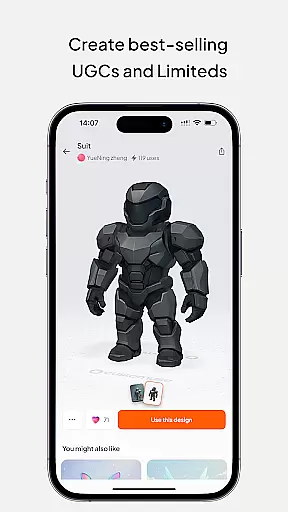
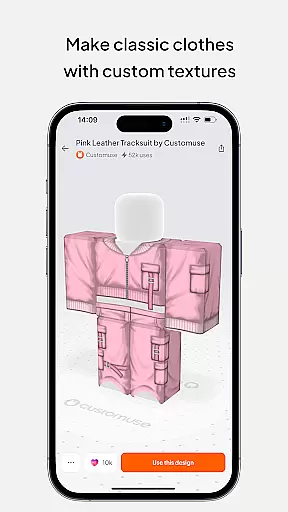
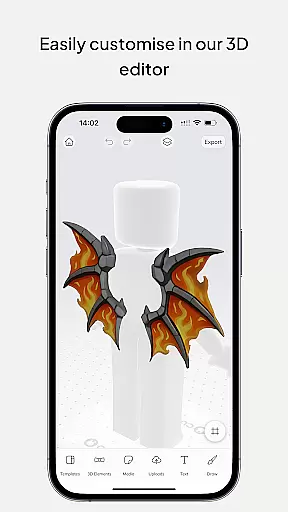
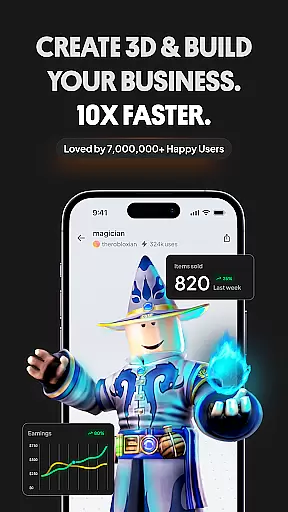
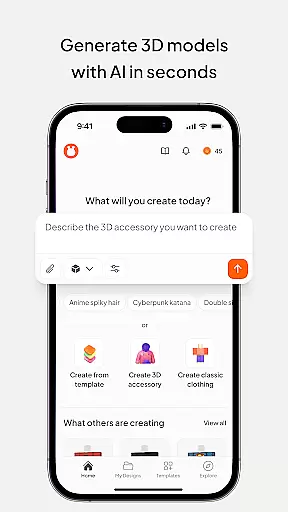
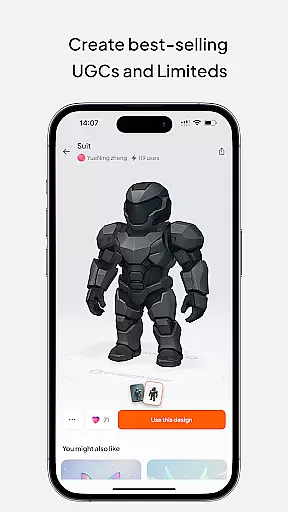
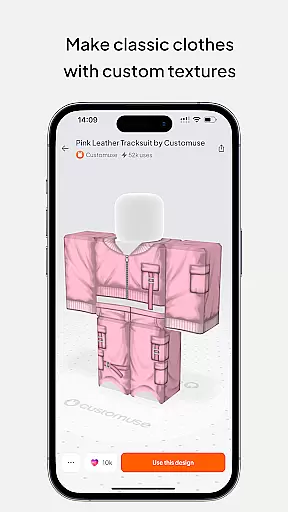
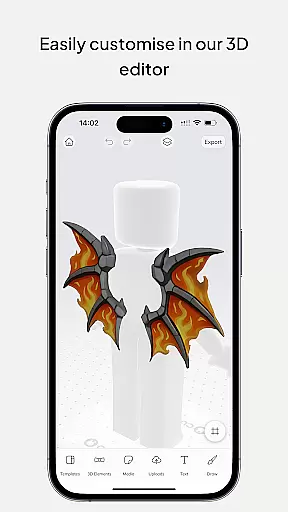
Customuse is the ultimate 3D design tool for creators and designers, offering a versatile platform to design unique digital content across multiple platforms. With over 2 million users, this app allows you to create custom Roblox skins, design Zepeto clothes, craft Minecraft avatars, and even customize AR filters for social media platforms like TikTok, Snapchat, and Instagram.
The app stands out with its AI-powered tools that assist in generating designs based on simple prompts, making it accessible for both beginners and professionals. Whether you're looking to publish your creations directly to Roblox or share them on social media, Customuse provides all the necessary tools to bring your creative visions to life while also offering monetization opportunities through various marketplaces.
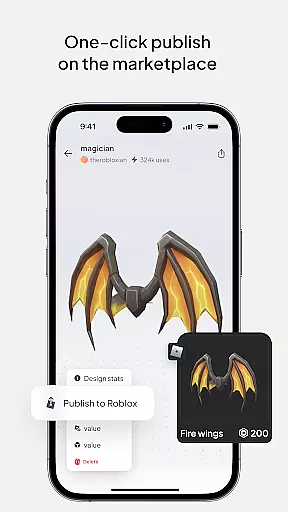
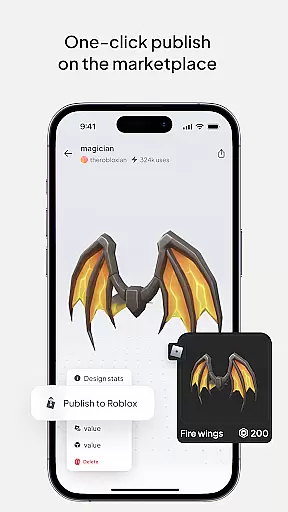
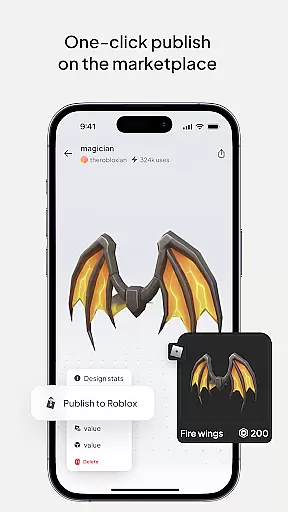
Customuse offers an extensive range of features tailored for diverse creative needs. The app includes specialized tools for designing Roblox skins, where users can choose from thousands of templates or start from scratch, and publish their work directly to Roblox with just a few clicks. Additionally, the AI generator simplifies the process by allowing users to create skins using simple text prompts.
For Minecraft enthusiasts, Customuse lets you build unique avatars and enhance your gaming experience by adding 3D accessories. Zepeto fashion designers can create custom outfits and earn ZEMs by sharing their designs on the Zepeto marketplace. Social media creators can leverage Customuse's AI tools to develop custom AR filters for platforms like Instagram, Snapchat, and TikTok, ensuring their content stands out. These features collectively empower users to explore new realms of creativity while providing practical applications for their designs.
In the realm of digital design, having a comprehensive suite of creative tools is essential for unleashing one's full artistic potential. Customuse positions itself as an ultimate 3D design tool that caters to a vast community of designers and creators. With capabilities ranging from crafting unique Roblox skins to designing Zepeto clothes, and even creating Minecraft avatars, this application provides a rich palette for creativity. The inclusion of AI tools further enhances its offerings, allowing users to generate designs through simple prompts and receive tailored suggestions.
Customuse stands out by integrating advanced features such as virtual try-ons and AR filter creation for social media platforms like Instagram, Snapchat, and TikTok. These functionalities not only expand the scope of what users can create but also how they can share their work with the world. Aspiring fashion designers can explore styles and fabrics in 3D, while those interested in digital content can produce dynamic posts enriched with augmented reality elements.
The true value of Customuse lies in its ability to cater to both beginners and professionals alike. Whether itu2019s making designer clothing or developing custom AR experiences, the platform equips users with everything needed to bring ideas to life. Moreover, its compatibility across multiple devices ensures that creativity isnu2019t confined to a single workspace. This flexibility empowers artists to seamlessly transition between different environments while maintaining their creative flow.
Flexibility in canvas and format options is crucial for designers who wish to express their creativity without technical limitations. Customuse addresses this need by offering unparalleled adaptability in its design platform. Users can customize their workspace to fit specific project requirements, whether it involves creating detailed Roblox skins or expansive Minecraft avatar modifications. The software supports various formats, ensuring that no matter the end goal, there is a suitable solution within reach.
One of the standout aspects of Customuse is its support for cross-platform sharing and integration. Creators have the freedom to publish their designs directly to platforms like Roblox Studio or share them on social media channels effortlessly. This ease of distribution encourages wider audience engagement and allows designers to showcase their talents across different mediums. Additionally, the ability to add 3D accessories and features means that each piece can be truly unique, reflecting the creator's personal touch.
For those looking to push boundaries in digital artistry, Customuse offers advanced customization possibilities. From designing Zepeto outfits that capture attention to producing professional-grade 3D clothing mockups complete with branding elements, the platform enables intricate detailing and finishing touches. Such versatility not only enhances the quality of output but also streamlines workflows, making it easier than ever for artists to realize their visions without compromise.
User-friendly interface
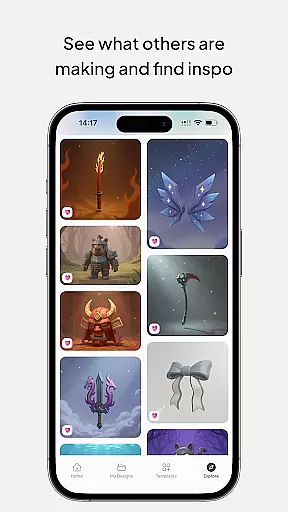
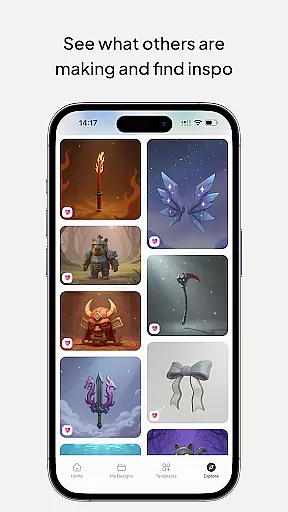
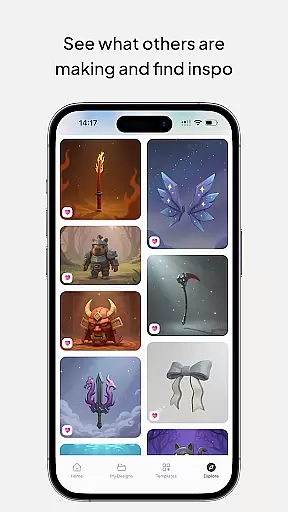
Extensive template library
AI-powered design tools
Cross-platform compatibility
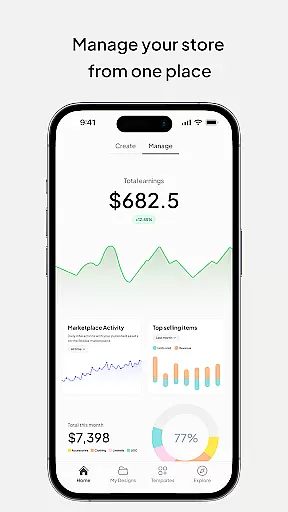
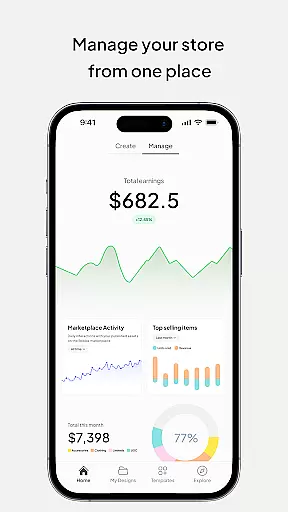
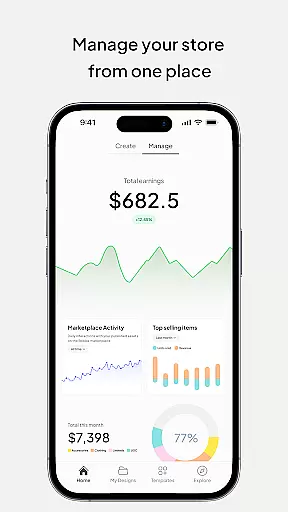
Monetization opportunities
Requires learning curve
Limited free features
Occasional bugs
Premium subscription needed
Device compatibility issues

Premium version of Shimeji-ee app with no ads & no limit active shimeji
 4.5
4.5
Remove Background, Magic Eraser, Photo Enhancer, Story Templates, Collage Maker
4.30
See Color, Paint Color
4.90
Passport size photo maker, create ID photo and visa photo in seconds
4.80
Draw beautiful mandala's very easily
4.60
Castle is social media for creating and playing games!
4.60
The perfect place to start sketching! Use Sketchbook to draw and paint sketches.
4.50
Painting, drawing, & sketching
4.50
AI Tattoo Generator: Create Tattoo Designs & Get Ideas! Ink & Stencil Maker
4.50
Turn your drawings into flipbook-style animations with simple creative tools
4.60
Digital, Abstract, Classic - all types of color wheels in one app!
4.60
Draw anime & manga drawing, art with templates to create stunning picture!
4.50
Draw Trace image sketch by, AR art projector app, Easy to trace any image.
4.50
Just trace a projected picture on paper and color! Draw & Paint with AR drawing
4.40
Trace, draw, and create art with AR - from memes to masterpieces!
4.30
Create stylish invitation cards using templates for weddings, birthdays & RSVP.
4.20
Sketch and paint on your device with the feel and freedom of drawing on paper
4.00
Powerful home decoration & house design that allows you to design dream home.
3.80
AI Art Generator transforms your words into AI generated art & paintings.
3.70


User Reviews