
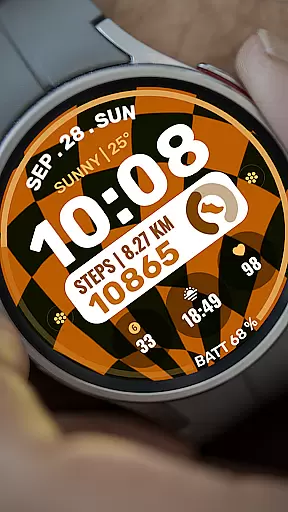
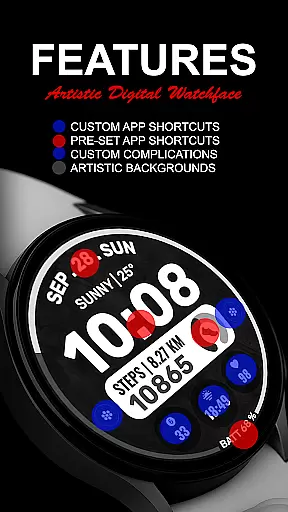
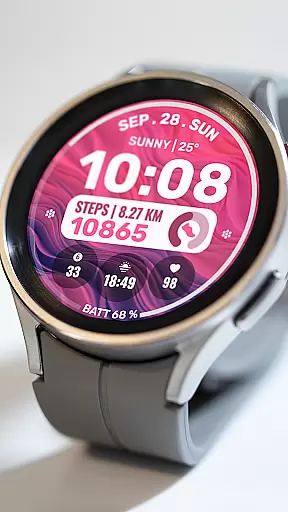
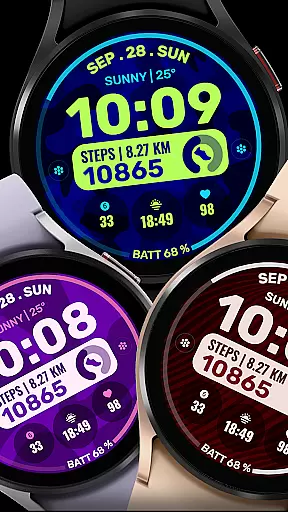
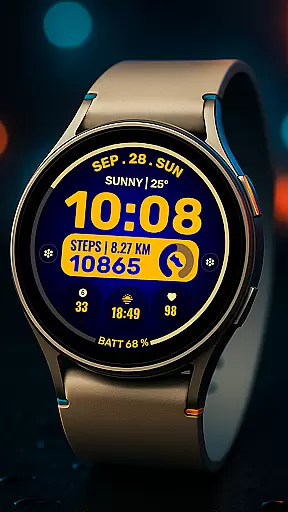
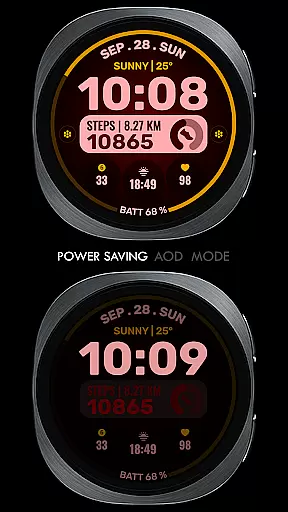
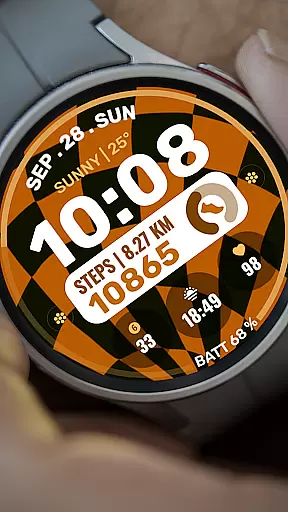
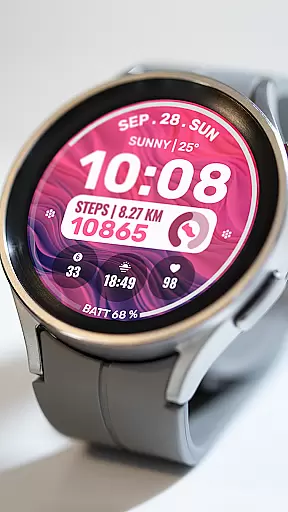
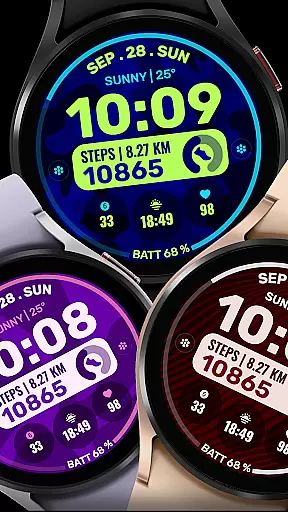
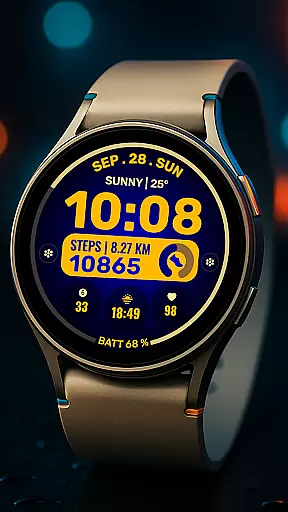
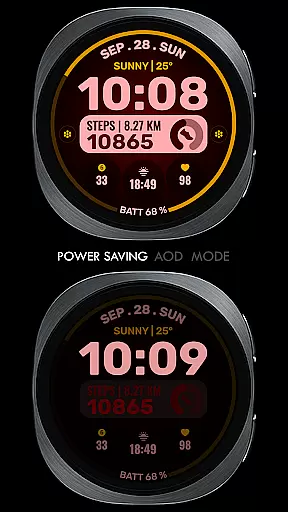
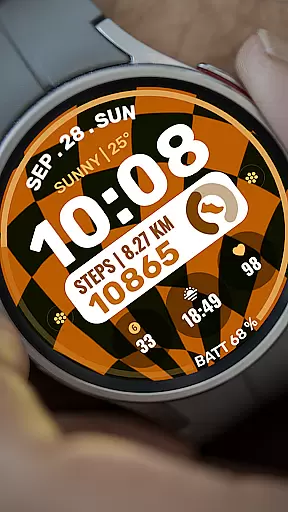
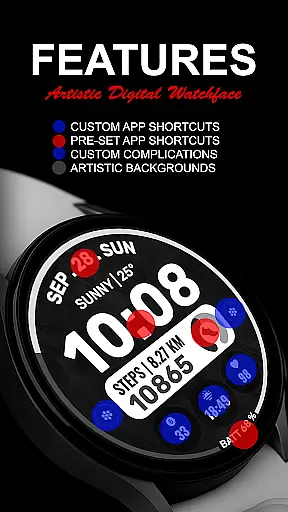
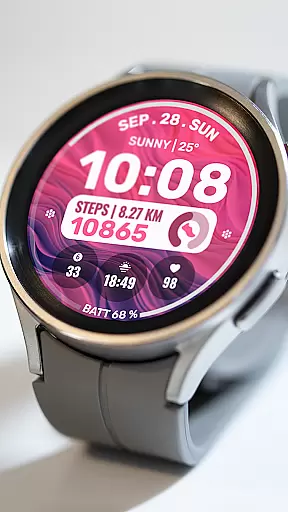
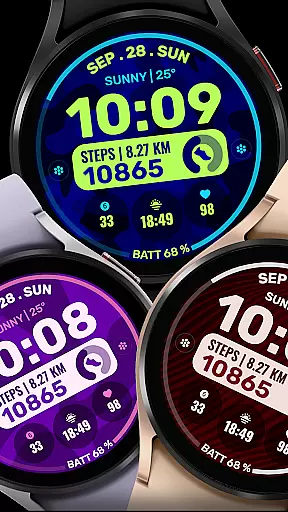
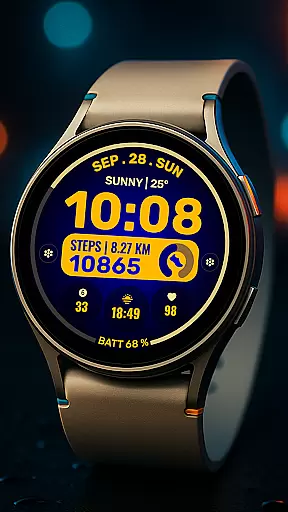
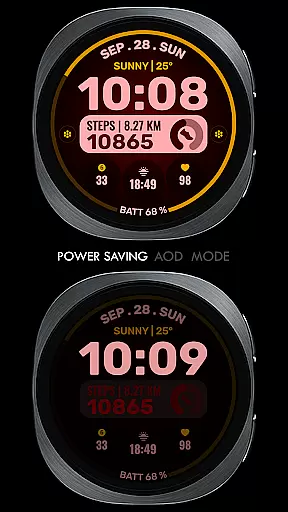
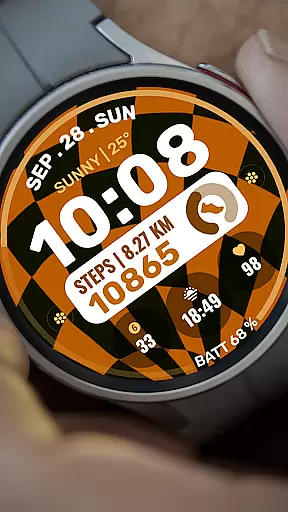
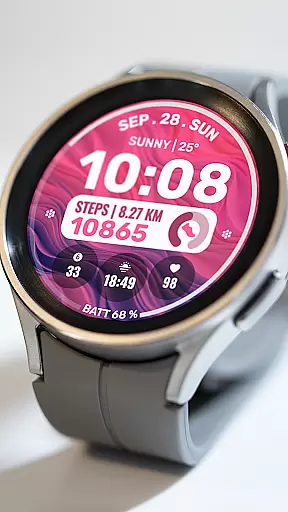
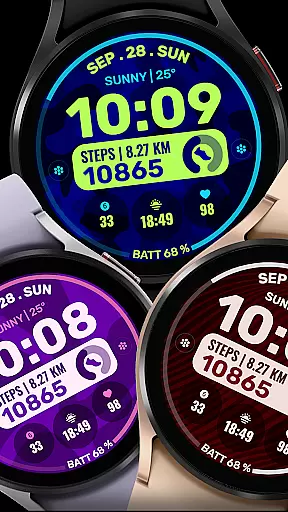
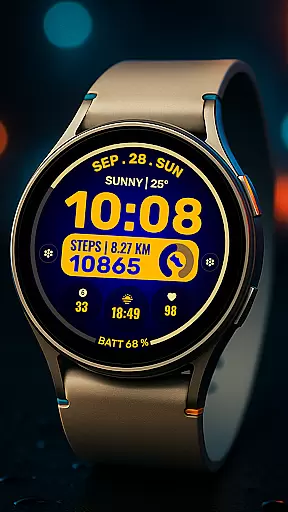
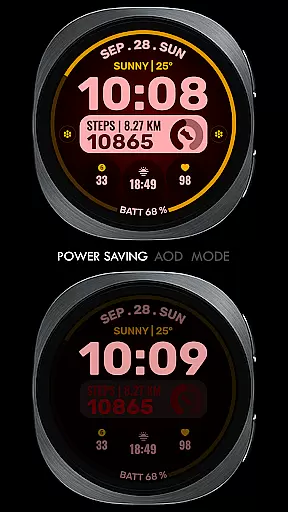
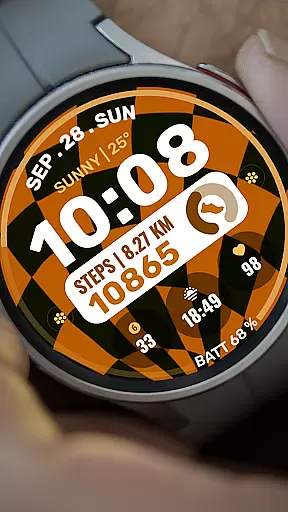
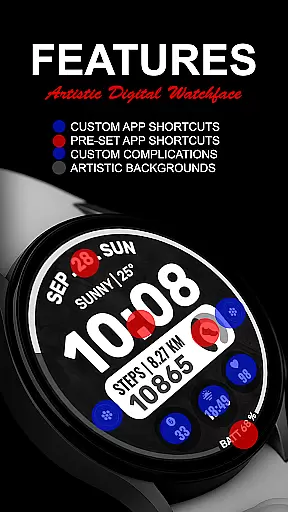
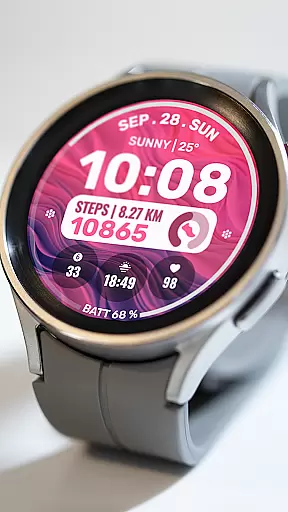
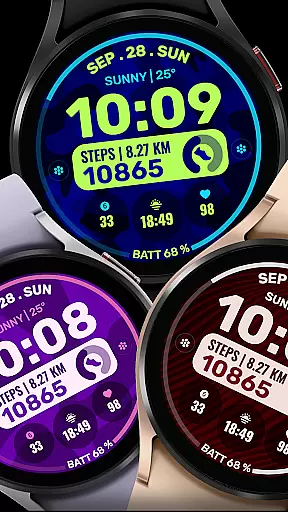
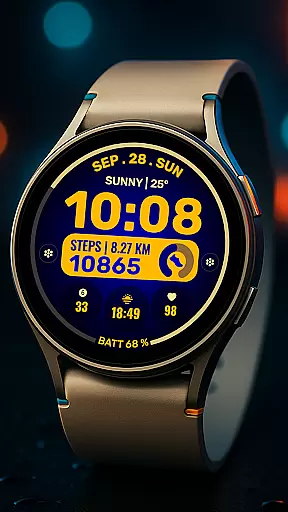
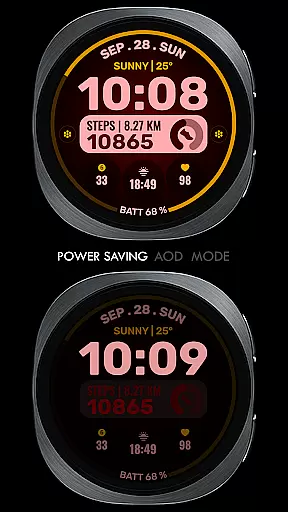
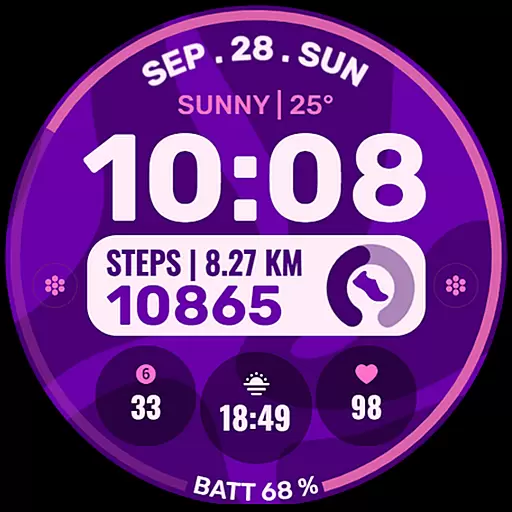
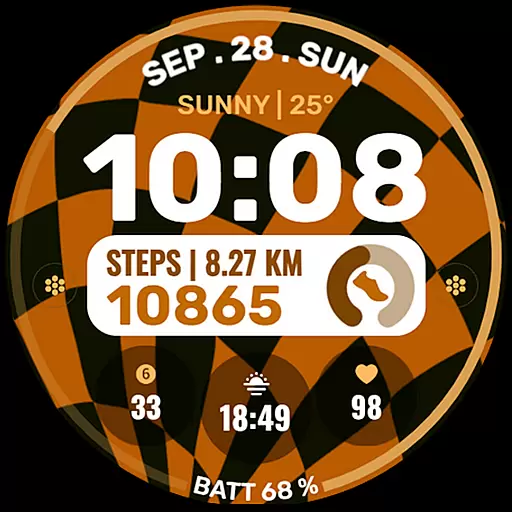
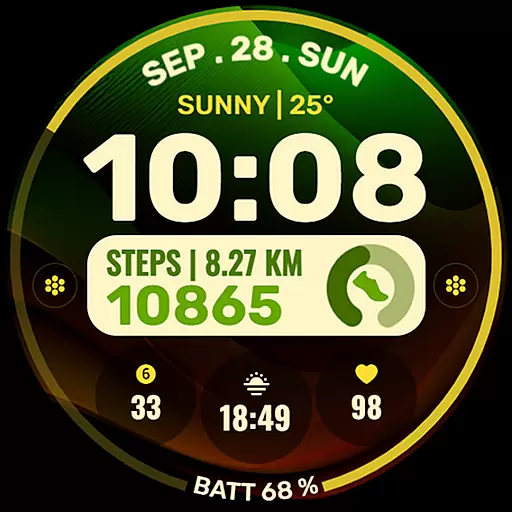
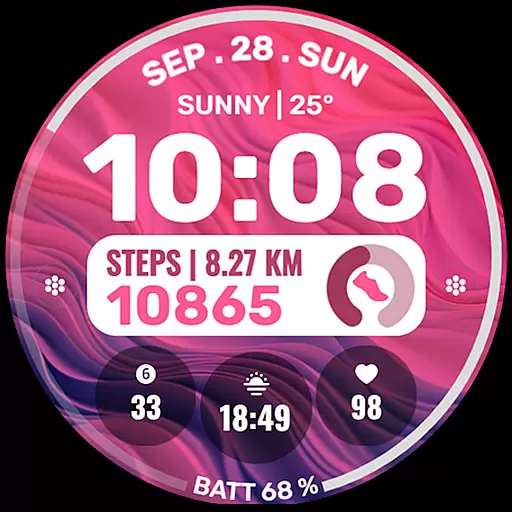
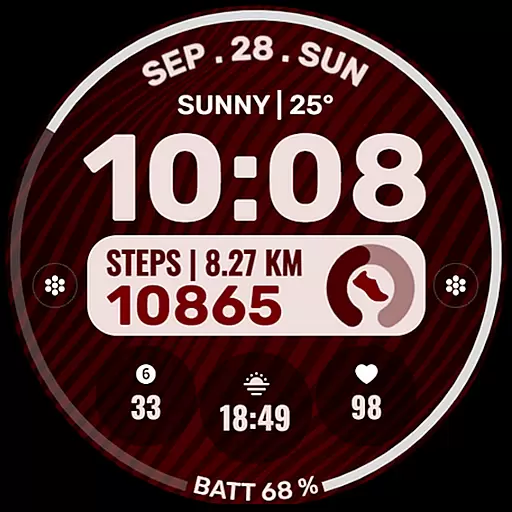
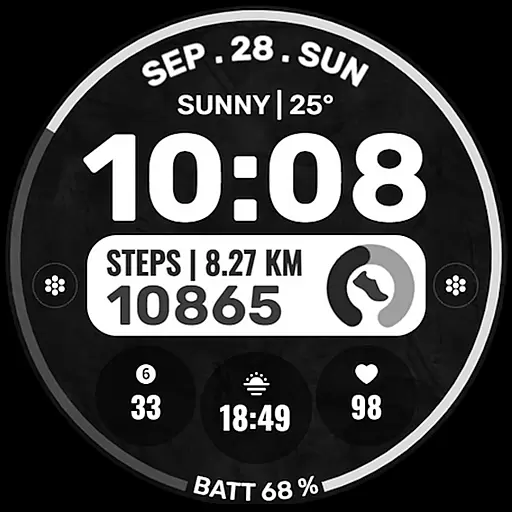
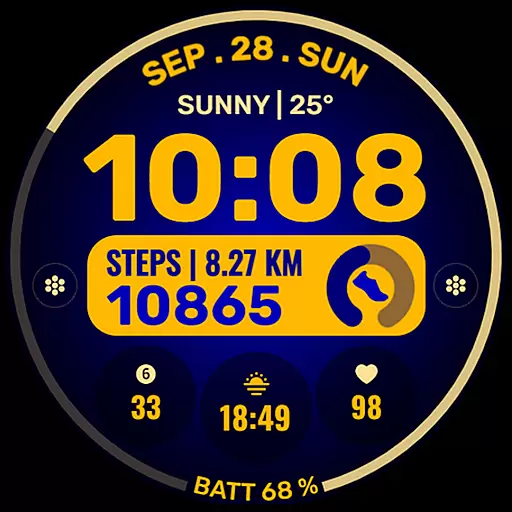
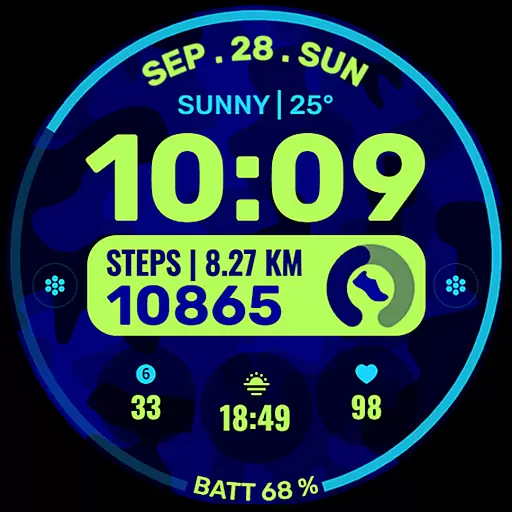
Data Dash is a feature-rich watch face designed specifically for Wear OS devices, supporting all devices with API Level 34+ and Wear OS 4 or later. This artistic digital clock offers users the ability to customize their watch faces directly on their device, providing a seamless experience despite certain limitations with the Samsung Wearable app.
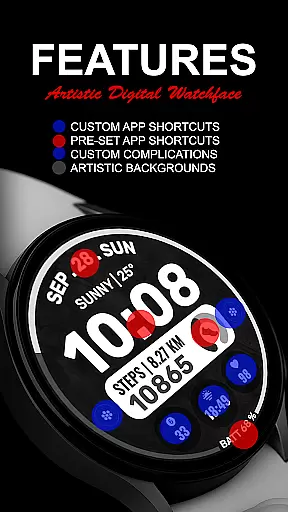
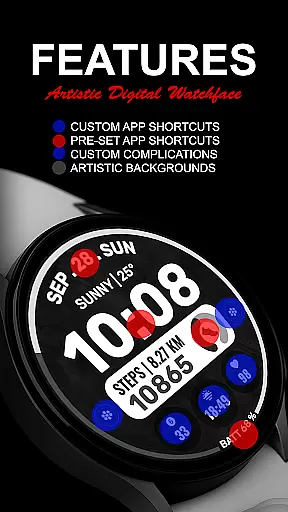
With pre-set app shortcuts, custom app options, and complications, Data Dash allows users to tailor their watch face to display various data such as date, weather, steps, and more. The customization extends to background and color themes, ensuring a personalized look that suits individual preferences while maintaining functionality.
Data Dash stands out with its array of customization features tailored for tech-savvy users. The watch face includes an artistic digital clock display and supports both fixed and customizable app shortcuts, allowing quick access to frequently used applications like Alarm, Calendar, Battery, and Steps.
One of the key highlights is the ability to configure up to three custom complications, which can show a variety of information including world clock, sunset/sunrise times, next appointments, and distance walked. Although some features may require additional third-party complications, this flexibility enhances user engagement by displaying relevant data at a glance.
The installation process is straightforward but requires attention to detail. Users should ensure their watch is synced with their phone using the same email address and allow some time for the transfer. Once installed, users can add the watch face through the home display settings and adjust permissions accordingly for optimal performance.
For smartwatch users, seamless companion app integration is essential for a unified experience. Data Dash ensures that your watch face settings and customizations are perfectly synced with the companion app on your smartphone.
The application supports direct customization on the Wear OS device, while also enabling users to modify settings through their phone. This dual access approach provides flexibility and convenience, allowing you to personalize your watch face according to your preferences.
By using the same email address for both your phone and wearable, the installation process becomes effortless. The app's intelligent syncing system ensures all changes are immediately reflected on your watch, providing a reliable and efficient user experience.
Data Dash is designed to support all Wear OS devices operating on API Level 34 and above, including Wear OS 4 and later versions. This wide compatibility range ensures that most smartwatch users can enjoy the artistic digital clock and advanced features without worrying about device restrictions.
While some features may vary depending on the specific watch model, the core functionalities such as pre-set app shortcuts, customizable complications, and color themes remain accessible to all compatible devices. This inclusive design approach allows users with different Wear OS watches to benefit from the app's innovative features.
For optimal performance, it is recommended to regularly update both your watch's operating system and the Data Dash application. This practice ensures you receive the latest improvements and maintain full access to the app's growing feature set.
Highly customizable
Artistic design
Wide compatibility
User-friendly interface
Comprehensive data display
Complex setup process
Limited Samsung sync
Third-party dependencies
Potential transfer delays
Permission management required

Highly customizable hybrid watch face for Wear OS, perfect for everyday use.
 4.60
4.60
Christmas Theme Watch Face for Wear Os
5.00
Christmas and New Year - Themed Watchface
4.3
Animated Watch Face and Customizable with 24 Backgrounds. Perfect for Christmas!
3.90
Stylish digital watch face for Wear OS devices with customizable features
4.1
Digital watch face. For Wear OS devices.
4.40
Your second brain for organizing your life: to-do, calendar, reminder.
4.70
Get helpful reminders, take progress photos and find answers to your questions.
3.90
A digital watch face that celebrates Christmas.
4.00
Beautiful, colorful and practical watch face. For Wear OS devices.
5.00
Walking app for weight loss: walk & step tracker, pedometer, indoor treadmill
4.60
Connect to your Bluelink equipped Hyundai vehicle from your smartphone.
4.50
Digital watch face with big numbers and many customization for Wear OS devices
4.40
Elegant animated Christmas tree with multiple customization options
4.20
Let's celebrate Thanksgiving - Wear Os watch face
4.20
Connect, create, and collaborate with Gmail, part of Google Workspace.
4.10
A Wintery Snow Globe on Your Wrist; now celebrating Christmas!
4.0
Minimalistic design modern digital watch face.
4.2
Hybrid Vibrant Health Watch Face for Wear OS
4.1


User Reviews