
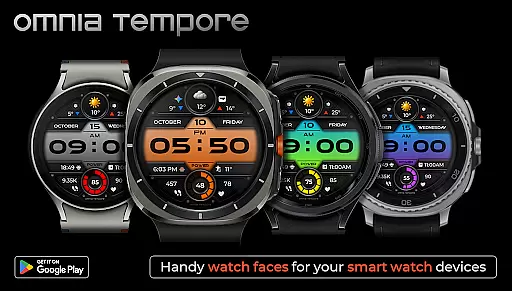
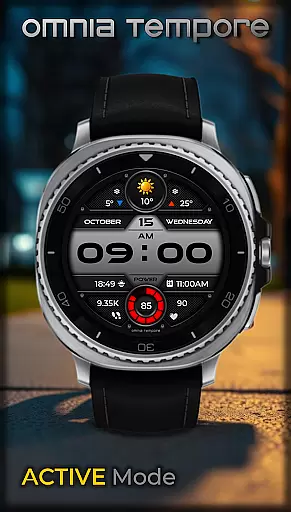
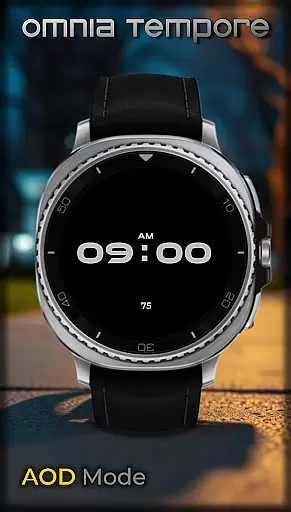
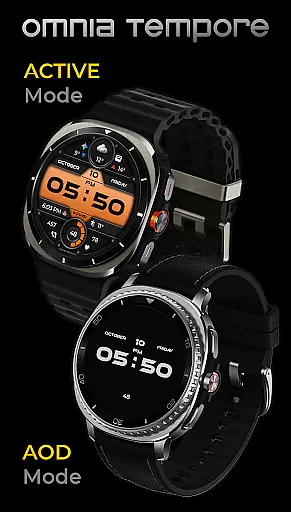
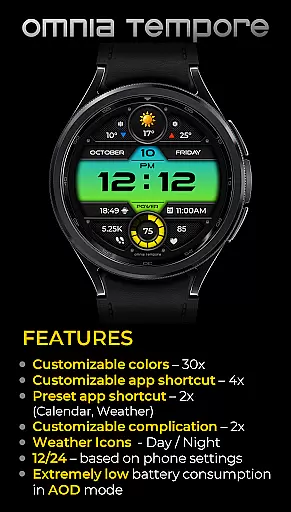
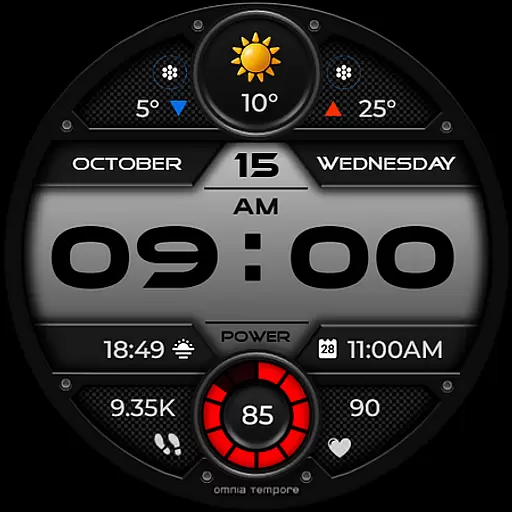
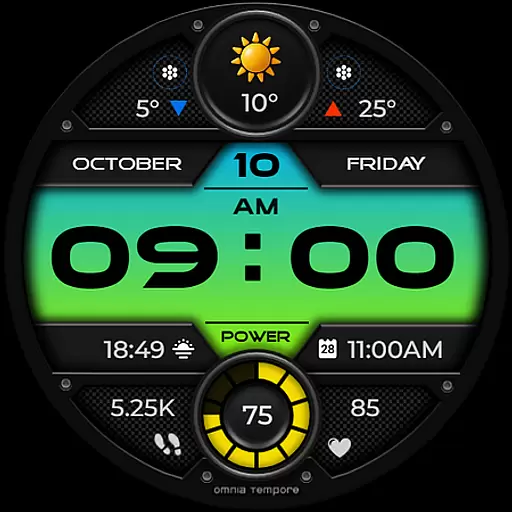
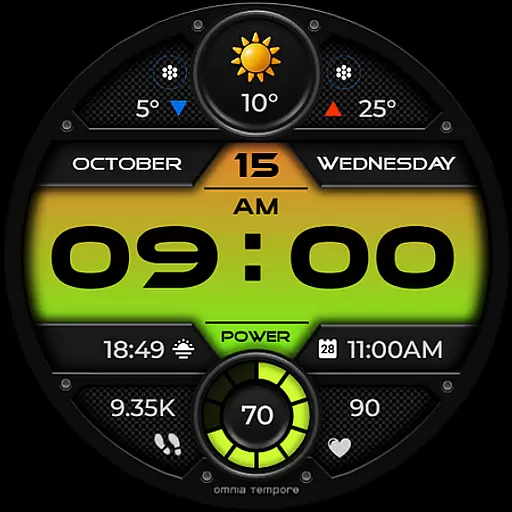
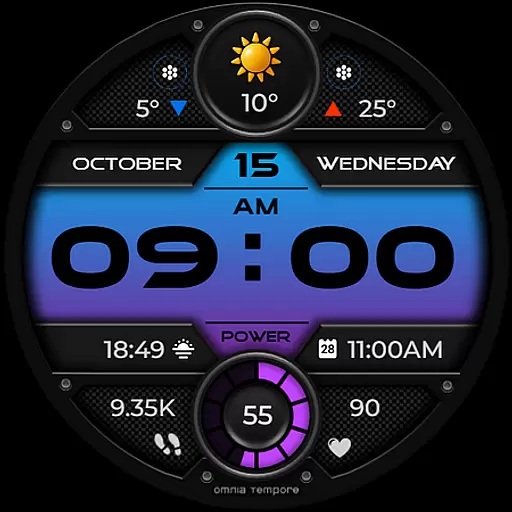
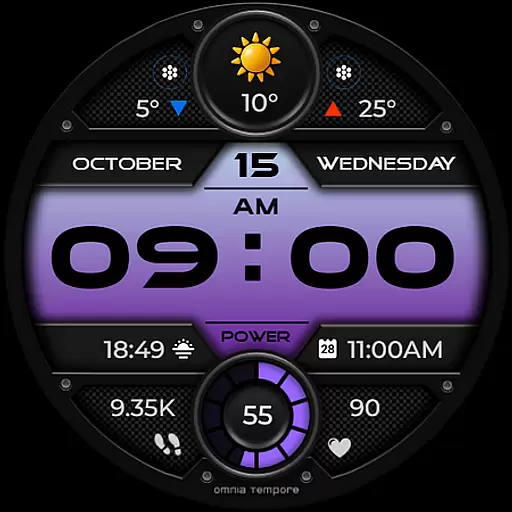
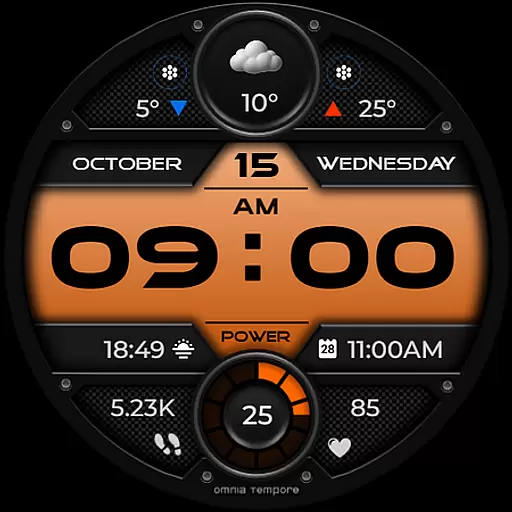
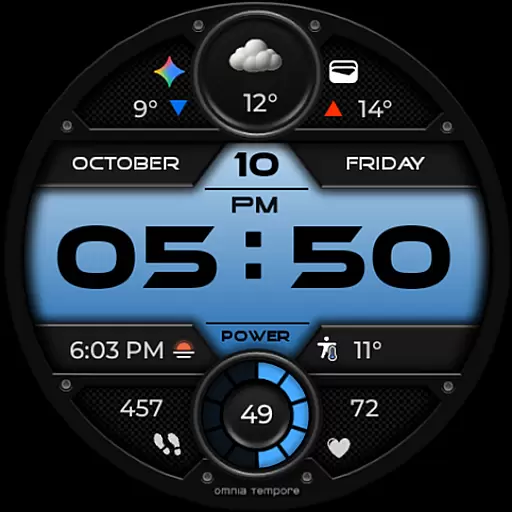
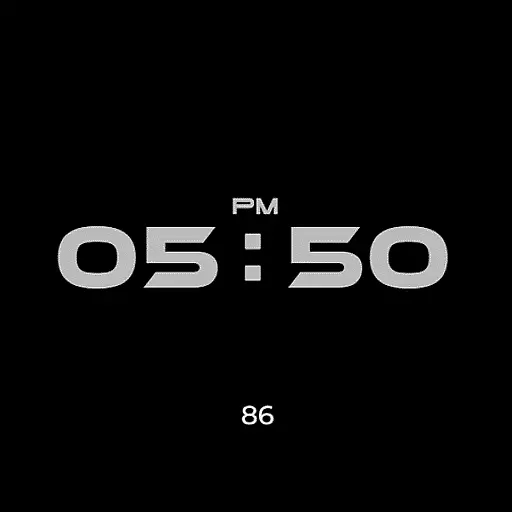
OT is a sophisticated digital watch face designed for Wear OS devices running version 5.0 and above. This application seamlessly blends style with functionality, offering users real-time weather updates, step counting, and heart rate monitoring. The watch face ensures that you stay connected to both your personal wellness and the outside world without any interruptions.
With customizable complications and app shortcuts, OT provides a personalized experience tailored to individual preferences. Whether you're managing your schedule or tracking your fitness goals, this watch face keeps you informed and in control. Its sleek design and smart features make it an essential companion for modern, active lifestyles.
OT stands out with its combination of aesthetic appeal and practical functionalities. The watch face supports real-time weather updates, allowing users to stay prepared for any climate changes throughout their day. Additionally, health-conscious individuals can benefit from integrated step counting and heart rate tracking, ensuring they maintain optimal physical activity levels.
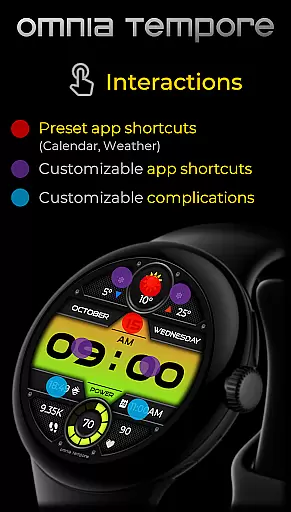
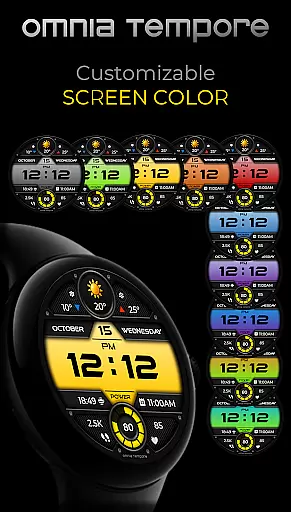
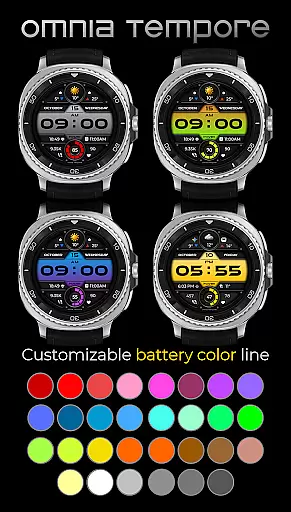
Customization is at the core of OT's offerings. Users can personalize their display with two customizable complications and choose from preset app shortcuts like Calendar and Weather. With four app shortcut slots available (two visible and two hidden), accessing your favorite tools has never been easier. Furthermore, the availability of ten color versions for the display and thirty color options for battery status ensures that your watch face truly reflects your unique style.
Companion app integration is essential for a seamless wearable experience. OT ensures that your Wear OS device works in harmony with your smartphone, providing real-time synchronization of important data such as weather updates, calendar events, and health metrics.
The watch face offers two preset app shortcuts for Weather and Calendar, allowing you to access vital information quickly. With four additional app shortcut slots available, users can customize their experience by launching their favorite tools directly from the watch face.
This level of integration provides clarity and control over your daily activities. Whether you're managing your schedule or monitoring your fitness goals, OT's companion app integration keeps you connected and informed without missing a beat.
Compatibility with Wear OS devices is crucial for ensuring that users can enjoy all the features of a smartwatch face. OT is designed to work with Wear OS 5.0 and above, offering a stylish digital interface that combines functionality with aesthetics.
With support for customizable complications and app shortcuts, this watch face takes full advantage of the Wear OS platform. Users can personalize their display while benefiting from smart features like step counting, heart rate tracking, and real-time weather updates.
By focusing on compatibility, OT delivers an experience that is both modern and intuitive. This ensures that whether you're heading to a meeting or hitting the gym, your watch face will provide confidence and convenience wrapped in a sleek design.
User-friendly interface
Real-time weather updates
Health tracking features
Highly customizable display
Low power consumption
Limited to Wear OS
Requires version 5.0+
Premium features may cost extra
Some users report occasional bugs
Design might not appeal to all

Gym Log & Workout Tracker | Fitness Journal, Training & Weight Lifting Planner
 4.90
4.90
Walking app for weight loss: walk & step tracker, pedometer, indoor treadmill
4.60
Wear Os Watch Face - Animated Snow - Sesonal for Christmas & Winter
4.4
Real-time results, stats, schedules and player profiles for all leagues
4.60
Daily Weather forecast with 15 weather images for Day & Night plus Big Bold time
4.10
Your local weather forecast, storm tracker, radar maps & live weather news
3.40
Want to take charge of your health? Let Google Fit help you reach your goals.
3.50
Start and succeed with PAP
4.10
Control your Samsung Smart TVs, appliances, and SmartThings-compatible devices
4.60
Be an elegant and classy secret agent, with this carefully detailed watch face
4.70
Rose gold watch face with festive lights & customizable features.
4.60
Reliable phone calls with spam protection, caller ID and more helpful features
4.40
Let's celebrate Thanksgiving - Wear Os watch face
4.20
Animated video-game inspired “secret agent” simulation, right on your wrist!
4.20
Professional weather radar and more
3.90
A full-featured Amazon Alexa voice assistant that can show you things.
3.70
Watch face designed for Thanksgiving Day. 7 Background Styles included.
3.20
an Analog Watch Face for winter season with freeze winter background for Wear OS
4.4
3 Complications. All shadow on/off. 30 Themes color palette...
4.5


User Reviews