
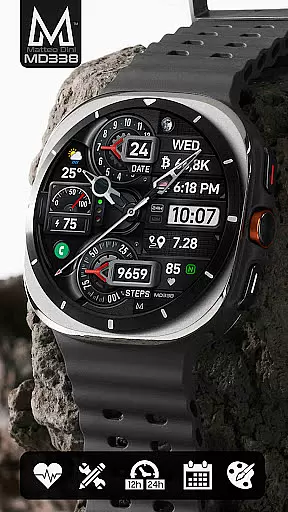
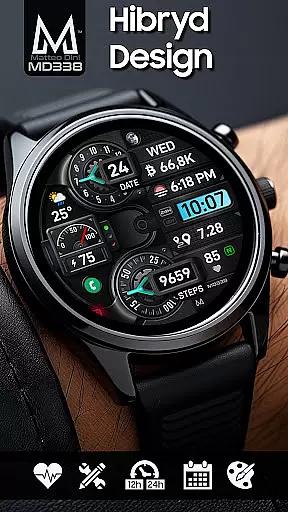
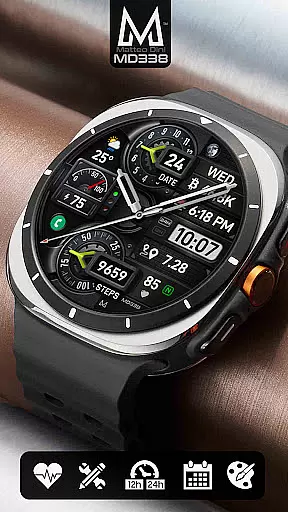
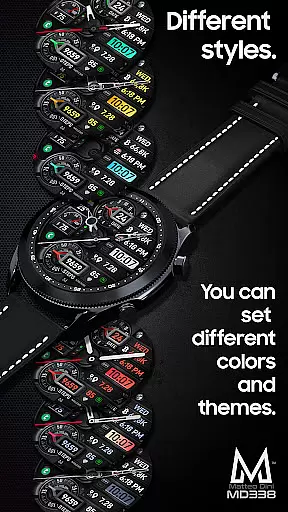
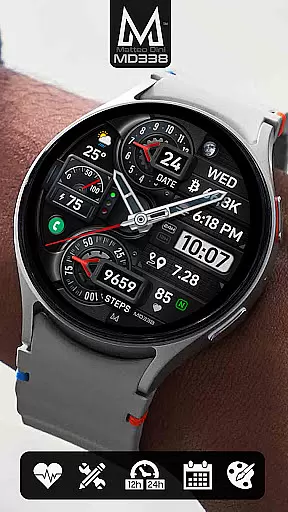
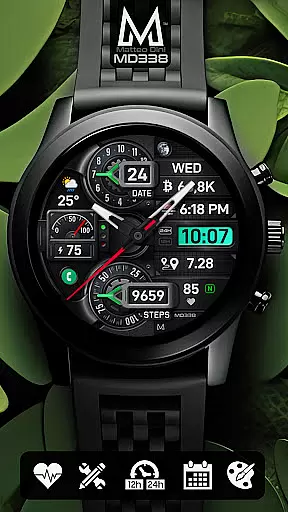
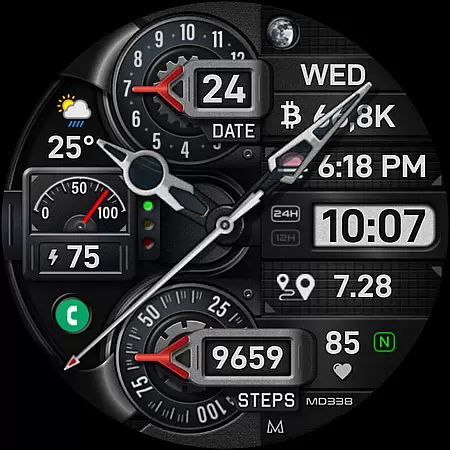
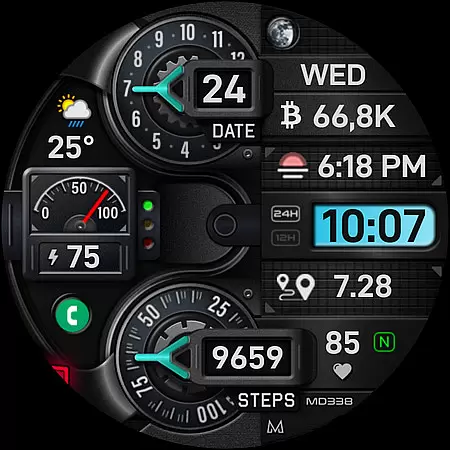
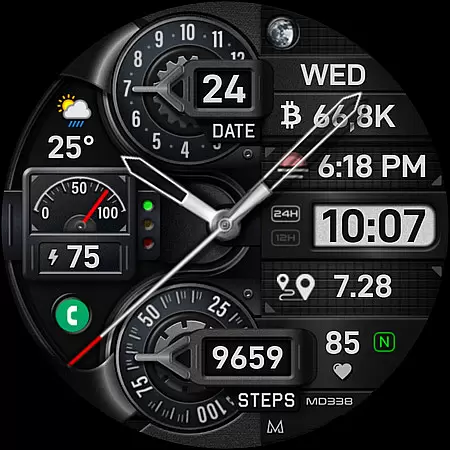
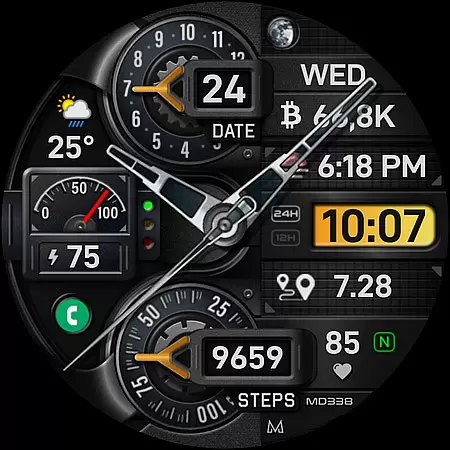
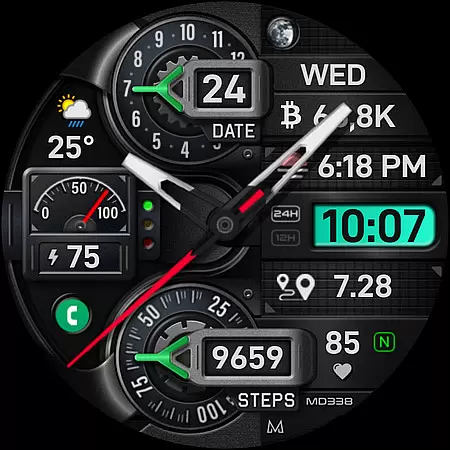
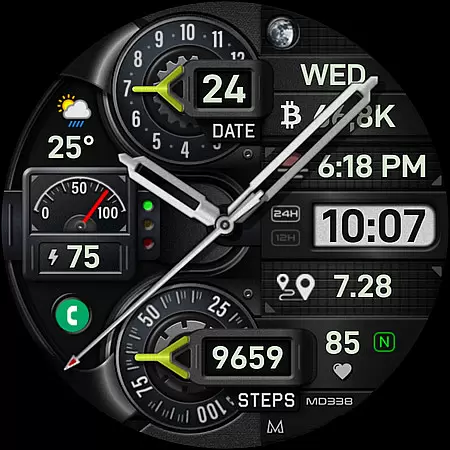
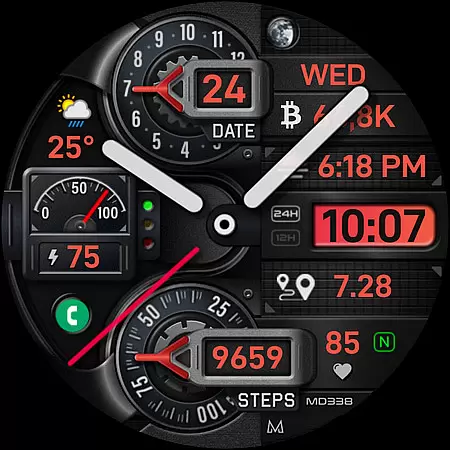
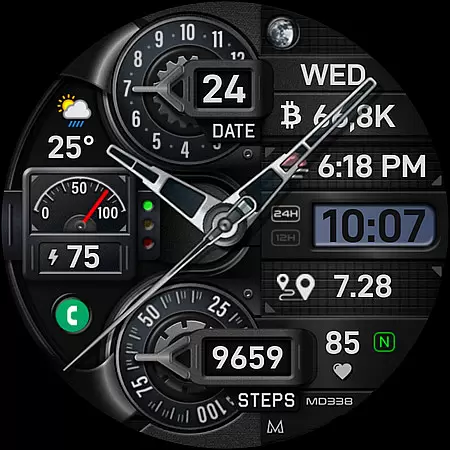
MD338 Hybrid watch face represents the latest advancement in wearable technology, offering users an unparalleled level of customization and functionality. Designed for Wear OS devices with API Level 33+ such as Samsung Galaxy Watch 4-8, Ultra, and Pixel Watch, this watch face supports up to 1 million color combinations and features a hybrid design that includes date, battery, heart rate monitoring, and more.
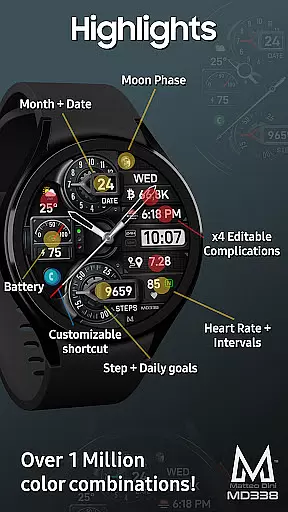
With its adherence to Google Play's latest watch face format, MD338 provides both aesthetic appeal and practical utility. Users can customize their experience directly on the watch, thanks to 4 preset app shortcuts, 1 customizable shortcut, and 4 customizable complications that display preferred data like weather, barometer readings, and health metrics. The always-on display mode ensures essential information is accessible at a glance, making it ideal for those who demand both style and substance from their smartwatch.
The MD338 Hybrid watch face stands out with its rich feature set tailored for personalization enthusiasts. It offers 4 preset app shortcuts including Calendar, Battery status, Heart Rate measurement, and Alarm setting, alongside 1 fully customizable shortcut. This allows users to access frequently used functions without navigating through menus.
Customization extends to 4 complications that can show various data points such as weather forecasts, distance walked, calories burned, UV index, chance of rain, and more. With 9 sets of hands, steps tracking, daily step goals, and extensive color options for LCD, arrows, theme, and general appearance, users can tailor every aspect of their watch face. Additionally, the always-on display comes in minimal and full modes, while hideable hands ensure an unobstructed view when needed most.
Companion app integration is essential for a seamless wearable experience. The MD338 Hybrid watch face offers advanced connectivity features that sync effortlessly with your smartphone. This ensures real-time data updates and consistent performance across devices.
The watch face supports up to four customizable complications, allowing users to display preferred data such as weather, health metrics, and more. To fully utilize these features, additional complications may need to be installed if not already available on the device. This flexibility enhances user engagement by providing relevant information at a glance.
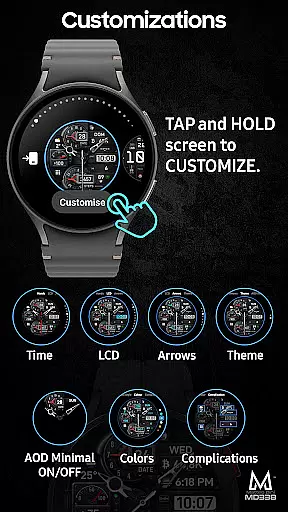
Customization is made easy through direct interaction on the watch itself. Users can personalize their watch face by touching and holding the screen, then selecting the 'customize' option. This intuitive process allows for adjustments in color schemes, app shortcuts, and complication settings without needing to rely on external editors.
Despite occasional limitations with the Samsung Wearable app's editor, the MD338 Hybrid watch face maintains its functionality and appeal. By customizing directly on the device, users can bypass potential loading issues and enjoy a fully optimized wearable experience.
Device compatibility is crucial for ensuring optimal performance of wearable applications. The MD338 Hybrid watch face is designed to support all Wear OS devices operating on API Level 33+ (Wear OS 4 and later versions). This includes popular models like the Samsung Galaxy Watch series, Pixel Watch, and others.
This wide compatibility range guarantees that users across various devices can enjoy the advanced features of this watch face. With support for up to 1 million color combinations and customizable complications, the MD338 caters to diverse user preferences and device capabilities.
Key functionalities such as 12/24hr format synchronization, heart rate monitoring, and always-on display modes are seamlessly integrated. These features adapt to individual device settings, providing a cohesive user experience regardless of the specific Wear OS device in use.
For any queries regarding compatibility or installation of additional complications, users can reach out via support@mdwatchfaces.com. This commitment to customer support ensures that users can maximize the potential of their wearable devices while enjoying the extensive customization options offered by the MD338 Hybrid watch face.
Highly customizable
Extensive color options
Versatile complications
User-friendly interface
Wide device compatibility
Complex setup process
Limited Samsung editor support
Additional apps required
Battery consumption concerns
Not all features universally available

A customizable Christmas watch face for Wear OS with a countdown.
 4.20
4.20
A heartwarming Christmas scene featuring a cute image of Santa and Rudolf
4.3
Contemporary digital watch face with five complications
4.3
Watch face designed for Thanksgiving Day. 7 Background Styles included.
3.20
Be an elegant and classy secret agent, with this carefully detailed watch face
4.70
Stylish digital watch face for Wear OS devices with customizable features
4.2
Track your active life in one place and share the journey with friends.
4.40
Control your Samsung Smart TVs, appliances, and SmartThings-compatible devices
4.60
Spam call blocker and caller ID for automatic call protection!
4.40
MyNISSAN® lets you remotely control your car from your phone.*
4.50
Reliable phone calls with spam protection, caller ID and more helpful features
4.40
Bold weather Digital watchface with forecast & optional animated background
4.40
Let's celebrate Thanksgiving - Wear Os watch face
4.20
Structured watch face with seven complications and modular UI elements
3.90
Professional weather radar and more
3.90
Watch the sharpness of the sky on your wrist..
3.70
Your local weather forecast, storm tracker, radar maps & live weather news
3.40
Precision analog watch face with 7 complications and style options
4.5
Hybrid Vibrant Health Watch Face for Wear OS
4.5


User Reviews