
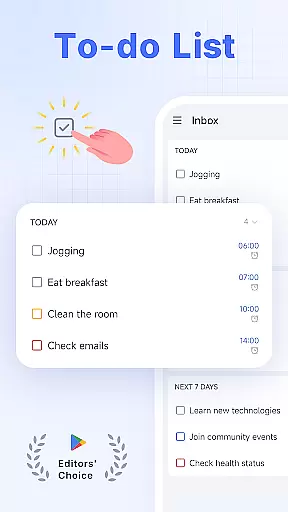
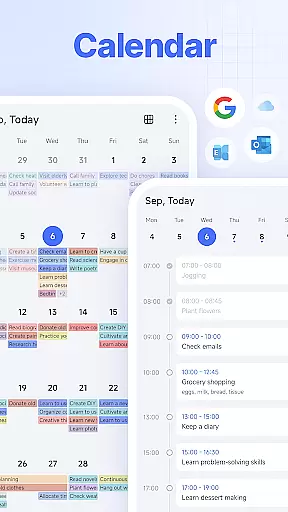
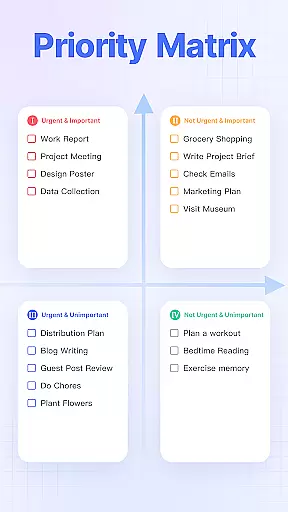
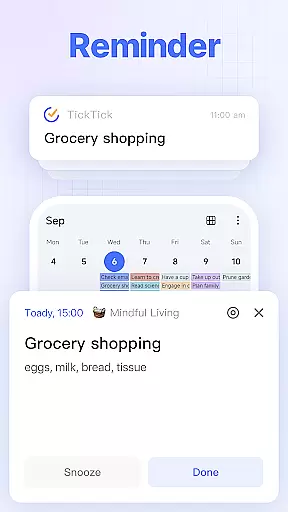
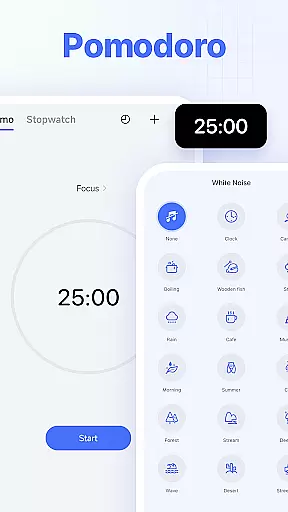
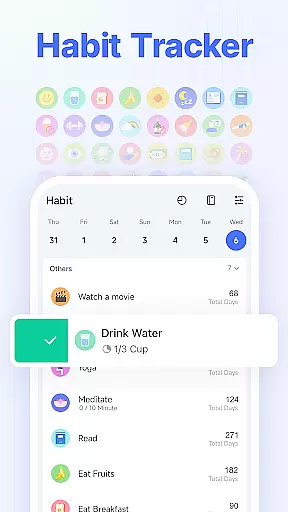
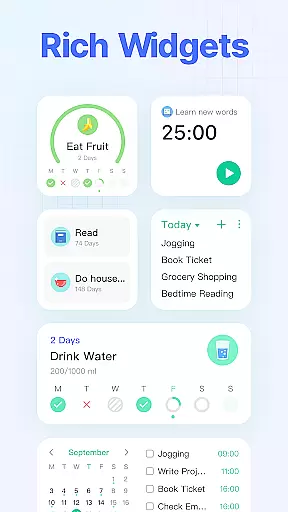
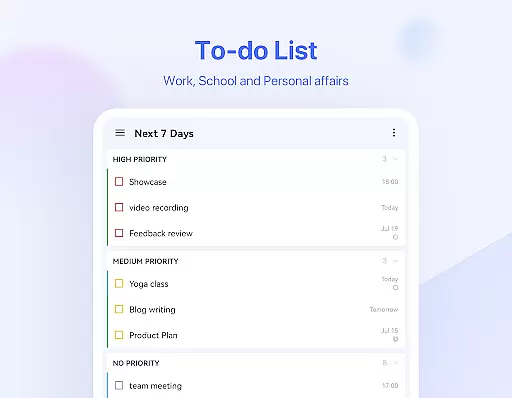
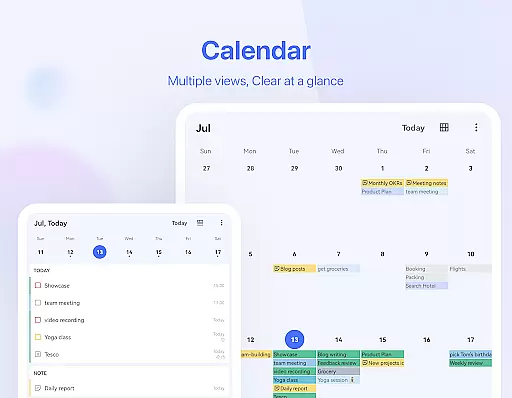
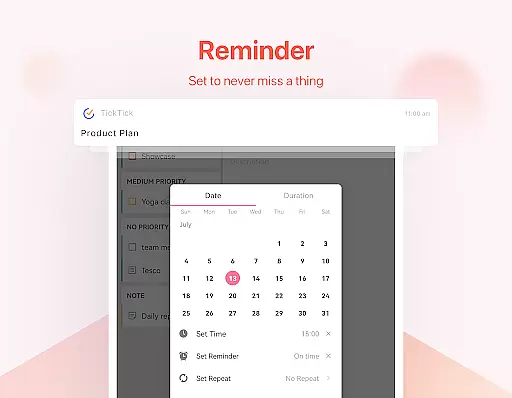
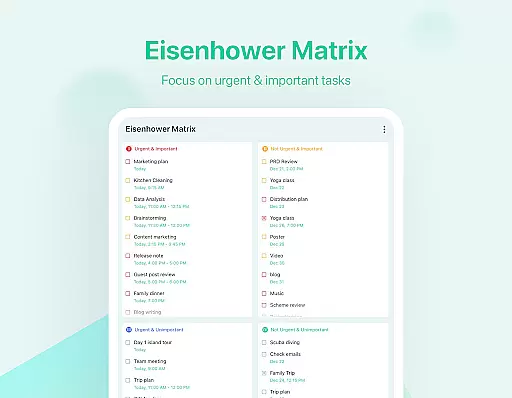
TickTick is a comprehensive productivity app designed to help users manage their tasks, schedules, and habits efficiently. As a multi-dimensional task manager, it consolidates to-do lists, reminders, and calendars into one intuitive platform, making it easier for users to organize their personal and professional lives. Whether you're at home or on the go, TickTick ensures that you never miss an important deadline or forget a crucial task.
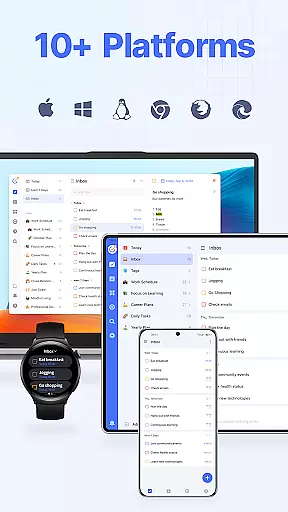
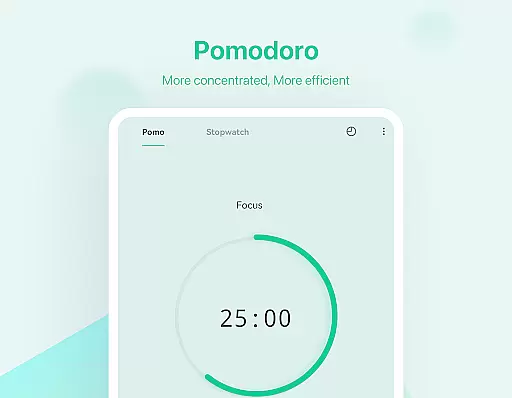
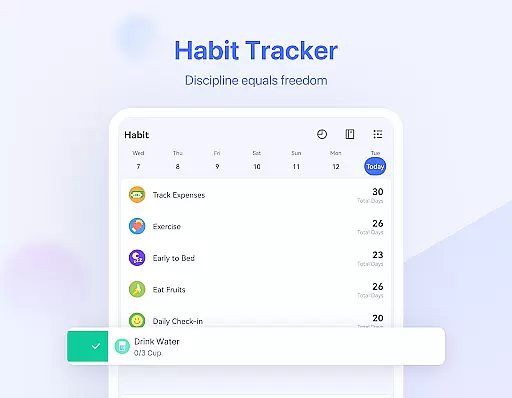
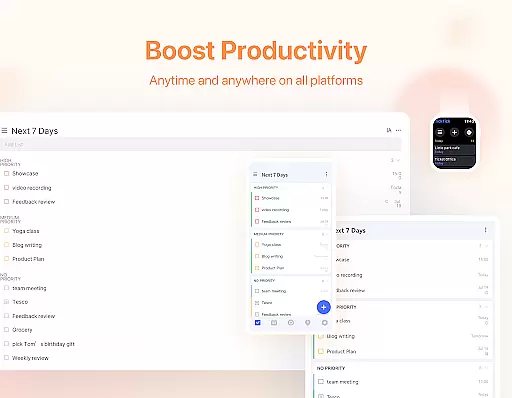
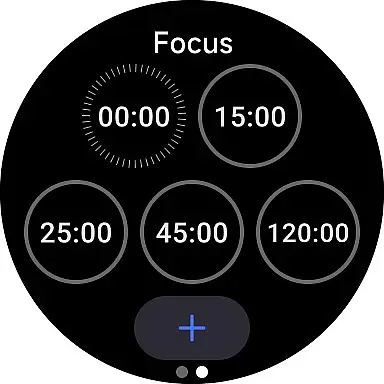
The app offers unique features like the Pomodoro Timer and Habit Tracker, which are specifically designed to enhance focus and promote healthy routines. With seamless synchronization across multiple devices including Android, iOS, Mac, and PC, TickTick provides a consistent user experience no matter where you are. Its sleek calendar view and handy widgets further simplify time management, while collaboration tools allow teams to work together more effectively.
TickTick stands out with its rich feature set tailored for productivity enthusiasts. One of its key strengths is the ability to create tasks and notes quickly using either typing or voice commands. The Smart Date Parsing function automatically sets due dates and alarms based on your input, streamlining the process of managing deadlines. This feature alone can significantly boost daily productivity by ensuring timely completion of tasks.
Another notable aspect is the app's versatility in handling recurring tasks and scheduling. Users can easily set up daily, weekly, or monthly repetitions with specific parameters, such as 'every 2 weeks from Monday to Thursday.' Additionally, TickTick's seamless collaboration capabilities allow users to share lists and assign tasks to others, reducing the need for lengthy meetings or email threads. For those seeking advanced functionality, TickTick Premium offers beautiful themes, enhanced calendar views, and increased control over lists and tasks.
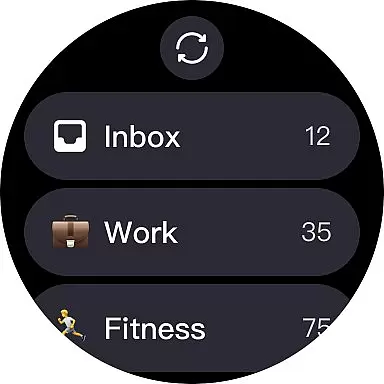
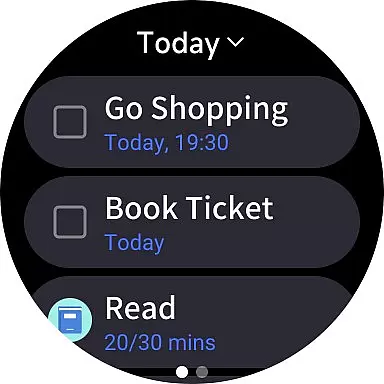
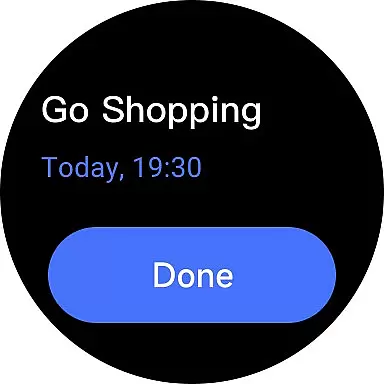
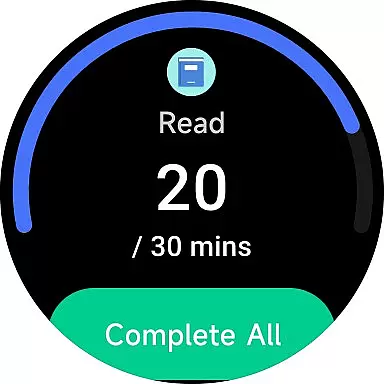
Companion app integration is essential for users who rely on wearable devices to manage their tasks efficiently. TickTick excels in this area by offering seamless synchronization between its mobile and Wear OS applications. This ensures that all your to-dos, schedules, and reminders are updated in real-time across all your devices.
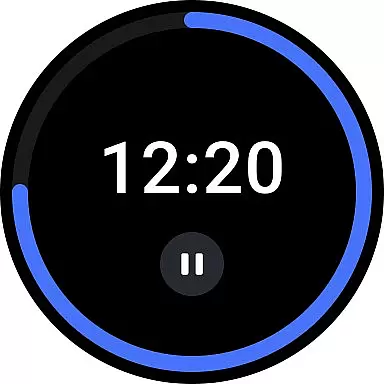
The integration allows you to receive instant notifications on your smartwatch, ensuring you never miss an important task or meeting. You can quickly view and manage your tasks directly from your wrist, which significantly enhances convenience and accessibility. Whether you're at home, in the office, or on the move, TickTick keeps you connected and organized.
Furthermore, TickTick's Wear OS app supports voice commands and quick task entry, making it easier than ever to add new tasks or check off completed ones without needing to take out your phone. This hands-free approach not only saves time but also helps maintain focus on your current activities.
Overall, TickTick's robust companion app integration empowers users to stay productive and efficient, regardless of where they are or what device they are using. By bridging the gap between mobile and wearable technology, TickTick ensures a cohesive and streamlined user experience.
Device compatibility is crucial for any application targeting wearable technology, and TickTick stands out with its comprehensive support for Wear OS devices. The app is meticulously designed to function smoothly on a wide range of smartwatches, ensuring that users can enjoy a consistent and reliable experience no matter their choice of device.
TickTick leverages the full potential of Wear OS, utilizing its advanced features to enhance task management capabilities. Users can benefit from rich notifications, interactive widgets, and optimized battery usage, all of which contribute to a superior user experience. These features ensure that managing your tasks on a smartwatch is not only feasible but also enjoyable.
In addition to supporting a broad spectrum of Wear OS devices, TickTick regularly updates its app to maintain compatibility with the latest hardware and software advancements. This commitment to ongoing improvement guarantees that users always have access to the most up-to-date functionalities and performance enhancements.
Ultimately, TickTick's dedication to Wear OS/device compatibility ensures that users can rely on their smartwatches as powerful tools for productivity. By providing a seamless and integrated experience, TickTick enables users to manage their daily tasks with ease and efficiency, enhancing both personal and professional aspects of their lives.
User-friendly interface
Effective Pomodoro Timer
Comprehensive Habit Tracker
Cross-platform sync
Robust collaboration tools
Limited free features
Premium subscription required
Occasional sync issues
Complex settings for beginners
Notifications may be intrusive

Wear Os Watch Face - Animated Snow - Sesonal for Christmas & Winter
 4.1
4.1
Embrace the festive spirit with our Christmas Countdown watchface for Wear OS
4.10
A heartwarming Christmas scene featuring a cute image of Santa and Rudolf
4.4
Digital watch face with big numbers and many customization for Wear OS devices
4.40
Digital watch face. For Wear OS devices.
4.40
Stay in touch with your friends and family using LINE!
3.40
A modern hybrid informative watch face for Wear OS designed by BALLOZI
4.80
Daily Weather forecast with 15 weather images for Day & Night plus Big Bold time
4.10
Your local weather forecast, storm tracker, radar maps & live weather news
3.40
Beautiful, colorful and practical watch face. For Wear OS devices.
5.00
Gym Log & Workout Tracker | Fitness Journal, Training & Weight Lifting Planner
4.90
Diet tracker for weight loss - track calories, food and macros. Simple and easy!
4.70
The most customizable hybrid watch face. For Wear OS 5.0, API 34+ and later
4.70
Nutrition, Macro tracker: Food, fitness & healthy diet tracking for weight loss
4.60
Reliable phone calls with spam protection, caller ID and more helpful features
4.40
The ultimate destination for kids ages 3-8 to explore the Marvel Universe!
4.30
Animated video-game inspired “secret agent” simulation, right on your wrist!
4.20
Animated Watch Face and Customizable with 24 Backgrounds. Perfect for Christmas!
3.90
Sleek, highly customizable watch face inspired by Galaxy Watch Circle Dashboard.
4.2


User Reviews