
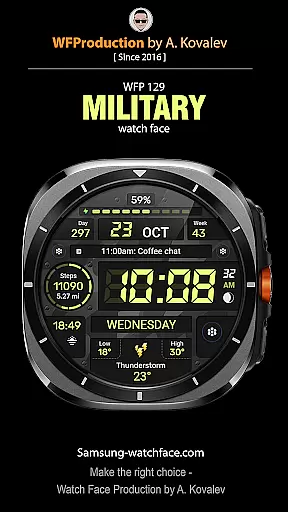
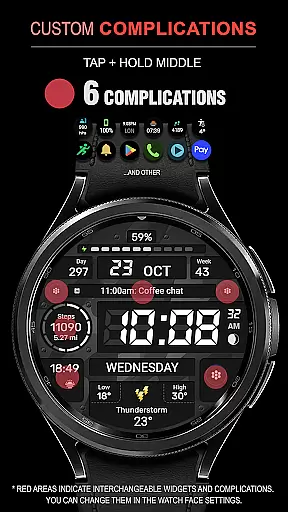
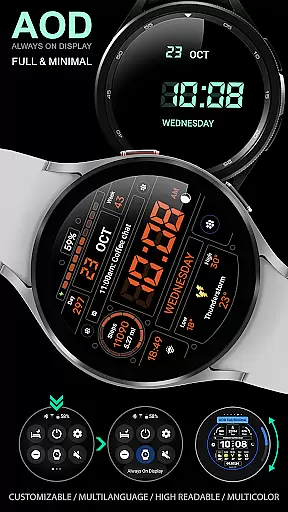
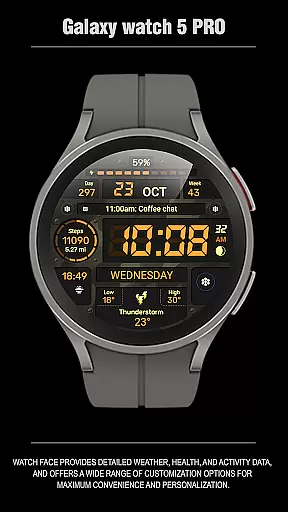
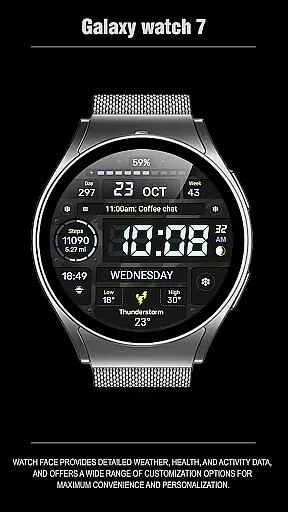
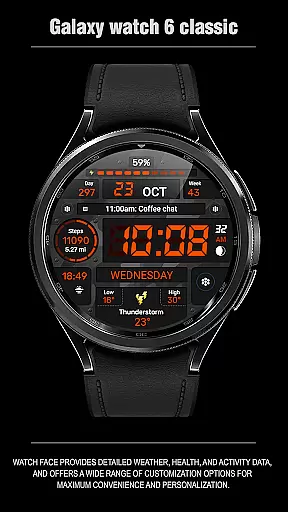
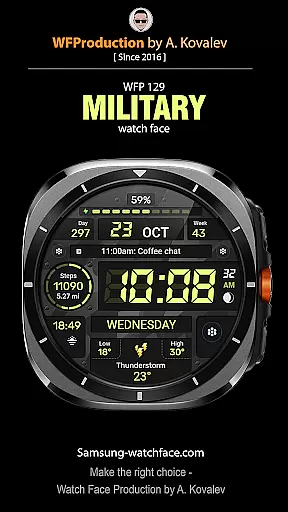
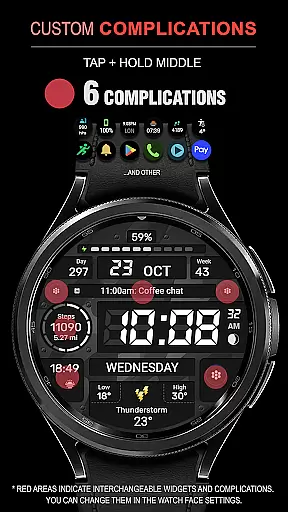
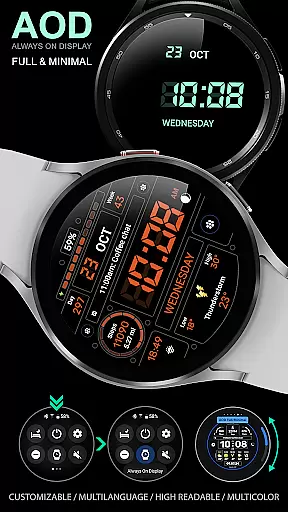
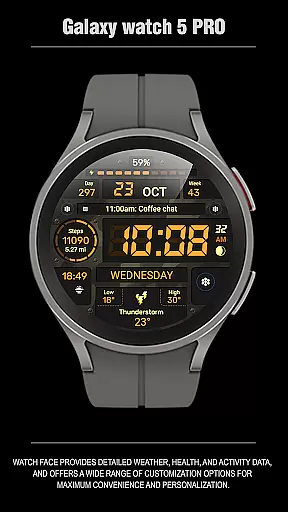
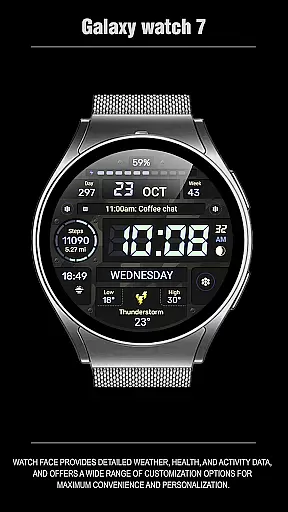
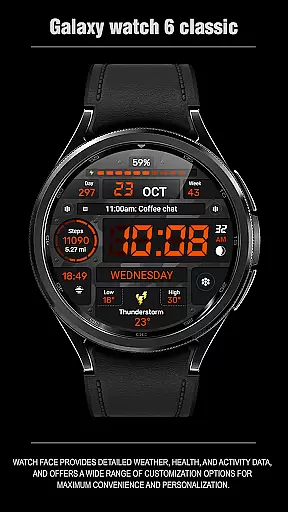
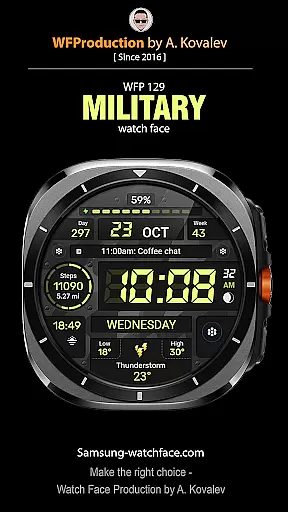
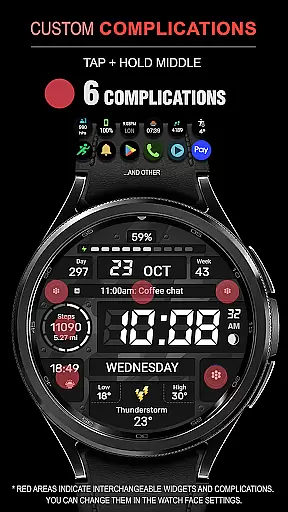
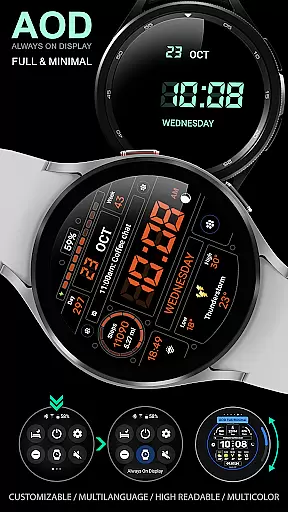
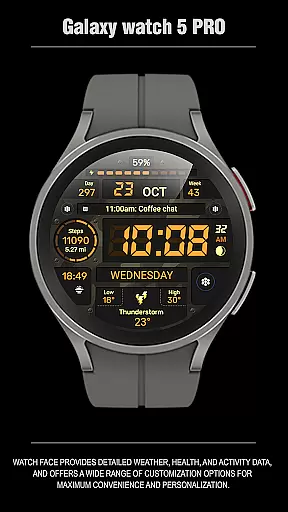
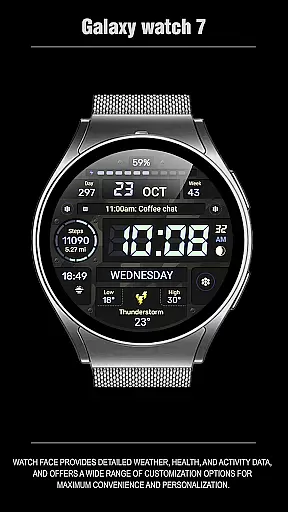
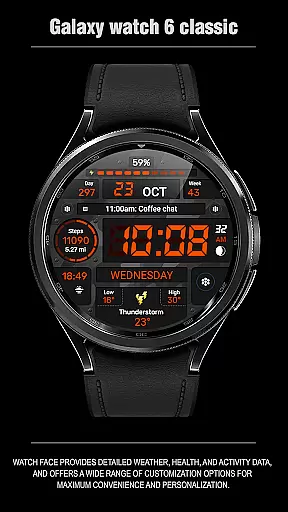
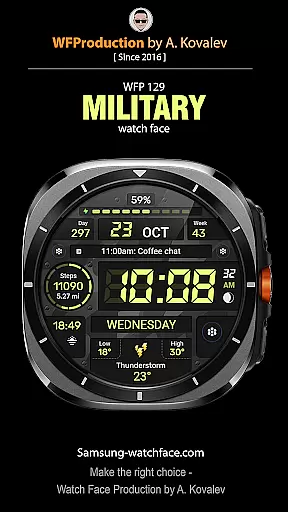
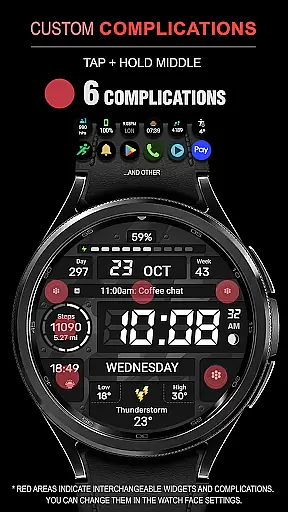
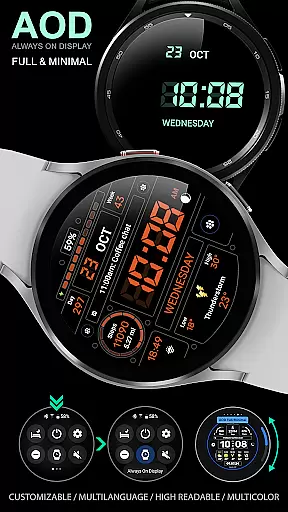
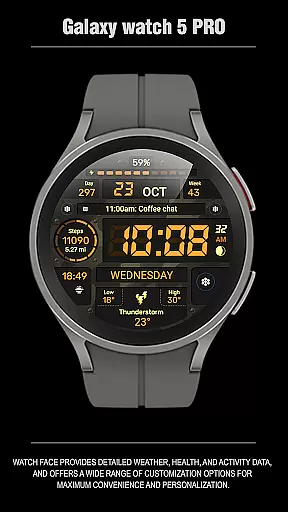
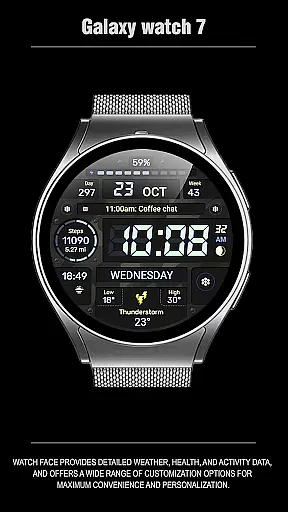
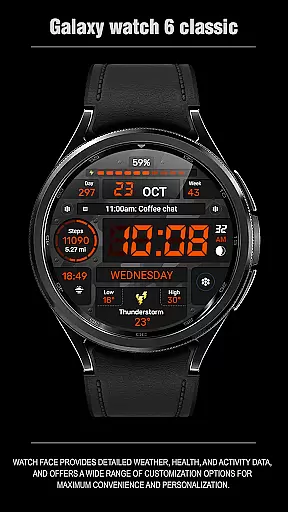
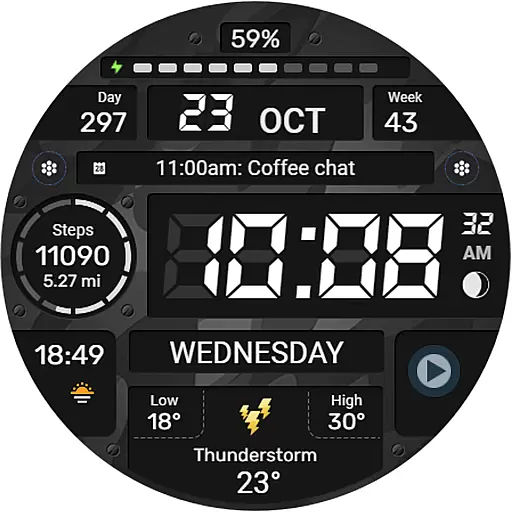
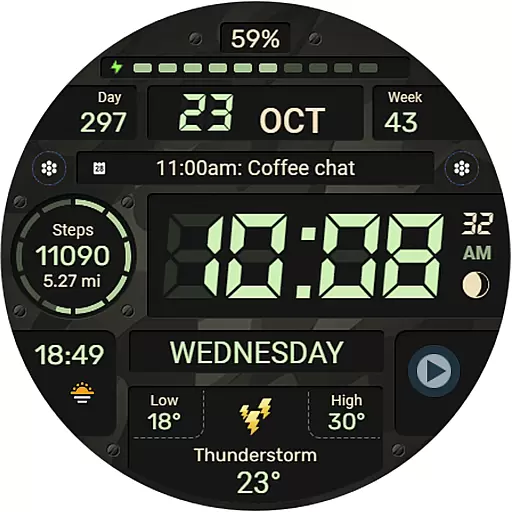
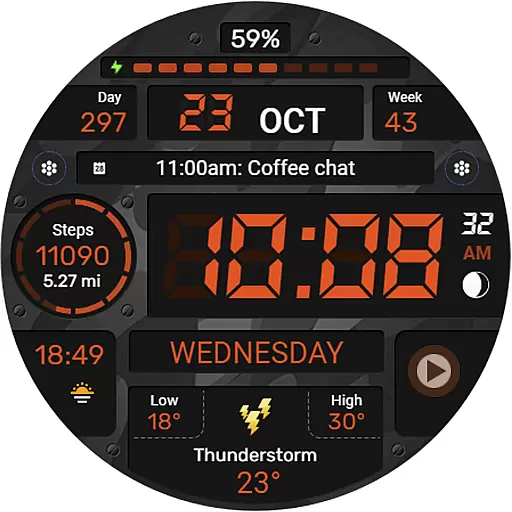
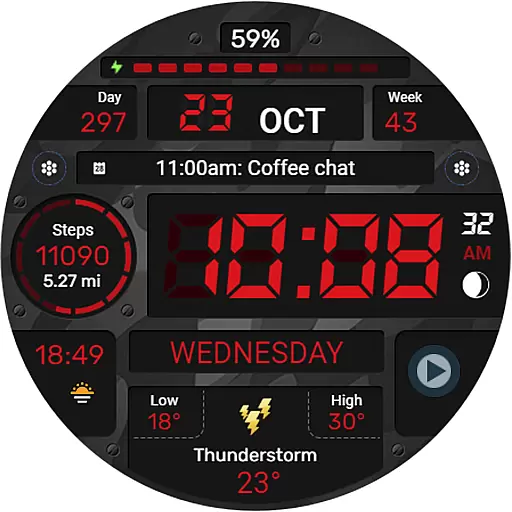
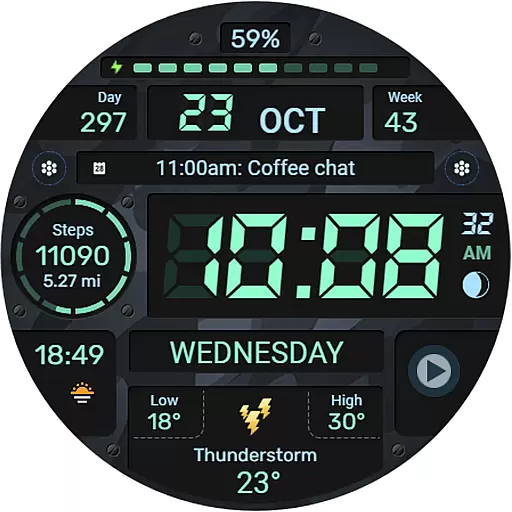
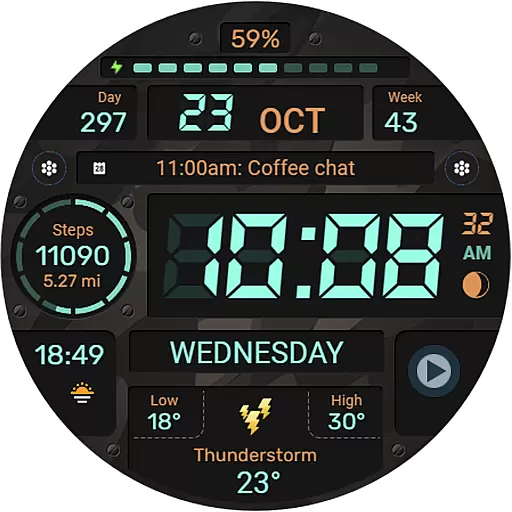
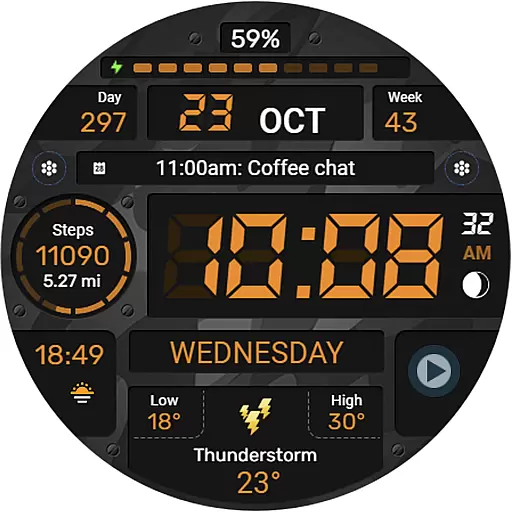
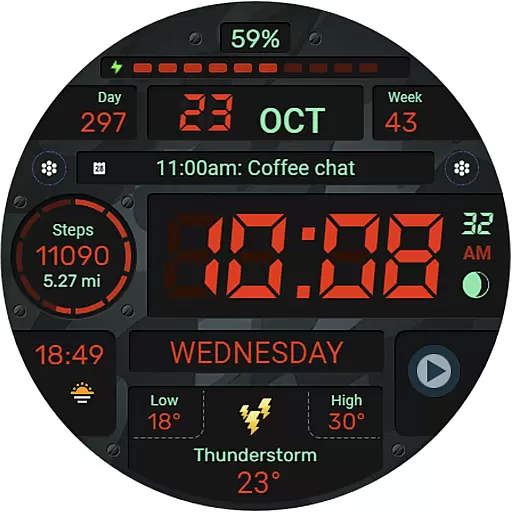
WFP 129 Military watch face is a versatile and feature-rich digital interface designed for smartwatches running WearOS 4 and above. This military-inspired watch face offers users a customizable experience with its 6 complications and widgets, allowing them to access essential information at a glance.
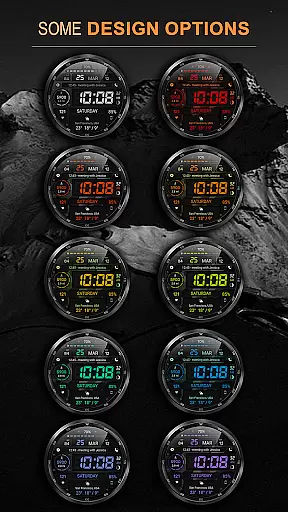
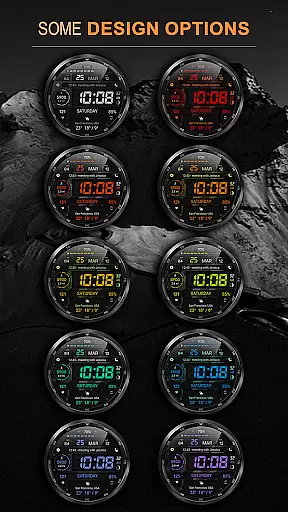
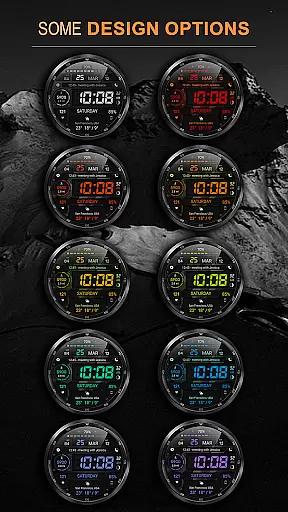
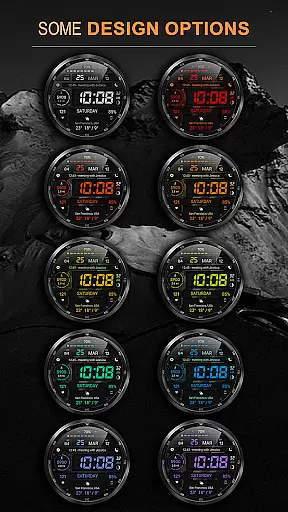
The design includes 30 background color combinations, high resolution graphics, and optimized performance that ensures low battery consumption. With multilingual support, 12/24 hour time format options, and weather display in Fahrenheit or Celsius, this watch face caters to a global audience seeking both functionality and style on their wrist devices.
This Android Wear app stands out with its comprehensive customization options. Users can choose from various background colors and enjoy either a 12-hour or 24-hour time format without leading zeros for the 12-hour clock. The inclusion of distance measurements in Km or Miles adds practicality for fitness enthusiasts.
Advanced features include an Always-On Display (AOD) mode that comes in full and minimal styles, catering to personal preferences while conserving battery life. Weather updates are presented in degrees Fahrenheit or Celsius, ensuring relevance across different regions. High optimization guarantees smooth operation even as it delivers crisp visuals through high-resolution graphics.
Companion app integration is essential for a seamless wearable experience. The WFP 129 Military watch face excels in this area by offering users comprehensive support across multiple platforms.
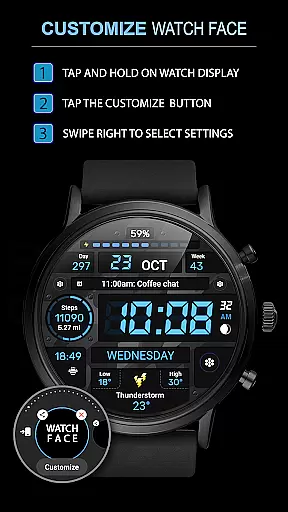
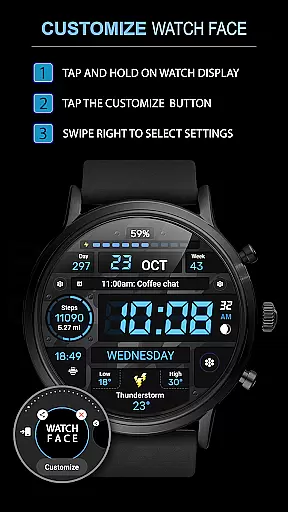
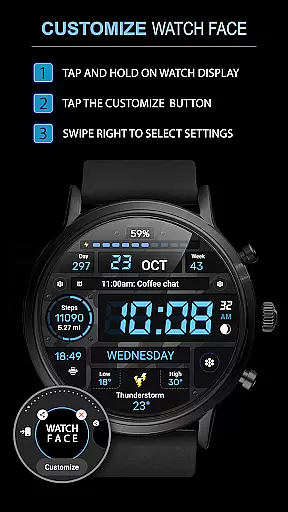
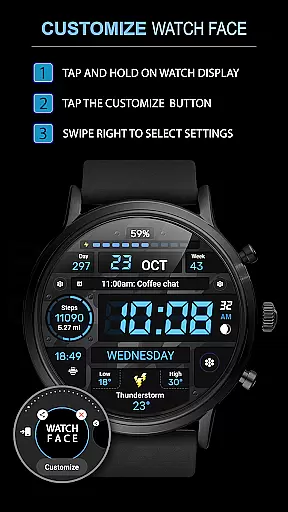
This application provides detailed installation instructions and settings guidance through its dedicated website, ensuring users can effortlessly set up their watch faces on devices with WearOS 4, API Level 30+. This includes specific instructions for utilizing phone charge widgets and health metrics like calories and floors.
By maintaining active communication channels via web, Telegram, Facebook, and Instagram, the app ensures that users have access to the latest updates, promotions, and support. These platforms serve as valuable resources for troubleshooting and community engagement.
The companion app's robust integration allows for real-time customization of watch faces, including multilingual support, various background color combinations, and flexible time formats. Users benefit from high optimization and low battery consumption, making it an ideal choice for those seeking both functionality and efficiency.
Ensuring compatibility with Wear OS and various devices is crucial for maximizing user accessibility. The WFP 129 Military watch face is meticulously designed to support devices running WearOS 4, API Level 30+, guaranteeing a smooth and reliable performance.
This watch face stands out with its broad range of features tailored for different user preferences. It offers six complications and widgets, thirty background color combinations, and high-resolution display options, all optimized for high performance and minimal battery usage.
Users can choose between 12/24 hour time formats and toggle weather displays between Fahrenheit and Celsius, providing a personalized experience. The absence of leading zeros in the 12-hour format adds a sleek touch to the overall design.
Furthermore, the app supports customizable Always-On Display (AOD) modes, catering to both full and minimal display preferences. This flexibility ensures that users can enjoy a tailored experience that meets their specific needs while maintaining system compatibility and operational integrity.
Highly Customizable
Low Battery Consumption
Multilingual Support
Optimized Performance
Global User Base
Requires WearOS 4+
No Free Widgets
Limited Device Compatibility
Premium Features Cost Extra
Complex Setup Process

Wear Os Watch Face - Animated Snow Effect & Christmas Lights
 4.4
4.4
Analog watch face with 8 complications and expedition styling
4.2
Watch face for Wear OS.
4.20
Sleek, highly customizable watch face inspired by Galaxy Watch Circle Dashboard.
4.0
sleep, alarm, snoring, stress, healing, focus, sound therapy, circadian rhythm
4.10
Get helpful reminders, take progress photos and find answers to your questions.
3.90
Fast and smart typing with Emojis, GIFs, and more
4.50
Want to take charge of your health? Let Google Fit help you reach your goals.
3.50
From periods to pregnancy & perimenopause, Flo helps you track it all. Try now.
4.70
Beautiful, colorful and practical watch face. For Wear OS devices.
5.00
Gym Log & Workout Tracker | Fitness Journal, Training & Weight Lifting Planner
4.90
Gym & home workout plans with strength training, exercise tracking, HIIT & more.
4.60
MyNISSAN® lets you remotely control your car from your phone.*
4.50
Elegant animated Christmas tree with multiple customization options
4.20
The #1 source of faces for your smartwatch!
4.00
Stay in touch with your friends and family using LINE!
3.40
Watch face designed for Thanksgiving Day. 7 Background Styles included.
3.20
an Analog Watch Face for winter season with freeze winter background for Wear OS
4.0
Contemporary digital watch face with five complications
4.1


User Reviews