
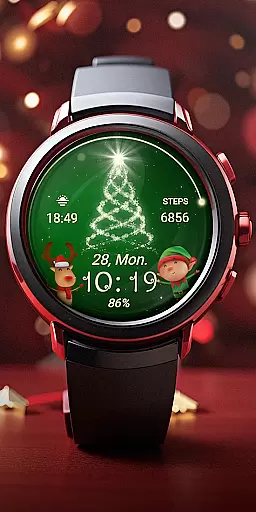
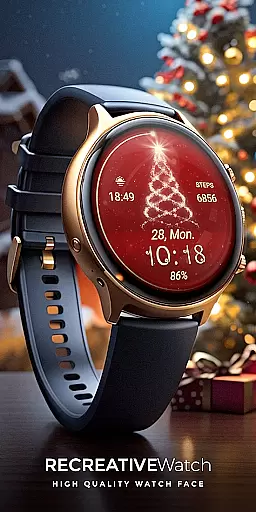
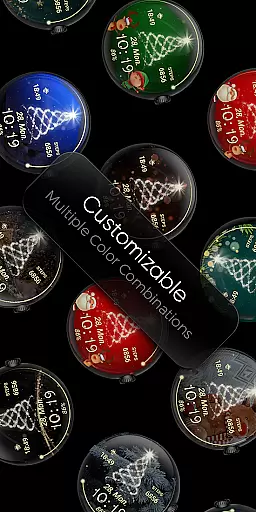
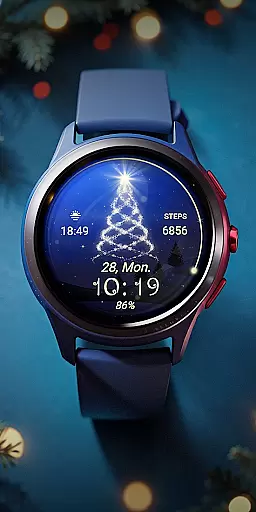
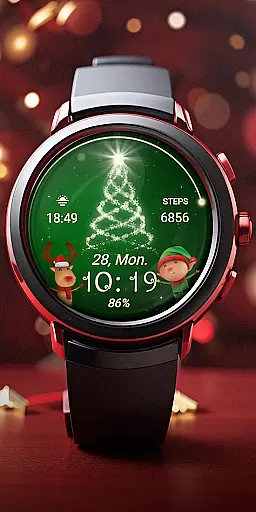
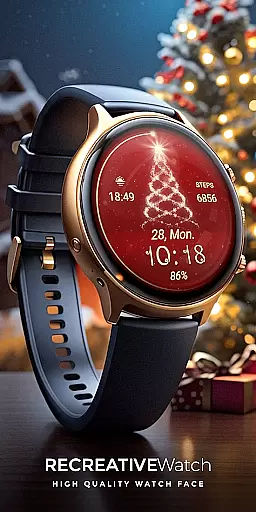
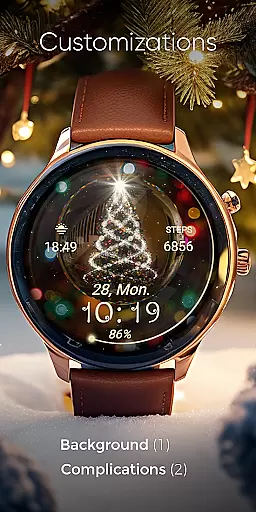
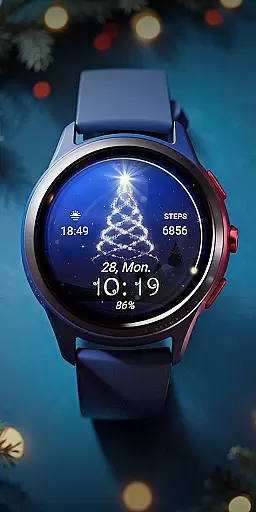
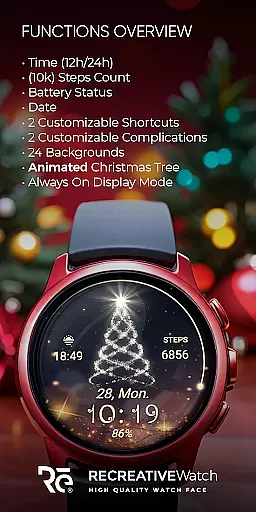
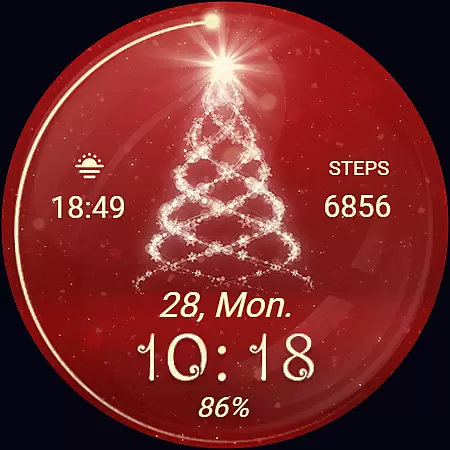
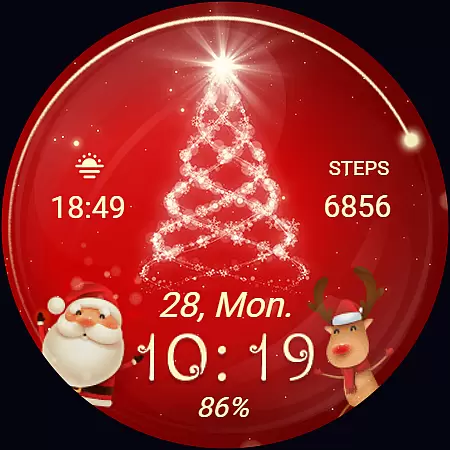
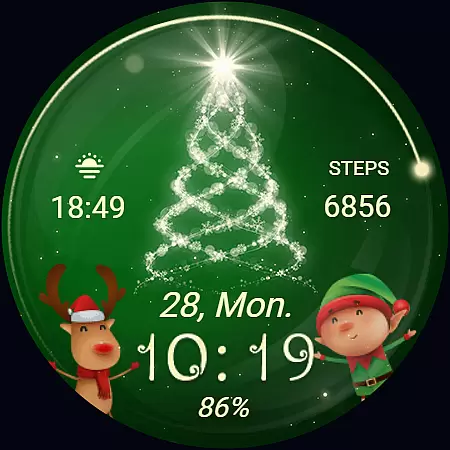
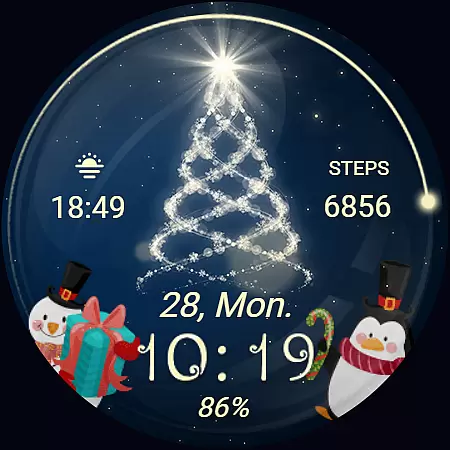
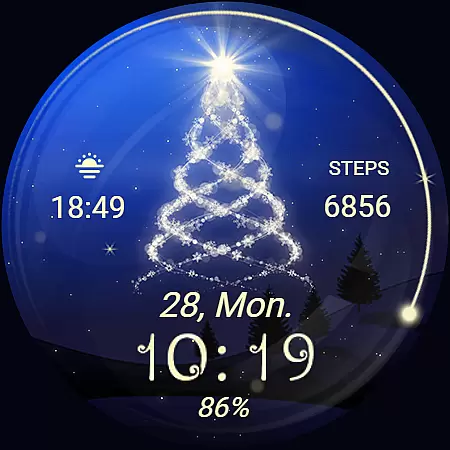
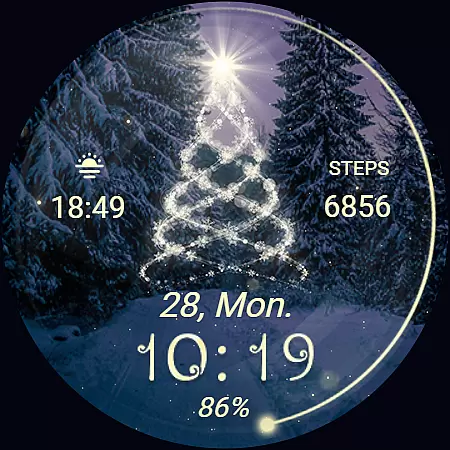
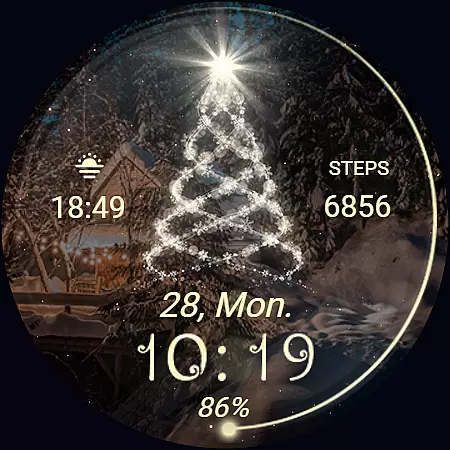
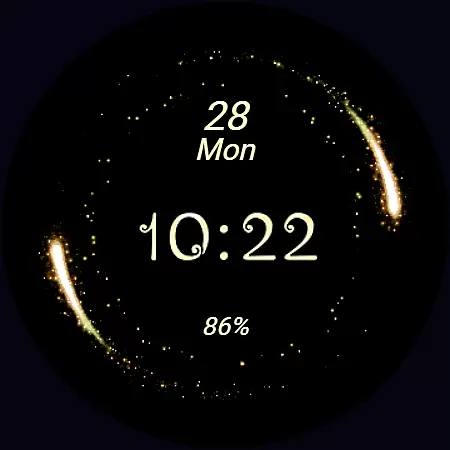
Christmas Spirit is a festive-themed watch face designed specifically for Wear OS devices. This application brings holiday cheer to your smartwatch with its customizable and colorful backgrounds, featuring an animated Christmas tree that creates a lively, seasonal atmosphere on your watch face.
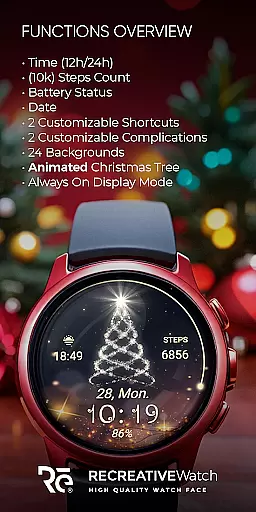
The app not only enhances the visual appeal of your device but also provides practical functionalities such as displaying digital time in 12/24hr format, showing the date, tracking battery life, and counting steps. With support for Always ON Display and customizable shortcuts and complications, it offers users both personalization and utility. Compatible with API level 33+ devices including Google Pixel and Galaxy Watch series, this app ensures a broad range of users can enjoy a touch of Christmas on their smartwatches.
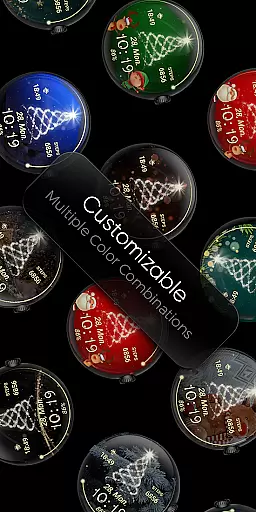
Christmas Spirit stands out with its rich feature set tailored for Wear OS users. The watch face displays essential information like digital time, date, battery status, and step count, ensuring users stay informed at a glance. Its vibrant design includes 24 unique backgrounds and an animated Christmas tree with falling snow, creating a delightful visual experience.
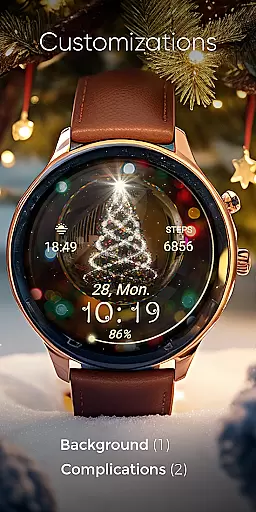
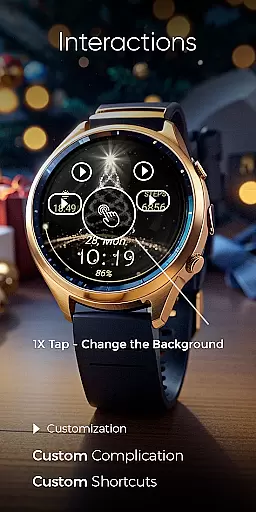
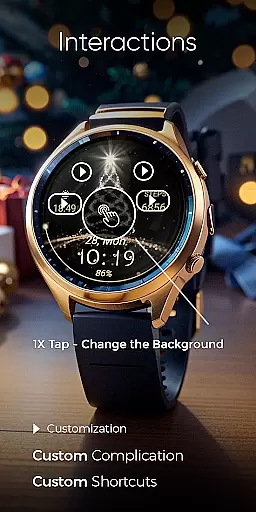
Customization is key with this app, allowing users to personalize their watch faces through two customizable shortcuts and complications. Users can easily adjust these features by touching and holding the display, then tapping on the 'Customize' option. Additionally, the Always ON Display mode supports changeable colors, offering both aesthetic appeal and energy-saving benefits when enabled. These comprehensive features make Christmas Spirit a versatile choice for those looking to add a festive yet functional touch to their smartwatches during the holiday season.
Companion app integration is essential for a seamless wearable experience. Christmas Spirit offers a dedicated mobile application that simplifies the installation process and helps users locate the watch face on their Wear OS devices.
The phone app serves as a facilitator, ensuring that users can effortlessly set up and manage their watch faces. It includes helpful features such as ads-supported content, which ensures the app remains free while providing necessary tools for setup.
Users benefit from this integration by gaining easy access to customization options directly from their phones. This allows for quick adjustments and settings management without needing to interact with the watch interface constantly.
The true value lies in the convenience and time saved when personalizing the watch face. With clear instructions and support available, users can enjoy a hassle-free festive experience on their smartwatches.
Device compatibility is crucial for ensuring that applications run smoothly across various platforms. Christmas Spirit is designed to be compatible with Wear OS, supporting devices with API level 33 and above, including Google Pixel and Galaxy Watch models.
This compatibility ensures that users with different Wear OS watches can enjoy the animated Christmas tree and customizable features without worrying about technical limitations. The wide range of supported devices highlights the versatility of the application.
By focusing on high compatibility standards, Christmas Spirit guarantees an optimal user experience. Users can take full advantage of features like Always ON Display and customizable complications without concern for device restrictions.
Ultimately, this broad compatibility enhances user satisfaction by providing a reliable and consistent performance across multiple devices, making it easier for everyone to embrace the holiday spirit on their smartwatches.
Festive Design
Customizable Features
Always ON Display
Wide Compatibility
User-Friendly Interface
Battery Consumption
Limited Year-Round Appeal
Requires Manual Setup
Ads in Phone App
Specific Device Support

MyNISSAN® lets you remotely control your car from your phone.*
 4.50
4.50
Stunning modern digital watch face with 7 complications and strong contrast
4.2
3 Complications. All shadow on/off. 30 Themes color palette...
4.0
Nutrition, Macro tracker: Food, fitness & healthy diet tracking for weight loss
4.60
Stay in touch with your friends and family using LINE!
3.40
Hyper-Realistic Airplane Dashboard Watch Face With 10 Skins and Custom AOD
4.00
A modern hybrid informative watch face for Wear OS designed by BALLOZI
4.80
Your local weather forecast, storm tracker, radar maps & live weather news
3.40
Toyota app currently supports 2010 or newer vehicles (2018 or newer for Hawaii).
4.50
Highly customizable hybrid watch face for Wear OS, perfect for everyday use.
4.60
Beautiful artistic animated digital watch face, with a customizable layout!
4.40
Digital watch face. For Wear OS devices.
4.40
Premium hybrid watch face with many customizations for Wear OS devices.
4.40
Locate your family members by GPS phone location tracker everywhere and anytime
4.30
Let's celebrate Thanksgiving - Wear Os watch face
4.20
Get helpful reminders, take progress photos and find answers to your questions.
3.90
Christmas and New Year - Themed Watchface
4.5
Christmas is near, let's count together the days left until Santa comes
4.2
Fitness interactive virtual pet super fighter boy watch face
4.2


User Reviews