
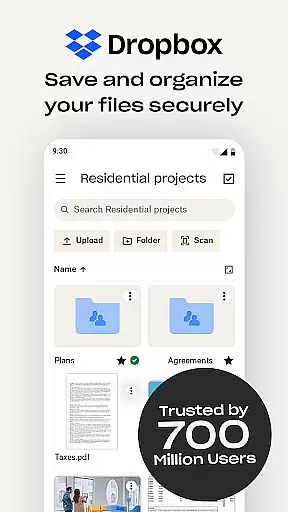
Dropbox is a leading cloud storage solution that allows users to securely backup, access, and manage their essential files from any location. Trusted by over 700 million registered users, it offers reliable and private file management for individuals and teams alike. The app provides seamless synchronization across devices, ensuring your data is always up-to-date and accessible.
With features like automatic camera roll uploads, offline file access, and document scanning, Dropbox enhances productivity while maintaining top-notch security standards. Whether you're sharing large files, collaborating with teammates, or organizing family albums, Dropbox serves as an all-in-one file storage and sharing solution. Its user-friendly interface and advanced functionalities make it ideal for both personal and professional use.
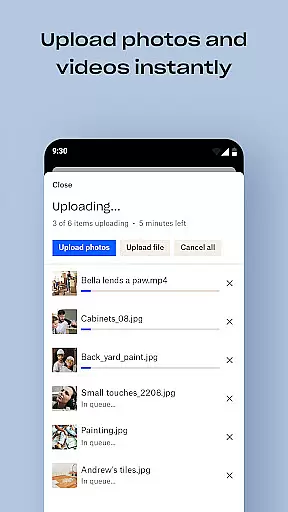
Dropbox stands out with its comprehensive feature set tailored for productivity. One of its key strengths is the automatic upload of photos and documents to cloud storage, enabling effortless photo sharing and file management. Users can preview over 175 file types without needing special software, making it versatile for various work scenarios.
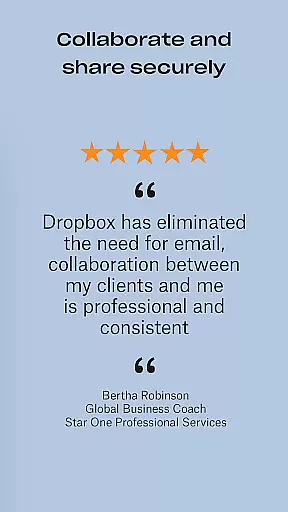
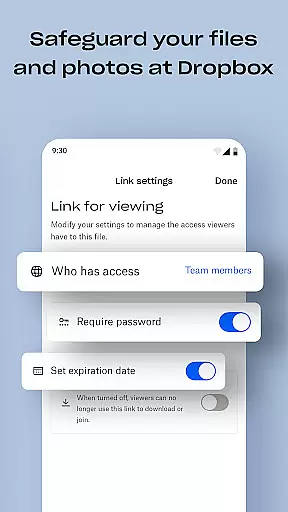
The app also excels in collaboration tools. With easy file sharing via links, even non-Dropbox users can access shared content. Advanced features such as Dropbox Passwords, Vault, and Rewind provide additional layers of security and control. These include password syncing, secure document storage, and the ability to roll back changes, ensuring peace of mind for users managing sensitive data.
Dropbox excels in core task management by offering a comprehensive suite of tools designed to streamline file handling and organization. The app allows users to automatically upload photos, access files offline, and preview various file types without the need for special software.
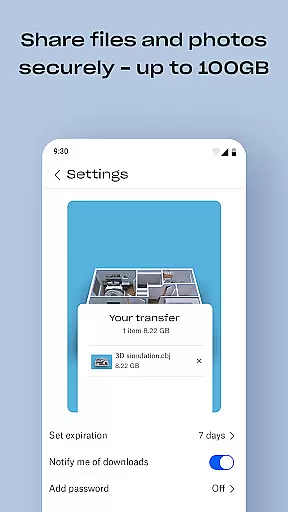
With its intuitive interface, Dropbox makes it easy to send large files by simply sharing a link, even with those who do not have a Dropbox account. This seamless integration ensures that collaboration is not hindered by file size restrictions or format incompatibilities.
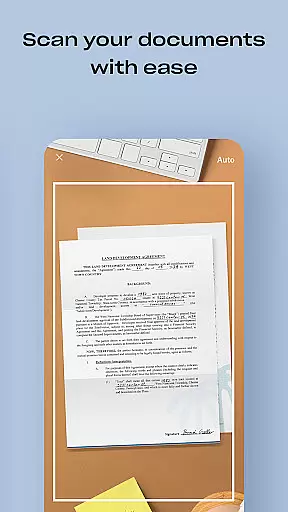
The ability to scan documents, receipts, and more using a mobile device and convert them into high-quality PDFs adds another layer of utility. Users can view and send these documents anywhere, making Dropbox an indispensable tool for managing both personal and professional tasks efficiently.
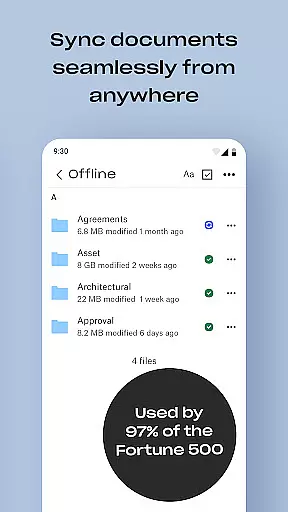
Cross-device synchronization is a cornerstone of Dropbox's productivity features, ensuring that your files are always up-to-date across all your devices. Whether you're working on a PC, Mac, or mobile device, Dropbox syncs folders automatically, providing consistent access to your data.
This reliable synchronization extends to version history and file recovery, allowing users to recover older versions of files or restore deleted ones effortlessly. Such features provide peace of mind, knowing that your data is protected against accidental loss or corruption.
Furthermore, Dropbox's cloud storage solution is trusted by Fortune 500 companies for handling sensitive data. With over 14 million paid users relying on its security and privacy measures, Dropbox ensures that your files remain safe and accessible, no matter where you are or what device you're using.
User-friendly interface
Strong security measures
Seamless cross-device sync
Comprehensive free trial
Reliable file recovery
Limited free storage
Paid plans can be costly
Occasional sync issues
No built-in editing tools
Basic mobile functionality

Auto-shutoff Alarm with Sunrise, Sunset & Fixed Options.
 3.50
3.50
The upgraded version of Name Wheel with AI and the power to add your own wheels.
4.2
A simple, portable logger for POTA, SOTA, Field Day, and more
4.2
IP Camera Viewer - Android TV : RTSP Surveillance camera viewer for Android TV
4.0
Todo reminder
4.10
All in One PDF Reader: Manage, Read and Edit your Documents
4.20
Quickly and easily keep track of your work shifts
4.70
Scan paperwork into PDF/JPG, generate your own e-signature and send fax or email
4.70
Daily processing of PDF documents.
4.40
Best Tool for the professionals Electrician, Electrical contractors, etc.
4.90
Direct Chat without saving contacts & Dual WA Account on Single Device
4.70
Lightweight PDF, Word, Excel reader.
4.60
Planet Free VPN - The best Fast Unlimited and Secure VPN Without Logs
4.50
Translate text/voice/photos in 150+ languages. Offline & fast translator app.
4.50
CalenGoo is a very flexible and feature-rich calendar app
4.40
A customizable calendar for your Wear OS watch
4.20
Cloud storage, automatic phone backup, and more.
4.10
Unlock AutoNotification
4.00
* block pre-roll ads, pop-up and forced redirect ads * Samsung certification app
4.00


User Reviews