
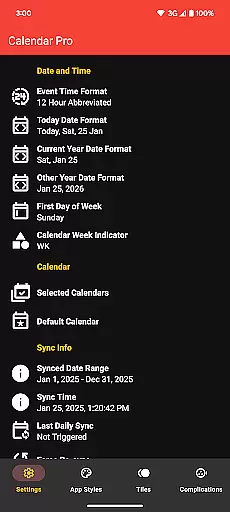
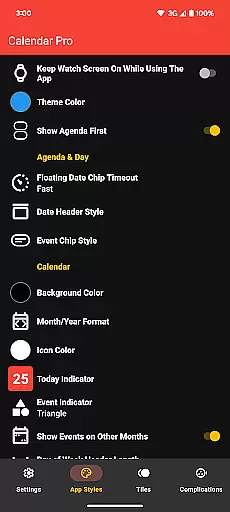
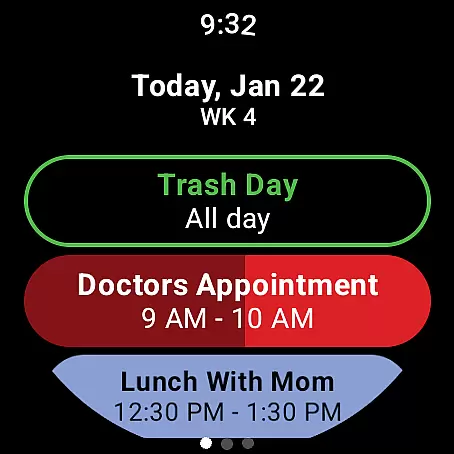
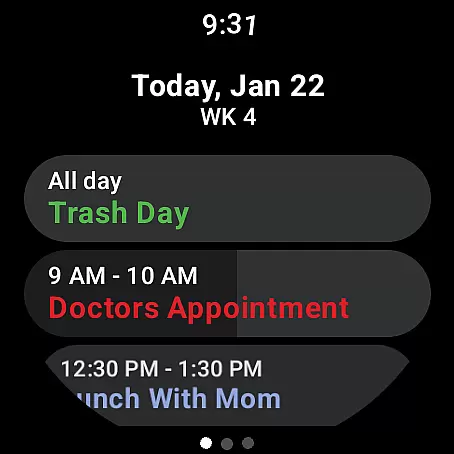
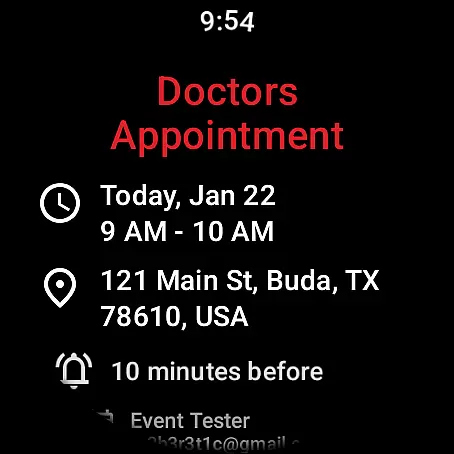
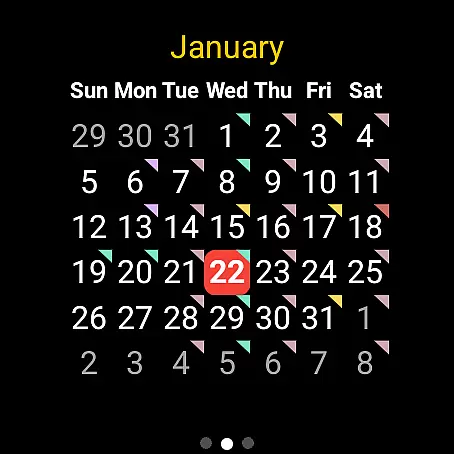
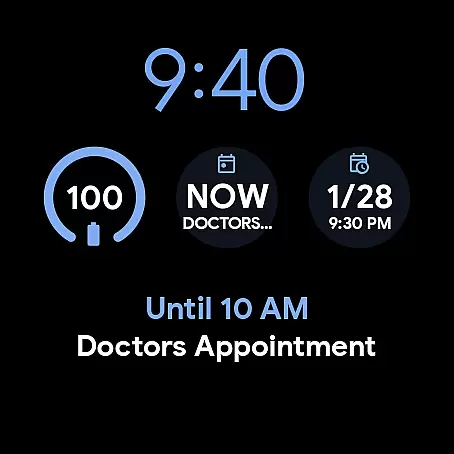
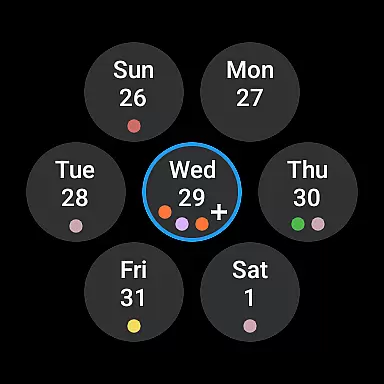
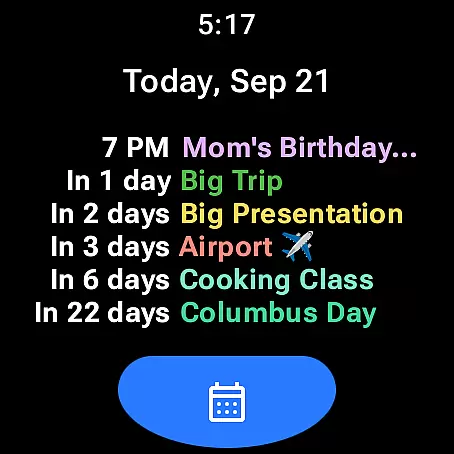
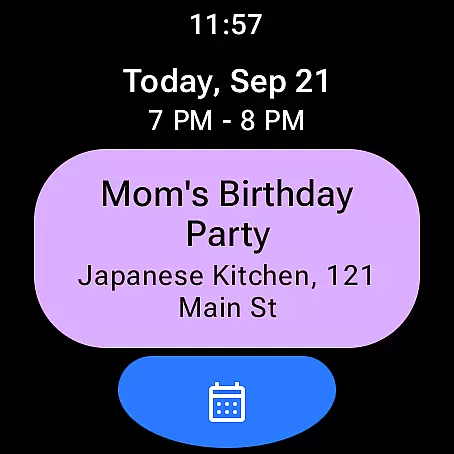
Calendar Pro for Wear OS is a comprehensive productivity tool designed to streamline your scheduling directly from your smartwatch. This app syncs all your phone calendars to your Wear OS device, ensuring you have instant access to your schedule wherever you are. With the ability to add, edit, and delete events directly from your watch, it offers unparalleled convenience for managing your time.
The app stands out with its fully customizable interface, including month calendar views with event indicators, an adaptable agenda, and multiple theme colors. Whether you're using Google Calendar, Outlook, or Samsung Calendar, Calendar Pro ensures seamless integration across platforms. Its robust feature set makes it ideal for professionals who need constant access to their schedules while on the go.
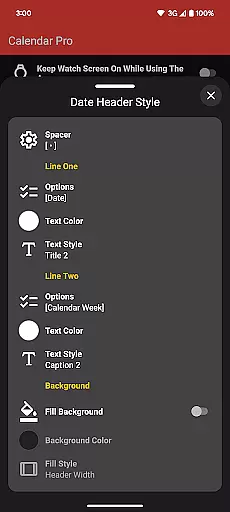
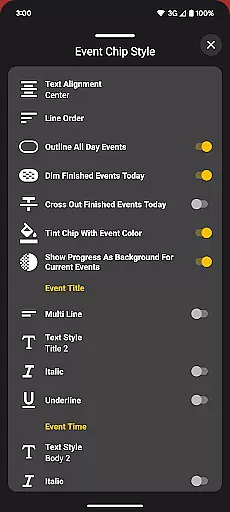
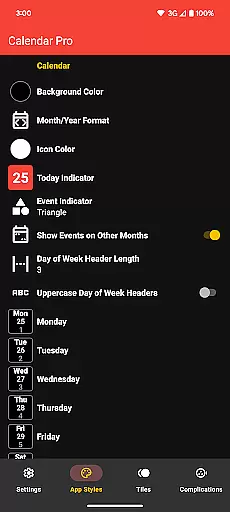
One of the standout features of Calendar Pro is its extensive customization options. Users can personalize nearly every aspect of the app, from background colors and date formats to event indicator shapes and scaling options. The month calendar and agenda views offer various stylistic choices, allowing users to tailor the appearance to their preferences.
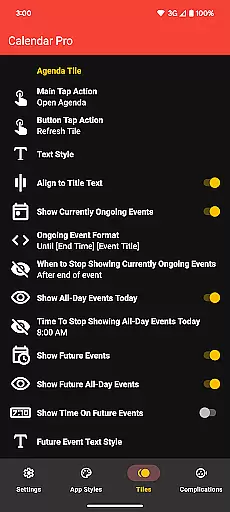
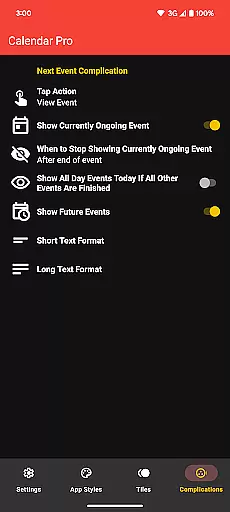
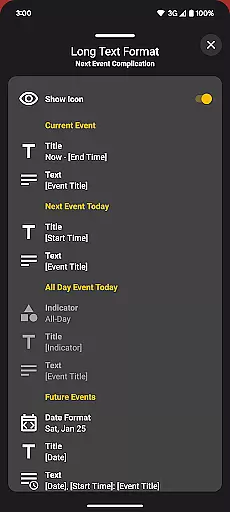
In addition to visual customizations, Calendar Pro provides functional enhancements such as multiple watch tiles and complications. These include the Next Event complication, which supports both short and long text formats, and the Agenda Tile that displays up to six upcoming events. Such features ensure that users not only have a visually appealing experience but also practical tools to manage their day efficiently.
Calendar Pro for Wear OS excels in core task management by offering users the ability to add, edit, and delete events directly from their Wear OS watch. This seamless interaction ensures that managing your schedule is not only convenient but also efficient.
The app syncs the next 12 months of events to your watch, providing a comprehensive overview of your upcoming engagements. With customizable month calendars and agenda views, users can tailor the interface to suit their preferences, ensuring they never miss an important date.
Furthermore, Calendar Pro supports a wide range of calendar services including Google Calendar, Outlook Calendar, and Samsung Calendar. This compatibility ensures that no matter which service you use, your tasks and events are always up-to-date and accessible right from your wrist.
Cross-device synchronization is a critical feature of Calendar Pro for Wear OS, ensuring that all your calendars from your phone are reliably synced to your Wear OS watch. This synchronization happens in real-time, providing users with the most current view of their schedule at any given moment.
In addition to basic syncing, Calendar Pro offers advanced customization options for its various tiles and complications. Users can choose what information is displayed on their watch face, such as currently ongoing events or the next event of the day, enhancing the utility of their wearable device.
With support for multiple theme colors and extensive customizations for both month calendars and agenda views, Calendar Pro guarantees a personalized experience that remains consistent across devices. This reliability and customization capability make it an indispensable tool for managing your life on the go.
User-friendly interface
Extensive customization
Seamless calendar sync
No subscription required
Multi-platform support
Requires phone app
Limited Samsung support
Complex setup
Premium pricing
Font scale limitations

QuickBooks Workforce lets teams view pay info and track time in one place.
 4.70
4.70
Wake up & get tasks done! Add alarms & reminders on the Clock Launcher.
4.00
App lock - lock apps with fingerprint, password, pin or pattern, protect privacy
4.70
The AI assistant that thinks with you - write, code, and solve complex tasks
4.60
Calendar 2023 widget for Android. Appointment scheduler, planner, and reminder
4.60
A Pixel Art watchface inspired by other iconic 90s designs for Wear OS devices!
4.40
Access your phone's notifications, calls, apps, photos & texts on your PC
3.90
Secure your apps with lock screens, use custom themes and different features.
4.40
AI Chatbot and AI writing assistant powered by ChatGPT.
4.60
8 custom complications. Custom Time Fonts. Beautiful color schemes. A++ Design.
5.00
Best Tool for the professionals Electrician, Electrical contractors, etc.
4.90
Direct Chat without saving contacts & Dual WA Account on Single Device
4.70
Quickly and easily keep track of your work shifts
4.70
The Pro Version of Android's tiniest Notepad app. Just 0.3MB but feature-packed!
4.60
Professional calendar app for Google Calendar, MS Outlook & Exchange
4.20
Todo reminder
4.10
Unlock AutoNotification
4.00
Code on-the-go with VScode for Android. Edit,debug and collaborate from mobile!!
3.10
AI Video AI Image Private LLM AI Browser Llama Gemma Ollama Connect LLM Studio
4.3


User Reviews