
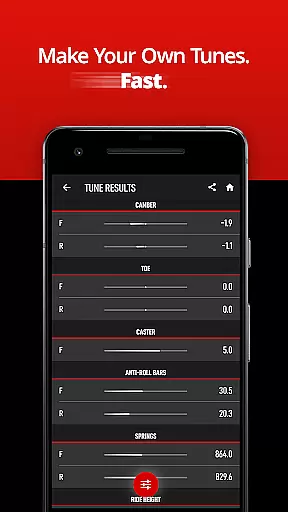
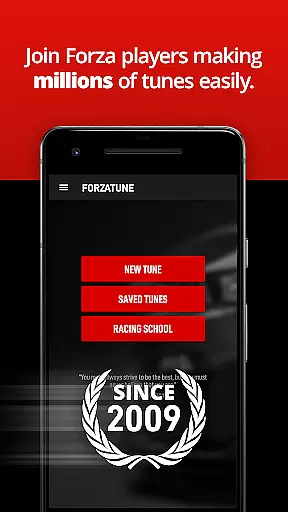
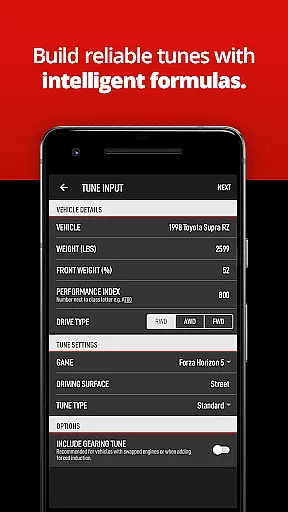
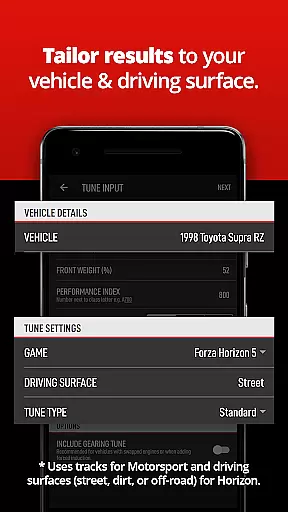

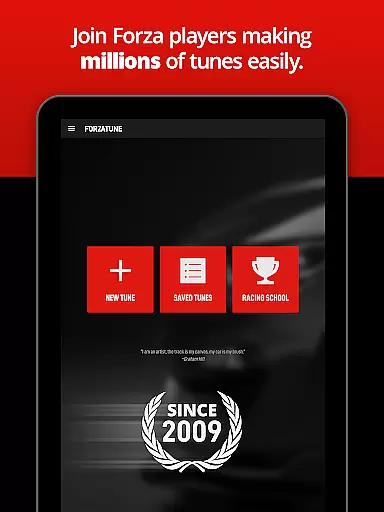

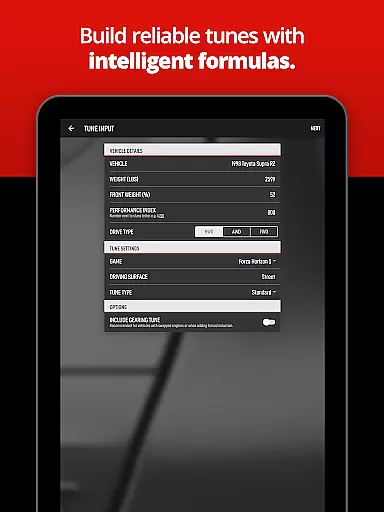

ForzaTune Pro is a premier tuning application designed specifically for Forza Motorsport and Horizon series players. This tool strikes the perfect balance between simplicity and depth, allowing users to achieve excellent results without entering excessive information. Whether you're building a Mustang for Laguna Seca or a Supra for the streets of Mexico, ForzaTune Pro provides an expertly calculated base tune including gearing.
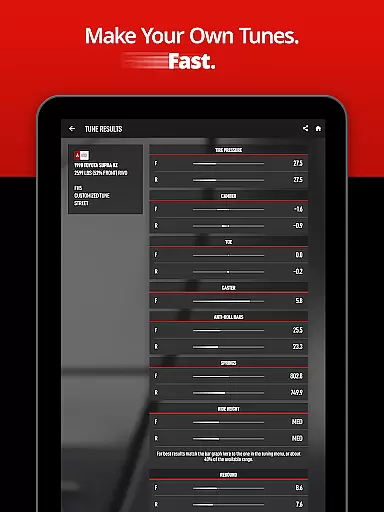
The app caters to both beginners and experienced tuners by offering adjustable oversteer or understeer settings at each part of a turn. It seamlessly updates settings to match user preferences, ensuring stability for newcomers and precision for experts. With intelligent features like specific car and track/surface tuning, extra tuning types for Motorsport and Horizon, and an intelligent gearing calculator, ForzaTune Pro delivers finely balanced tunes that are difficult to replicate with other options.
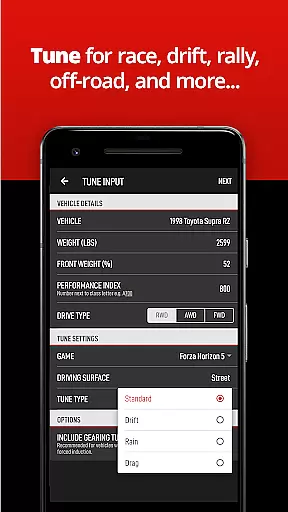
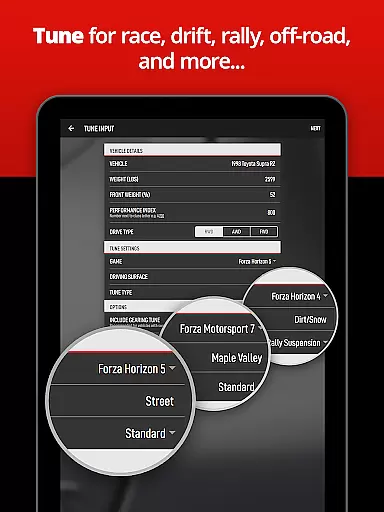
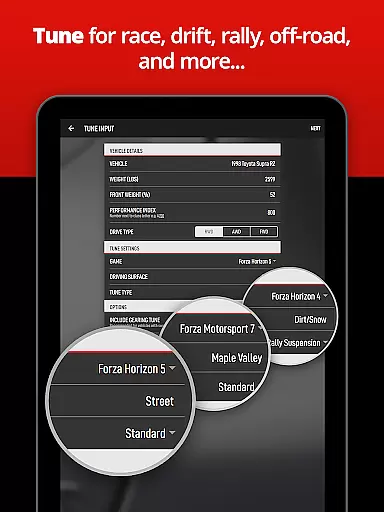
ForzaTune Pro boasts a comprehensive suite of features tailored to enhance your Forza experience. The app supports multiple titles including Forza Motorsport (2023), Forza Horizon 5, Forza Horizon 4, and even older versions like Forza Motorsport 7 and Forza Horizon 3. Users can create various types of tunes such as race, street, drift, rally, and more, all with ease.
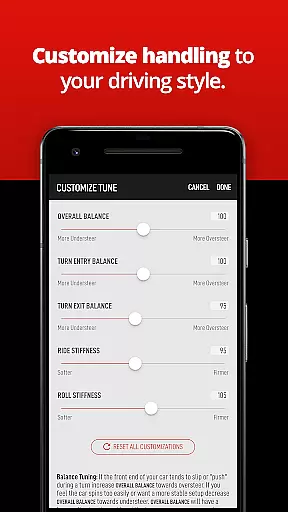
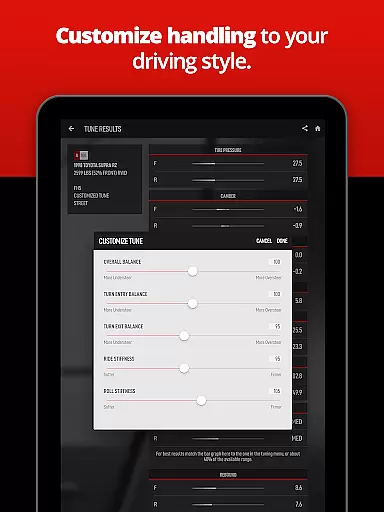
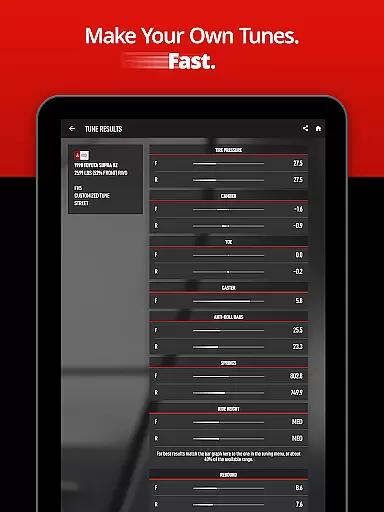
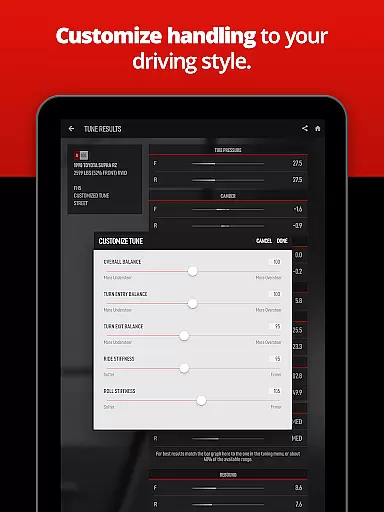
One standout feature is the ability to quickly fine-tune aspects like overall balance, turn entry balance, turn exit balance, ride stiffness, and roll stiffness in seconds. The built-in gearing calculator allows users to retune gears effortlessly, matching race and drift transmission values to engine swaps or major power upgrades. Additionally, ForzaTune Pro offers accurate formulas based on race engineering but adjusted for Forza's unique simulation environment, ensuring tested and reliable results.
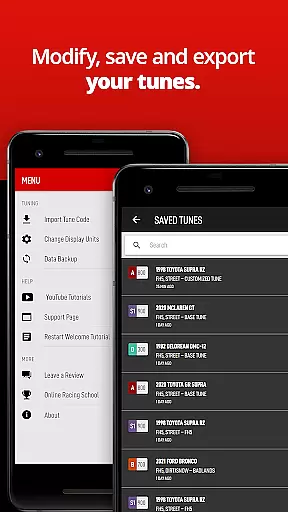
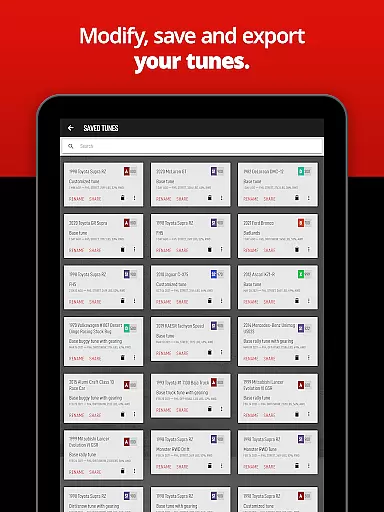
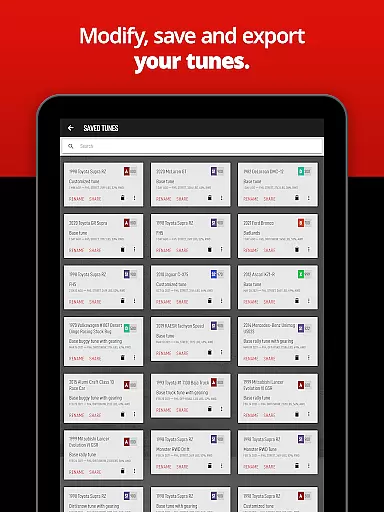
Users can save, edit, search, and backup all their tunes, with export and import options facilitating easy transfer to new devices or friends without the need for logins or accounts. These features collectively ensure that ForzaTune Pro remains an indispensable tool for any serious Forza player looking to gain a competitive edge.
ForzaTune Pro excels in delivering accurate and effective tuning solutions for Forza games. The app uses advanced formulas to model your car based on real-world race engineering principles, while adjusting for the nuances of the Forza simulation environment. This ensures that each tune is not only precise but also optimized for the game's physics engine.
The app supports a wide range of vehicles across multiple Forza titles, including Forza Motorsport (2023), Forza Horizon 5, and others. With over 1400 vehicles covered, users can create tunes tailored specifically to their cars and tracks. This extensive coverage, combined with monthly updates, guarantees that your tunes remain up-to-date and relevant.
Users benefit from intelligent features like the gearing calculator, which simplifies complex tasks such as matching transmission values to engine upgrades. These tools save time and effort, allowing both novice and experienced tuners to achieve professional-grade results without needing extensive technical knowledge.
Ultimately, ForzaTune Pro transforms the tuning process into a seamless experience. By providing finely balanced tunes that enhance vehicle performance, it enables players to enjoy a more personalized and satisfying driving experience. Whether you're a beginner or an expert, this app ensures your car performs at its best.
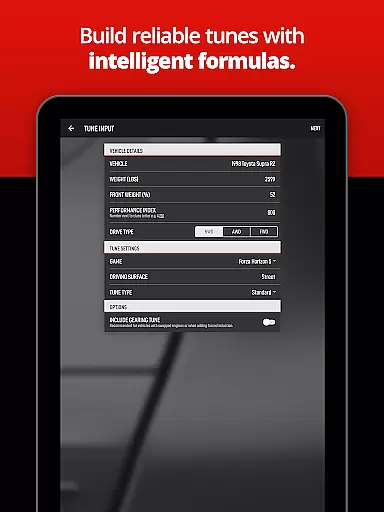
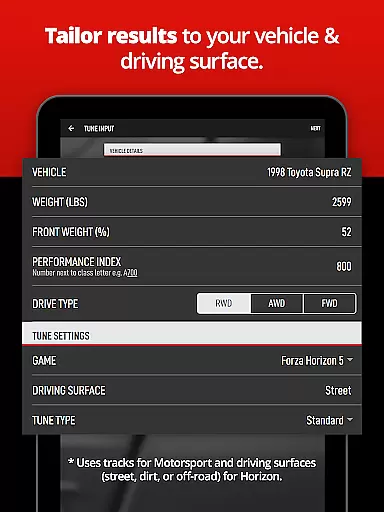
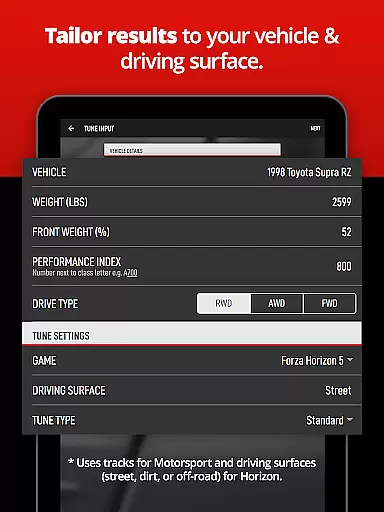
ForzaTune Pro stands out for its intuitive and user-friendly interface, making the tuning process accessible to all players. The app streamlines the input process by requiring only essential car details from the game, which are then used to generate comprehensive tuning settings. This simplicity eliminates the need for users to navigate through complex menus or decipher technical jargon.
One of the key strengths of ForzaTune Pro is its ability to guide users through the tuning process effortlessly. With tutorial videos available on platforms like YouTube, new users can quickly learn how to use the app effectively. These resources ensure that even those unfamiliar with car tuning can produce high-quality tunes with minimal effort.
The app offers quick adjustments for various aspects of the caru2019s performance, such as balance, ride stiffness, and roll stiffness. Users can fine-tune these settings within seconds, allowing them to experiment with different configurations until they find the perfect match for their driving style. This flexibility empowers players to customize their vehicles precisely as they desire.
Overall, ForzaTune Pro combines powerful functionality with an intuitive design, ensuring that users can focus on enjoying their gaming experience rather than struggling with complicated tuning procedures. Its straightforward approach makes it an invaluable tool for enhancing gameplay in the Forza series.
Comprehensive tuning options
User-friendly interface
Intelligent gearing calculator
Supports multiple Forza titles
Regular free updates
Requires manual data entry
Limited to Forza series
Premium cost
No automatic sync with games
Steep learning curve for beginners

 4.50
4.50 4.50
4.50
Change your GPS location instantly. Simulate routes anywhere in the world.
4.90
App that Recover your pictures, videos or files after you delete them.
4.20
MS-DOS in your pocket. Play old DOS games anywhere you are ;)
4.10
Bedrock Together: Join any bedrock server on Xbox/PS
4.80
The Ultimate Bluetooth Keyboard & Mouse. Securely control your PC, Mac, and more
4.50
Support Fossify apps with a warm thank you!
5.00
Enjoy a smooth mobile reading experience!
3.60
Enjoy smooth gameplay with Game Booster
4.90
ADB support Android 4.X-Android 13(Support wireless pair mode).No root required!
4.70
FV File Manager Pro, Fast and powerful file manager for Android
4.60 4.50
4.50
Button mapper, mouse toggle, sleep timer and a lot of another features
4.50
Complete kernel toolbox with features to manage and tweak your rooted device
4.30
Amateur Radio app for APRS: Track friends, exchange messages, get tactical info.
3.90
Create your own custom widget with endless possibilities
3.90
Clean the junk files on your device
3.40
card-reader app
2.20


User Reviews