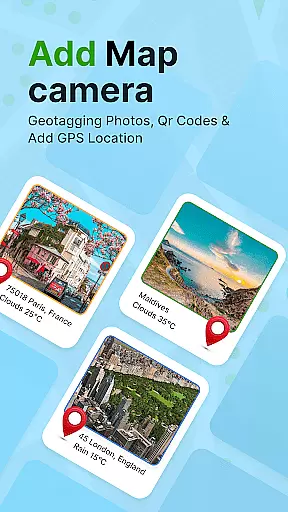
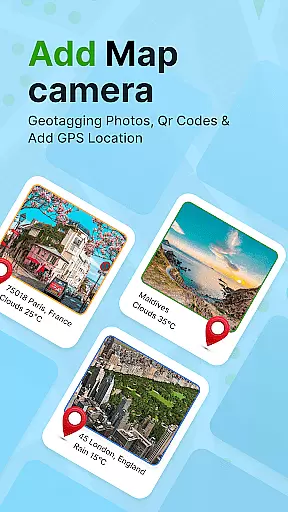
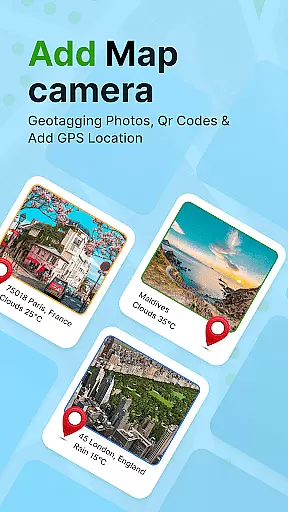
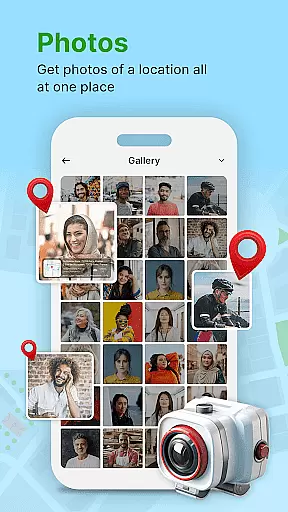
GPS Geotag Photos & Camera Map is a powerful photography app designed to enhance your photo-taking experience by embedding precise location data into every image. The app automatically adds GPS coordinates, altitude, and address information directly into the photo's metadata, making it easy to track where and when each photo was taken.
Beyond basic geotagging, this app offers advanced customization options. Users can add live maps, weather details, latitude, longitude, and timestamps to their photos. It also includes a QR code scanner for added functionality. Whether you're a traveler wanting to document your journey or a professional photographer needing accurate metadata, this app provides a complete solution.
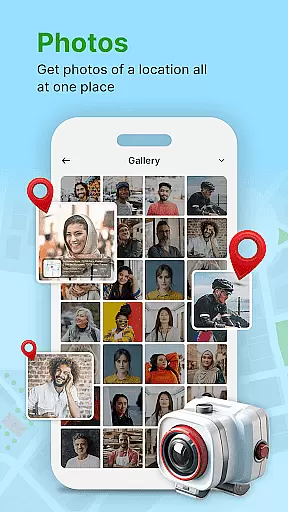
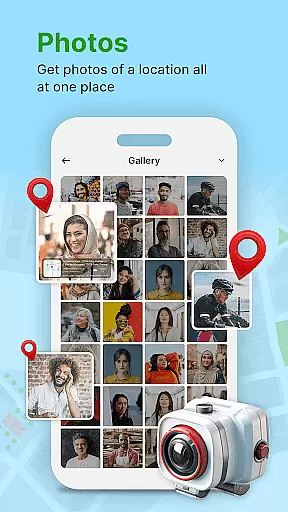
The app is particularly useful for photographers who need to organize large volumes of images by location. With its intuitive interface and customizable features, users can easily manage their photo libraries and share geotagged locations with friends and family.
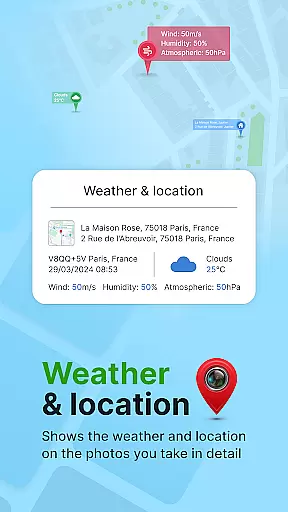
One of the standout features of GPS Geotag Photos & Camera Map is its ability to automatically embed GPS data into photos. This includes not only location but also altitude, address, and even weather conditions at the time of capture. The app supports manual adjustments for fine-tuning latitude and longitude, ensuring accuracy in every geotagged photo.
Customization is another key aspect of this app. Users can personalize the appearance of timestamps by adjusting font styles, sizes, colors, and positions on the photo. Additionally, the app provides a fast and efficient photomap location stamp, allowing users to quickly identify where each photo was taken.
Other notable features include a built-in QR code scanner and support for adding short location descriptions to photos. These tools make it easy to scan codes while traveling or add contextual notes to images. Overall, the app combines essential geotagging functions with creative customization options, offering both practicality and versatility for photographers.
Real-time capture and preview functionality is essential for ensuring that every photo taken with GPS Geotag Photos & Camera Map app accurately reflects the desired composition. This feature allows users to see exactly what the camera sees, making it easier to frame shots perfectly.
The app supports capturing stunning photos while automatically embedding GPS coordinates, altitude, and even the address into the image metadata. This real-time data integration ensures that each photo contains comprehensive location details, enhancing its value for personal memory keeping or professional use.
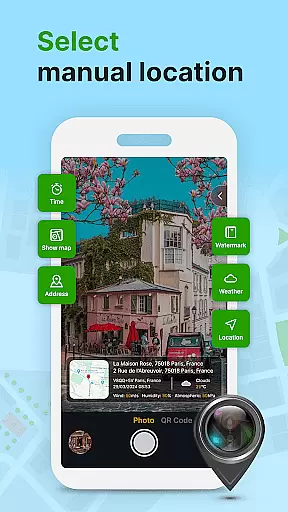
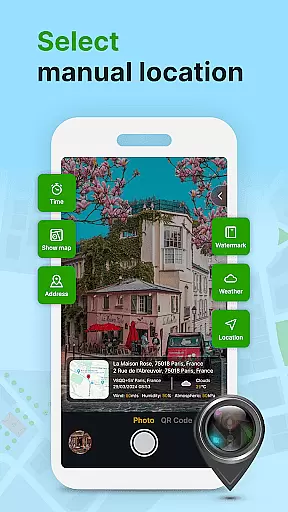
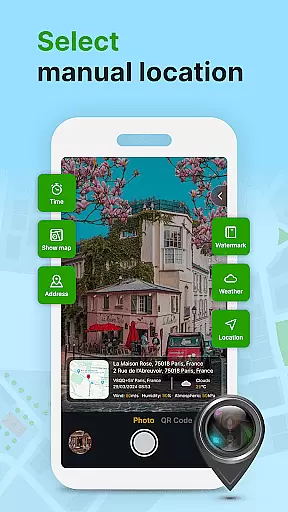
Users can also customize various aspects of their images before taking a shot. Options include adjusting the font, size, color, and position of timestamps, as well as adding weather information. These customization features provide flexibility and control over how location data is presented in each photograph.
While primarily focused on geotagging, GPS Geotag Photos & Camera Map app also offers features aimed at enhancing photo quality naturally. The AI beauty and enhancement tools are designed to improve image aesthetics without compromising the authenticity of the original shot.
One notable feature is the ability to fine-tune the location manually by setting latitude and longitude. This precision ensures that the geotagged data is accurate, which is crucial for applications requiring exact location tagging, such as real estate or travel blogging.
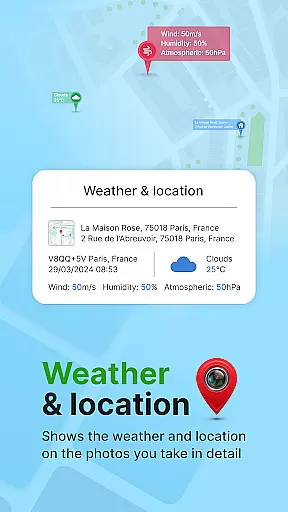
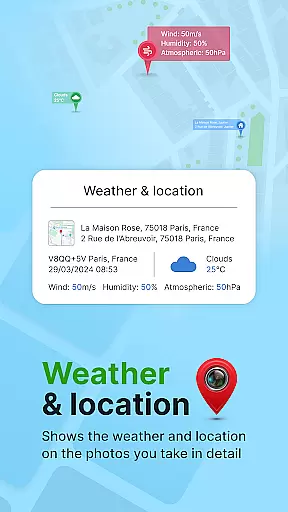
In addition to geotagging, users can add various types of metadata to their photos, including datetime, weather conditions, and geo map information. This enriched metadata not only enhances the informational value of each photo but also makes organizing and retrieving images based on specific criteria much easier.
User-friendly interface
Accurate geotagging
Customizable timestamps
Live map integration
QR code scanner
Occasional GPS delays
Limited free features
Heavy file sizes
No offline maps
Ads in free version

Perfect photos with body shaping, BG changer and object remover.
 3.70
3.70
Safe & smart flight with Go Fly drone controller for 40+ drone camera, zone map
4.50
Find time and duration of different sunlight phases at any location
4.90
Application for remote controlling DSLR
3.00
See your baby AI baby face generator AI baby maker Face generator babymaker fun!
4.70
Easily create custom gifts, cards, photo books & more on the Shutterfly app!
4.60
PhotoSync Bundle Add-On License. Enables all features and services in PhotoSync.
4.60
Discover & download millions of art for The Frame TV or Hisense CanvasTV
4.60
Unlock the full potential of your DJI drone with Litchi
4.50
Enhance, upscale, and transform your images — on your device, without limits
4.70
Automatically backup your photos and videos to computer, NAS and Cloud services
4.60
HD Camera Pro with HD Video shooting, Panorama, Photo editor , Beauty Camera.
4.50
Photo editor & gallery. Crop pictures & edit photos offline, no wifi!
4.50
Search, tag and rate your way to an organized image gallery
4.40
Edit like a pro with Hypic. Apply filters, AI effects, & magic touch.
4.40
Natural Beauty, Selfie Retouch
4.30
Turn your phone into a professional camera - full DSLR manual photography
4.30
Virtual makeup, hair filters & body tuner—edit from face to full body!
4.20
Gallery Slideshow is slideshow maker app for slideshow from your gallery photos.
3.90


User Reviews