
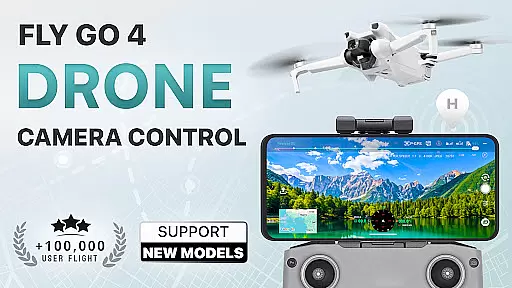
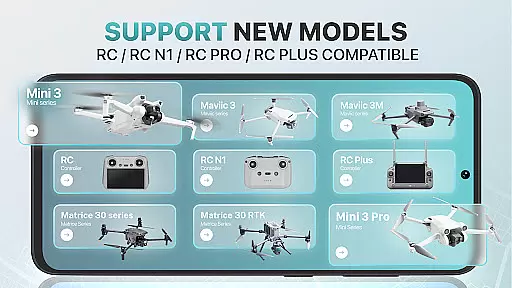
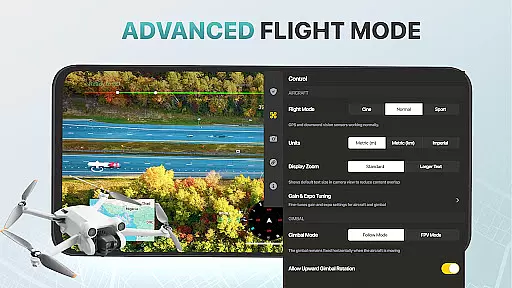
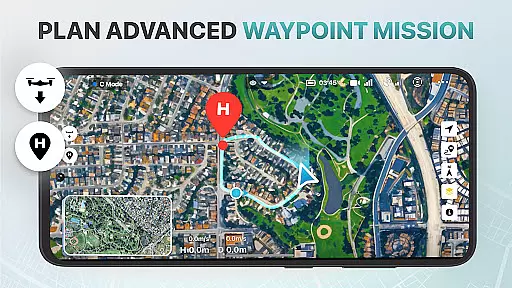
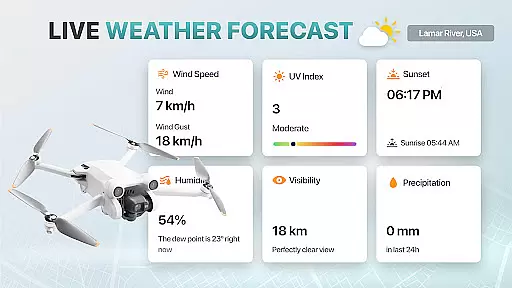
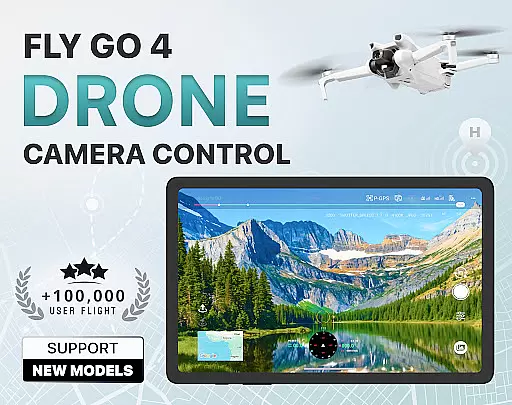
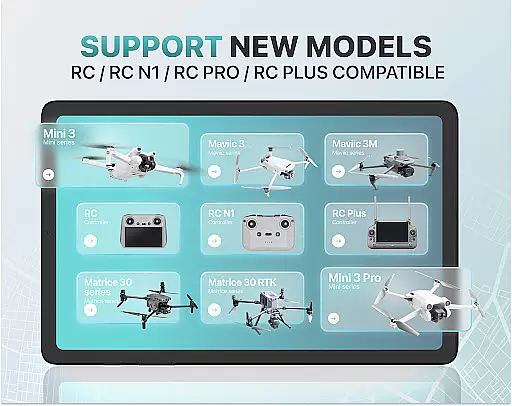
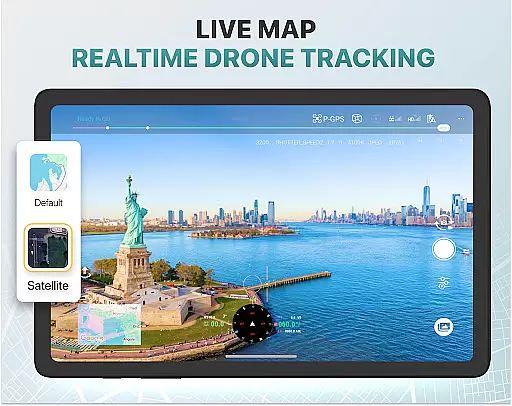
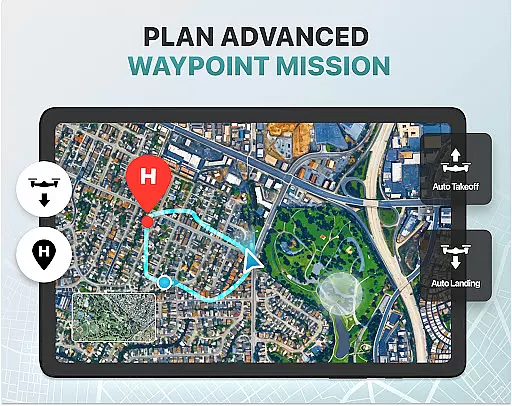
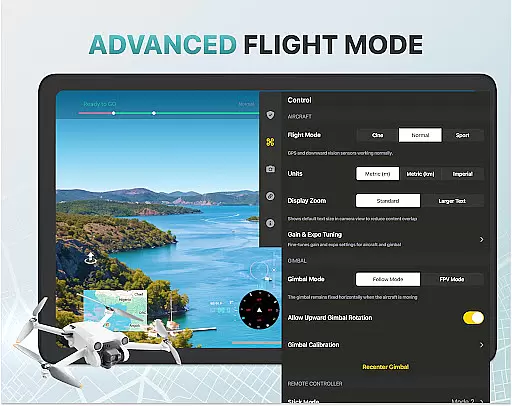
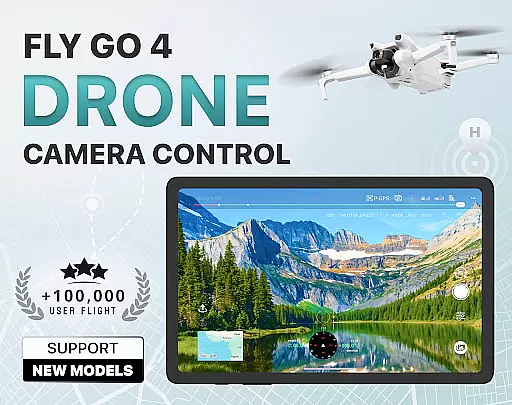
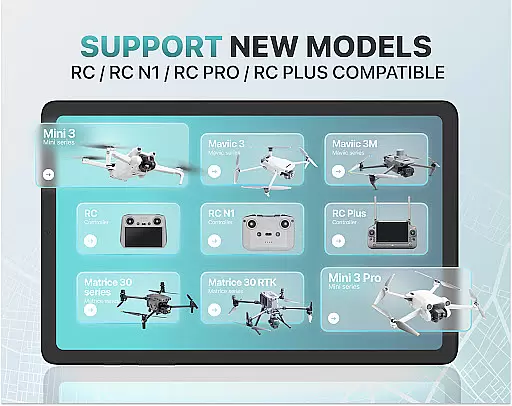
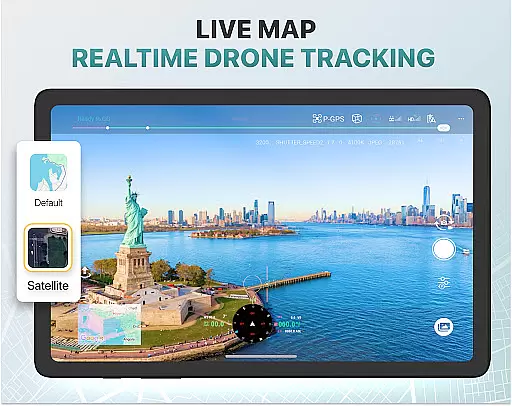
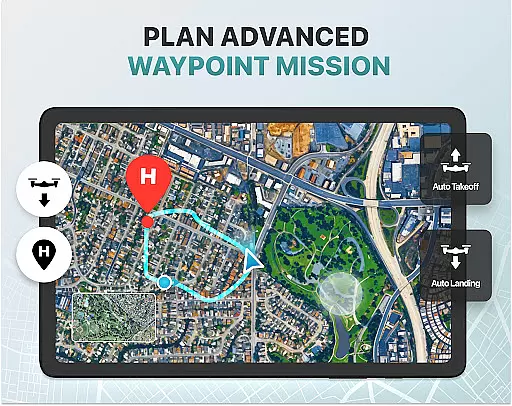
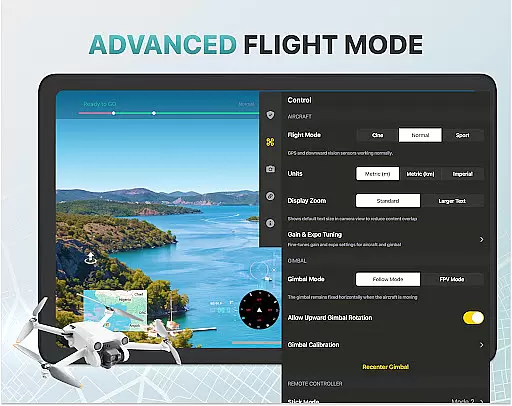
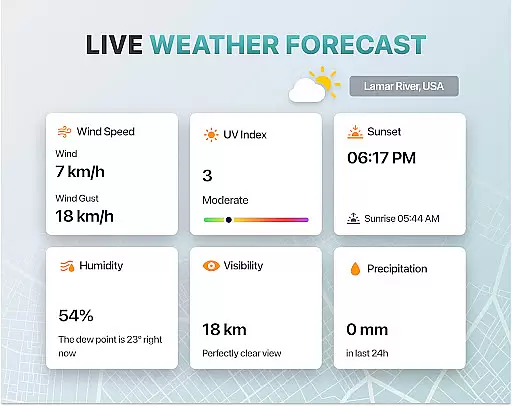
Fly Go 4 Drone Camera Control is a comprehensive drone management app designed for both amateur and professional UAV pilots. The application offers seamless compatibility with a wide range of drones, including popular models like DJI Mini 3, Matrice 350 RTK, and more. With its intuitive interface, users can effortlessly control their drones' cameras, access real-time weather updates, and receive instant alerts about restricted airspaces.
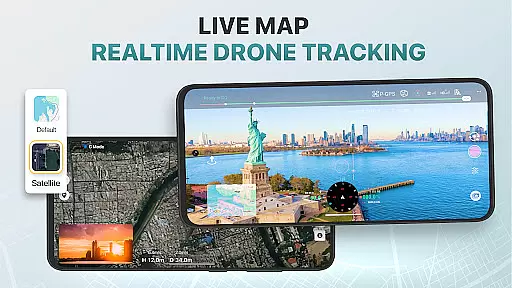
One of the standout features is the ability to capture stunning panoramic images and videos directly from your phone screen. The app also includes advanced functionalities such as GPS tracking to locate lost drones, smart media export options, and intelligent flight modes that simplify complex maneuvers. Whether you're a beginner looking for tutorials or an experienced pilot needing precise camera control, Fly Go 4 provides all the tools necessary for a successful drone adventure.
The Fly Go 4 Drone Camera Control app boasts an impressive array of features tailored to enhance the drone flying experience. One key feature is the real-time camera feed, which allows users to view lag-free video streams from their drone's camera, ensuring precise control over aerial footage. Additionally, the app supports panoramic photography, enabling users to capture breathtaking images and videos with ease.
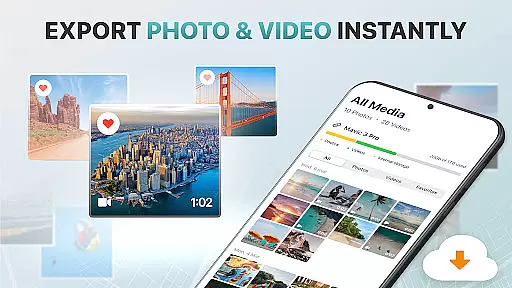
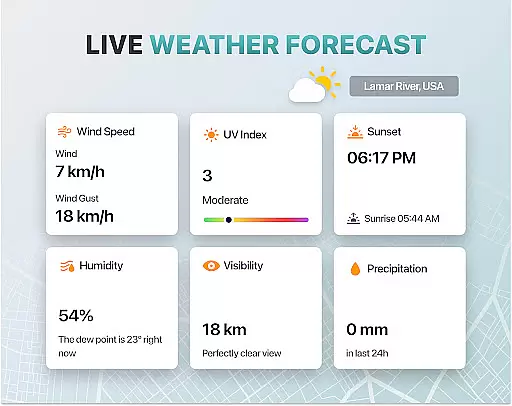
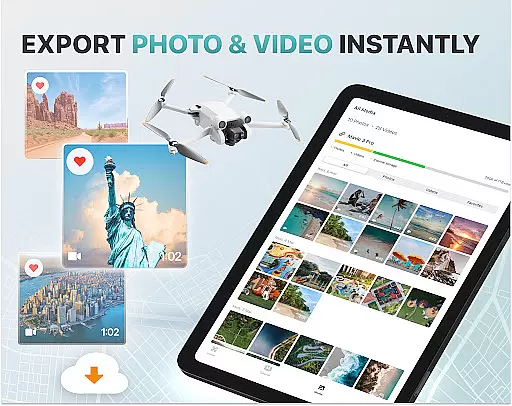
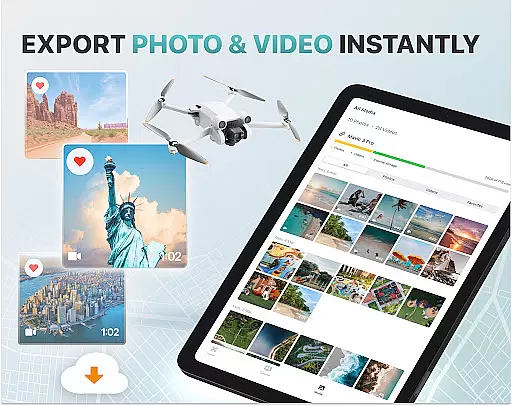
Another notable aspect is the UAV weather forecast tool, providing real-time updates to ensure safe flying conditions. Pilots are also alerted to no-fly zones near airports and military bases, helping them avoid restricted areas. For convenience, the smart media export function facilitates transferring high-quality footage to devices in various formats. Advanced settings include gimbal direction adjustment and exposure graphs for detailed camera control, making it an indispensable tool for any drone enthusiast.
Real-time capture and preview functionality is essential for drone photography, allowing users to see exactly what the drone's camera captures as it happens. The Go Fly Drone Controller Pro app excels in this area by providing a seamless live video feed directly to your phone screen.
This feature ensures that every shot or video taken with the drone is precisely framed and composed, offering professional-grade control over aerial photography. With minimal lag, pilots can make real-time adjustments to capture the perfect moment without delay.
Users benefit from having complete creative control over their shots while operating the drone remotely. This capability not only enhances the quality of photos and videos but also simplifies complex maneuvers during flight, making it easier for both beginners and experienced pilots to achieve outstanding results.
AI beauty and enhancement features are increasingly popular in photography apps, aiming to improve image quality while maintaining natural aesthetics. In the context of drone photography, these enhancements help bring out the best in aerial shots captured by drones like those supported by Go Fly Drone Controller Pro.
The app leverages advanced algorithms to enhance colors, contrast, and sharpness without over-processing images. This ensures that landscapes appear vibrant yet realistic, preserving their original essence while adding an extra touch of polish.
By using AI-driven enhancements, users can expect consistently high-quality outputs whether they're capturing panoramic views or detailed close-ups. These tools empower photographers to produce stunning visuals effortlessly, elevating their work above standard drone footage.
User-friendly interface
Wide device compatibility
Real-time weather updates
Panoramic photo capture
Intelligent flight modes
Premium subscription required
Limited free trial period
No iOS support mentioned
Occasional connectivity issues
Not an official manufacturer app

Photobooth mini FULL app will allow you to add more fun to your parties
 4.00
4.00
Pet Camera
3.70
Photo editor: AI filters, photo enhancer, pic collage maker, AI art generator.
4.80
Take videos and pictures with the popular TikTok TIME WARP SCAN filter.
4.60
A must-have app for landscape photographers
4.60
Amazing Photo Effects - The most fun you can have with your photos!
4.70
Movie camera, supports pro recording settings for filming. Try it and be amazed!
4.50
Photo editor & gallery. Crop pictures & edit photos offline, no wifi!
4.50
GCamera allows all GCam features on all phone models! Better photos with GCamera
3.30
Pro version: AR sun/moon tracker for any date. Tool for photographers & planners
4.90
Collage your moments in one tap: 1000+ layouts, filters, stickers, and texts.
4.90
Automatically backup your photos and videos to computer, NAS and Cloud services
4.60
Edit like a pro with Hypic. Apply filters, AI effects, & magic touch.
4.40
Smart, light, and fast photo and video gallery
4.30
Create & Edit with AI: AI Remove, Enhance, Retouch, Filter
4.10
How would you look like with a differently shaped nose, chin or lips?
3.90
Hair color changer, AI haircut app, fun hair editor and buzz cut filter for all!
3.80
Application for remote controlling DSLR
3.00
Snap photos remotely using your Garmin watch as the camera trigger
4.3


User Reviews