
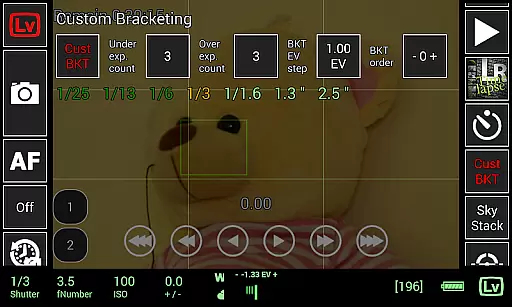
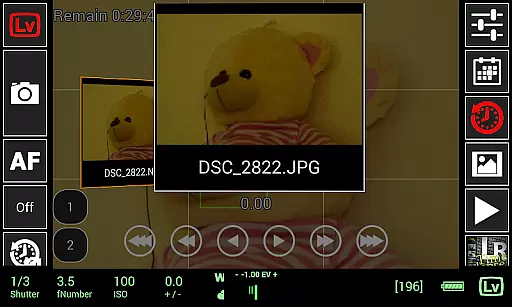
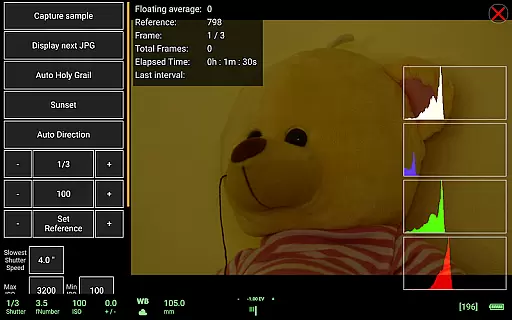
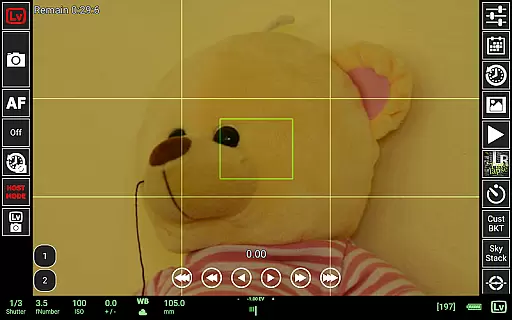
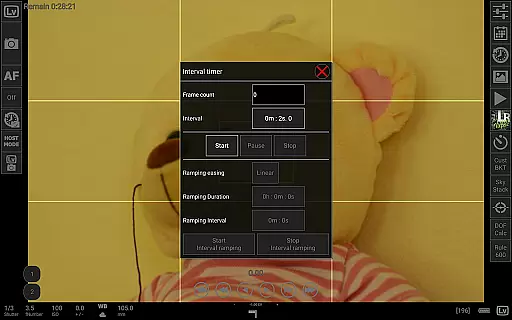
qDslrDashboard is a powerful photography application designed for DSLR and mirrorless camera enthusiasts. This app allows users to control their Nikon, Canon, or Sony cameras remotely using an Android device. With features like remote capture, synchronized shooting, and live view functionality, it transforms your smartphone or tablet into a versatile camera control center.
The app supports multiple camera connections through USB OTG adapters or wireless routers, making it adaptable to various setups. Whether you're conducting time-lapse photography, focus stacking, or managing custom bracketing, qDslrDashboard provides the tools necessary for advanced photography projects. Its comprehensive feature set caters to both amateur photographers looking to experiment and professionals needing precise control over their shoots.
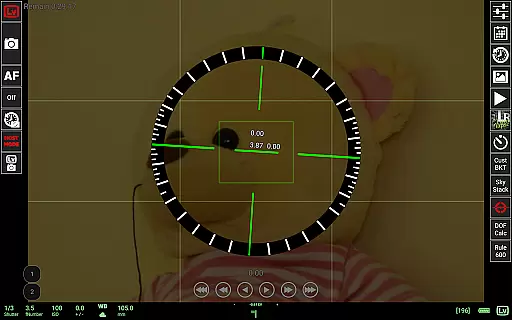
One of the standout use cases is its ability to facilitate complex tasks such as sound-initiated capture and movie recording directly from your mobile device. By offering functionalities like DoF calculator, Rule600 calculator, and Sky stacking helper, the app ensures that photographers can execute their creative vision with accuracy and ease.
qDslrDashboard stands out with its extensive range of professional-grade features tailored for photographers. The app supports multiple camera brands including Nikon, Canon, and Sony, allowing users to connect via USB OTG or wireless networks. This versatility enables seamless integration with different camera models and setups, providing flexibility in how users choose to operate their equipment.
Among its notable features are synchronized capture and time-lapse capabilities, which allow photographers to create stunning visual sequences with precision timing. The live view functionality includes histogram display and manual focus adjustments, empowering users to fine-tune their shots in real-time. Additionally, support for wireless remote control and WU-1a/1b adapters enhances mobility and convenience during shoots.
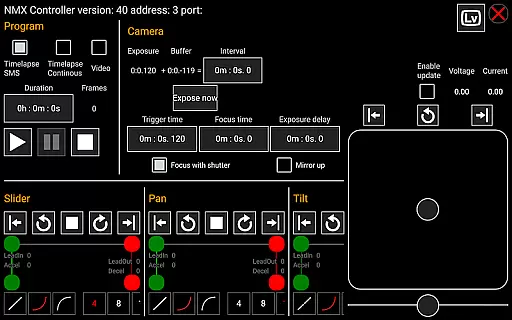
Advanced functionalities such as Dynamic Perception NMX motion controller support and LRTimelapse screen for auto holy grail timelapse demonstrate the app's commitment to catering to high-end photography needs. These features not only streamline complex processes but also open up new creative possibilities for users seeking to push the boundaries of traditional photography.
Real-time capture and preview functionality is essential for photographers who need precise control over their shots. qDslrDashboard offers an intuitive interface that allows users to connect their DSLR or mirrorless camera to an Android device, enabling immediate feedback on images taken.
The application supports live view, which means you can see exactly what your camera sees on your mobile screen. This feature is particularly useful for capturing difficult angles or when using the camera in situations where looking through the viewfinder is not practical.
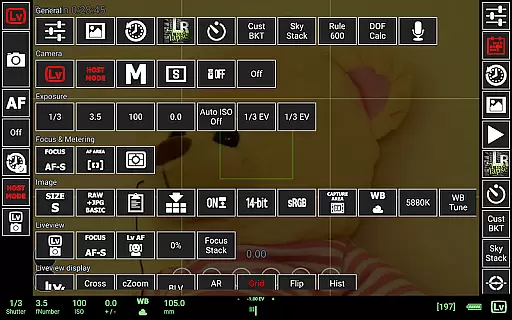
With qDslrDashboard, photographers can also adjust camera settings remotely and trigger captures without touching the camera, reducing the risk of shaking and blurring. This seamless integration between the camera and Android device ensures that every photo opportunity is maximized with accurate framing and settings.
While qDslrDashboard does not focus on AI beauty enhancements typically found in mobile photography apps, it excels in providing natural and authentic image previews. The app's emphasis is on delivering a true representation of the captured image, maintaining the original quality and characteristics of the photograph.
Photographers using qDslrDashboard benefit from raw and jpg image previews, allowing them to assess the actual output of their DSLR or mirrorless camera. This approach caters to professionals who prefer minimal post-processing and value genuine image reproduction over artificial enhancements.
The ability to preview images directly on the Android device ensures that photographers can make informed decisions about retakes or adjustments without compromising the natural essence of their work. This feature upholds the integrity of the photographer's vision while offering convenience and efficiency in the workflow.
User-friendly interface
Wide camera compatibility
Advanced time-lapse options
Live view with histogram
Wireless remote control
Requires USB OTG adapter
Complex setup process
Limited beginner guidance
High device compatibility demands
Premium feature cost

Trendy TikTok time warp scan funny filter app brings you unique photos & videos.
 4.40
4.40
Find time and duration of different sunlight phases at any location
4.90
Cut and paste photo editor & eraser to customize photos easy and swap faces fun
4.50
What celebrity do you look like? Celebs will find your celebrity match!
4.10
Virtual makeup, hair filters & body tuner—edit from face to full body!
4.20
Over 800 film simulation recipes for Fujifilm. Black Friday Offer!
4.3
GCamera allows all GCam features on all phone models! Better photos with GCamera
3.30
Easily create custom gifts, cards, photo books & more on the Shutterfly app!
4.60
Unlock the full potential of your DJI drone with Litchi
4.50
Pro version: AR sun/moon tracker for any date. Tool for photographers & planners
4.90
Photo editor: AI filters, photo enhancer, pic collage maker, AI art generator.
4.80
PhotoSync Bundle Add-On License. Enables all features and services in PhotoSync.
4.60
Create Business Headshots, Polaroid Filter, Retake Photos,Profile Pics,AI Photos
4.50
Transform photos into videos! Create realistic or anime-style images easily!
4.50
Photo editor & gallery. Crop pictures & edit photos offline, no wifi!
4.50
Create & Edit with AI: AI Remove, Enhance, Retouch, Filter
4.10
Photobooth mini FULL app will allow you to add more fun to your parties
4.00
How old age camera Gender Swap App Face Shape Hairstyle App Hair Styler App fun!
4.00
Pet Camera
3.70


User Reviews