
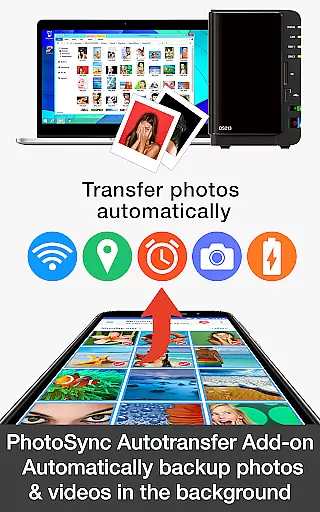


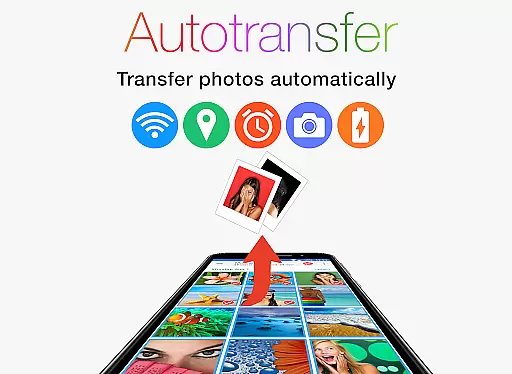
PhotoSync Autotransfer Add-On is an advanced activation license that enhances the free version of PhotoSync by adding automatic wireless photo and video backup capabilities while removing ads. This add-on allows users to effortlessly back up their media files in the background to computers, private clouds, NAS devices, and supported cloud services. With five configurable triggers including Wi-Fi access points, geolocation, time schedules, device charging, and taking photos, it ensures seamless synchronization tailored to user preferences.
The application stands out as a reliable cross-platform solution with native support for Android, iOS, Windows, and Mac. Having been on the market for 10 years, it has garnered over 10,000 positive reviews and millions of successful photo transfers. Users benefit from total control over their data with fully customizable settings, making it an ideal choice for those seeking secure and automated media management.
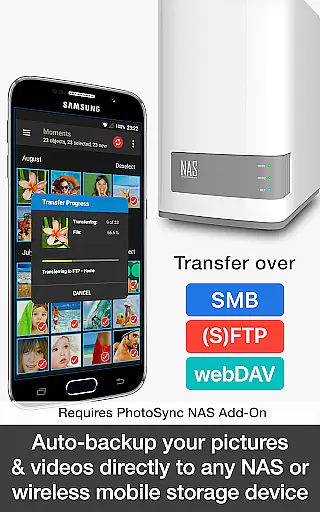
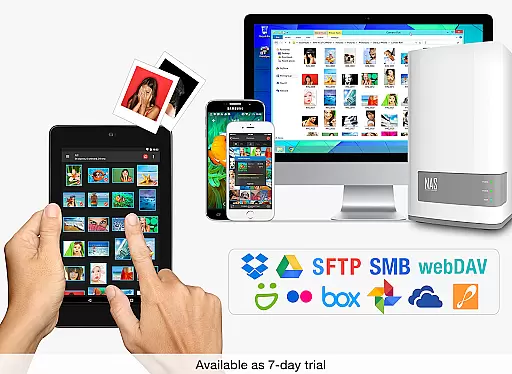
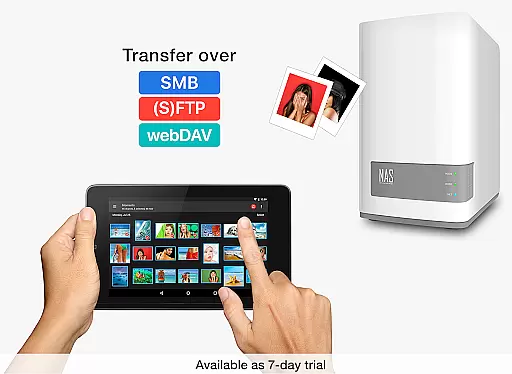
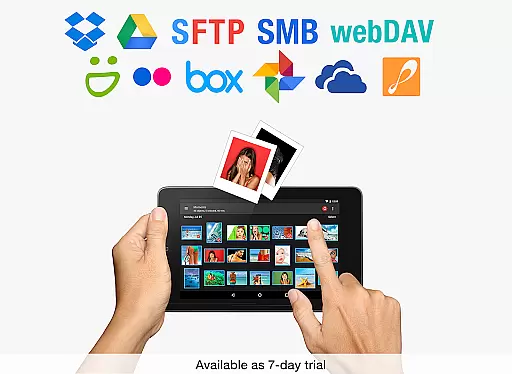
PhotoSync Autotransfer Add-On offers a comprehensive suite of features designed to streamline photo and video backups. The core functionality revolves around its ability to automatically transfer media files wirelessly in the background. This includes direct backups to computers via WiFi or Portable WiFi Hotspot, uploads to NAS devices using protocols like SMB, (S)FTP, or WebDav, and integration with popular cloud services such as Dropbox, Google Drive, and more through additional add-ons.
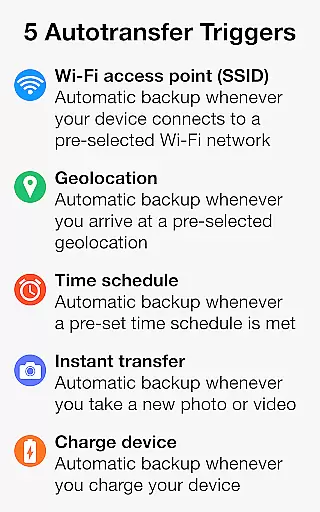
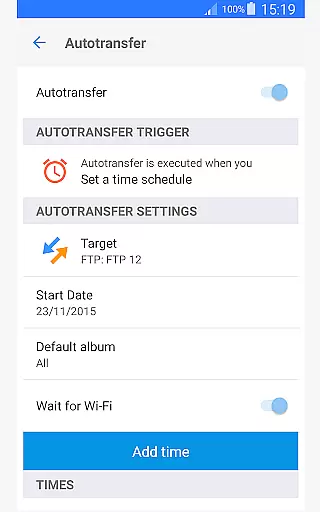
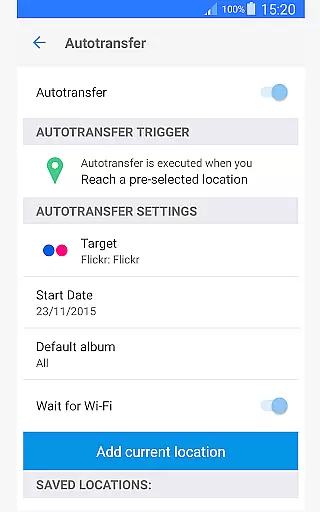
One of the standout aspects is the availability of five autotransfer options. These include instant transfers when new pictures are taken, WiFi-based transfers when connected to specific networks, location-based transfers upon reaching predefined geolocations, trigger-based transfers when the device is charged, and scheduled transfers based on preset times. Each option provides flexibility and convenience, ensuring users can tailor the app's behavior to suit their lifestyle and needs.
Real-time capture and preview functionality is essential for ensuring that every photo or video taken meets the desired quality standards. PhotoSync Autotransfer Add-On excels in this area by providing users with reliable auto-backup features that work seamlessly in the background.
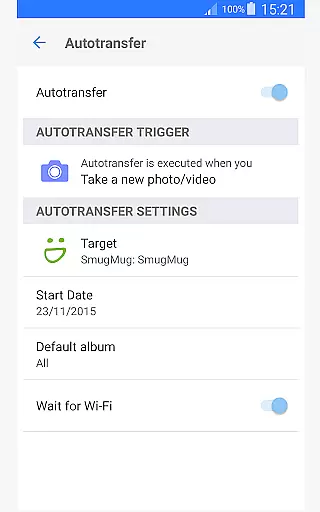
This application automatically backs up photos and videos directly from an Android device to various destinations such as computers, private clouds, and NAS systems. The instant transfer feature activates backup processes the moment a new picture or video is taken, ensuring no data is lost and everything is captured in real time.
Users benefit from having their media files securely transferred without any manual intervention, allowing them to focus on capturing moments rather than managing files. This seamless integration ensures that all media is instantly available across devices, enhancing productivity and peace of mind.
While PhotoSync Autotransfer Add-On does not specifically focus on AI beauty and enhancement features, it offers robust solutions for ensuring the naturalness and quality of transferred media. The core strength lies in its ability to safely upload photos and videos to any NAS, wireless mobile storage, or cloud services without compromising the original quality.
The application supports multiple protocols like SMB, (S)FTP, and WebDav, ensuring that files retain their natural state during transfers. This protocol support is crucial for photographers and videographers who require consistent quality across different platforms and devices.
By removing ads and offering customizable options, PhotoSync provides an uninterrupted and tailored experience, focusing on delivering pristine media files. Users can trust that their valuable content is handled with care, maintaining its authenticity and integrity throughout the entire backup process.
User-friendly interface
Secure cloud integration
Customizable backup options
Cross-platform compatibility
Reliable performance
Requires additional add-ons for full functionality
Premium cost for advanced features
Limited free version capabilities
Occasional sync delays
Complex setup for beginners

AI portrait generator and polaroid AI selfie, fun AI generated AI photo creator!
 4.30
4.30
All-in-One Editor & AI Photo Enhancer, Beautify & Retouch, Collage, Cartoonify
4.20
Shooting photos and records video easily and efficient with professional Camera
4.30
Pet Camera
3.70
Create collages easily! Nice pic collage maker & background eraser for Instagram
4.50
AI photo editor with hair editor, retouch tools, hair color changer & filters!
4.50
Photo Exif Editor allows to view, add and modify EXIF data of multiple photos
4.50
Professional quality photo edits with the new Snapseed.
4.00
RAW video capture with advanced controls
4.40
Collage your moments in one tap: 1000+ layouts, filters, stickers, and texts.
4.90
Easily view, share, delete photos with Gallery.
4.70
Your personal guide to the sun and moon. Plan ahead, visualize and predict!
4.70
Viewfinder, Light meter, Reciprocity failure time, DOF & Bellows Extension
4.60
Enhance, retouch & create your story - Share the moment with Photoshop Express.
4.60
Easily create custom gifts, cards, photo books & more on the Shutterfly app!
4.60
Use AI Video Generator to turn your words to ai generated videos.
4.50
How would you look like with a differently shaped nose, chin or lips?
3.90
USB Storage Access for Photos, Videos, Music and Documents
3.80
Professional video recording application with manual controls for filmmakers!
2.80


User Reviews