
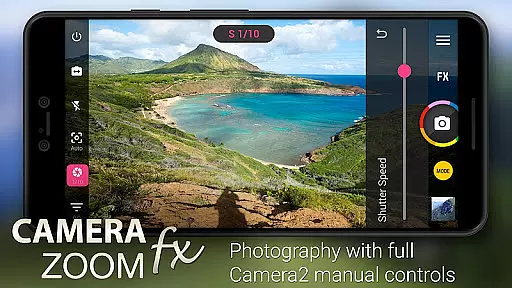
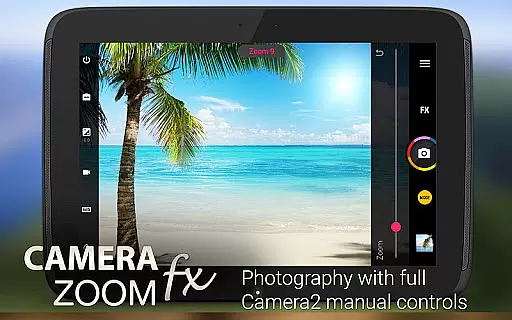
Camera ZOOM FX Premium is a feature-rich photography app that transforms your Android device into a professional-grade camera. With advanced manual controls and Camera2 API support, it offers DSLR-level functionalities such as ISO adjustment, focus control, and shutter speed settings.
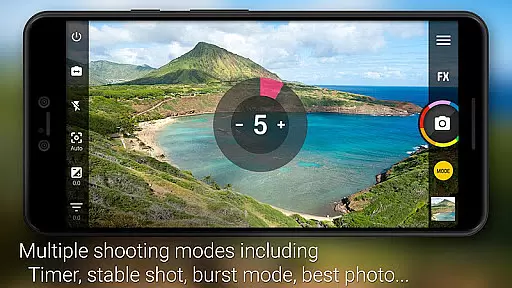
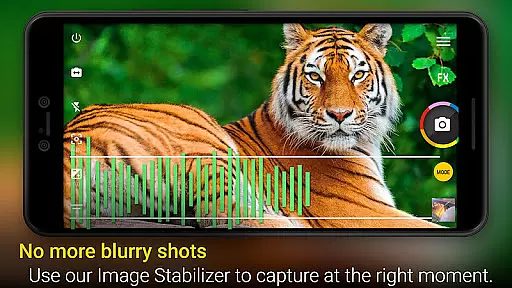
The app stands out with its powerful shooting modes including Stable Shot, Timer, HDR Mode Pro, and Time Lapse. Users can also enjoy creative features like photo filters, collage maker, and live effects. Whether you're capturing action shots or composing artistic photos, this app provides the tools needed for stunning results.
Perfect for photography enthusiasts who want to maximize their smartphone's camera capabilities, Camera ZOOM FX Premium delivers professional-quality photos with ease and precision.
Camera ZOOM FX Premium boasts an impressive array of features designed to enhance mobile photography. The app supports RAW capture on compatible devices, giving photographers greater flexibility in post-processing. Its manual controls allow precise adjustments of ISO, shutter speed, and focus distance.
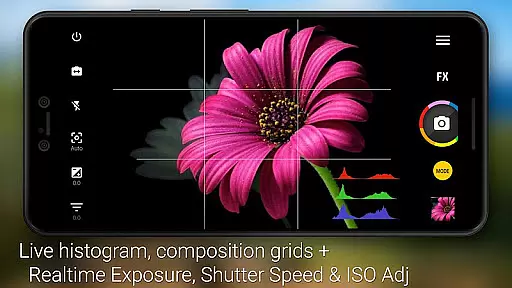
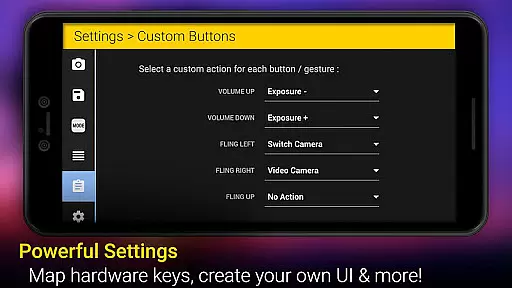
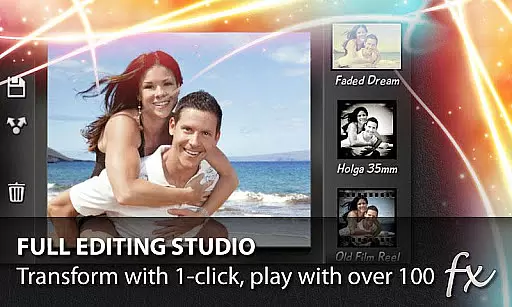
Unique combination modes let users pair different shooting functions, such as timer with HDR or stable shot with timelapse. The app's interface is highly customizable, allowing users to arrange button order and assign specific actions to hardware buttons. With over 100 effects including Vignette, Retro, and Bokeh, plus professional tools like 360 Horizon level and grid overlays, the app caters to both creative and technical photography needs.
Additional features include silent camera mode, multiple flash options, scene modes, and a widget for quick access to photos. The app also offers free downloadable packs for added creativity.
Real-time capture and preview functionality is essential for ensuring that users can take high-quality photos with precision. Camera ZOOM FX Premium offers a robust set of features that enhance the photography experience through real-time feedback.
This app provides users with manual DSLR-like controls, including the ability to adjust ISO, focus distance, exposure, and shutter speed in real time. These adjustments are immediately reflected in the camera preview, allowing photographers to fine-tune their settings before capturing the perfect shot.
Additionally, the app supports RAW capture on compatible devices, giving professionals the flexibility to edit images without losing quality. The inclusion of stable shot technology ensures that even action shots come out clear and sharp, providing an advantage in dynamic shooting environments.
With its intuitive interface and customizable button layout, Camera ZOOM FX Premium empowers users to optimize their workflow and capture stunning images with confidence.
AI beauty and enhancement features have become increasingly popular in mobile photography, offering users the ability to improve their photos effortlessly. Camera ZOOM FX Premium leverages advanced AI algorithms to provide natural-looking enhancements without compromising image authenticity.
The app includes a variety of photo filters and effects such as Vignette, Retro, Holga, Bokeh, Lomo, and Hipster styles. These filters are designed to enhance the visual appeal of photos while maintaining a realistic appearance. Users can apply these effects in real time, seeing the results instantly in the camera preview.
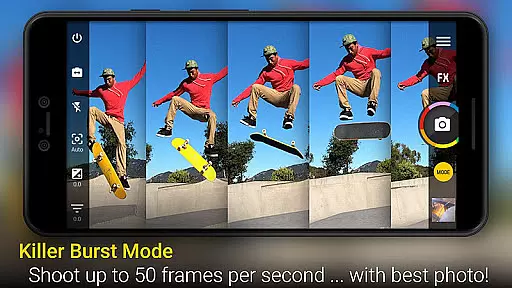
One standout feature is the Best Photo Mode, which allows users to select their favorite from multiple shots. This mode uses AI to analyze and recommend the best possible image based on various criteria like focus and composition.
Furthermore, the app's AI-powered stabilization ensures that photos taken in low-light conditions or at night remain clear and vibrant. By combining powerful AI tools with user-friendly controls, Camera ZOOM FX Premium delivers professional-grade enhancements that feel both natural and effortless.
Professional-grade controls
Extensive effect library
Customizable interface
Fast burst mode
RAW image support
Complex for beginners
Some features device-specific
Interface may feel cluttered
Occasional stability issues
Premium price point

Effortlessly organize, view and share your photos & videos with Gallery app!
 4.40
4.40
Photo Album Watch Face shows your favorite pictures as a Watchface.
1.90
Search, tag and rate your way to an organized image gallery
4.40
Create & Edit with AI: AI Remove, Enhance, Retouch, Filter
4.10
Superimpose one photo on top of another using the original Superimpose app!
3.20
Astrophotography with your smartphone, photo live stacking and much more!
3.90
A light meter for true photographers.
4.20
Try an anime version, cartoon yourself, and generate AI hug or aging videos!
3.70
Edit photos with the picture generator: PS2 & AI Clay filters, cartoon effects.
4.50
Find time and duration of different sunlight phases at any location
4.90
A collection of tools and reference tables for DPs, ACs, DITs and Operators.
4.70
Android Native system HD camera app. Never been so simple and faster.
4.70
1M influencer's special filter
4.60
Unblur, enhance & restore photos with powerful AI photo enhancer tools.
4.60
Easily stitch panoramas from multiple photos or video.
4.40
Future baby face generator: AI kids generator, kid face! What my baby look like?
4.40
All-in-One Editor & AI Photo Enhancer, Beautify & Retouch, Collage, Cartoonify
4.20
Luminar: Photo Editor - easy picture editing with AI
4.20
Remote control the phone camera shutter from your smartwatch and take a picture
1.60


User Reviews