
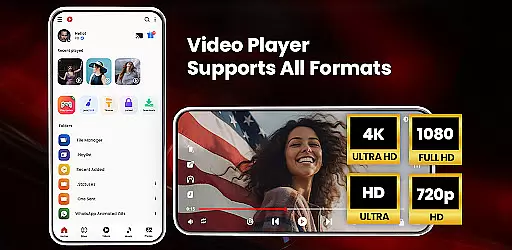

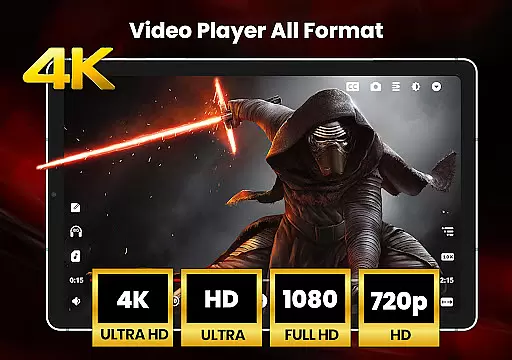
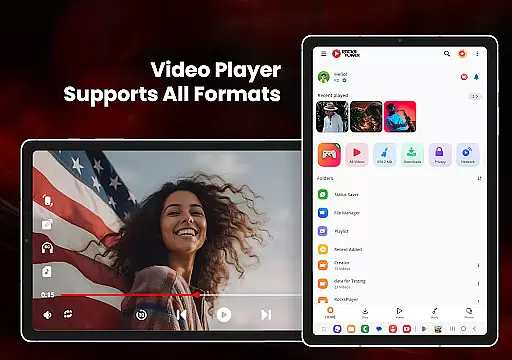
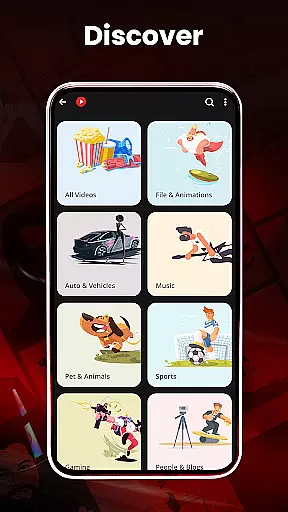
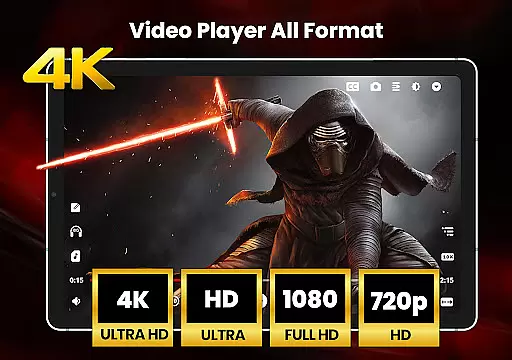
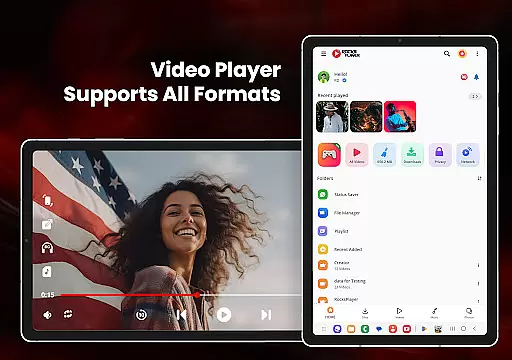

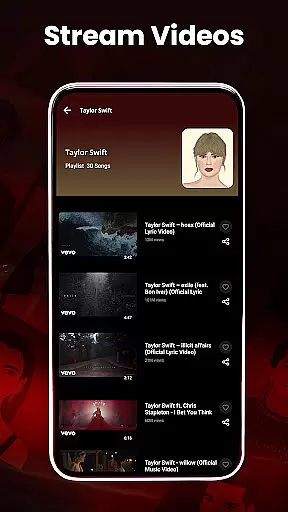
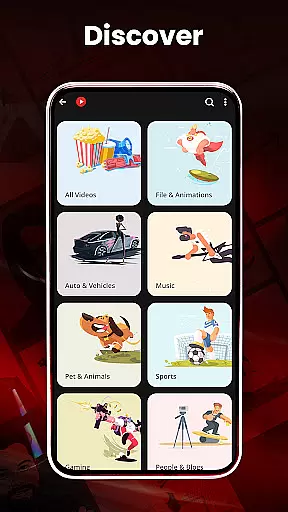
HD Video Player All Formats is a versatile media player designed for Android users who need comprehensive support for various video and audio formats. This powerful app supports playback of HD, Full HD, 4K, and Ultra HD video files, making it an ideal choice for users with diverse media libraries. The player includes advanced features such as hardware acceleration through the new HW+ decoder, ensuring smooth playback even for high-resolution content.
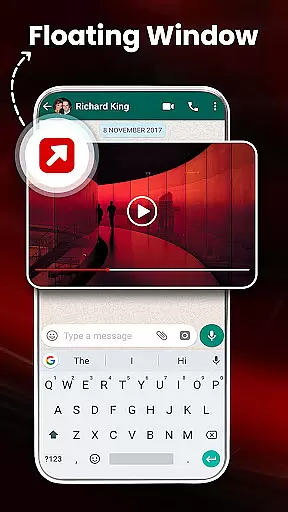
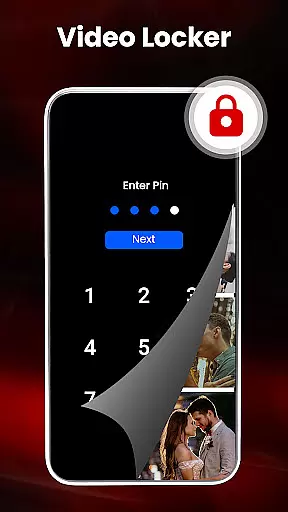
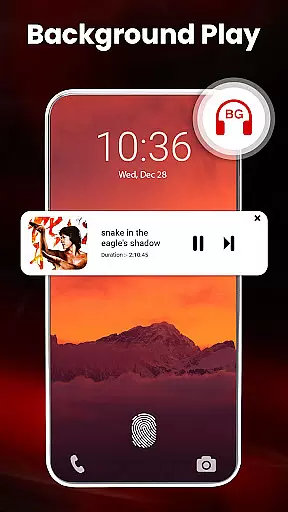
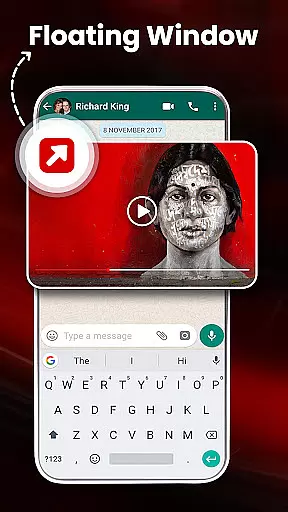
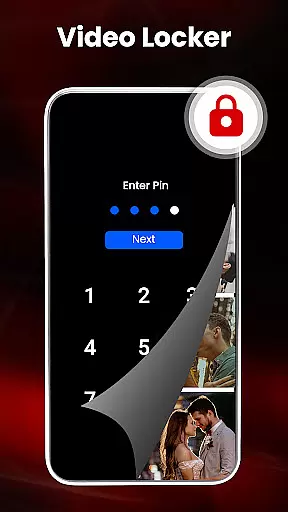
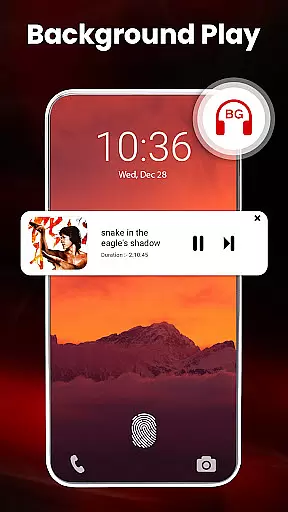
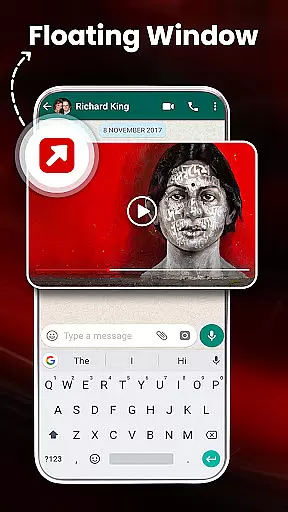
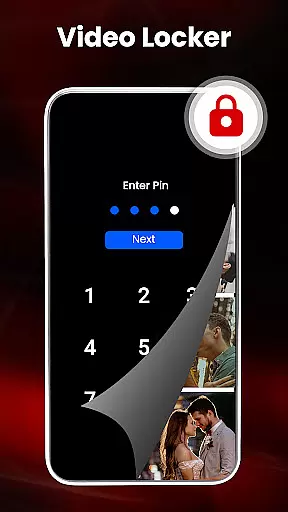
Beyond basic playback, the app offers integrated file management capabilities including a built-in video downloader, media organizer, and playlist creator. Users can enjoy enhanced viewing experiences with features like pop-up window playback, split-screen mode, and background audio playback. The inclusion of privacy-focused tools like video locker and hider functionality adds extra security for personal media files. These comprehensive features make HD Video Player particularly valuable for users seeking an all-in-one media solution.
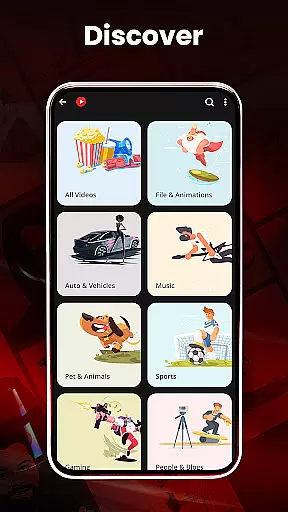
The application's utility extends to social media enthusiasts through its integrated video downloading capabilities for platforms like Facebook and Instagram. With additional features such as night mode, gesture controls, and a powerful equalizer, this video player caters to both casual viewers and power users. Its ability to automatically scan devices for media files and organize them efficiently makes it especially useful for managing large collections of videos and music files across different storage locations.
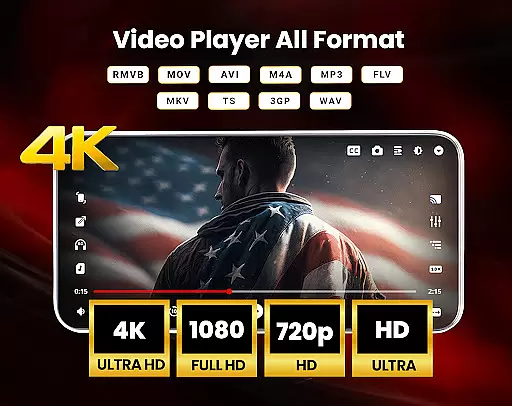
HD Video Player All Formats distinguishes itself through an extensive array of features that cater to diverse user needs. The application supports an impressive range of video formats including MKV, MP4, M4V, MOV, 3GP, FLV, WMV, TS, MP3, and MPG, ensuring compatibility with virtually any media file type. Its advanced hardware acceleration capabilities, powered by the new HW+ decoder, enable seamless playback of high-resolution content up to 4K quality.
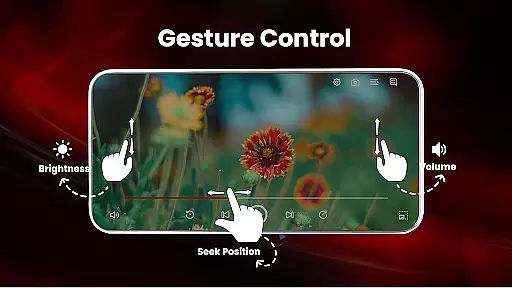
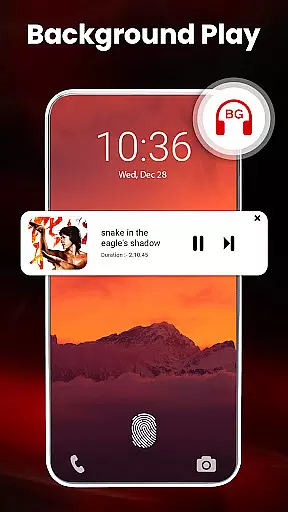
The player incorporates several innovative playback options that enhance user experience. These include smart gesture controls for adjusting volume, playback progress, and brightness, alongside sophisticated display management features like pinch-to-zoom, auto-rotation, and aspect ratio adjustment. The implementation of floating video player functionality allows users to multitask effectively, while the background playback feature enables audio-only listening when needed.
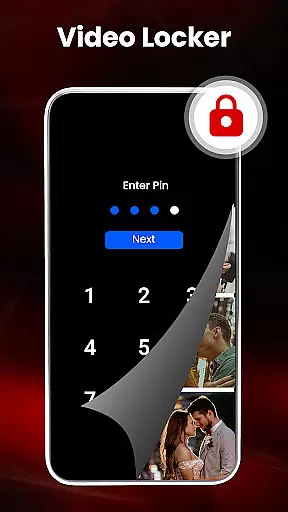
Security and organization are prioritized through multiple specialized tools. The video locker and hider functionality provides robust protection for private media files, while the integrated file manager helps users efficiently organize their media libraries. Additional features such as duplicate file scanning, automatic SD card scanning, and playlist management contribute to a comprehensive media management solution. The inclusion of a powerful equalizer with bass boost and virtualizer further enhances audio playback quality, making this application suitable for audiophiles as well as video enthusiasts.
Video format compatibility is a crucial feature for any video player, ensuring that users can enjoy their media files without restrictions. HD Video Player All Formats excels in this area by supporting an extensive range of formats including MKV, MP4, M4V, MOV, 3GP, FLV, WMV, TS, MP3, and MPG.
This comprehensive support allows users to play videos and songs in various resolutions such as HD, Full HD, 4K, and Ultra HD seamlessly. The inclusion of popular formats ensures that no matter the source of your media, you can rely on this player to handle it with ease.
Moreover, the app's ability to cast videos to TV from an Android phone adds another layer of convenience. This feature enables users to enjoy their content on larger screens without worrying about format limitations.
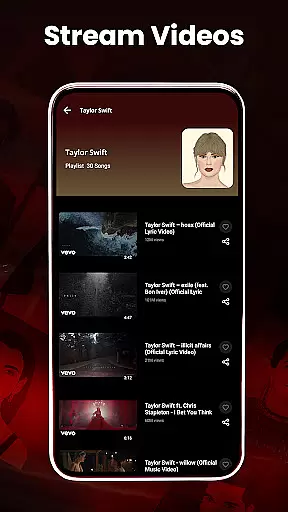
The built-in video downloader further enhances the experience by allowing users to download videos from social media platforms like Facebook and Instagram, knowing they will be playable within the app. With these capabilities, HD Video Player All Formats stands out as a versatile tool for managing and enjoying multimedia content.
While HD Video Player All Formats primarily focuses on playback, its AI-powered editing features provide additional value for users looking to enhance their media. One notable feature is the automatic scanning and filtering of duplicate files, which helps maintain an organized library and saves storage space.
The app also includes smart gestures that allow users to control volume, playing progress, and brightness intuitively. These gestures represent a form of AI enhancement that improves the overall user experience by making navigation more fluid and responsive.
Furthermore, the video hider and gallery vault functionalities offer privacy protection through intelligent categorization and secure access to personal media files. Users can encrypt and decrypt files using a secure pin, adding an extra layer of security managed by the app's algorithms.
Although not traditional editing tools, these AI-driven features contribute significantly to efficient media management and personalized viewing experiences. They demonstrate how artificial intelligence can be integrated into a video player to create a more sophisticated and user-friendly application.
User-friendly interface
Wide format support
Advanced security features
Efficient file management
High-quality playback
May drain battery faster
Some features require permissions
Interface may feel complex
Occasional ads in free version
Large app size

Client application for NextPVR software
 3.00
3.00
Cast Videos from Web Browser, IPTV to Roku, Chromecast, DLNA, Smart TV +more
4.60
Tik & Story Saver-Download ALL social media videos, photos & reels no watermark.
4.80
Cast to Smart TV, Fire TV. Cast video, photo - Fast & Stable!
3.90
Manage your IPTV live channels and VOD playlists (no playlist included)
3.80
All in one multi protocols stream receiver for AirPlay, Cast and DLNA.
3.60
Browser for Samsung TV to stream webvideos, online movies and livestreams in HD
4.10
Download Hub, easy and private way to download and enjoy your videos offline
4.80
Enjoy your favorite videos and channels with the official YouTube app.
3.90
GENRAL PRO - General Pro is the best video player that fully supports all formats.
4.70
Support 1000+ Video Format, Subtitle Download, mp3 & Background Play, Cast On TV
4.60
Seamlessly connect and control your smart devices, anytime, anywhere with ease.
4.60
Fast & easy HD video downloader for all formats, support 4K playback & download.
4.60
Watch IPTV on your Android device
4.60
Browser + Remote for Roku to stream webvideos, online movies and livestreams
4.60
LumaFusion: The Ultimate Storytelling Experience for Video Editing
4.10
Kodi media center, a free and open source cross-platform entertainment hub
3.60
Mix with Virtual DJ directly from your phone or tablet !
3.10
Stream high quality video from your camera over NDI protocol
4.3


User Reviews