
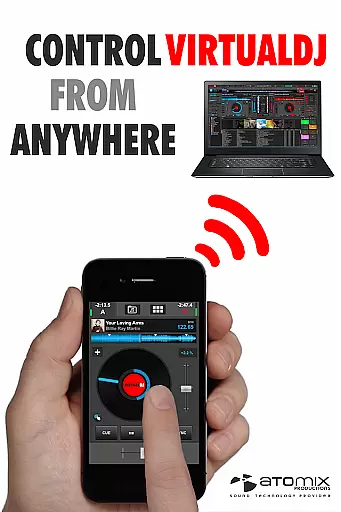
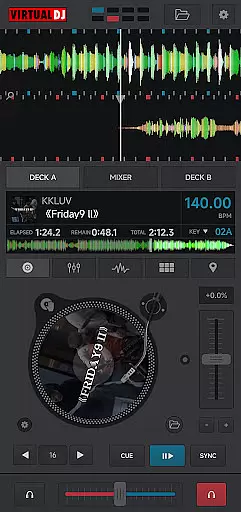
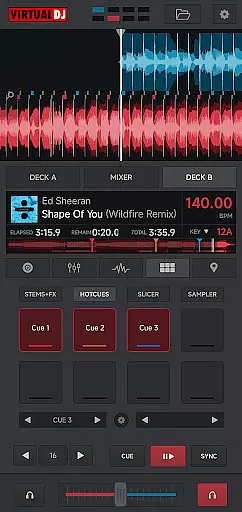
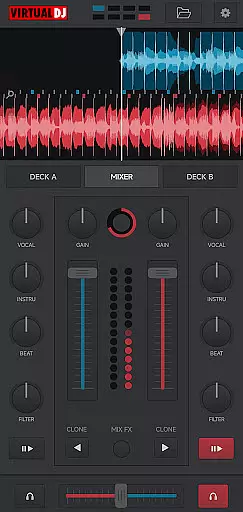
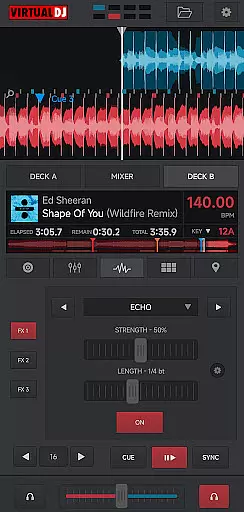
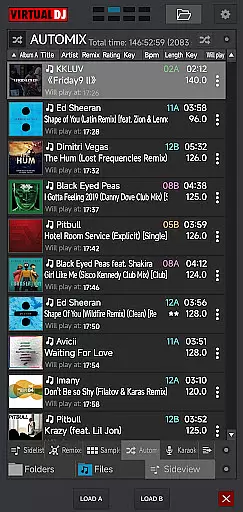
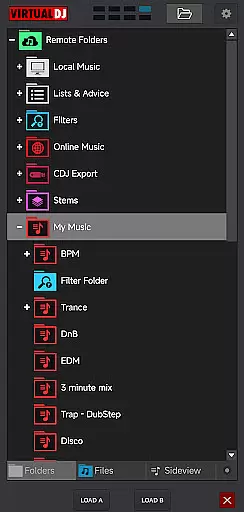
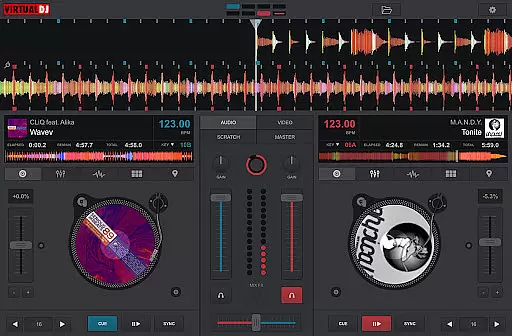
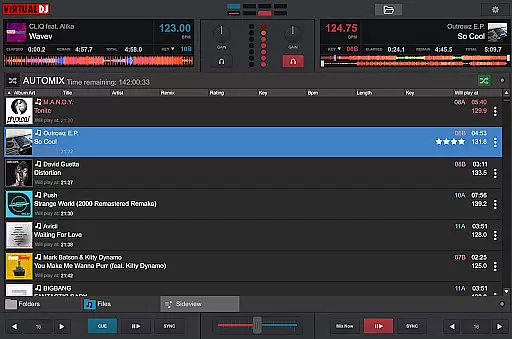
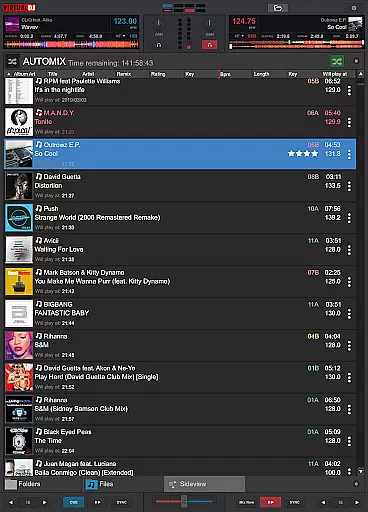
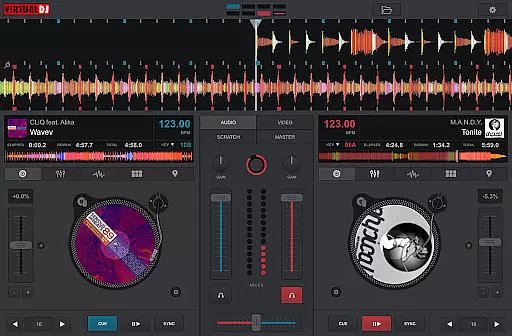
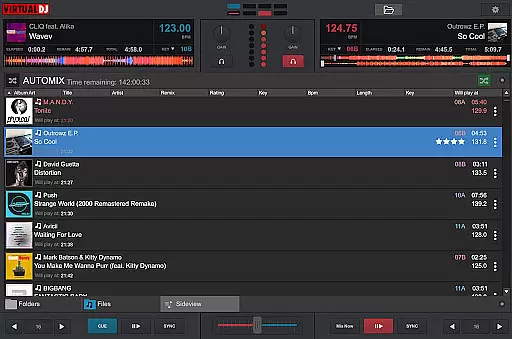
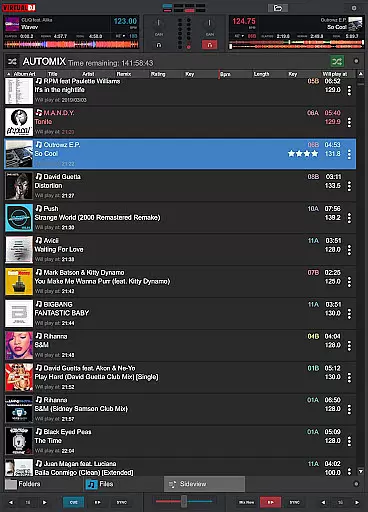
VirtualDJ Remote is a powerful application that allows DJs to control VirtualDJ software directly from their mobile devices. Designed for both professional DJs and music enthusiasts, this app transforms your phone or tablet into an advanced DJ controller. Through a simple WiFi connection, users can seamlessly operate VirtualDJ on their computer, enabling wireless mixing, scratching, and monitoring of audio sessions.
The app supports the full range of VirtualDJ's capabilities, including beat mixing, effects, video mixing, and more. Whether you're using your device as a virtual turntable or managing a complete gig setup, VirtualDJ Remote provides maximum versatility through customizable skins. These skins allow users to tailor the interface to their specific needs, offering unlimited creative possibilities for live performances.
This application is particularly useful for modern DJs who want to maintain mobility while performing. By connecting to the VirtualDJ software running on a PC or Mac, users can enjoy a reliable and professional-grade DJ experience without being tied to their laptop. The app also facilitates easy audio configuration, as sound output is managed through the connected computer.
VirtualDJ Remote stands out with its extensive feature set tailored for professional DJs. One of its key features is the ability to connect wirelessly over a WiFi network, allowing users to control VirtualDJ software from a distance. This includes automatic connection when using an existing WiFi network or manual setup through an ad-hoc connection by entering the device IP address in the VirtualDJ software.
The app supports all core functionalities of VirtualDJ, such as beat mixing, effects processing, sampler controls, and video mixing. It enables users to mix music videos and broadcast their sessions live on internet radios. Additionally, it offers advanced features like LiveFeedback, which provides personalized advice on what to play next based on audience reactions.
Customization is another major advantage of VirtualDJ Remote. Using the popular VirtualDJ skin SDK, users can create or download custom skins to modify the interface according to their preferences. This flexibility allows for specialized setups like effect tables, sampler pads, or complete controller interfaces. With support for up to 99 simultaneous decks, the app caters to even the most complex DJ setups.
VirtualDJ Remote supports a wide range of video formats, ensuring that DJs can mix and play virtually any file they have in their library. This flexibility is crucial for professional DJs who need to adapt to different performance environments.
The application leverages the processing power of the connected computer to decode and render various video codecs. This means users can seamlessly work with common formats like MP4, AVI, and MKV, as well as more specialized ones, without worrying about conversion or compatibility issues.
By supporting high-resolution video playback, VirtualDJ Remote allows users to deliver stunning visual performances. Whether it's HD or 4K content, the app ensures smooth rendering and synchronization with audio tracks.
This versatility in video format handling enables DJs to focus on their creative process rather than technical limitations, making their workflow more efficient and their performances more dynamic.
While primarily a DJ performance tool, VirtualDJ Remote incorporates AI-powered features that enhance the video editing and mixing experience. These intelligent tools help DJs create more engaging and professional-looking visuals during their sets.
The application uses advanced algorithms to analyze video content and automatically suggest suitable effects and transitions. This feature is particularly useful when working with multiple video sources, as it streamlines the mixing process and helps maintain visual consistency throughout the performance.
VirtualDJ Remote's AI capabilities extend to beat-matching video elements with audio tracks, creating perfectly synchronized multimedia experiences. The system intelligently detects tempo and rhythm patterns, allowing for seamless integration of visual elements with music.
These AI-powered features not only save time but also open new creative possibilities for DJs, enabling them to produce sophisticated video mixes even without extensive editing experience.
User-friendly interface
Wireless control capability
Extensive customization options
Supports advanced DJ features
Compatible with VirtualDJ software
Requires separate VirtualDJ software
Dependent on stable WiFi connection
Limited standalone functionality
Interface may overwhelm beginners
Advanced features need technical knowledge

Your media, on your terms.
 4.10
4.10
Snaptubè Video Downloader app allows to download videos and music in Snaptube. .
4.60
Search & download videos from net with all video downloader, auto-detect & safe.
4.60
AirMirror Receiver - Screen mirroring/cast web videos to Android TV by AirPlay.
4.40
GENRAL PRO - General Pro is the best video player that fully supports all formats.
4.70
Play and download HD videos from all sources — fast, simple, and all-in-one.
4.1
Powerful Video Editor & Photo Editing App —— Quick Edits & Stunning Effects!
4.30
Cast to Smart TV, Fire TV. Cast video, photo - Fast & Stable!
3.90
This app is an emulator of some specific IPTV boxes
3.50
An easy-to-use and all-round screen recorder with audio
4.80
Create photo video with music & template. AI video maker for stunning slideshow.
4.60
Fast & easy HD video downloader for all formats, support 4K playback & download.
4.60
IPTV-Smarters Player Pro M3U - Watch Live Stream TV Channels with Chromecast
4.00
Connect 2 UVC devices for recording and broadcast video/audio stream
3.90
Save photos and videos from social apps in one tap.
3.60
AirMirror is Receiver for Screen Mirroring and Casting from Apple Devices.
3.60
Download videos easily & play them all in one smart, powerful video manager.
3.40
Client application for NextPVR software
3.00
Powerful HD video player with support for all formats & subtitles.
4.5


User Reviews