
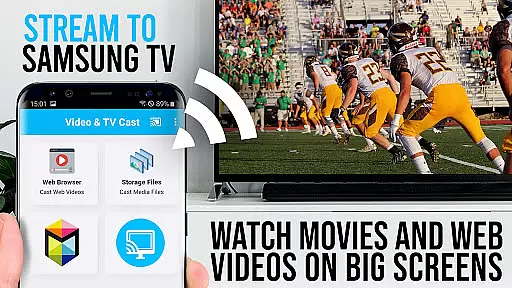
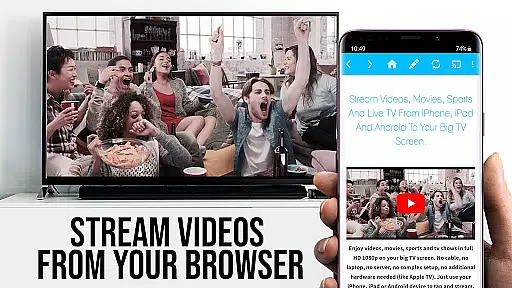
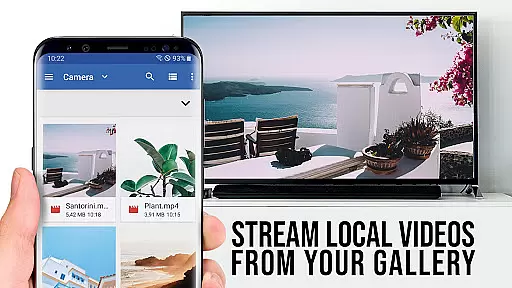

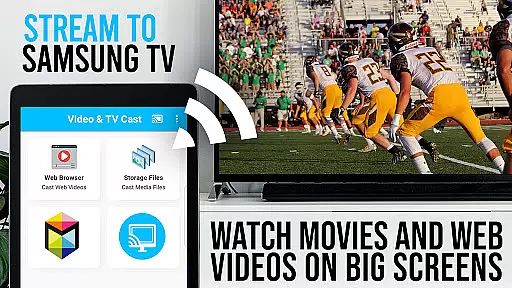
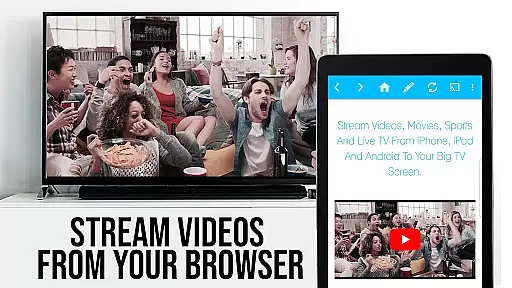
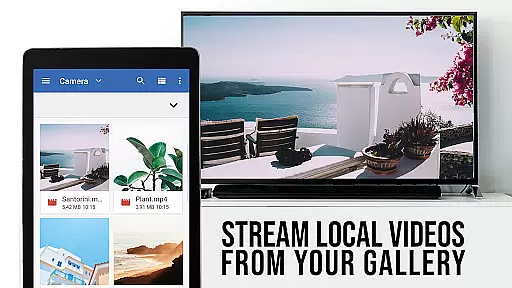

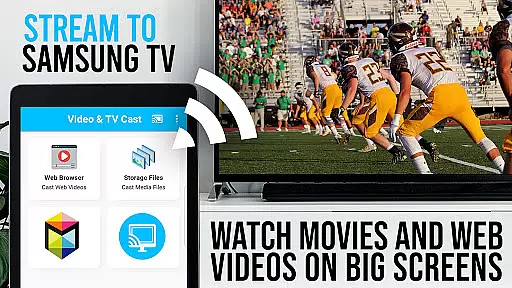
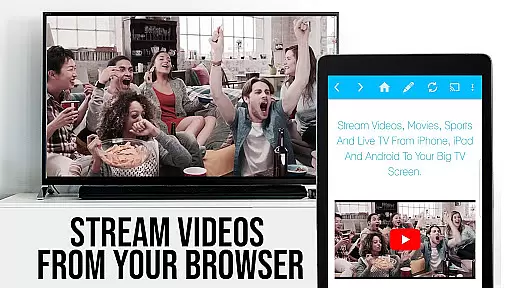
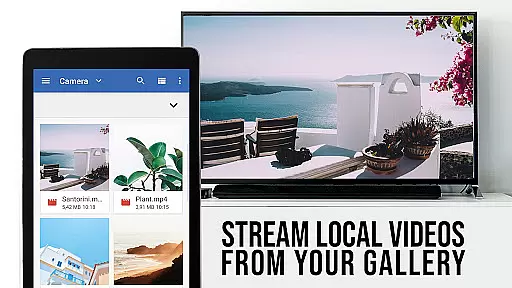

TV Cast Pro for Samsung TV is a premier application designed to enhance your streaming experience on Samsung Smart TVs and Blu-ray Players. This app allows users to cast web videos, online movies, livestreams, and live-TV shows directly to their largest screen without the need for an additional streaming box. Supporting formats like Mp4, m3u8, hls livestreams, video over https, and Full HD, it ensures high-quality playback. The PRO edition offers all premium features unlocked, catering to models from 2010 (C series) to 2017 (new M/MU/Q series).
With Video & TV Cast, you can browse the web and cast any video with a single tap to your Samsung TV or Blu-ray Player. It requires installing the free 'TV Cast' companion app from the Samsung App Store and entering the Android device's IP address using the Samsung Remote. While it doesn't support DRM-protected content like Flash video, Google Play Movies, Netflix, Amazon, and HBO, it provides comprehensive instructions and support options for troubleshooting.
The standout feature of TV Cast Pro is its ability to cast a wide variety of video formats directly to Samsung TVs and Blu-ray Players. Users can navigate to their favorite websites and send embedded videos effortlessly. The app supports formats such as Mp4, m3u8, HLS livestreams, and videos over https, ensuring broad compatibility. Additionally, the PRO version includes advanced functionalities like the Remote Playbar, which allows for video scrubbing, forward, rewind, play, pause, and stop controls.
Other notable features include an Ad-Blocker that removes ads and popups on most websites, a Bookmarks system for saving favorite sites, Desktop Mode to load desktop versions of websites, and the ability to set a personal homepage. These features collectively provide a seamless and customizable streaming experience, making it easy to enjoy web content on a big screen without interruptions or unnecessary limitations.
TV Cast Pro for Samsung TV stands out with its extensive video format compatibility, ensuring users can stream a wide variety of content without technical hindrances.
The app supports popular formats such as Mp4, m3u8, and HLS livestreams, allowing seamless playback of videos over https and in Full HD quality. This versatility makes it an invaluable tool for enjoying web videos, online movies, livestreams, and live-TV shows directly on Samsung Smart TVs and Blu-ray Players.
By eliminating the need for additional streaming boxes, the application simplifies the streaming process while maintaining high-quality output across different video formats. Users can confidently access their desired content, knowing that the app is designed to handle various streaming protocols efficiently.
This comprehensive format support empowers viewers to make the most of their home entertainment systems, transforming any compatible Samsung TV or Blu-ray Player into a versatile media hub capable of displaying content in stunning detail and clarity.
While TV Cast Pro for Samsung TV focuses primarily on video streaming, it incorporates features akin to AI-powered editing through its advanced functionalities like the Remote Playbar and Ad-Blocker.
The Remote Playbar offers users advanced video control capabilities, including video scrubbing, forward, rewind, play, pause, and stop functions. These tools provide an interactive experience similar to video editing interfaces, allowing precise navigation and control over video playback on all supported Samsung Smart TVs.
In addition, the built-in Ad-Blocker enhances the viewing experience by intelligently blocking ads and popups on most websites. This feature not only streamlines content discovery but also minimizes interruptions, creating a more focused and enjoyable viewing session.
Together, these features create a smart, user-friendly environment that optimizes video playback and content management, bringing a level of sophistication to the viewer's interaction with their media library.
User-friendly interface
Wide format support
No additional hardware required
Premium features unlocked
Comprehensive ad-blocking
No DRM content support
Limited to Samsung devices
Requires companion app
Occasional connectivity issues
Advanced features need PRO version

You can play SWF format file!
 2.50
2.50
?100% FREE! Download & save videos? safely in this app. All formats supported.
4.60
Powerful HD video player with support for all formats & subtitles.
4.3
All format media Player, no need video converter any more!
4.00
Fast & easy HD video downloader for all formats, support 4K playback & download.
4.60
The essential companion to your Blue Iris PC software
2.50
This app is an emulator of some specific IPTV boxes
3.50
Browser for Fire TV to stream webvideos, online movies, livestreams in HD
4.40
Cast movies, tv shows and live streams to Chromecast, Roku, DLNA, Fire TV & more
4.60
GENRAL PRO - General Pro is the best video player that fully supports all formats.
4.70
VLC Remote lets you control your VLC Media Player on Mac, PC or Linux.
4.60
KineMaster, Your Ultimate Video Editor!
4.40
Powerful Video Editor & Photo Editing App —— Quick Edits & Stunning Effects!
4.30
LumaFusion: The Ultimate Storytelling Experience for Video Editing
4.10
IPTV-Smarters Player Pro M3U - Watch Live Stream TV Channels with Chromecast
4.00
1)AirPlay/DLNA Mirroring/Streaming, up to 4 connections; 2)Samba/NAS/DMS Player.
4.00
Download videos easily & play them all in one smart, powerful video manager.
3.40
IPTV Player - Watch live TV from m3m & m3u8 playlist, stream IPTV on mobile
3.30
Video player with powerful streaming playback and various convenient features.
2.10


User Reviews