
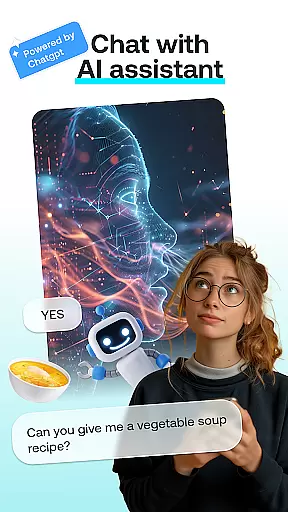
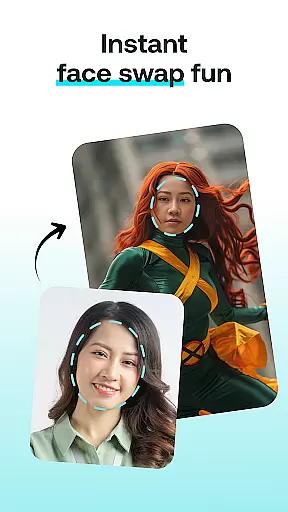
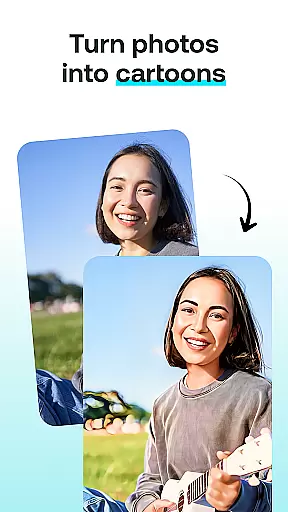
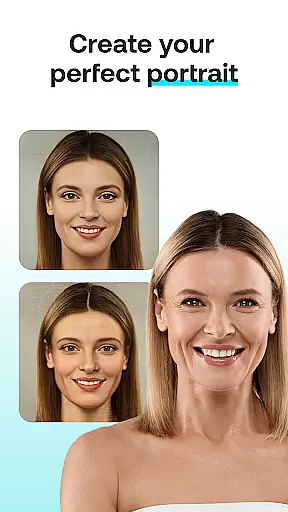
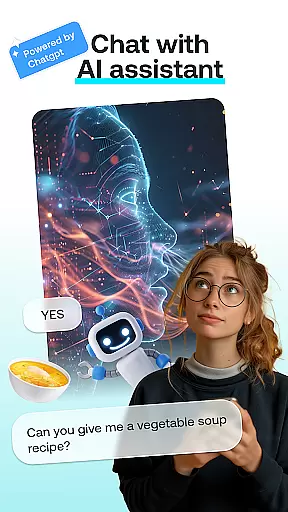
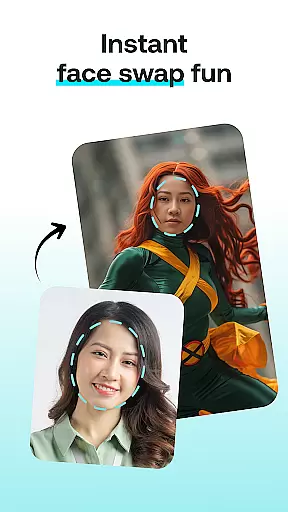
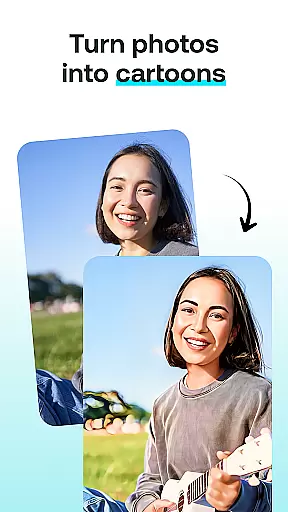
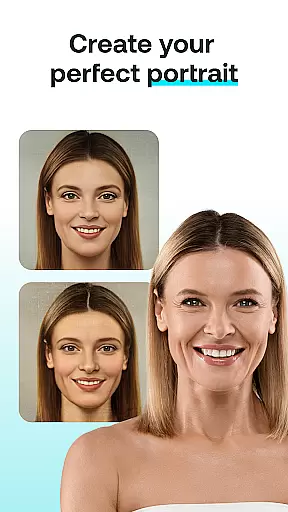
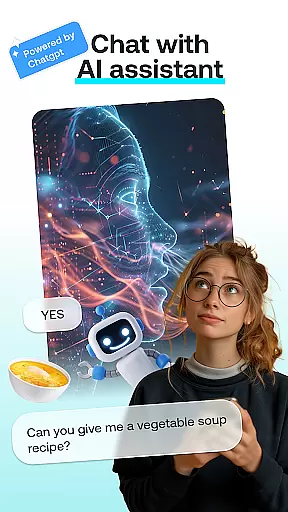
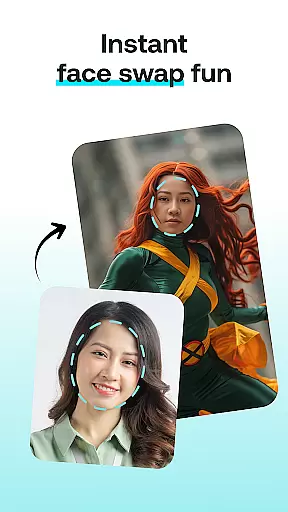
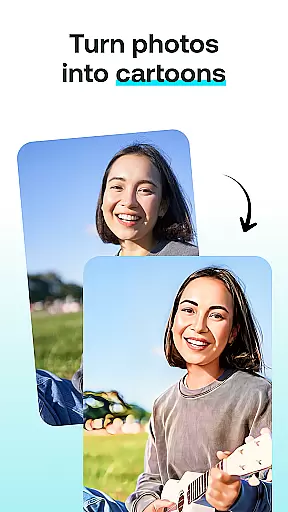
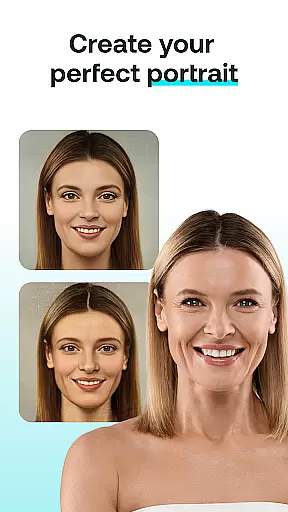
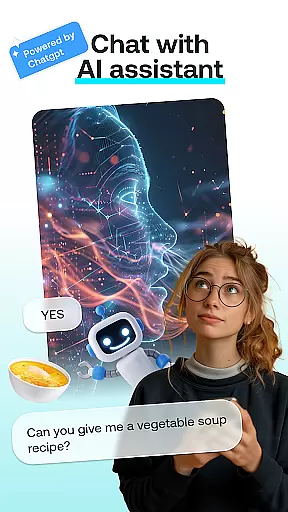
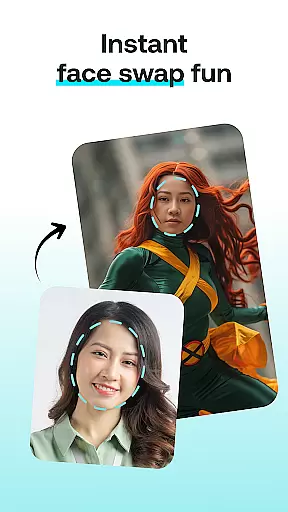
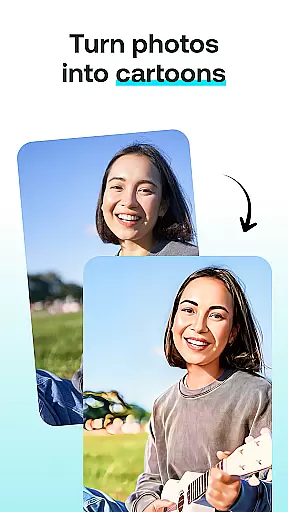
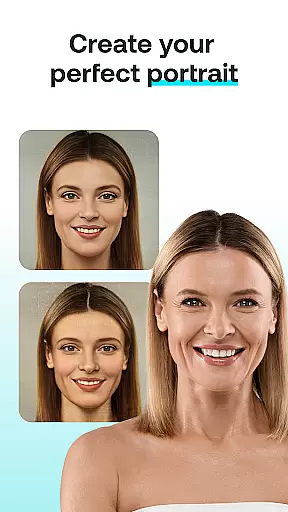
AI Chat: Chatbot Assistant is an innovative app that brings together the best of AI-driven conversations and creative tools in one place. Designed for both entertainment and productivity, this app allows users to engage in intelligent discussions with advanced AI chatbots powered by ChatGPT GPT-4 & GPT-4o. Beyond just chatting, it offers a suite of artistic features including Face Swap, Cartoon Effect, Portrait Maker, and AI Paintings.
The app's core strength lies in its ability to transform everyday interactions into creative experiences. Whether you're looking to have a meaningful conversation, swap faces in photos for fun, or turn your pictures into cartoon-like images, AI Chat has got you covered. It caters to a wide audience from AI enthusiasts to casual users seeking entertainment, making it versatile and user-friendly.
One notable use case is its application in social media content creation. Users can generate engaging visuals and personalized portraits that stand out on platforms like Instagram or TikTok. The combination of powerful AI technology with intuitive design ensures that anyone can create professional-quality content without needing specialized skills, thus enhancing their digital presence effortlessly.
AI Chat stands out with its diverse range of features designed to cater to various creative needs. At the heart of the app is the AI Chat module, which leverages cutting-edge ChatGPT GPT-4 & GPT-4o technology to deliver insightful and entertaining conversations. This feature not only assists with advice and information but also sparks creativity through interactive dialogue.
Beyond chatting, the app offers unique photo editing tools such as Face Swap and Cartoon Effect. Face Swap lets users exchange faces in photos, creating hilarious or impressive images in seconds. Meanwhile, Cartoon Effect transforms regular photos into whimsical cartoon representations, adding a playful touch to any image. These features are perfect for those who enjoy experimenting with visual content.
For more artistic endeavors, Portrait Maker and AI Paintings provide advanced options for crafting stunning visuals. Portrait Maker helps design realistic or abstract portraits with ease, while AI Paintings allow users to visualize thoughts as beautiful artworks. Each tool is engineered to be intuitive, ensuring users can achieve professional results effortlessly regardless of skill level.
In the realm of digital creativity, having a comprehensive suite of tools is paramount. AI Chat: Chatbot Assistant delivers an impressive array of features that cater to various creative needs. The app includes AI Chat for engaging conversations, Face Swap for playful image manipulations, Cartoon Effect for adding a whimsical touch to photos, and Portrait Maker for crafting detailed portraits.
Each tool within the app is designed with precision to ensure users can achieve professional-level results without needing advanced skills. For instance, the Cartoon Effect transforms ordinary photos into cartoon-like images with just a few taps, while the Portrait Maker allows for stunningly realistic or creatively abstract depictions. These robust functionalities empower users to explore different artistic expressions effortlessly.
The true value of these complete creative tools lies in their accessibility and versatility. Whether you're looking to have a fun chat, create art, or transform photos, AI Chat: Chatbot Assistant ensures that every feature is intuitive and user-friendly. This guarantees that both beginners and seasoned artists can enjoy seamless interactions and produce high-quality outputs every time they use the app.
Flexibility in canvas and format options is crucial for unleashing full creative potential. AI Chat: Chatbot Assistant excels in this area by offering versatile design capabilities. Users can choose from various modules such as AI Chat, Face Swap, Cartoon Effect, Portrait Maker, or AI Paintings, each providing unique ways to visualize thoughts and ideas.
The app supports multiple input methods including text entry, photo uploads, and style selections, allowing users to experiment freely. Want to turn a casual snapshot into a cartoon character? Or perhaps craft a personalized portrait with specific dimensions? AI Chat: Chatbot Assistant makes it possible with its adaptable canvas settings and diverse format compatibilities.
This flexibility not only enhances user experience but also broadens the scope of creative projects one can undertake. By ensuring that every tool and feature is designed to accommodate different preferences and requirements, AI Chat: Chatbot Assistant stands out as a powerful ally for anyone eager to explore their artistic side without being constrained by rigid formats or limited canvases.
User-friendly interface
Versatile creative tools
Advanced AI chatbot
High-quality transformations
Fun social sharing options
Limited free features
Requires internet connection
Premium subscription needed
Occasional ads in free version
Some tools may need improvement

AI generated images & photos, turn your words into drawing, painting & pictures.
 4.30
4.30
Create sweet, cool and unique couple avatars easily, in just a few steps!
3.40
See Color, Paint Color
4.90
Powerful home decoration & house design that allows you to design dream home.
3.80
Mobile pixel art editor. Simple. Fast. Portable.
4.80
Bring One UI 8.5 Icons to life -elegant dark icons with a modern, premium touch.
4.30
Inky runs Inkscape on Android devices and Chromebooks
2.90
Draw, make movies & animate cartoons easily with our 2D animation maker app
4.40
Explore future self face age filter & remove background image for a unique look.
3.50
Convert image to JPG PNG HEIC PDF, support almost all kinds of image formats
4.70
Digital, Abstract, Classic - all types of color wheels in one app!
4.60
Beauty Camera - Selfie Camera is the ultimate beauty camera and selfie app
4.30
Sketch, plan, take notes and illustrate on an infinite canvas.
4.20
Unleash the artist in you with our AR drawing and tracing tool for photo drawing
4.10
AR Anime Drawing: How to draw anime with AR drawing & sketching apps!
4.00
Paint with oils and sketch with natural tools on a realistic virtual canvas.
3.80
Draw anime easily with AR guidance, sketch templates & trace tools!
3.10
Premium version of Shimeji-ee app with no ads & no limit active shimeji
4.5
Art of Combination Wear OS Watch faces
4.4


User Reviews