
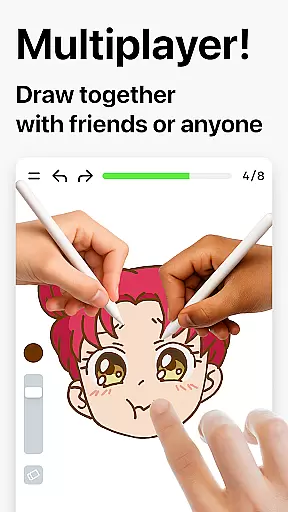
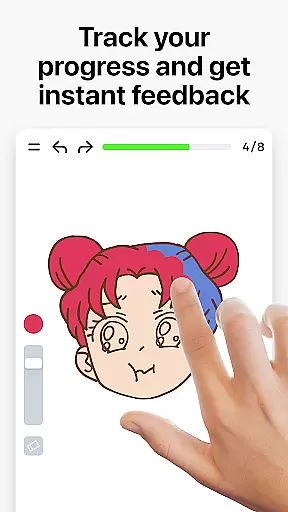
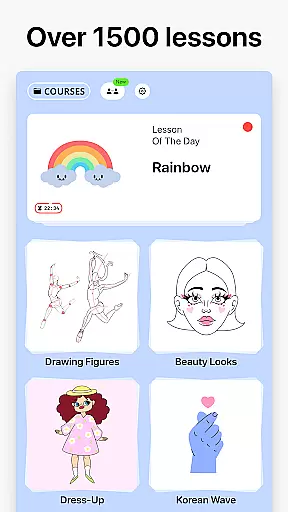

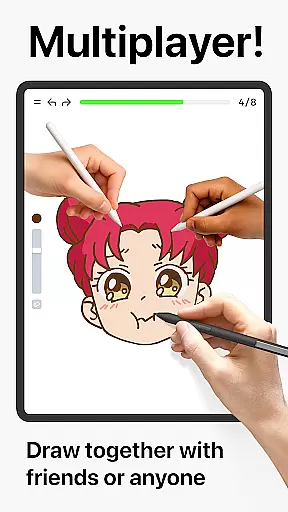
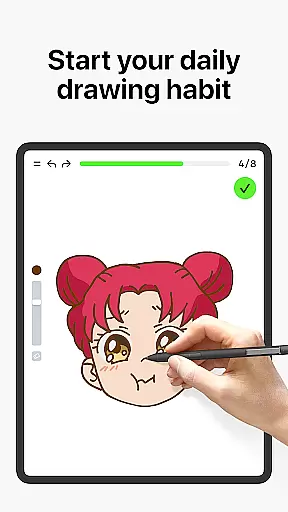
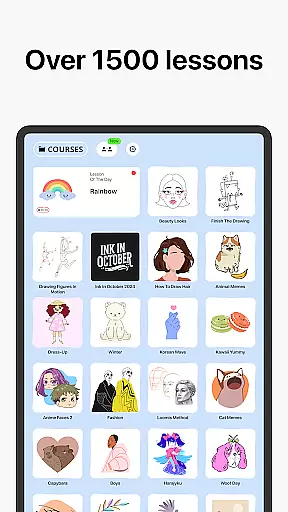


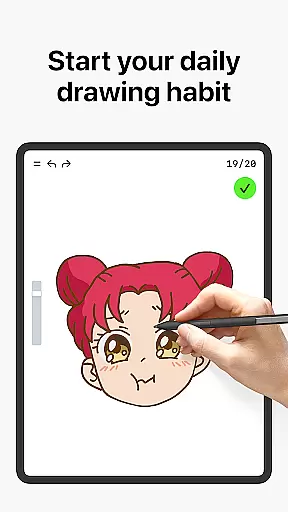
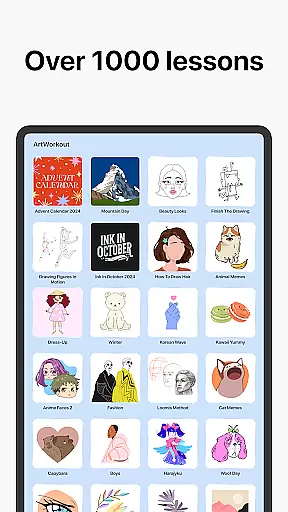


Learn how to draw is an innovative drawing and painting trainer app that combines art education with interactive gameplay. Designed for users of all ages, this application offers over 1000 step-by-step tutorials that cater to both beginners and experienced artists. The app's unique multiplayer mode allows users to draw and trace together in real time, fostering a collaborative creative environment. With features like a scoring system and accuracy analysis, Learn how to draw not only teaches artistic techniques but also tracks user progress, making it an essential tool for anyone looking to improve their drawing skills.
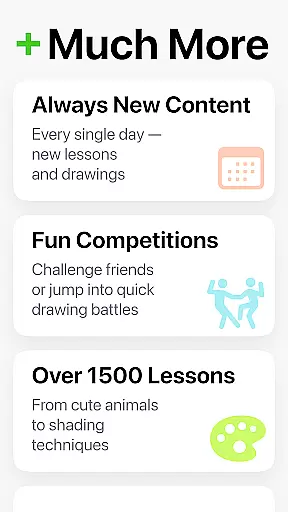
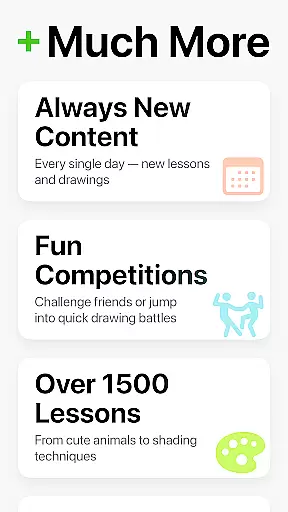
Beyond basic tutorials, the app provides specialized courses in doodling, sketching, painting, and even handwriting. Its dynamic lessons are broken into manageable steps, ensuring a stress-free learning experience. Additionally, the app introduces elements of gamification by offering holiday-themed and cultural drawing challenges, keeping users engaged while expanding their artistic repertoire. Whether you're practicing daily warmups or participating in friendly competitions, Learn how to draw creates a joyful and educational experience for all art enthusiasts.
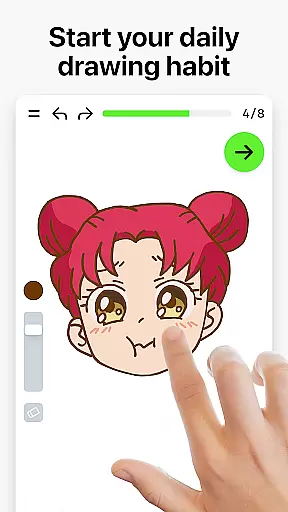
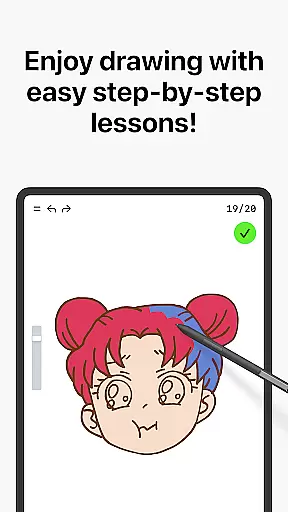
Learn how to draw stands out with its comprehensive suite of features designed to enhance the drawing experience. One of its core functionalities is the dynamic tutorial system, which breaks down each lesson into 10-30 simple steps. These tutorials cover a wide range of techniques, allowing users to master various styles at their own pace. The app also incorporates a unique scoring system that evaluates both the accuracy and quality of strokes, providing constructive feedback to help users refine their skills.
Another standout feature is the real-time multiplayer mode, enabling users to collaborate or compete with others globally. This fosters a sense of community and shared learning. Additionally, the app includes interactive courses on diverse topics such as doodling, sketching, and painting, supplemented by weekly updates featuring new lessons. By blending theory with hands-on practice, Learn how to draw ensures a balanced approach to art education, making it suitable for both casual learners and dedicated artists seeking regular practice.
ArtWorkout offers a comprehensive suite of creative tools designed to cater to artists of all skill levels. With over 1000 step-by-step tutorials, the app covers a wide range of techniques including sketching, painting, and drawing.
The inclusion of interactive courses in doodling, sketching, drawing, painting, and handwriting ensures that users can explore various artistic mediums. These courses are not just limited to basic techniques but extend to themed content, offering depth and variety.
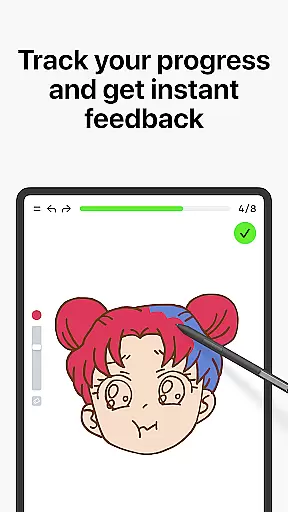
One standout feature is the app's unique algorithm that tracks user progress, providing clear evidence of improvement over time. This helps maintain user motivation and encourages continuous learning and practice.
Additionally, the introduction of a multiplayer mode allows users to draw and trace together with friends or other users in real-time, adding a collaborative dimension to the creative process. This fosters a sense of community and shared growth among users.
ArtWorkout excels in providing canvas and format flexibility, making it suitable for both beginners and experienced artists. The app supports various drawing and painting styles, allowing users to experiment with different techniques without limitations.
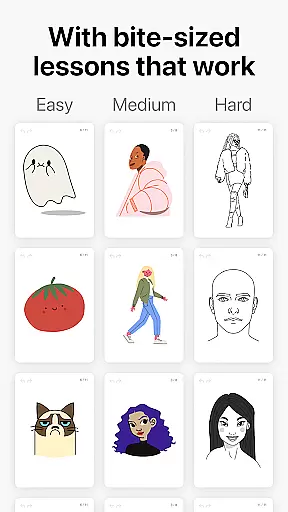
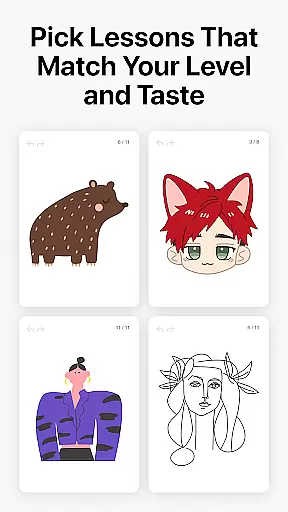
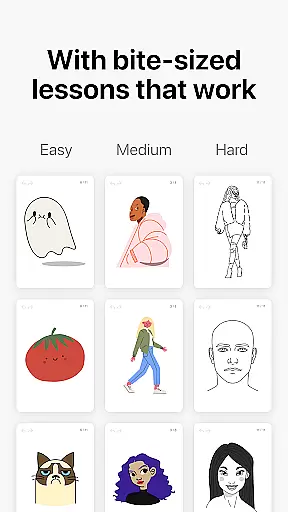
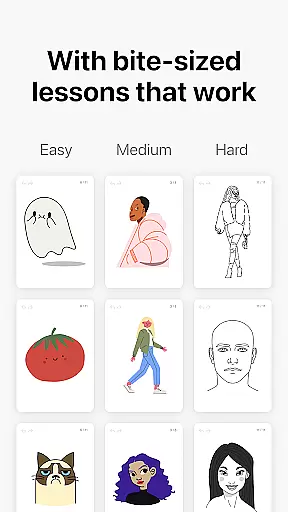
Users can choose from a wide array of tutorials that cater to different interests and skill levels. Whether you're interested in tracing photos, painting different holidays, or exploring cultural themes, ArtWorkout has something for everyone.
The app also features dynamic tutorials that break down each lesson into 10-30 simple steps. This approach makes complex techniques more accessible and less intimidating, especially for newcomers to digital art.
Moreover, ArtWorkoutu2019s innovative scoring system evaluates the quality of strokes, going beyond mere accuracy. This provides users with detailed feedback on their technique, helping them refine their skills and achieve better results.
User-friendly interface
Comprehensive tutorials
Real-time multiplayer
Innovative scoring system
Regular content updates
Limited advanced tools
Occasional bugs
Premium subscription required
High system requirements
Steep learning curve

The ultimate tool for creating animations
 4.60
4.60
Download now for a stylish and functional timepiece
4.5
Floor Plan Creator lets you create, edit and share floor plans.
4.00
Draw Trace image sketch by, AR art projector app, Easy to trace any image.
4.50
Your AI soulmate — meaningful chats, and unique emotional moments
4.70
Art of Combination Wear OS Watch faces (for Wear OS 5+ devices)
3.90
Everything you need to create hand drawn animation, anywhere you go!
4.40
Beauty Camera - Selfie Camera is the ultimate beauty camera and selfie app
4.30
Create Logos, Tattoos, AI Art & more with our AI Photo Generator & Design Editor
4.20
Draw glowing spinners, relax, and spin your creative art
4.60
Draw beautiful mandala's very easily
4.60
Draw anime & manga drawing, art with templates to create stunning picture!
4.50
Create color palette from Image, RGB & RYB Color wheel harmonies, Color Scheme
4.50
Share the joy of painting with ibis Paint! Drawing anime and manga art.
4.50
Create and Design Custom Logos in Seconds with AI-Powered Tools!
4.40
Custom Character Creator & PFP Maker!
4.20
Resize photos and print photos in exact size with our powerful photo printer!
3.80
Sketch, trace and master AR drawing with awesome anime art!
3.30
Transform photos into amazing monochrome dither art with professional algorithms
4.2


User Reviews