
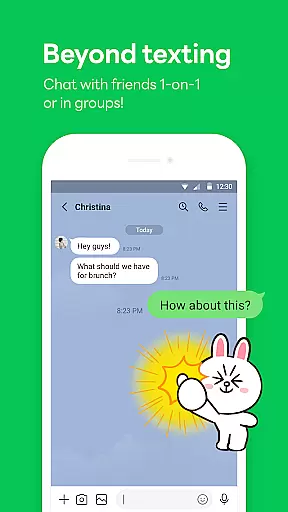
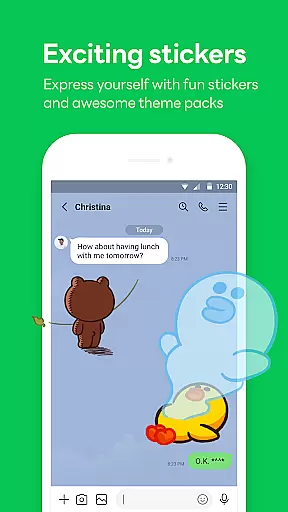

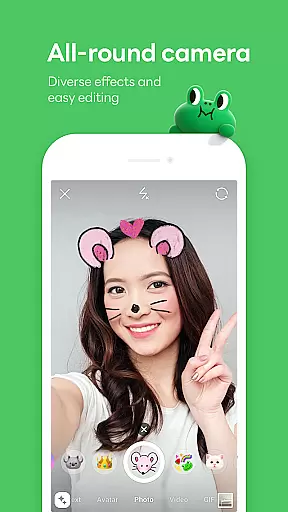
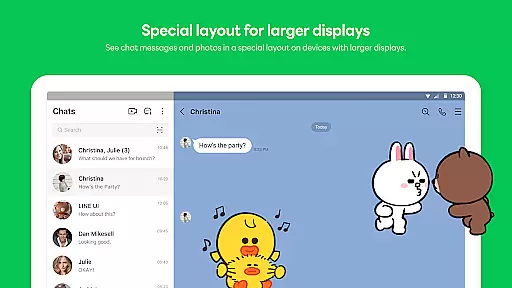
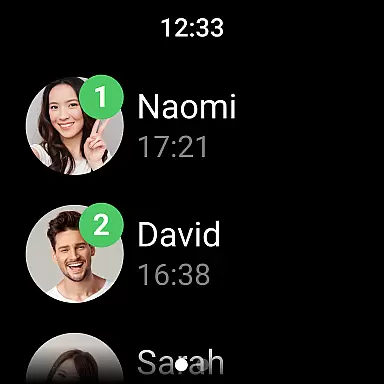
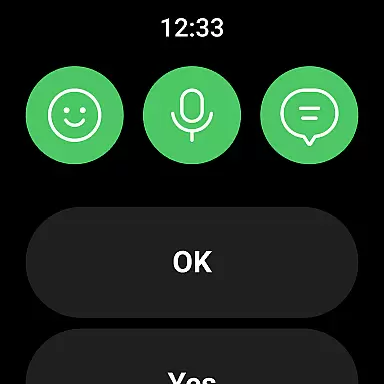
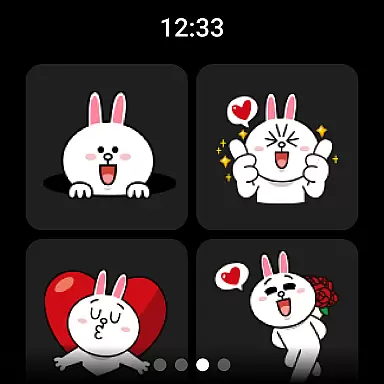
LINE is a comprehensive communication app that bridges the gap between family, friends, and loved ones through free voice and video calls, messages, and an extensive range of exciting stickers. Available globally on mobile, desktop, and Wear OS, LINE offers a versatile platform that continues to expand with new services and features designed to make your life more enjoyable and convenient.
With its user-friendly interface, LINE allows you to easily access your friends list, birthdays, sticker shop, and various services and content. Whether you're on the go or working remotely, you can stay connected via smartphone, Wear OS, or desktop. Additionally, LINE ensures your privacy with Letter Sealing encryption for messages, call history, and location information.
LINE stands out with its diverse communication options including voice and video calls, messages, and a wide array of expressive stickers and emojis. The Home feature provides quick access to friends' lists, birthdays, and the sticker shop, enhancing user engagement.
One of LINE's key strengths is its seamless integration across mobile, Wear OS, and PC platforms, allowing users to chat anytime and anywhere. The Keep Memo function serves as a personal chatroom for temporarily storing messages, photos, and videos, while Letter Sealing ensures top-notch privacy protection.
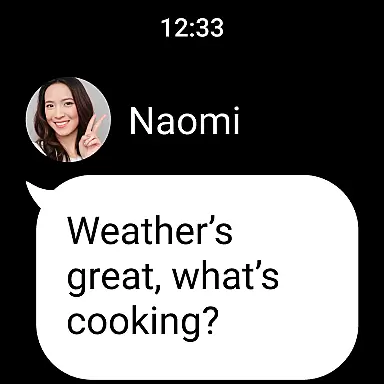
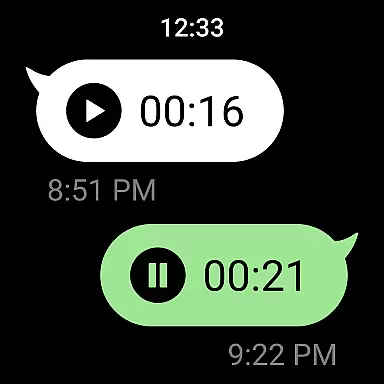
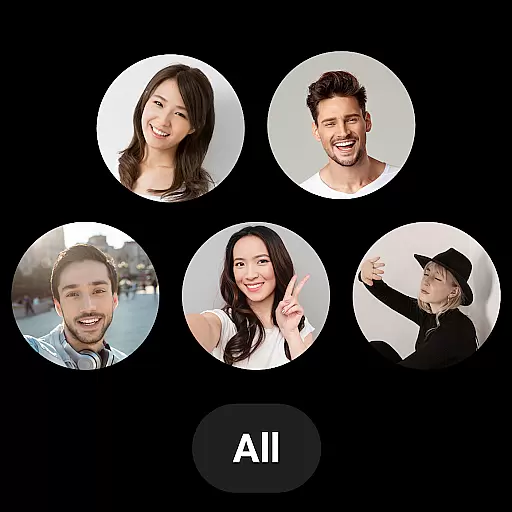
For smartwatch users, LINE connects with Wear OS devices, enabling message checks and adding the LINE app complication to watch faces. This versatility and commitment to user convenience and security make LINE a standout choice in the realm of communication apps.
Companion app integration is essential for a seamless user experience across multiple devices. LINE excels in this area by offering consistent functionality and data synchronization between its mobile, desktop, and Wear OS applications.
The app ensures that all your messages, calls, and personal settings are synced in real-time. Whether you're switching from your smartphone to a Wear OS smartwatch or using LINE on your desktop, the transition is smooth and uninterrupted.
This integration allows users to stay connected regardless of the device they are using. You can start a conversation on your phone during your commute and continue it on your desktop when you arrive at work.
By providing reliable companion app integration, LINE enhances productivity and convenience, making sure you never miss an important message or call.
LINE's compatibility with Wear OS and various devices ensures that users can enjoy its full range of features without limitations. The app supports Android OS versions 11.0 and above, optimizing performance on both smartphones and Wear OS devices.
With Wear OS, users can connect their smartwatches to the LINE app, enabling them to check messages directly from their watch face. This feature adds a layer of convenience, allowing users to stay updated without needing to take out their phones.
Moreover, LINE provides specific functionalities tailored for different devices. For instance, smartwatch users can add the LINE app complication to their watch face for quick access to messages and notifications.
This broad device compatibility ensures that users can integrate LINE into their daily routines effortlessly, enhancing both accessibility and user engagement across platforms.
User-friendly interface
Extensive sticker collection
Strong privacy protection
Cross-platform compatibility
Versatile communication options
Requires significant storage
May drain battery quickly
Limited offline functionality
Occasional connectivity issues
Some features need Wi-Fi

WTW M17 is a premium and luxurious hybrid watch face
 4.70
4.70
Watch the sharpness of the sky on your wrist..
3.70
Snowflake Rose Gold Watch Face - Digital, modern, & sleek with GYRO effect.
4.10
A Wintery Snow Globe on Your Wrist; now celebrating Christmas!
4.5
Contemporary digital watch face with five complications
4.4
Simple Analog-Digital Watchface For Wear OS 3.0 and Up Smartwatches
4.0
Stylish digital watch face for Wear OS devices with customizable features
4.0
Your music, your playlists, and more—offline and unlimited.
4.20
From periods to pregnancy & perimenopause, Flo helps you track it all. Try now.
4.70
Christmas - Festive - Christmas Village - Winter - Christmas lights
5.00
Gym Log & Workout Tracker | Fitness Journal, Training & Weight Lifting Planner
4.90
The Chevron App allows you to pay for fuel from the comfort of your car!
4.80
A modern hybrid informative watch face for Wear OS designed by BALLOZI
4.80
Beautiful artistic animated digital watch face, with a customizable layout!
4.40
Digital watch face with big numbers and many customization for Wear OS devices
4.40
Connect, create, and collaborate with Gmail, part of Google Workspace.
4.10
A digital watch face that celebrates Christmas.
4.00
Animated Watch Face and Customizable with 24 Backgrounds. Perfect for Christmas!
3.90
Your local weather forecast, storm tracker, radar maps & live weather news
3.40


User Reviews