
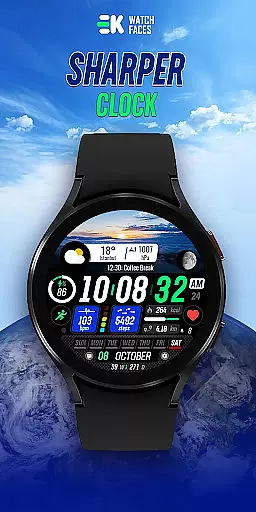
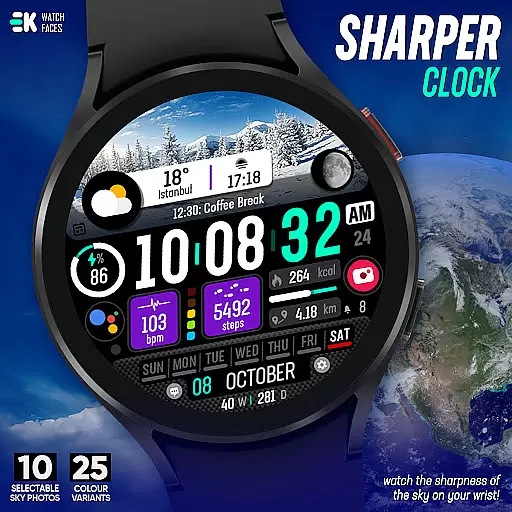
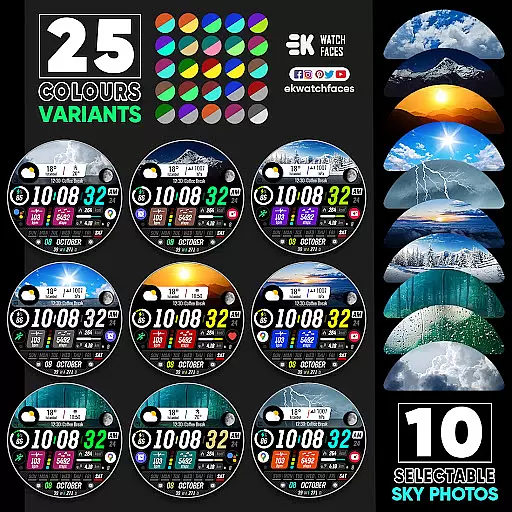
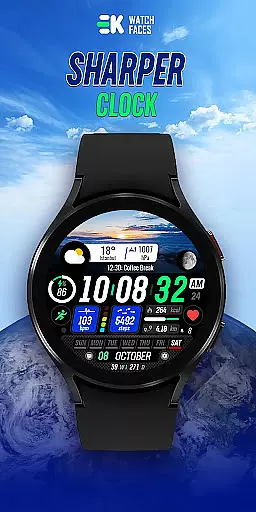
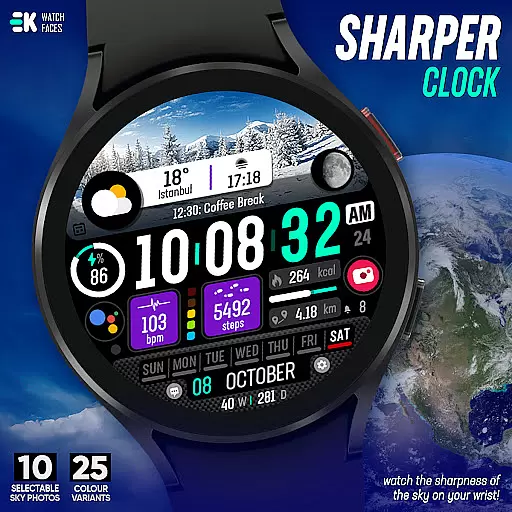
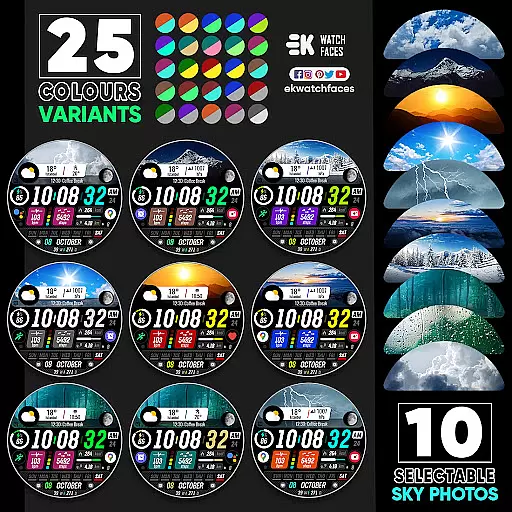
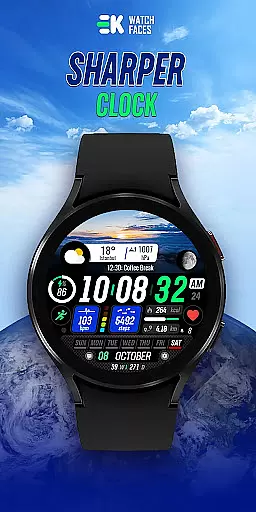
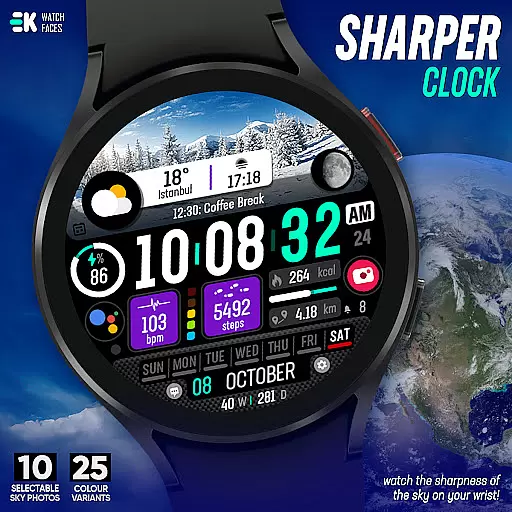
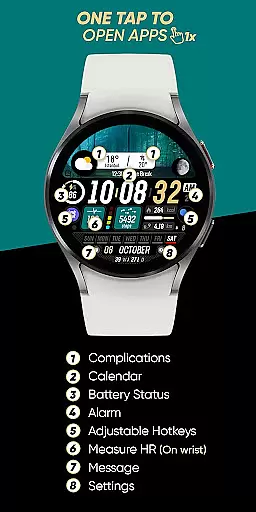
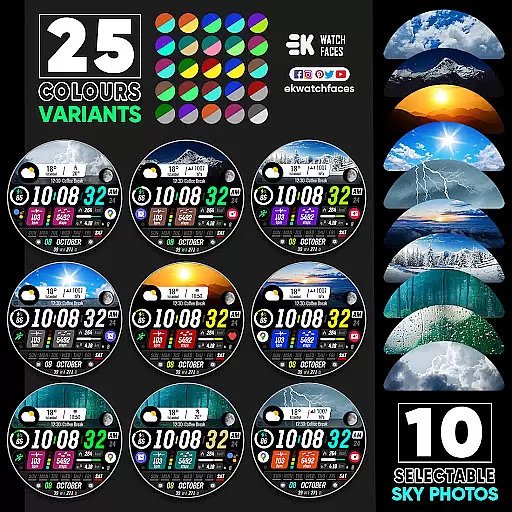
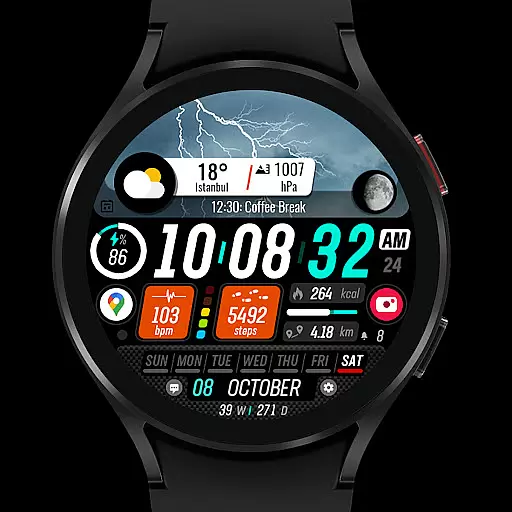
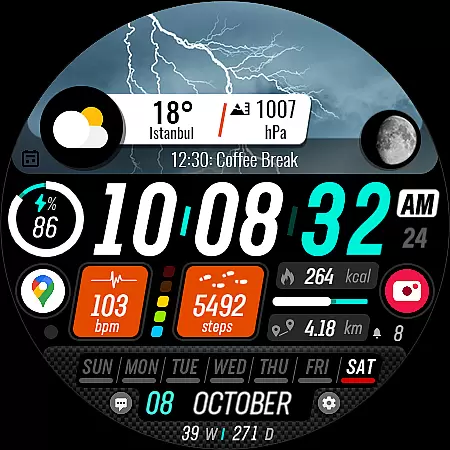
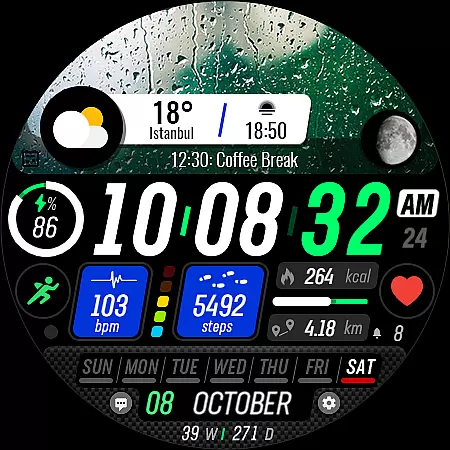
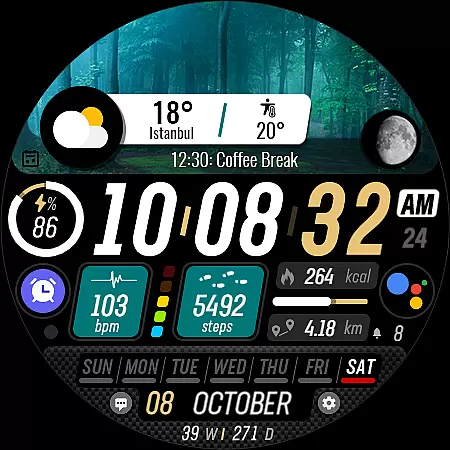
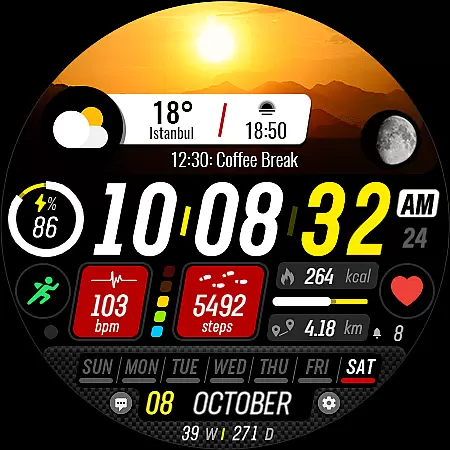
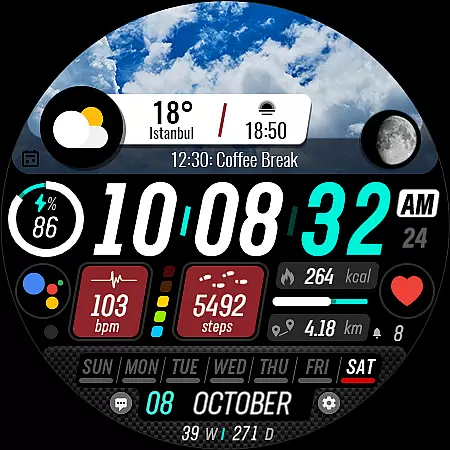
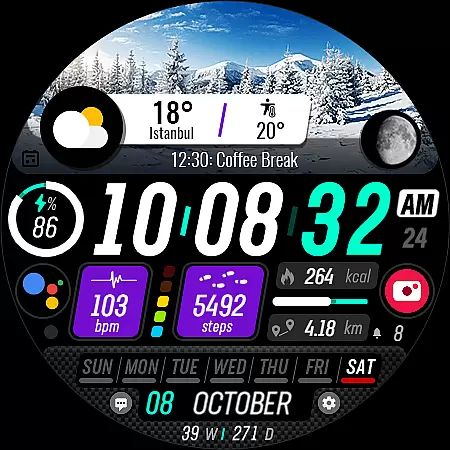
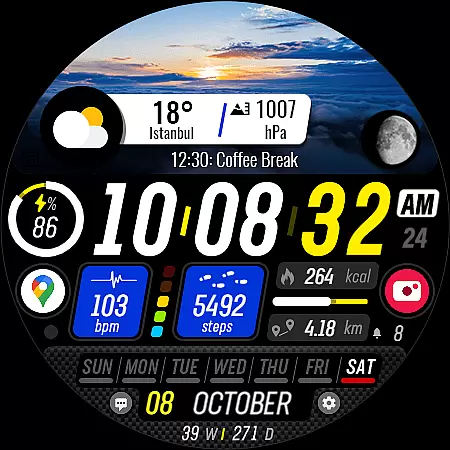
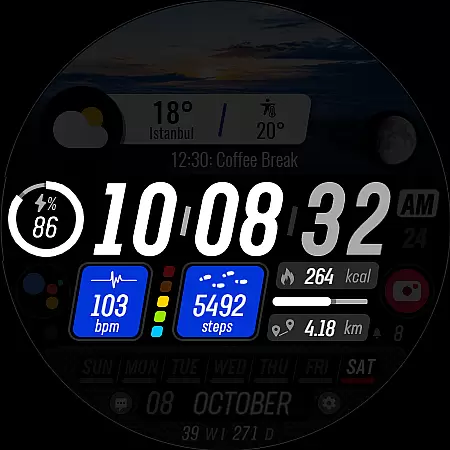
Sharper Clock is a premium watch face app designed exclusively for Wear OS devices, offering users a sophisticated and customizable timekeeping experience. The app features 10 selectable sky photos with 25 color variants, creating visually stunning displays that adapt to your personal style.
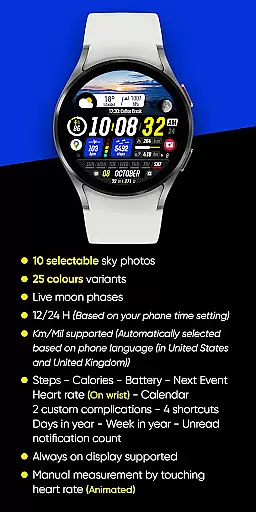
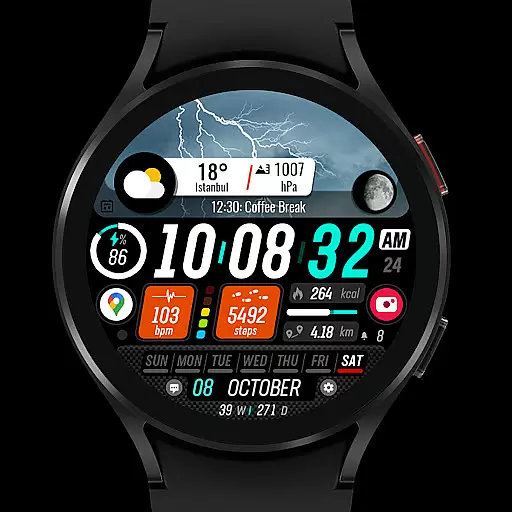
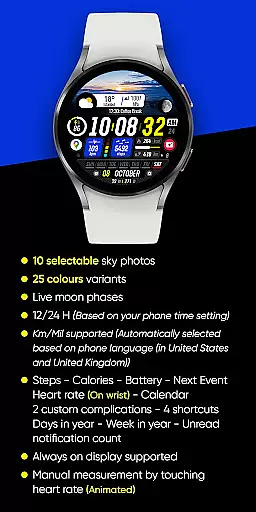
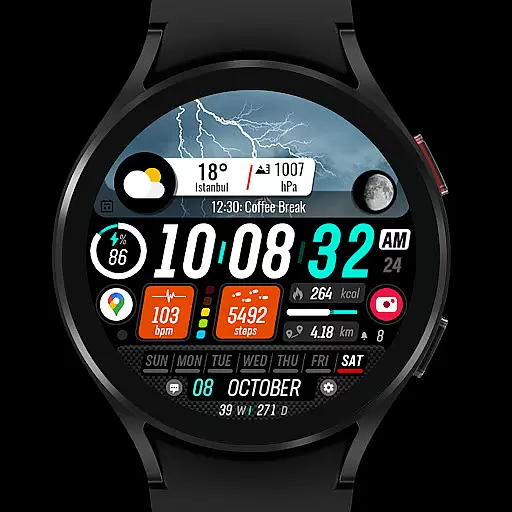
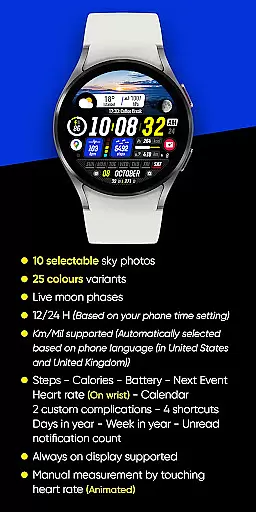
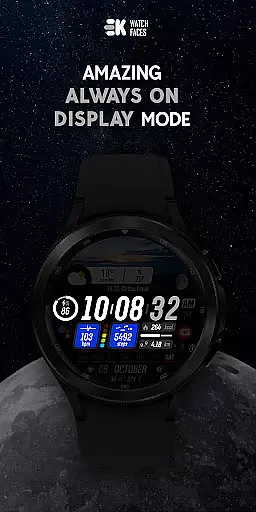
In addition to its aesthetic appeal, Sharper Clock provides practical functionality with live moon phases, automatic time format selection (12/24H), and distance measurement in Km/Mil based on phone language settings. The watch face supports always-on display and offers essential information at a glance, including steps, calories, battery status, next event, heart rate, and calendar details.
Sharper Clock stands out with its comprehensive feature set tailored for Wear OS users. The app's signature feature is its collection of 10 carefully curated sky photographs, each available in 25 different color variations, allowing for personalized customization of your watch face.
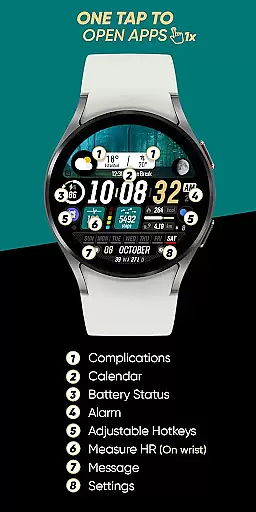
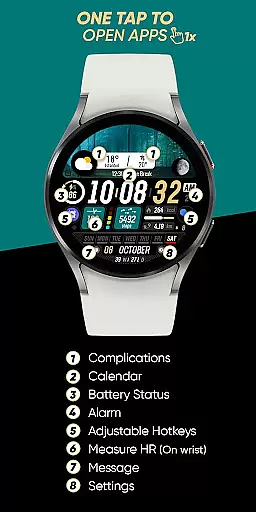
The application integrates seamlessly with your daily activities by displaying crucial health and productivity metrics. It shows real-time data such as step count, calorie consumption, battery level, upcoming events, and heart rate monitoring. Additionally, it supports two custom complications, four shortcuts, and displays useful information like day of the year and week number.
For optimal performance, users should manually enable Sensors & receive complication data permissions. The watch face automatically adjusts to 12 or 24-hour format based on phone settings and selects distance units according to the device's language configuration.
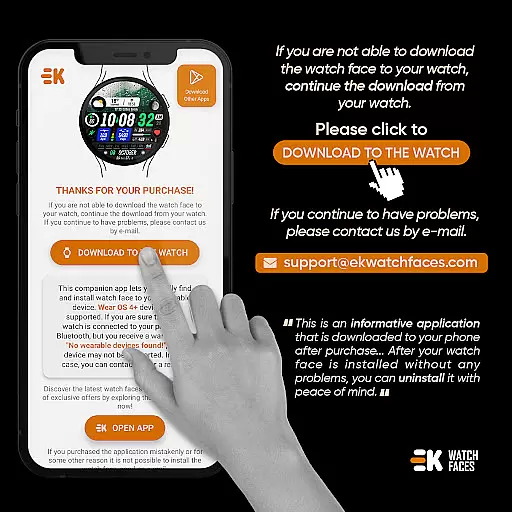
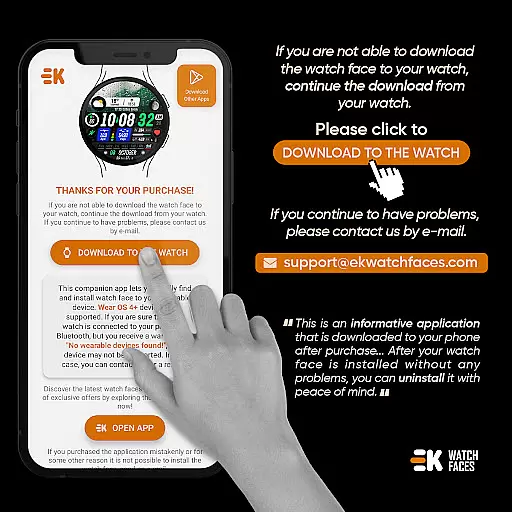
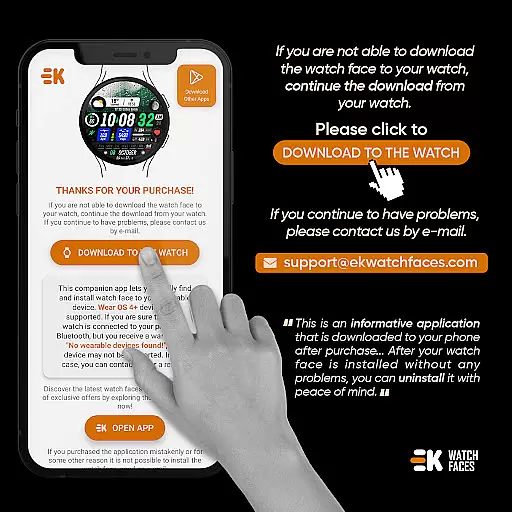
Sharper Clock - Watch Face offers seamless companion app integration, ensuring that your phone and Wear OS device work in harmony. The phone app acts as a placeholder to simplify the installation process and helps you locate the watch face easily on your wearable device.
By tapping on the designated install button within the phone app, users can initiate the installation directly onto their Wear OS devices. This streamlined approach ensures that even those new to smartwatches can navigate the setup with ease.
The synchronization between the phone and watch is crucial for a hassle-free experience. Although occasional payment loops may occur due to syncing issues, these are not controlled by the developer and typically resolve themselves within minutes or after a device restart.
For optimal functionality, users should manually enable permissions for sensors and allow the reception of complication data. This ensures that all features such as live moon phases, health metrics, and customizable complications operate smoothly across devices.
Designed exclusively for Wear OS devices running API 33+, Sharper Clock - Watch Face guarantees compatibility with the latest technology. This ensures that users benefit from enhanced security features, improved performance, and access to cutting-edge functionalities inherent to newer operating systems.
With support for both metric and imperial units based on phone language settings, this watch face adapts seamlessly to user preferences. Additionally, it provides time display options in either 12-hour or 24-hour formats depending on regional norms.
Users can enjoy an extensive range of personalization choices including 10 selectable sky photos, 25 color variants, and various complications like steps taken, calories burned, battery status, next event details, heart rate monitoring, calendar entries, shortcuts, yearly day count, weekly progress tracking, and unread notification counts.
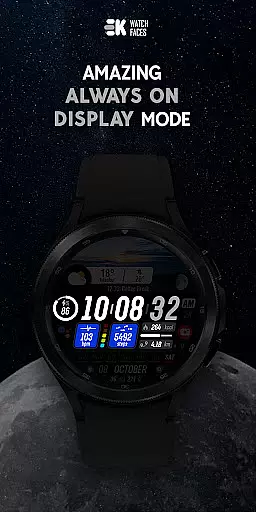
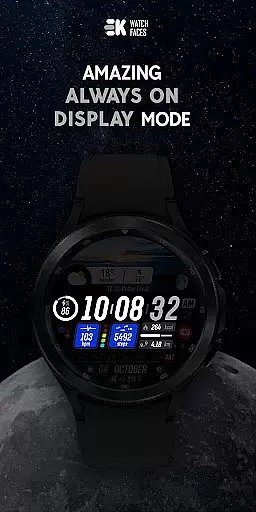
Always-on display capability further enhances convenience by allowing quick glances at essential information without needing to wake the device fully. Such comprehensive compatibility ensures a versatile yet intuitive experience tailored specifically for modern smartwatch enthusiasts.
Visually stunning designs
Extensive customization options
Comprehensive health tracking
Automatic unit conversion
Always-on display support
Limited to Wear OS devices
Requires API 33+
Installation process complex
Potential payment issues
Permissions setup needed

Embrace the festive spirit with our Christmas Countdown watchface for Wear OS
 4.10
4.10
Analog watch face with 8 complications and expedition styling
4.0
A watch face that fuses motorsport precision with contemporary smartwatch design
4.5
Elegant animated Christmas tree with multiple customization options
4.20
Fitness interactive virtual pet super fighter boy watch face
4.4
Structured watch face with seven complications and modular UI elements
3.90
Kia Access makes getting your vehicle information easier than ever
4.60
Nutrition, Macro tracker: Food, fitness & healthy diet tracking for weight loss
4.60
A realistic hybrid watch face with many customization options.
4.60
Period, ovulation & pregnancy tracker. Fertility insights & menstrual calendar.
4.90
Be an elegant and classy secret agent, with this carefully detailed watch face
4.70
The most customizable minimal watch face. For Wear OS 5.0, API 34+ and later
4.70
Embrace the holiday spirit with this magical animated watch face!
4.40
Premium hybrid watch face with many customizations for Wear OS devices.
4.40
Snowflake Rose Gold Watch Face - Digital, modern, & sleek with GYRO effect.
4.10
Want to take charge of your health? Let Google Fit help you reach your goals.
3.50
Your local weather forecast, storm tracker, radar maps & live weather news
3.40
Watch face designed for Thanksgiving Day. 7 Background Styles included.
3.20
A heartwarming Christmas scene featuring a cute image of Santa and Rudolf
4.0


User Reviews