
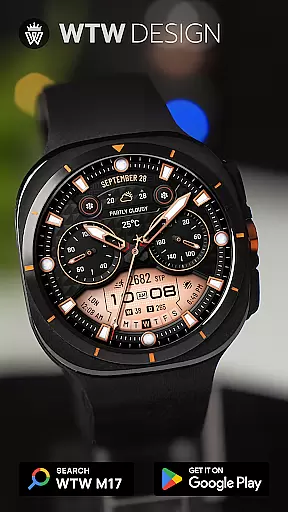
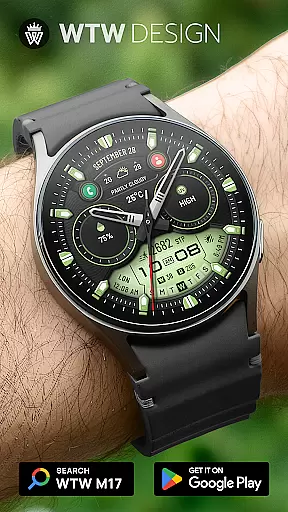
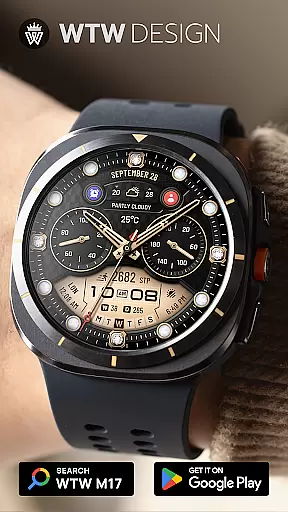
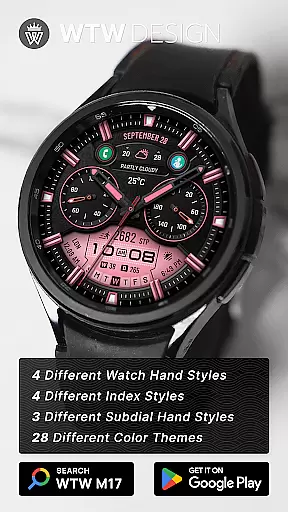
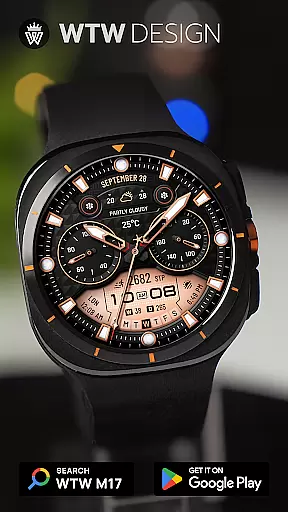
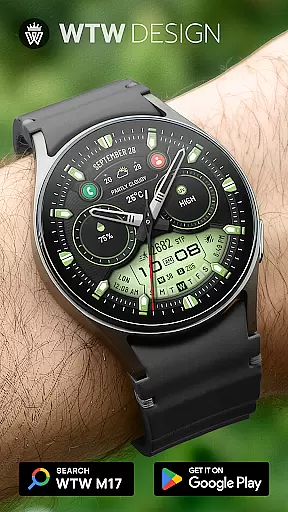
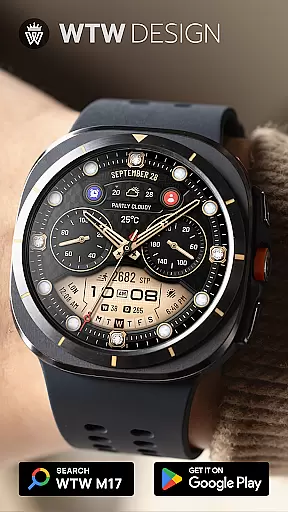
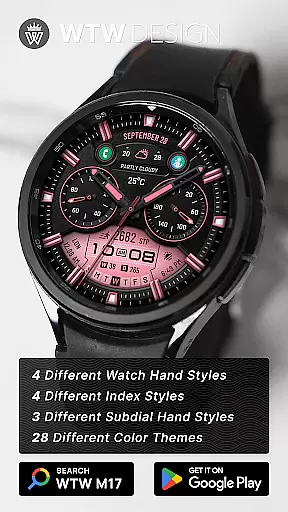
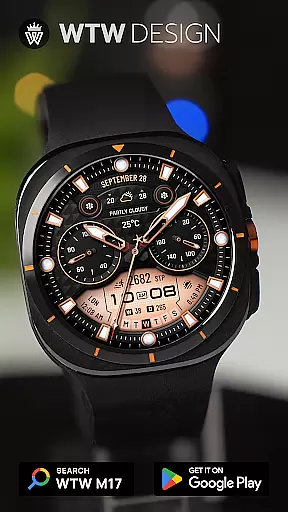
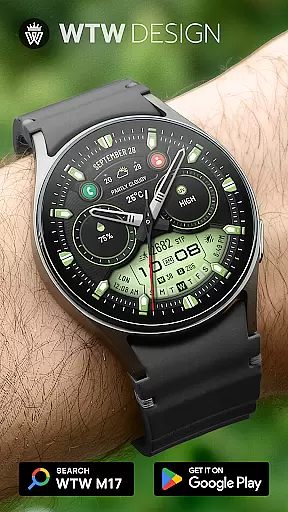
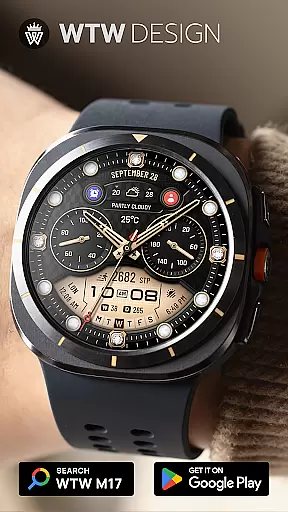
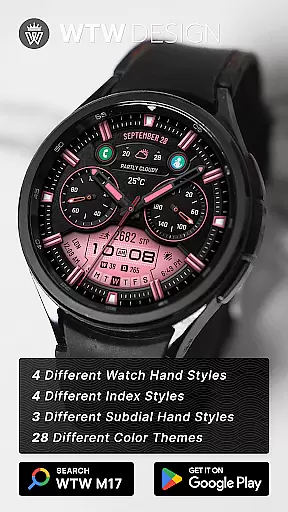
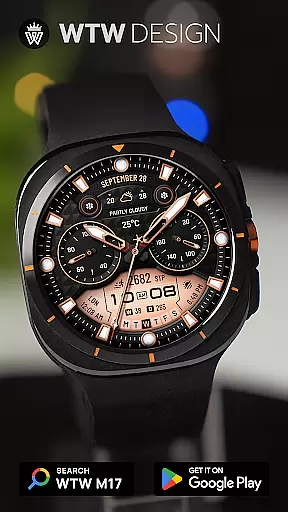
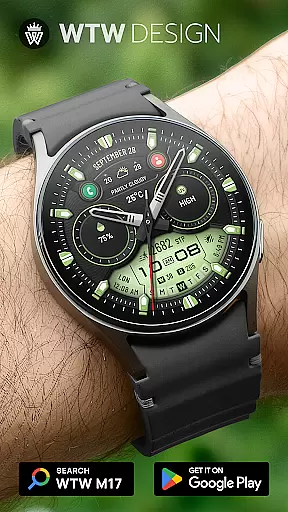
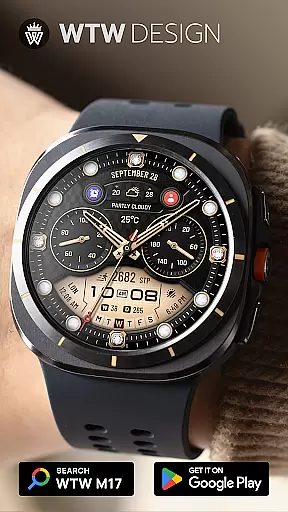
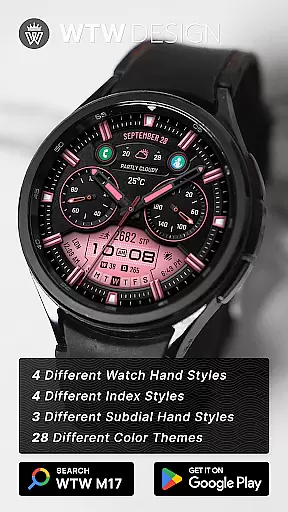
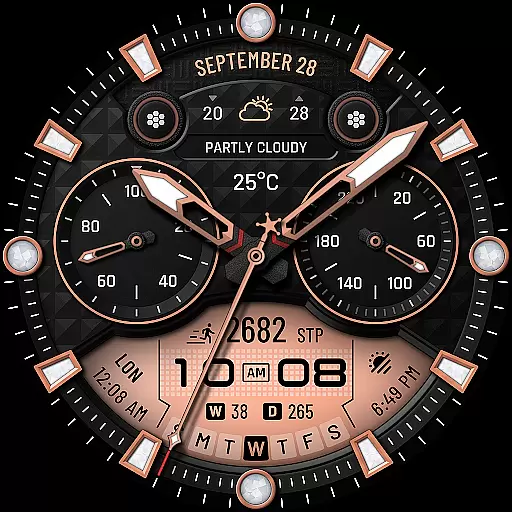
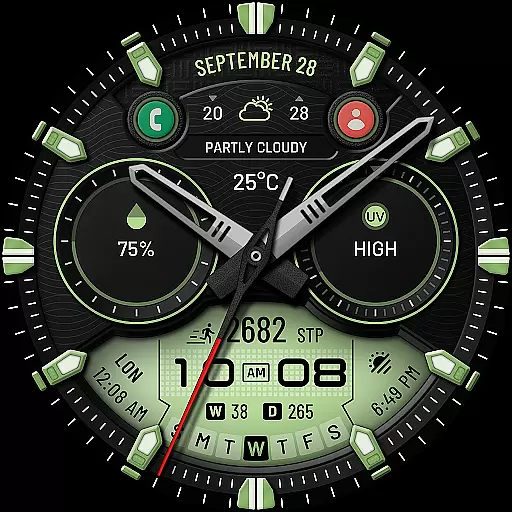
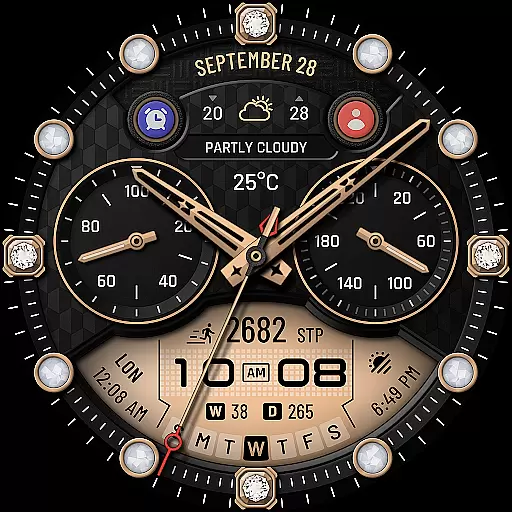
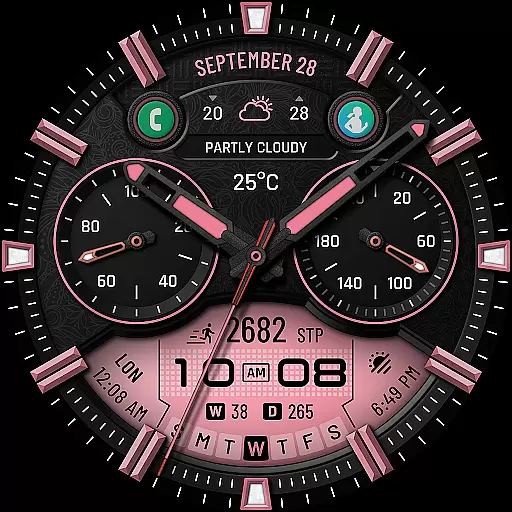
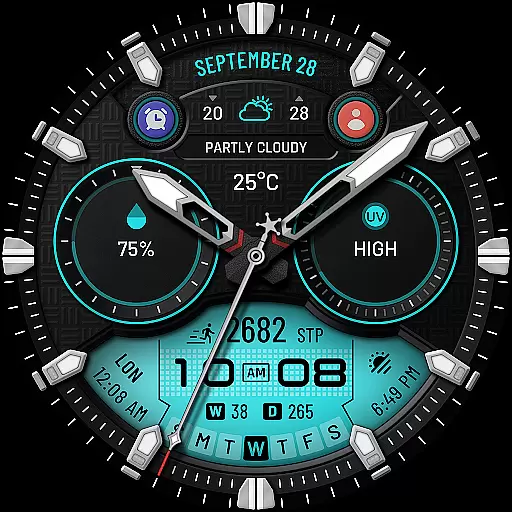
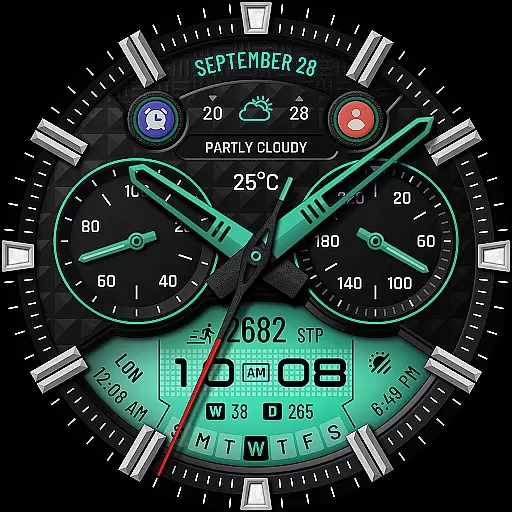
WTW M17 Hybrid Watch Face is a versatile and customizable watch face designed for Wear OS devices. It supports all Wear OS smartwatches with API Level 30+, including Samsung Galaxy Watch series and Pixel Watch. The app offers an analog dial with digital time display, health metrics like heart rate and step count, calendar information, weather updates, and more.
With multiple customization options such as different watch hand styles, index styles, subdial hand styles, and color choices, users can tailor the watch face to their personal preferences. Additionally, it includes preset app shortcuts and customizable complications, making it both functional and user-friendly for daily wear.
This application is ideal for users who want a blend of classic analog aesthetics with modern digital functionality on their smartwatch. Whether you need quick access to your favorite apps or want to track your fitness goals, WTW M17 provides a seamless experience that enhances your smartwatch utility while maintaining a stylish appearance.
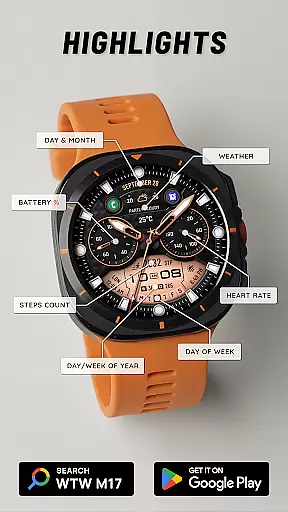
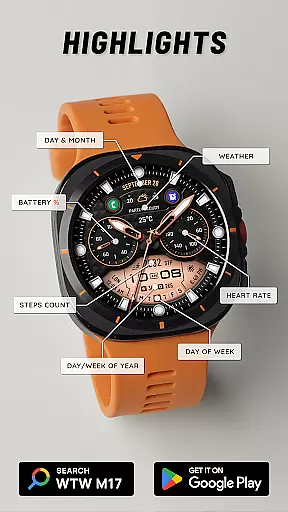
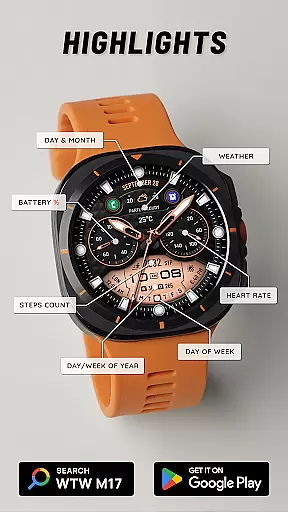
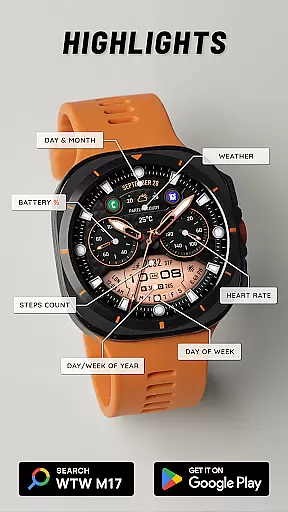
WTW M17 Hybrid Watch Face stands out with its comprehensive feature set tailored for Wear OS users. The app provides both analog and digital time displays, adapting to the phone's 12/24-hour settings. It also shows essential metrics such as battery percentage, heart rate, step counts, and detailed calendar information like day, month, day of the week, day in year, and week in year.
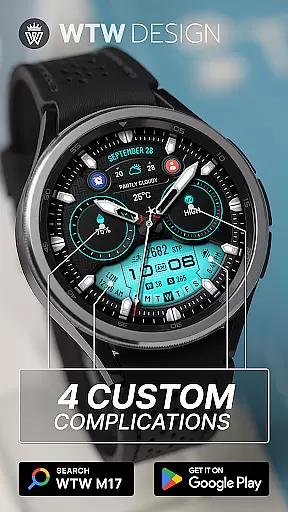
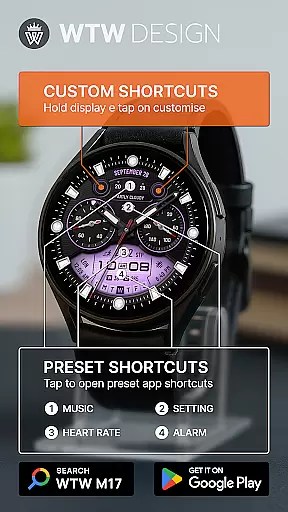
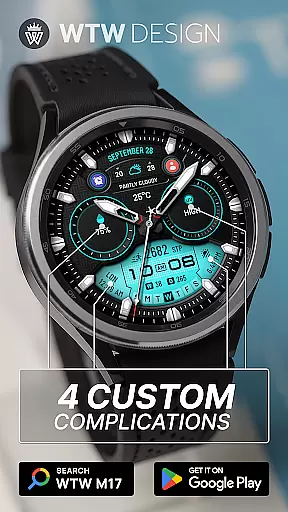
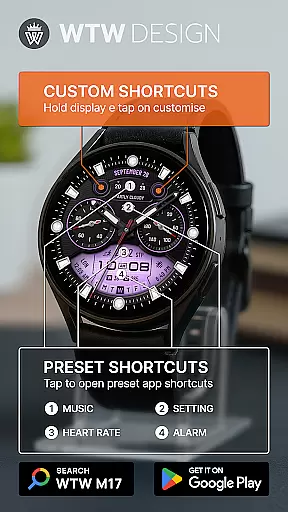
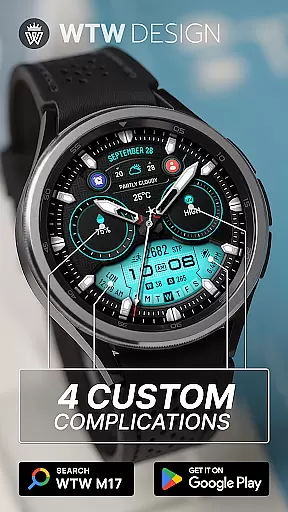
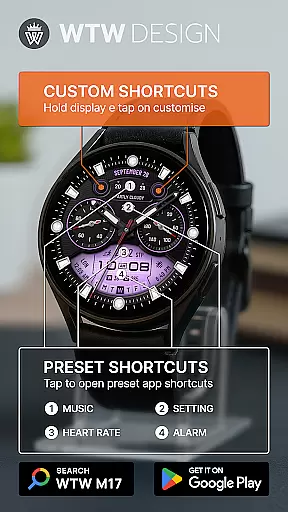
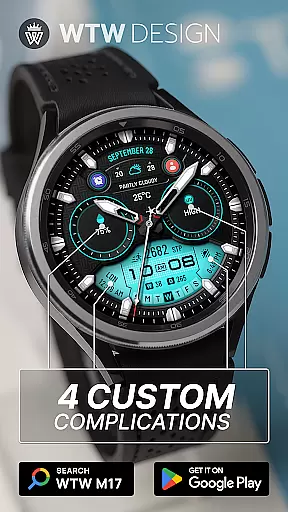
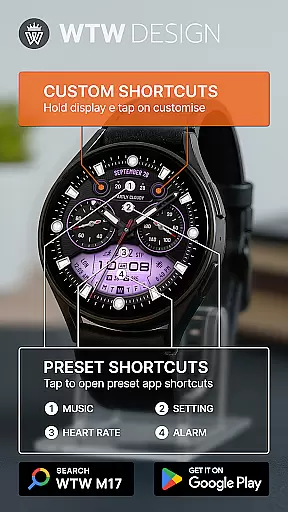
Customization is at the core of this watch face. Users can choose from four different watch hand styles, four index styles, and three subdial hand styles. The interface supports multicolor options and always-on display functionality. With four preset app shortcuts (Music, Alarm, Heart Rate, Setting) and four custom complications, users have quick access to frequently used features. Additionally, two customizable app shortcuts allow further personalization.
To customize the watch face, users simply touch and hold the display, then tap on the customize option. This intuitive process ensures that even those new to smartwatches can easily modify their watch face. Overall, WTW M17 combines practicality with personalization, offering a unique and enhanced user experience on Wear OS devices.
For the WTW M17 Hybrid Watch Face, seamless companion app integration is crucial for an enhanced user experience. This application supports all Wear OS devices with API Level 30+, including Samsung Galaxy Watches and Pixel Watches. The synchronization between the watch face and its companion app ensures that all features are fully functional and up-to-date.
The app allows users to customize their watch face interface effortlessly. By simply touching and holding the display, users can access the customization options. Here, they can modify various elements such as watch hand styles, index styles, and subdial hand styles. This level of personalization ensures that each user's watch face truly reflects their personal style and preferences.
Furthermore, the app includes preset shortcuts for frequently used applications like Music, Alarm, Heart Rate, and Settings. These shortcuts not only improve accessibility but also streamline the user's interaction with their smartwatch. With reliable data sharing between the companion app and the watch, users enjoy a cohesive and efficient wearable experience.
The WTW M17 Hybrid Watch Face boasts extensive compatibility with a wide range of Wear OS devices. Supporting all Wear OS devices with API Level 30+, this watch face is accessible to users with Samsung Galaxy Watches (versions 4, 5, 6, 7, 7 Ultra, 8, 8 Classic...) and Pixel Watches, among others. This broad compatibility ensures that more users can enjoy the unique features of the WTW M17.
Device compatibility extends beyond just supporting different models; it also involves ensuring that all functionalities work harmoniously across various devices. Features such as analog dials, digital time displays based on phone settings, battery percentage indicators, heart rate monitoring, and step counting are optimized for performance on all compatible devices. This optimization provides a consistent user experience regardless of the specific Wear OS device in use.
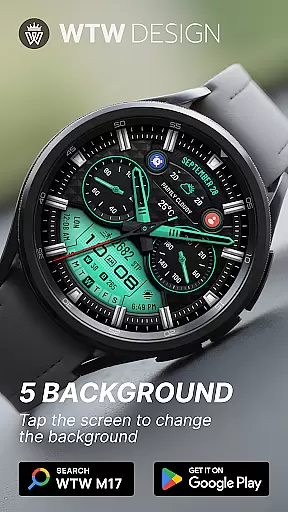
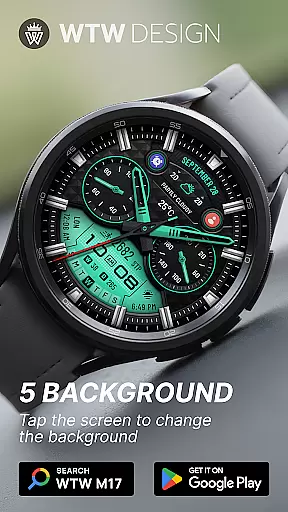
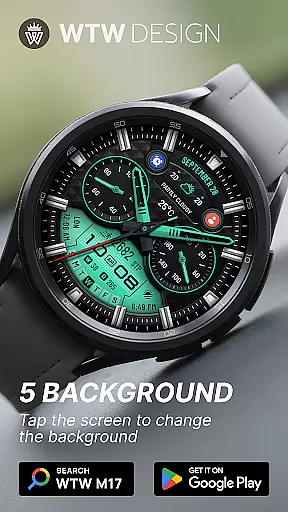
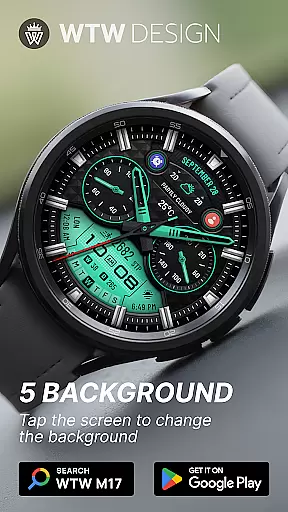
Additionally, the WTW M17 offers advanced customization options, including four different watch hand styles, four index styles, and three subdial hand styles. Users can choose from preset app shortcuts or create custom complications, further enhancing the adaptability of the watch face across different devices. With multicolor options and Always On Display, the WTW M17 Hybrid Watch Face delivers both functionality and personalization, making it a versatile choice for Wear OS users.
Wide device compatibility
Highly customizable
Comprehensive health metrics
Always On Display
Multiple style options
Limited to Wear OS
No iOS support
Premium features may cost extra
Complex for beginners
Battery consumption may increase

A customizable Christmas watch face for Wear OS with a countdown.
 4.20
4.20
Current temperature, weather hourly, weather radar by the weather forecast app
4.40
Beautiful artistic animated digital watch face, with a customizable layout!
4.40
Deck out your Wear OS Watch face with a beautifully decorated pine wreath!
4.50
Simple Analog-Digital Watchface For Wear OS 3.0 and Up Smartwatches
4.5
Digital watch face. For Wear OS devices.
4.40
Hybrid Vibrant Health Watch Face for Wear OS
4.2
Start and succeed with PAP
4.10
Toyota app currently supports 2010 or newer vehicles (2018 or newer for Hawaii).
4.50
The most customizable minimal watch face. For Wear OS 5.0, API 34+ and later
4.70
Gym & home workout plans with strength training, exercise tracking, HIIT & more.
4.60
Ideal for surviving in the wasteland left after nuclear fallout
4.50
Animated video-game inspired “secret agent” simulation, right on your wrist!
4.20
Your music, your playlists, and more—offline and unlimited.
4.20
Get helpful reminders, take progress photos and find answers to your questions.
3.90
Watch face designed for Thanksgiving Day. 7 Background Styles included.
3.20
Wear Os Watch Face - Animated Snow - Sesonal for Christmas & Winter
4.1
Artistic Digital Watchface
4.2
Fitness interactive virtual pet super fighter boy watch face
4.0


User Reviews