
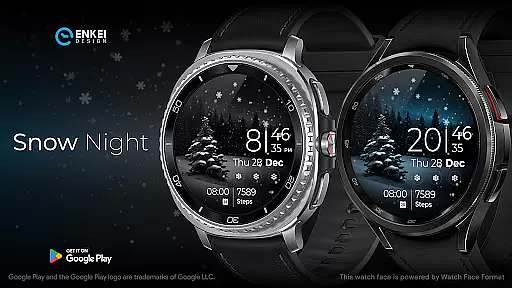
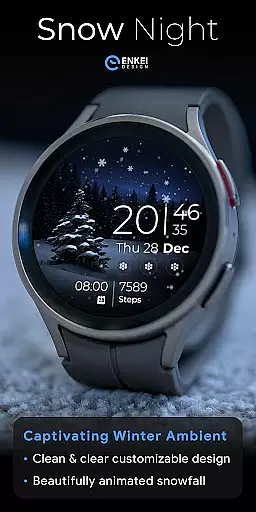
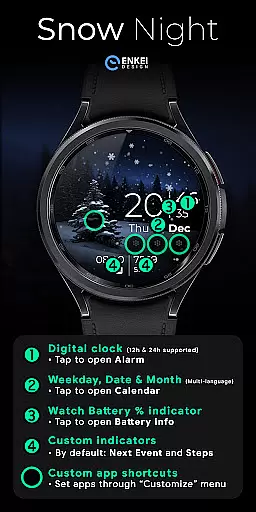
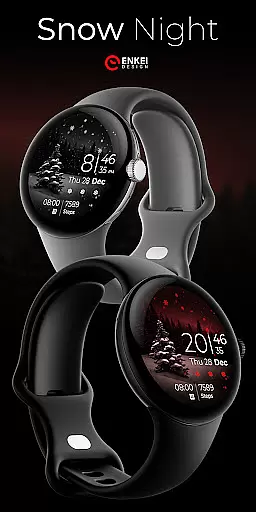
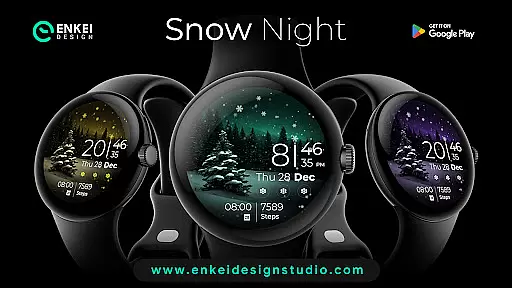
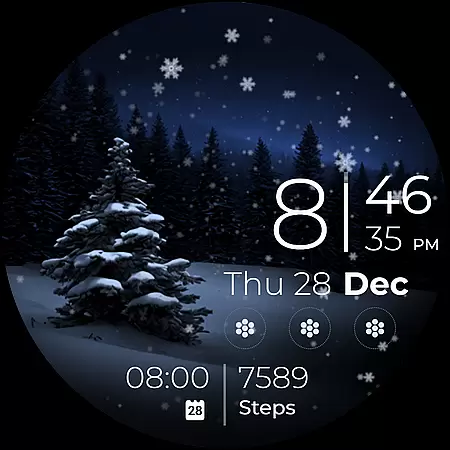
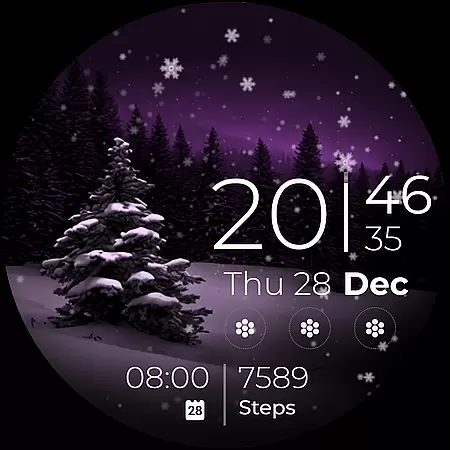
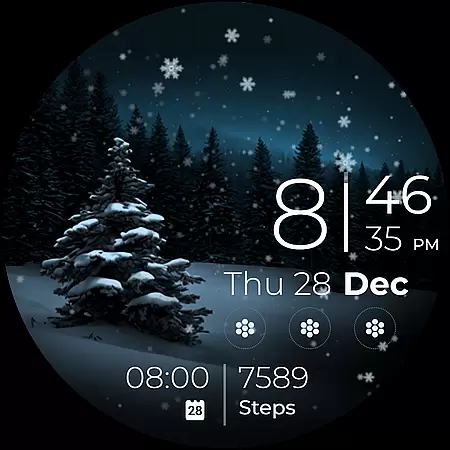
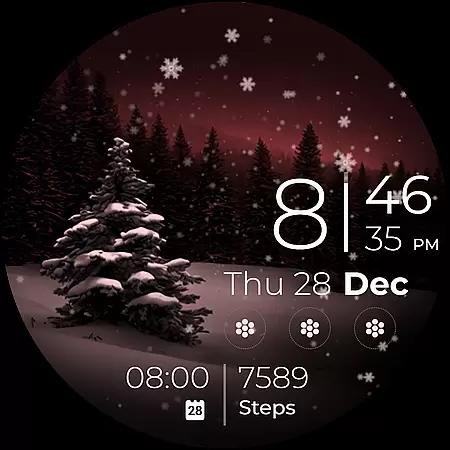
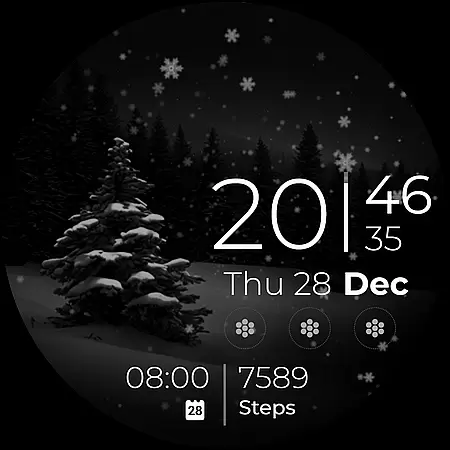
Snow Night is a captivating artistic watch face designed for Wear OS devices, offering a relaxing winter-themed experience. Featuring ambient snowfall animation and customizable options, it provides both aesthetic appeal and functional utility. The watch face displays clear indicators for time, date, battery, and more, ensuring excellent visibility at a glance.
With support for multiple languages and various interactive elements like tap-to-open features, users can access essential functions quickly. Powered by Watch Face Format, it offers advanced customization through color schemes, always-on-display styles, and app shortcuts. Compatible exclusively with Wear OS 5.0 and newer, this watch face brings both style and practicality to your smartwatch.
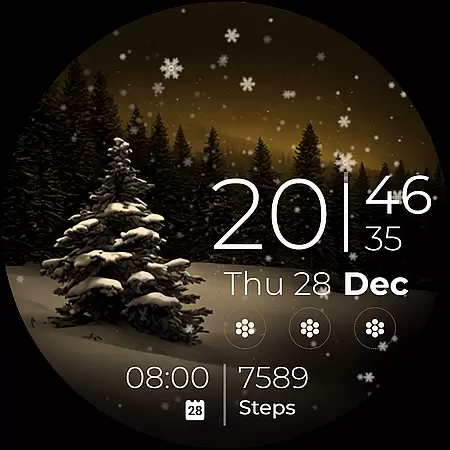
Snow Night stands out with its rich feature set tailored for customization enthusiasts. The digital clock supports both 12h and 24h formats and allows users to tap on the minutes to open the alarm. It includes multi-language support for weekday, date, and month indicators, which can be tapped to open the calendar. The battery percentage bar is interactive, opening battery info when tapped.
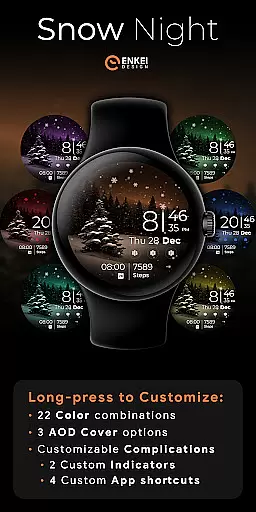
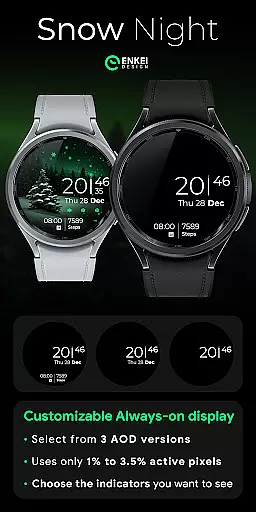
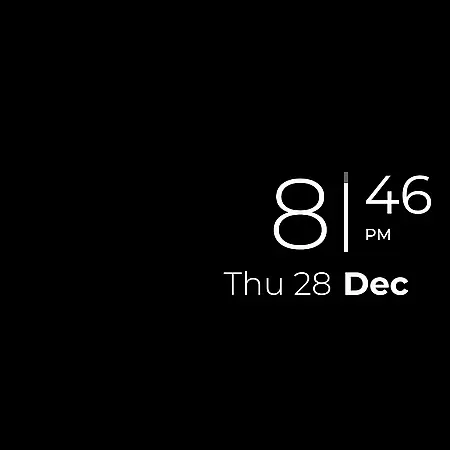
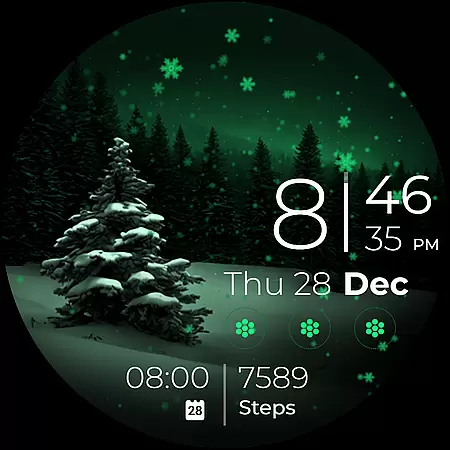
Users can customize two short-text indicators and four app shortcuts, offering quick access to next events, step counts, and favorite apps. Long-pressing opens a comprehensive customization menu with 22 color combinations, three AOD cover options, and flexible complication settings. These features ensure that each user can tailor the watch face to their specific preferences while maintaining low active pixel usage for better performance.
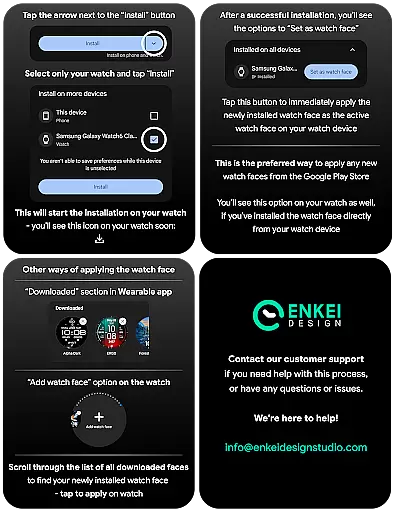
Companion app integration is crucial for Android Wear applications as it ensures seamless synchronization between the watch face and its phone counterpart. Snow Night excels in this aspect by providing a dedicated phone companion app that facilitates direct installation to your watch device.
The companion app serves as more than just an installer; it enhances user experience by allowing customization options and settings adjustments directly from the phone interface. This means users can personalize their watch face with ease, choosing from 22 color combinations and configuring up to four customizable app shortcuts without needing to interact with the smaller watch screen.
By focusing on user convenience, Snow Night ensures that all features, including AOD styles, complications, and even the unique ambiental snowfall animation, are easily accessible and adjustable via the companion app. This approach not only simplifies the setup process but also enriches the overall utility of the watch face.
Device compatibility is a fundamental aspect of any Android Wear application, determining its ability to function correctly across various Wear OS devices. Snow Night is optimized for devices running Wear OS 5.0 and newer versions (API 34+), ensuring broad compatibility with the latest smartwatch models.
This watch face leverages the advanced capabilities of Wear OS to deliver a captivating winter-themed experience complete with gorgeous ambiental snowfall animations and bright indicators for excellent visibility. The design takes full advantage of the platform's expanded customization options, offering users features like multi-language support for weekday, date, and month indicators.
By adhering strictly to Wear OS guidelines, Snow Night guarantees reliable performance and access to useful functionalities such as battery percentage bars, next event indicators, and step counters. Users can enjoy a personalized layout while benefiting from the robust ecosystem provided by Wear OS, making it an ideal choice for those seeking both style and functionality on their smartwatches.
Visually stunning design
Highly customizable layout
Interactive tap features
Low power consumption
Multi-language support
Limited to Wear OS 5.0+
Complex for beginners
Fewer features in AOD
Premium only features
Installation not intuitive

Walking app for weight loss: walk & step tracker, pedometer, indoor treadmill
 4.60
4.60
Wear Os Watch Face - Animated Snow Effect & Magic Spark - 6 Scenes
4.10
Sleek, highly customizable watch face inspired by Galaxy Watch Circle Dashboard.
4.5
Kia Access makes getting your vehicle information easier than ever
4.60
Real-time results, stats, schedules and player profiles for all leagues
4.60
The Chevron App allows you to pay for fuel from the comfort of your car!
4.80
Stay in touch with your friends and family using LINE!
3.40
Hybrid watch face for Wear OS with customizable complications by Matteo Dini MD
4.70
Simple, helpful messaging by Google
4.60
Be an elegant and classy secret agent, with this carefully detailed watch face
4.70
The most customizable minimal watch face. For Wear OS 5.0, API 34+ and later
4.70
Ideal for surviving in the wasteland left after nuclear fallout
4.50
Fast and smart typing with Emojis, GIFs, and more
4.50
Current temperature, weather hourly, weather radar by the weather forecast app
4.40
Premium hybrid watch face with many customizations for Wear OS devices.
4.40
The #1 source of faces for your smartwatch!
4.00
Your local weather forecast, storm tracker, radar maps & live weather news
3.40
Analog watch face with 8 complications and expedition styling
4.1
Stylish digital watch face for Wear OS devices with customizable features
4.1


User Reviews