
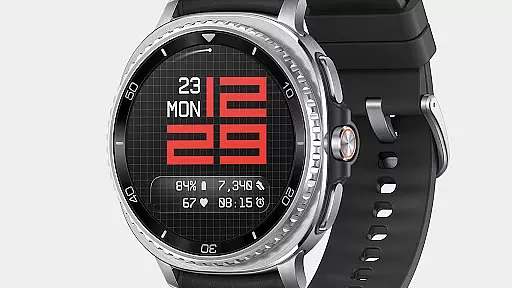
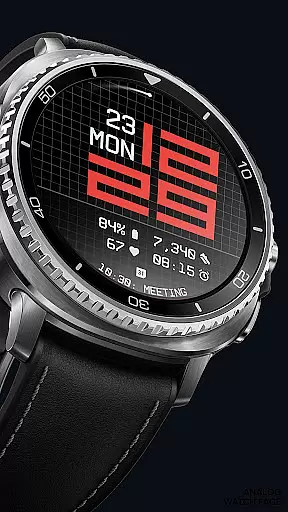
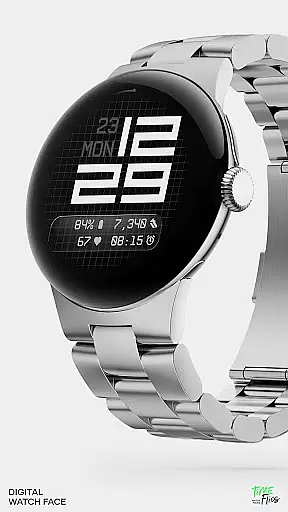
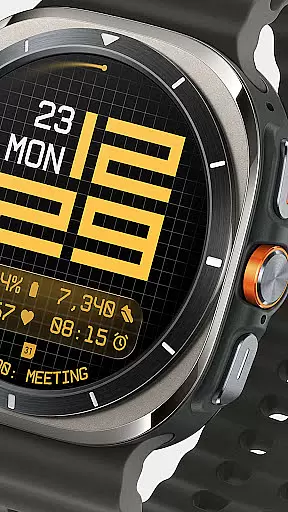
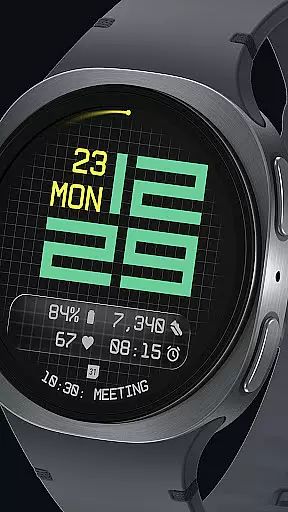
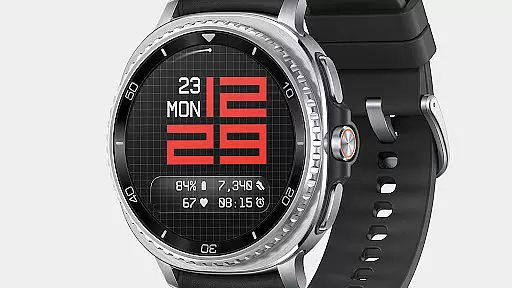
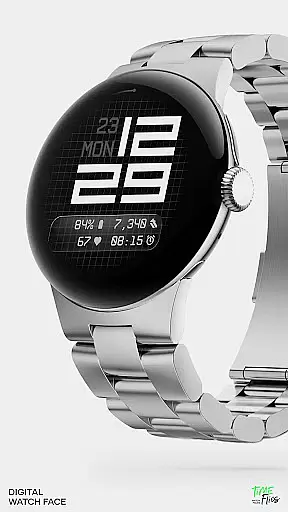
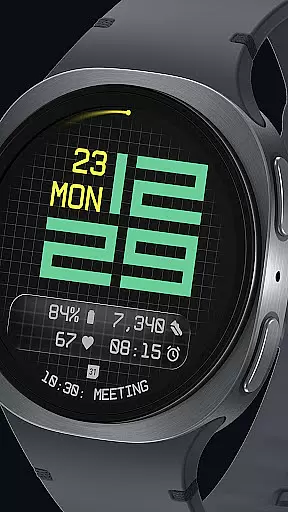
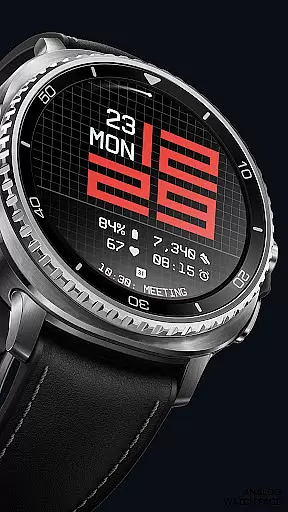
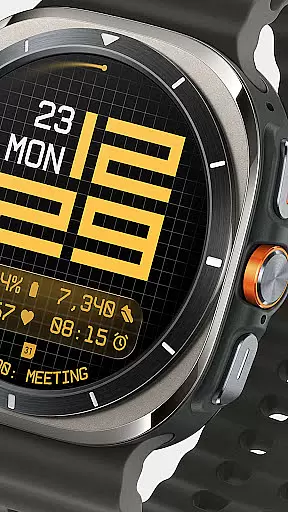
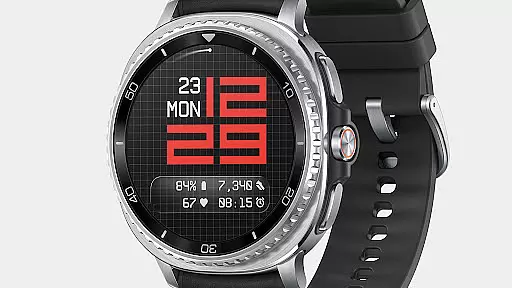
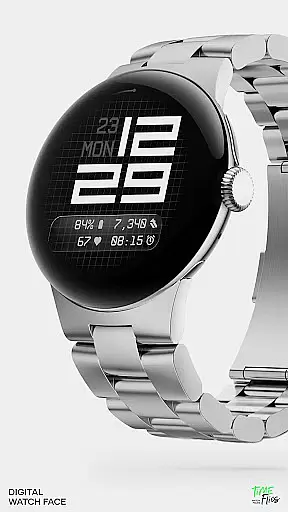
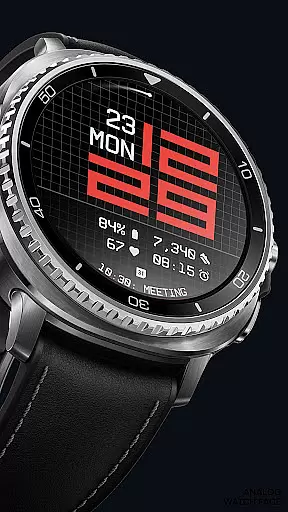
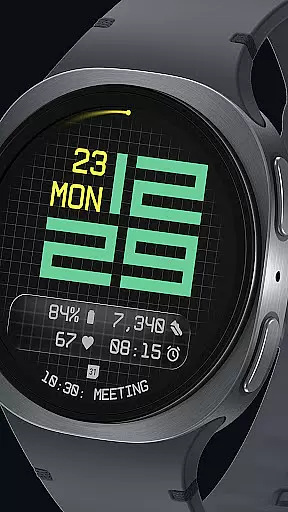

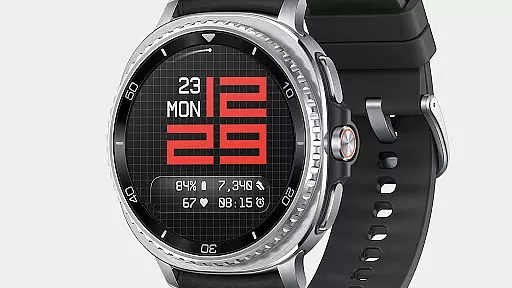
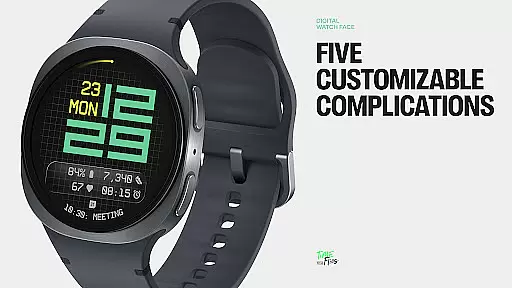
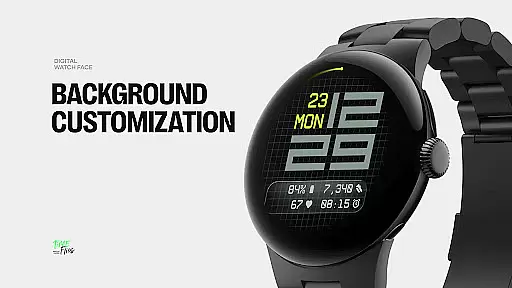
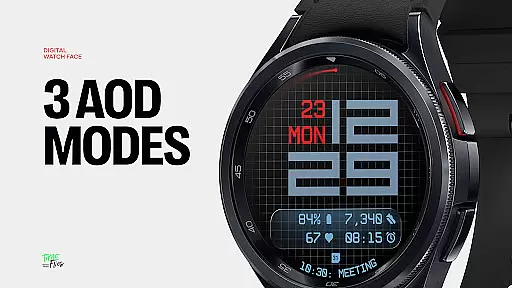
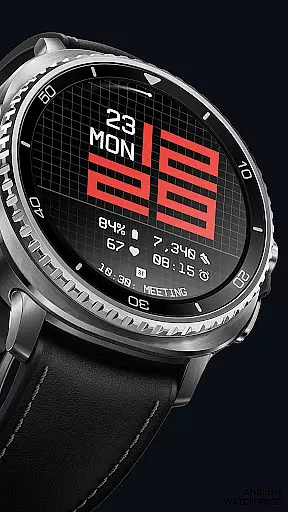
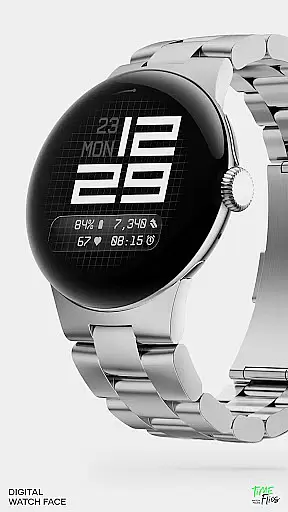
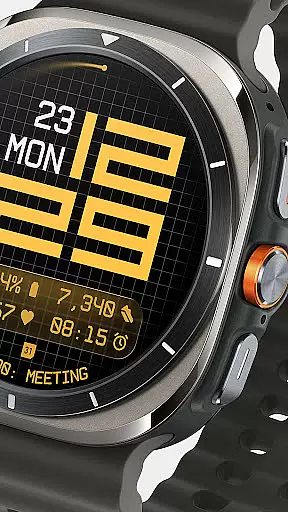
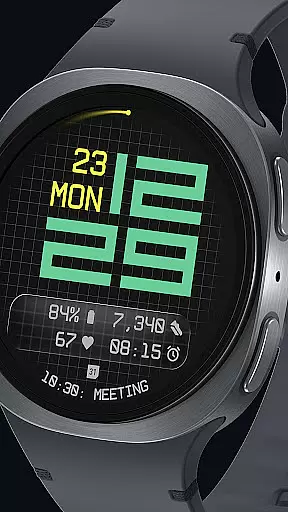
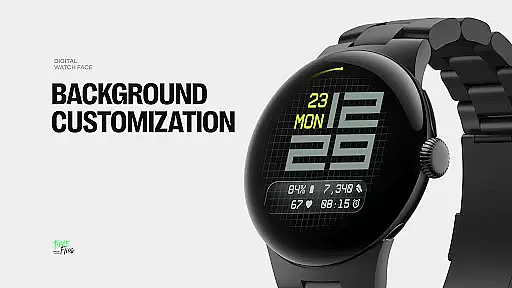
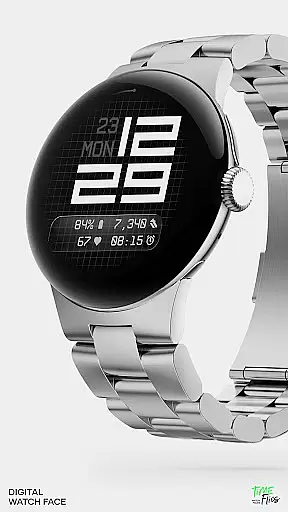
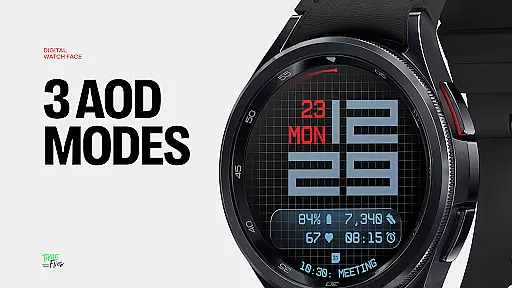
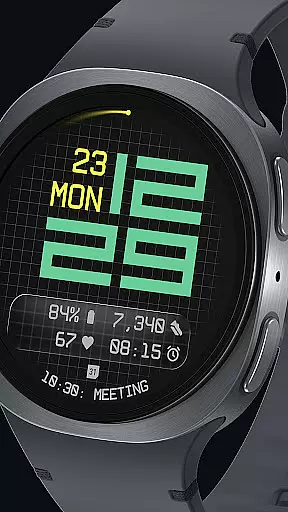
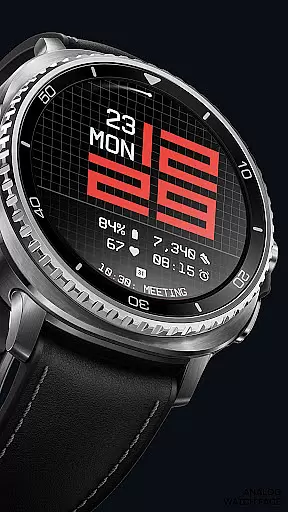
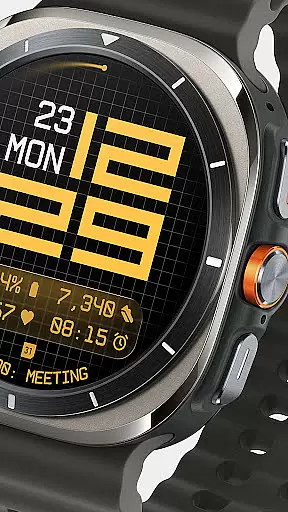
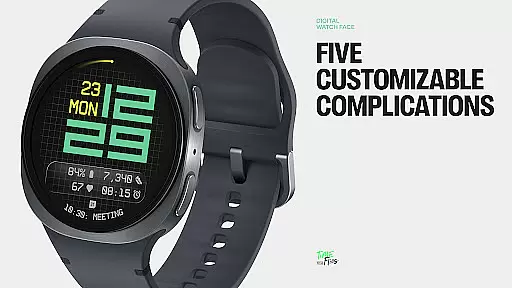
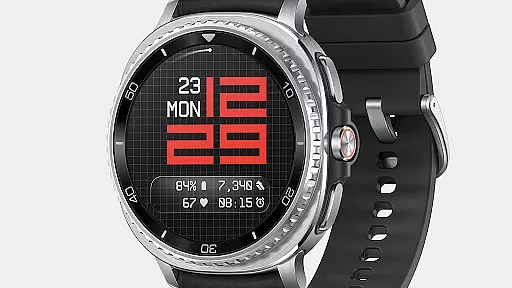
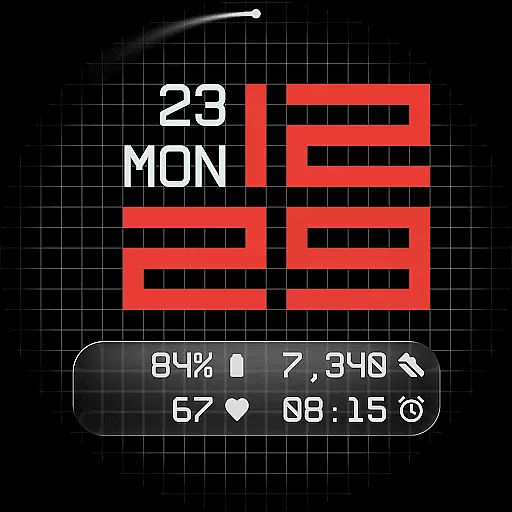
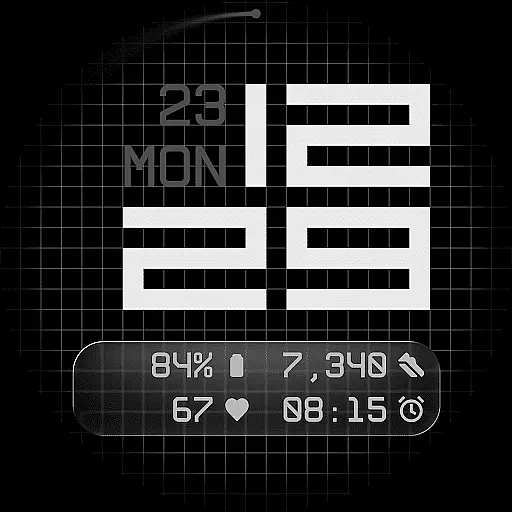
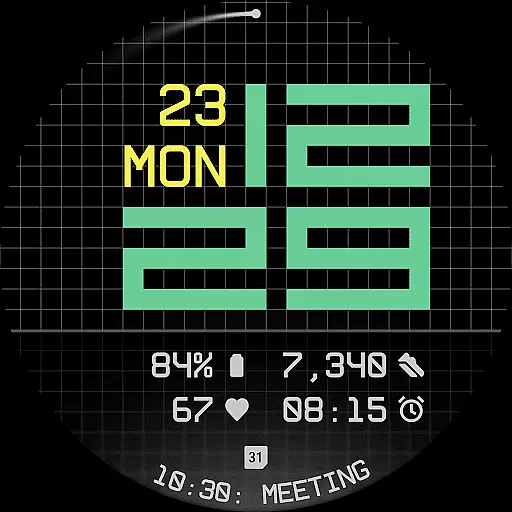
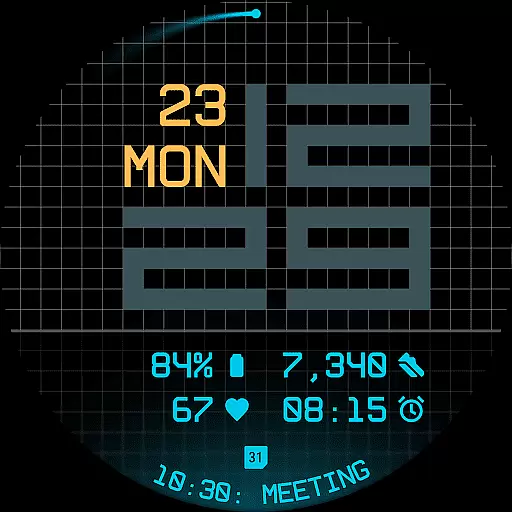
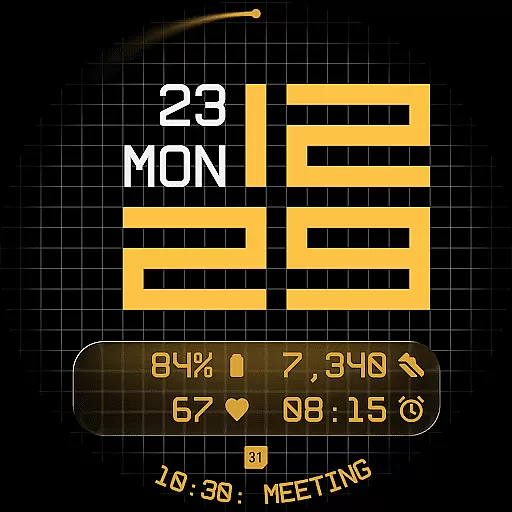
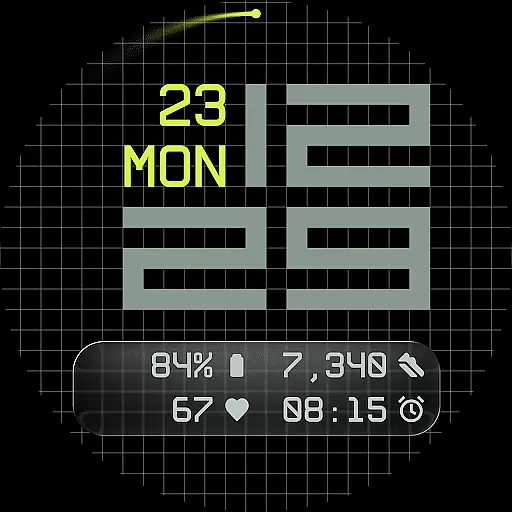
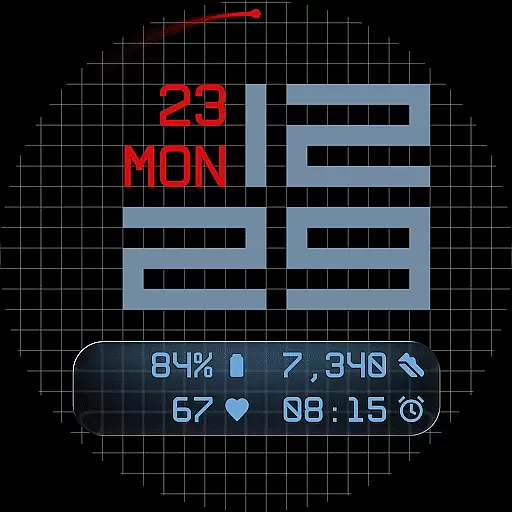
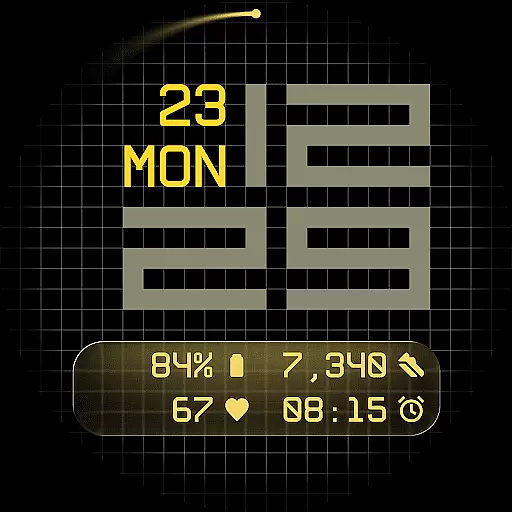
Fast Lane Watch Face is a contemporary digital watch face designed specifically for Wear OS smartwatches. It combines typographic clarity with a structured grid layout, offering users a modern and highly functional timepiece display. The design draws inspiration from automotive instrument panels while maintaining a distinctively sleek appearance.
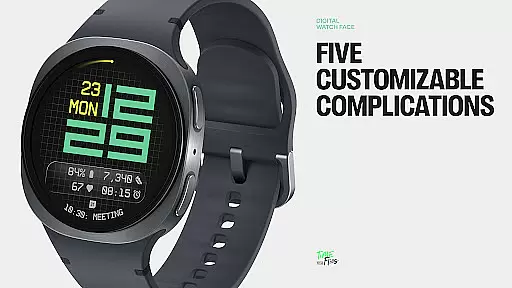
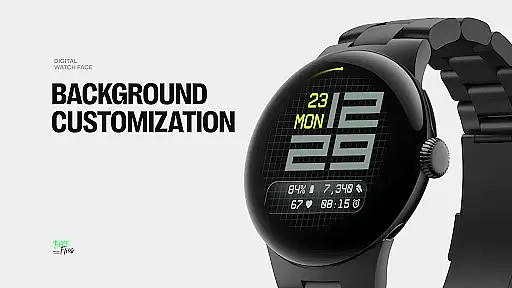
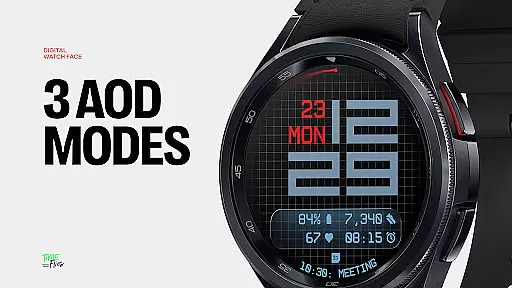
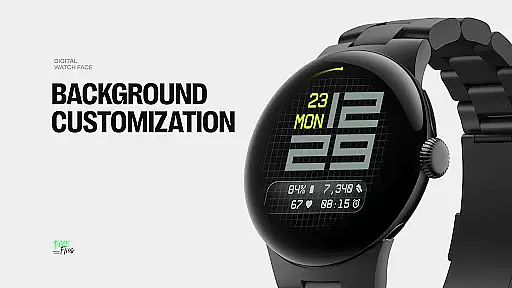
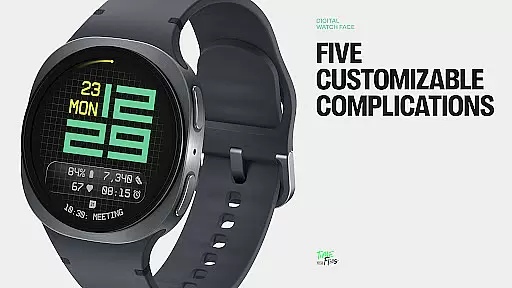
The watch face provides multiple customization options, allowing users to choose from various display styles such as a minimal grid, blurred circular accents, or translucent UI-inspired glass islands. With support for five complications, including four short-text slots and one long-text slot, Fast Lane ensures maximum information density without compromising visual coherence. Additional features like day/date integration, 30 color themes, optional seconds indicators, and three Always-On Display modes make this watch face both versatile and energy-efficient.
Ideal for users seeking a balance of style and functionality, Fast Lane Watch Face suits various settings, whether for professional use during the day or casual wear at night. Its modular UI layers and extensive configurability ensure it adapts seamlessly to individual preferences while delivering essential data in an intuitive format.
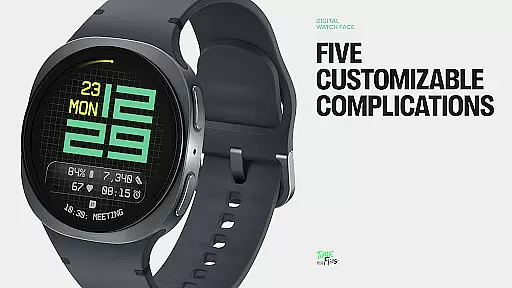
Fast Lane Watch Face stands out through its innovative blend of aesthetics and functionality. One of its key highlights is the inclusion of five customizable complications, which allow users to display up to four short-text items alongside one long-text item, perfect for calendar events or moon phases. This feature maximizes information accessibility without overwhelming the interface.
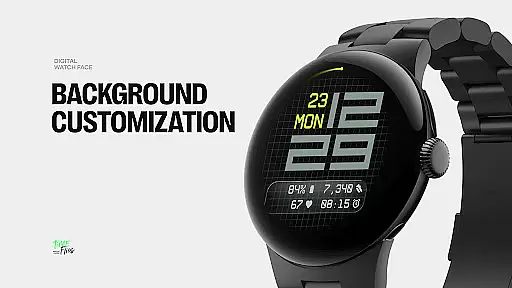
The watch face also offers modular UI layers that enhance personalization. Users can select from different background options, including a refined grid pattern, softly blurred segments, or a translucent UI plate hosting complications. These layers maintain visual harmony while enabling unique compositions tailored to individual tastes. Additionally, the contemporary time display uses balanced typography reminiscent of speedometers, ensuring readability and precision.
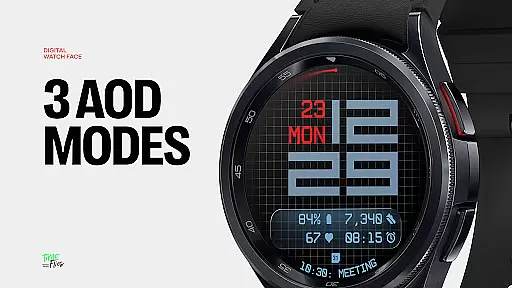
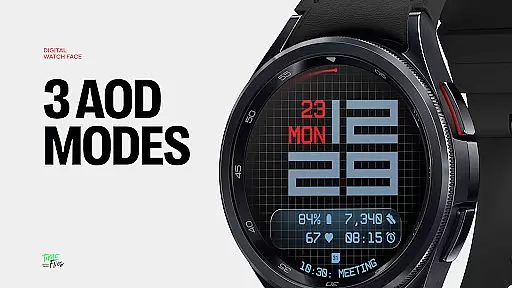
Other notable features include built-in day/date indicators, 30 color themes catering to diverse device and lighting conditions, optional seconds indicators for added rhythm or simplicity, and three Always-On Display modes (full, dim, minimal). Built using the Watch Face File Format, Fast Lane guarantees optimized performance and energy efficiency across all Wear OS devices, making it a reliable choice for everyday use.
Companion app integration is a crucial feature for Android Wear applications like Fast Lane Watch Face. This functionality allows users to seamlessly manage and customize their smartwatch experience directly from their mobile device.
The Time Flies companion app provides a centralized platform where users can browse the complete collection of watch faces, receive timely updates, and install new styles with ease. This ensures that users always have access to the latest designs and features without needing to manually search or download individual updates.
Through the companion app, users can fine-tune various aspects of the watch face including color themes, UI layers, and complications. This level of customization empowers users to tailor their smartwatch interface to match their personal preferences and needs.
The integration also optimizes performance by ensuring that all installed watch faces are built using the Watch Face File Format, which guarantees energy efficiency and smooth operation across all Wear OS devices.
Ensuring broad Wear OS and device compatibility is essential for any Android Wear application. Fast Lane Watch Face demonstrates exceptional versatility in this area, working seamlessly across a wide range of smartwatch models and configurations.
The watch face is designed using a modular approach that adapts to different screen sizes and resolutions. This adaptability ensures that the crisp typography and structured layout maintain their integrity regardless of the specific device parameters.
With support for over 30 color themes and multiple display styles, Fast Lane Watch Face offers users a consistent experience across various devices while allowing for personalized adjustments. These options ensure optimal visibility and aesthetic appeal in any lighting condition.
Furthermore, the implementation of three distinct Always-On Display modes guarantees that core information remains accessible at a glance, without compromising battery life. This balance of functionality and efficiency exemplifies the thoughtful engineering behind the application's cross-device compatibility.
Highly customizable
Modern aesthetic design
Energy-efficient performance
Multiple display styles
Wide color palette options
Limited to Wear OS
Companion app required
Complex setup process
Fewer features on older devices
Premium pricing model

Watch the sharpness of the sky on your wrist..
 3.70
3.70
A watch face that fuses motorsport precision with contemporary smartwatch design
4.5
Easy Voice Recorder is your everyday companion to record important moments.
4.70
A modern premium sporty hybrid watch face for Wear OS by Ballozi
4.70
Authentic military-tactical design with ZULU time! Realistic and functional!
3.80
Structured watch face with seven complications and modular UI elements
3.90
sleep, alarm, snoring, stress, healing, focus, sound therapy, circadian rhythm
4.10
Get helpful reminders, take progress photos and find answers to your questions.
3.90
Viewer for Wyze/Yi/Eufy/Arlo/ONVIF/RTSP/P2P IP cams w/ adv. features & DIY DVR
4.00
Period, ovulation & pregnancy tracker. Fertility insights & menstrual calendar.
4.90
Hybrid watch face for Wear OS with customizable complications by Matteo Dini MD
4.70
Ideal for surviving in the wasteland left after nuclear fallout
4.50
Connect to your Bluelink equipped Hyundai vehicle from your smartphone.
4.50
Digital watch face. For Wear OS devices.
4.40
A white realistic classic analog watch face with many customization options.
4.40
Professional weather radar and more
3.90
Wear Os Watch Face - Animated Snow Effect & Christmas Lights
4.0
Analog watch face with 8 complications and expedition styling
4.5
Funny animated watch face for Thanksgiving
4.2


User Reviews