
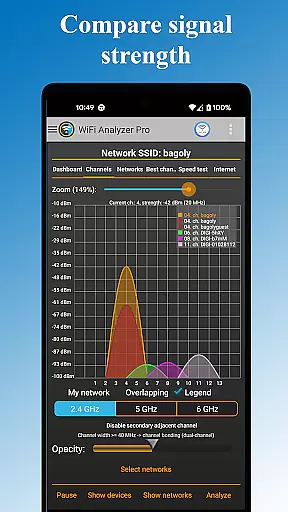
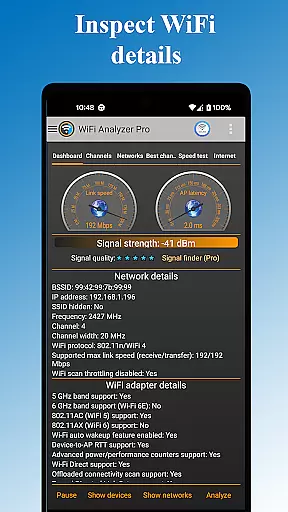
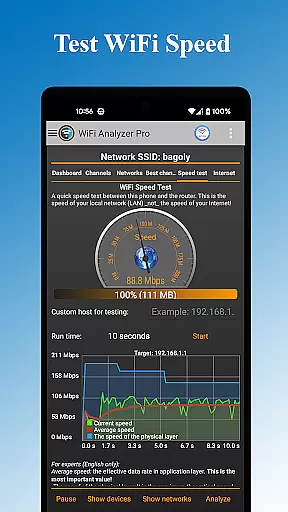
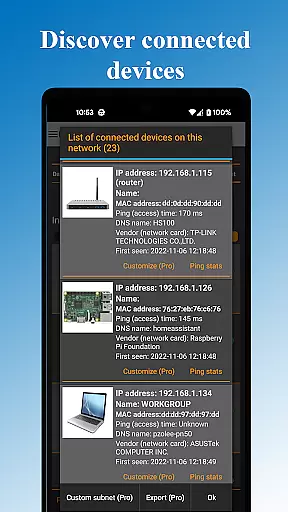
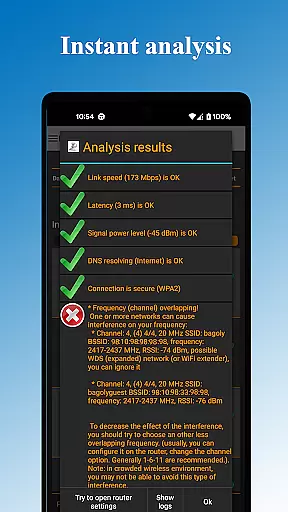
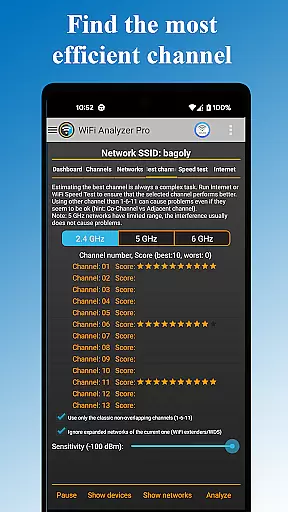
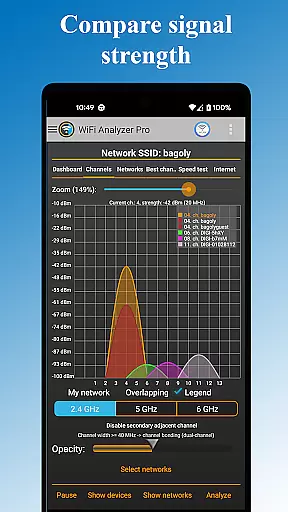
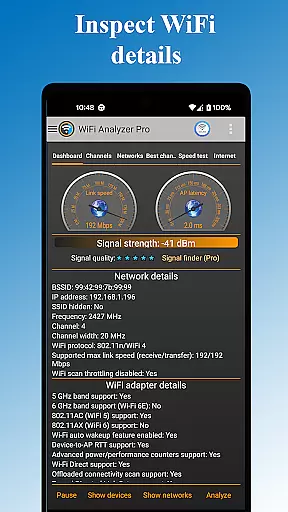
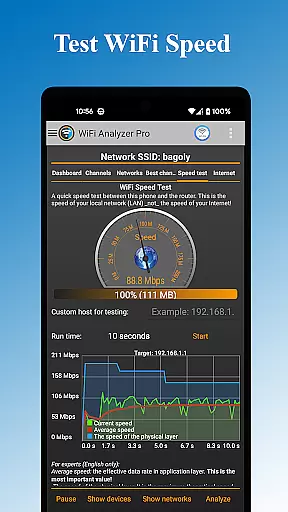
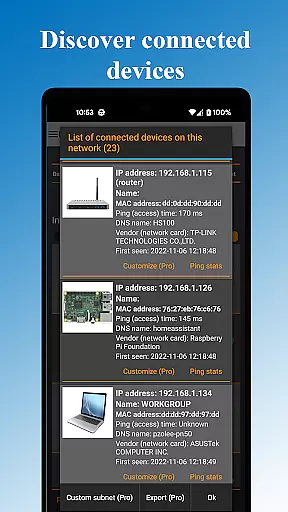
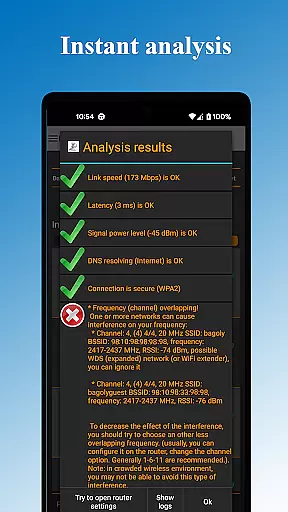
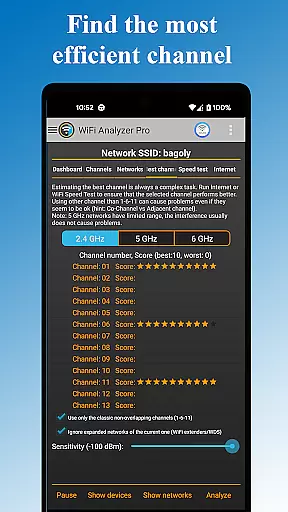
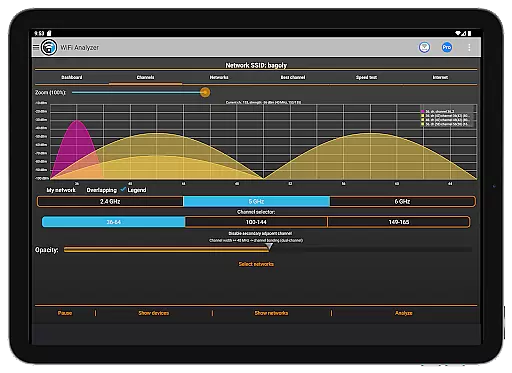
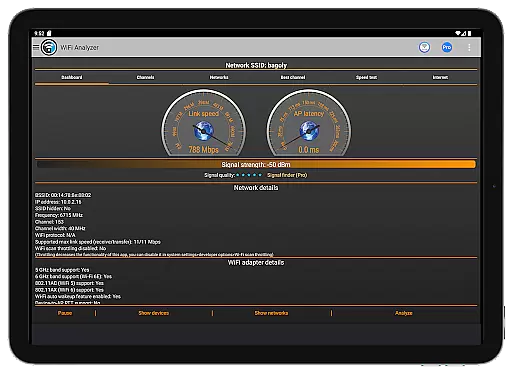
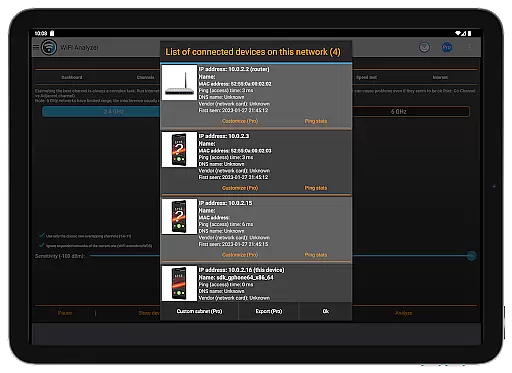
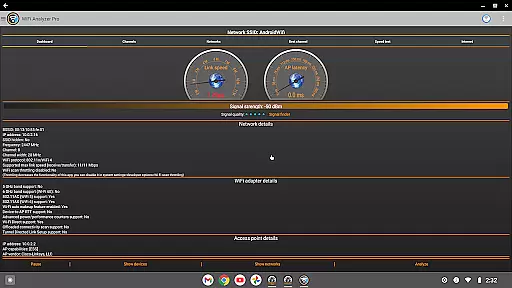
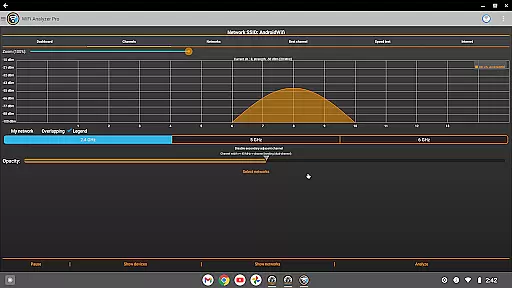
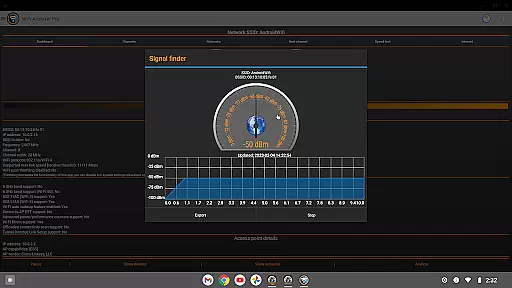
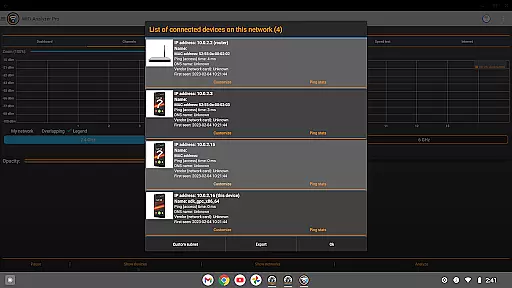
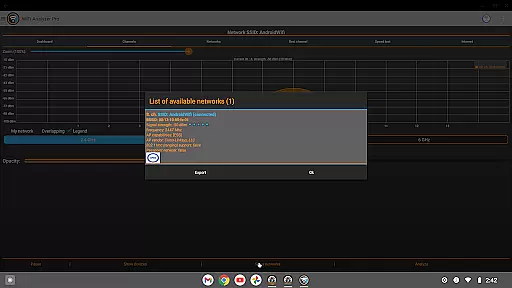
WiFi Analyzer Pro is a powerful network optimization tool designed to help users maximize their WiFi performance. The app provides detailed analysis of wireless networks, identifies the best router placement and channel settings, and detects all connected devices on your network. With support for both 2.4GHz and 5GHz bands, it offers comprehensive network monitoring capabilities.
This professional-grade tool stands out with its advanced features like signal strength analysis, latency testing, and DNS verification. It's particularly useful for users experiencing connectivity issues or those setting up a new network. By providing clear visual charts and expert recommendations, WiFi Analyzer Pro enables both beginners and tech-savvy users to optimize their network performance effectively.
The application boasts an impressive array of features that cater to various network optimization needs. Its core functionality includes detailed network scanning that reveals all nearby WiFi networks and connected devices. Users can analyze signal strength through intuitive graphical representations and identify potential security vulnerabilities in their network setup.
Advanced Pro features include customized device management, extended network scanning capabilities, and the ability to send diagnostic logs directly to internet service providers. The app also provides professional-level tools such as channel width analysis, access point vendor identification, and DHCP information tracking. These features are presented through user-friendly interfaces that make complex network data accessible to all users.
WiFi Analyzer Pro excels in delivering accurate and effective core functionalities that are essential for optimizing your WiFi network. The app provides detailed insights into your network's performance by analyzing signal strength, latency, and channel congestion.
One of the standout features is its ability to recommend the best channel and router placement to maximize connection speed and stability. It scans both 2.4 GHz and 5 GHz bands, offering a comprehensive view of available networks and identifying crowded channels. This ensures users can make informed decisions about their WiFi setup.
The app also includes advanced tools such as DNS verification and detailed access point information, which comprises the vendor, frequency, channel width, and security level. These features collectively enable users to fine-tune their network settings for optimal performance.
By providing precise data and actionable recommendations, WiFi Analyzer Pro empowers users to enhance their network's efficiency significantly. Whether you're a beginner or an advanced user, the app's intuitive design ensures you can easily leverage these powerful tools to improve your WiFi experience.
A hallmark of WiFi Analyzer Pro is its commitment to interface simplicity and intuitiveness, making it accessible even to those without technical expertise. The app features a clean, user-friendly design that presents complex network data in an easy-to-understand format.
Users can quickly navigate through various sections, such as device lists, network charts, and detailed analytics, thanks to the well-organized layout. The availability of both dark and light themes caters to personal preferences and enhances readability under different lighting conditions.
Moreover, the app offers practical filters for SSID, WiFi band, and overlapping channels, allowing users to focus on specific aspects of their network effortlessly. These filters streamline the process of identifying and addressing potential issues, ensuring a seamless user experience.
Overall, WiFi Analyzer Pro combines powerful functionality with an intuitive interface, enabling users to optimize their WiFi networks without needing extensive technical knowledge. Its straightforward approach ensures that anyone can effectively manage and enhance their network performance.
User-friendly interface
Comprehensive network analysis
Ad-free experience
Regular feature updates
Advanced Pro features
Paid subscription required
Location service dependency
Technical knowledge needed
Android version limitations
Occasional scanning delays

Transfer Files, APK from Phone to Watch & Install.
 4.4
4.4
1-Click close all background apps on Android TV
3.90
This app unlocks the Pro features of the Central for DayZ app
3.60
ADB support Android 4.X-Android 13(Support wireless pair mode).No root required!
4.70
Create your own live wallpaper or check out thousands already made presets
3.90
Smart and comfortable browsing experience.
3.80
Screen Mirroring for Roku Sticks, Roku TCL TV and Roku Hisense TV
4.50
The Ultimate Flex Drivers Utility App - Convenient Tapping & Block Filters
4.70
Pro Emulator is an easy to use game console emulator for a range of consoles.
4.40
Change your GPS location instantly. Simulate routes anywhere in the world.
4.90
Easily install aab(Android App Bundle) files on your Android device with our app
4.80
Protect your device with antivirus, storage cleanup, and system monitoring
4.70
Universal TV remote control all TVs, Roku, LG, Samsung, Fire, Vizio, Sony, TCL.
4.40
Quickly & easily calculate the spacing of handrail balusters
4.20
A simple app to back up and restore SMS & MMS messages and call logs.
4.10
Automate everything from settings to photos, SMS to speech. ADC2 prize winner.
4.10
Create your own custom widget with endless possibilities
3.90
Fun lie-detection pranks for friends and parties.
3.80
card-reader app
2.20


User Reviews