
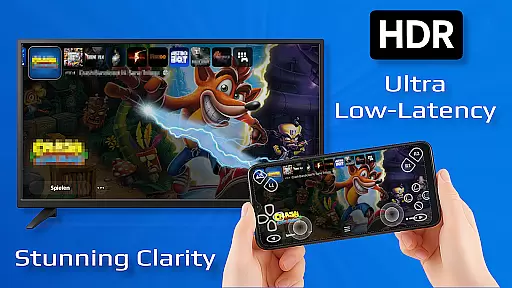
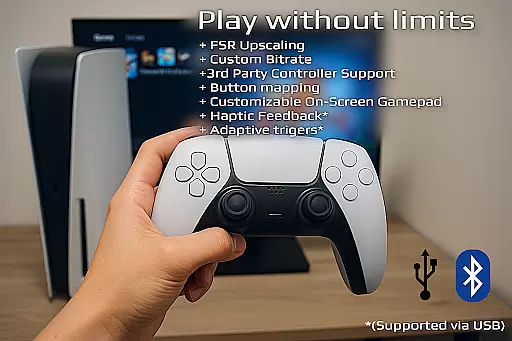
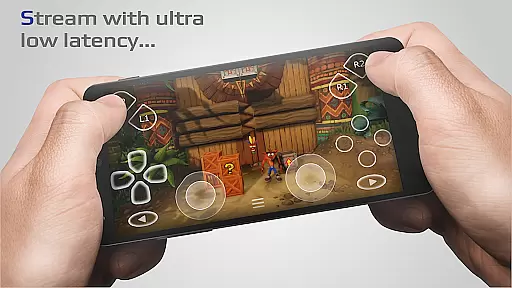
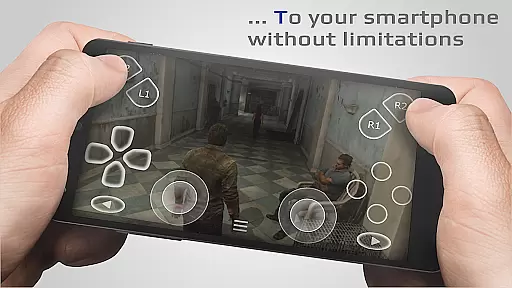
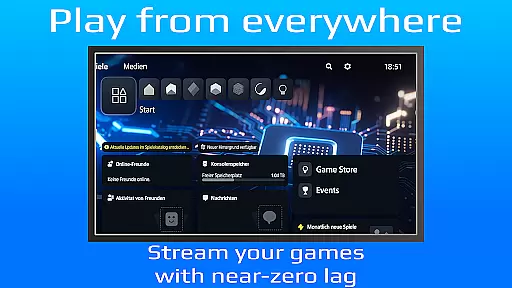
PXPlay is a powerful remote control application designed for gaming enthusiasts who want to access their gaming devices from anywhere. The app offers an optimized streaming experience with minimal latency, making it possible to play games remotely without performance issues. PXPlay supports third-party controllers and works seamlessly over mobile data connections, ensuring flexibility in how and where you use it.
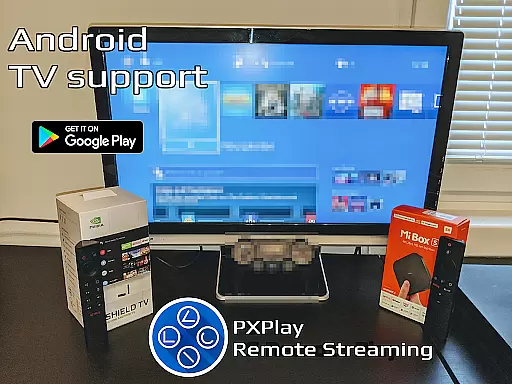
One of the standout features of PXPlay is its compatibility with Android TV devices and support for gamepad button mapping, which allows users to customize their gaming experience. Additionally, the app provides options like Picture-In-Picture mode and Multi-Window support, catering to multitasking needs. Whether you're using PXPlay as a virtual controller or streaming your favorite games, this tool ensures a smooth and responsive experience.
The app is particularly useful for gamers who travel frequently or want to enjoy their gaming library on the go. With support for older firmware versions starting from 5.05 and newer, PXPlay caters to a wide range of devices. Its ability to function over high-speed internet and 5GHz WiFi connections makes it ideal for users seeking low-latency gameplay. Overall, PXPlay bridges the gap between convenience and performance for remote gaming.
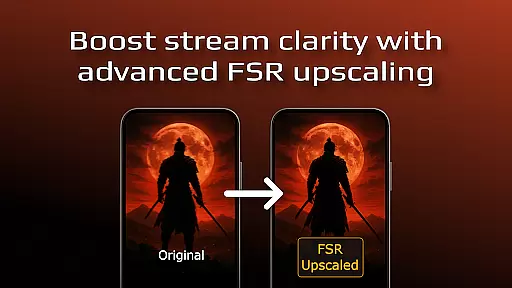
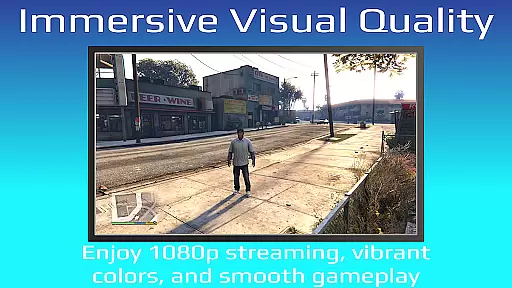
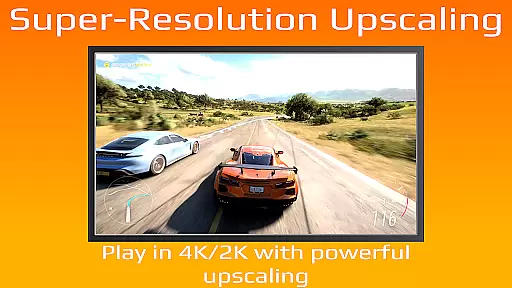
PXPlay stands out due to its comprehensive feature set tailored specifically for remote gaming. One of its key innovations is the integration of FSR upscaling and sharpening, which enhances video quality during streaming sessions. This ensures that even on less-than-ideal network conditions, users can still enjoy crisp visuals while playing their favorite games.
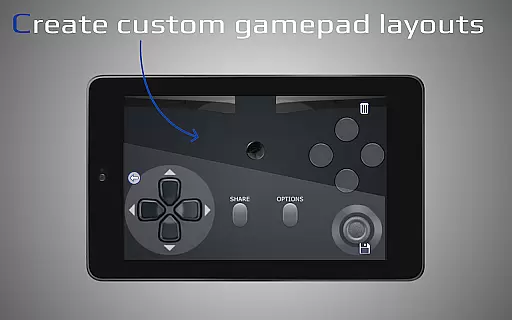
Another notable aspect is the app's extensive customization options. Users can create multiple profiles, map gamepad buttons according to their preferences, and adjust the layout of on-screen controls. These features make PXPlay highly adaptable to individual gaming styles. Furthermore, the app supports rooted Android devices, expanding its usability across different device configurations.
PXPlay also includes practical functionalities such as screen recording (with third-party apps), Picture-In-Picture mode, and Multi-Window support. These tools not only enhance productivity but also improve the overall user experience. By combining advanced streaming capabilities with robust customization features, PXPlay delivers a versatile solution for modern gamers looking to extend their playtime beyond traditional setups.
PXPlay excels in delivering core functionalities with precision and effectiveness, ensuring an optimal remote gaming experience. The app supports third-party controllers across all Android devices, providing flexibility and customization options for users.
With features like FSR upscaling and sharpening, PXPlay enhances video quality while maintaining low latency during streaming sessions. This ensures that gamers can enjoy their favorite titles without performance hindrances, regardless of their location.
The application's support for rooted devices and older firmware versions from 5.05 demonstrates its commitment to inclusivity and adaptability. Such comprehensive compatibility allows a wider audience to utilize PXPlay as both a virtual controller and a streaming platform.
By offering advanced functionalities such as Picture-In-Picture mode and Multi-Window support, PXPlay empowers users with multitasking capabilities. These features highlight the app's dedication to enhancing user convenience and productivity while gaming remotely.
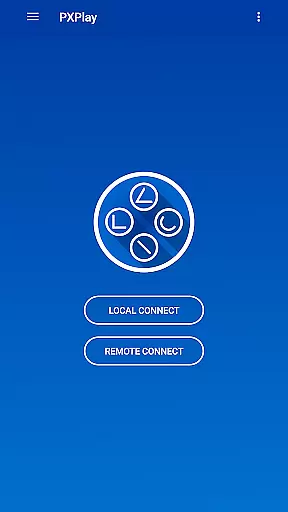
PXPlay prioritizes interface simplicity and intuitiveness, making it accessible even to those new to remote gaming technology. Its easy connection setup process allows users to quickly start streaming their gaming device with minimal hassle.
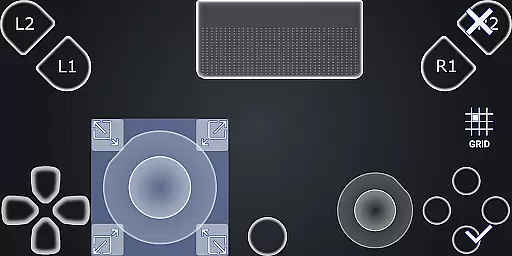
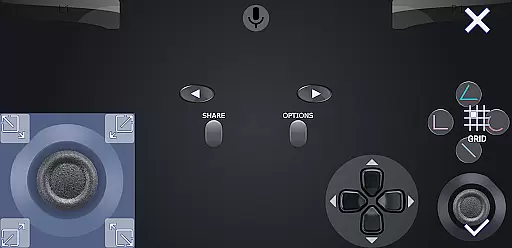
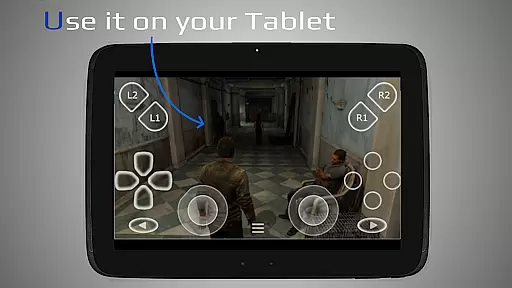
The customizable onscreen gamepad layout provides an intuitive control scheme tailored to individual preferences. Gamers can adjust button mappings according to their comfort, ensuring a seamless interaction between the user and the app.
Support for high display resolutions up to 1024 u00d7 768 or higher guarantees crisp visuals, contributing positively towards user engagement. A clear visual presentation aids in reducing cognitive load, allowing players to focus more on gameplay.
Including community resources and demonstration videos within its ecosystem further simplifies navigation through tutorials and troubleshooting guides. This approach fosters self-reliance among users while promoting active participation within the PXPlay community.
Low-latency streaming
Third-party controller support
Customizable gamepad layouts
Picture-In-Picture mode
Multi-Window functionality
Requires stable internet
Limited firmware compatibility
No offline mode
Dependent on third-party apps
Complex setup process

Change your GPS location instantly. Simulate routes anywhere in the world.
 4.90
4.90
Save any video in HD - paste the link, download fast and watch offline.
4.2
Keep track of your Palia friendships, tasks, and inventory with Palia Notebook
4.60
ADB support Android 4.X-Android 13(Support wireless pair mode).No root required!
4.70
Create your own live wallpaper or check out thousands already made presets
3.90
Best leveling tool for your Android device. Hang paintings like a pro.
4.90
Planner and Tracker for Stardew Valley
4.60
Create your own custom widget with endless possibilities
3.90
Fun lie-detection pranks for friends and parties.
3.80
Support Fossify apps with a warm thank you!
5.00
The ultimate tool for network analysis, wifi scanning and problem detection.
4.90
Unit and currency converter with easy and simple UI.
4.80
Mirror your screen to Chromecast and Android TV - Super fast and simple
4.60
Screen Mirroring for Roku Sticks, Roku TCL TV and Roku Hisense TV
4.50
Effortlessly run ADB commands directly on your device without a PC.
4.20 4.10
4.10
A simple app to back up and restore SMS & MMS messages and call logs.
4.10
Amateur Radio app for APRS: Track friends, exchange messages, get tactical info.
3.90
A non-root local ADB shell client. READ BELOW!
3.40


User Reviews