
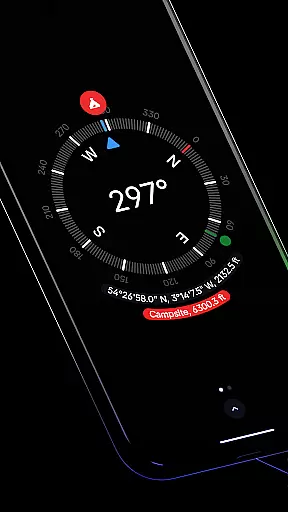
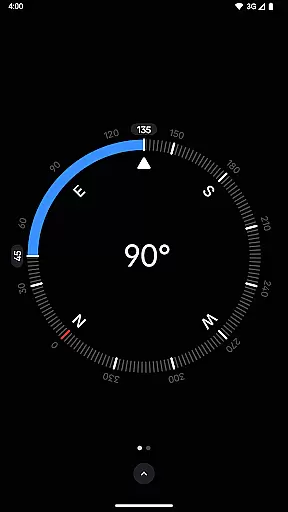
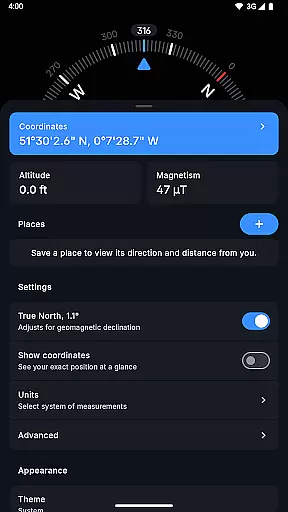
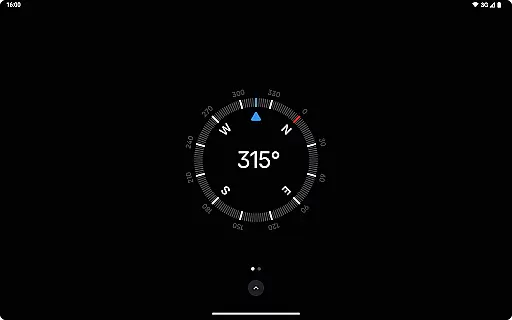
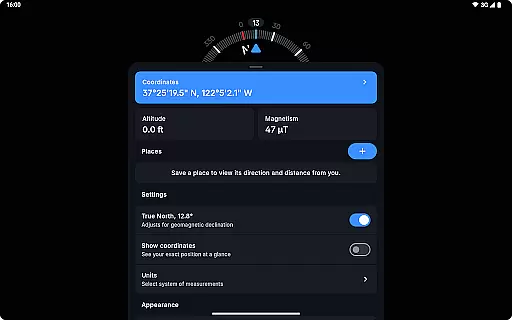
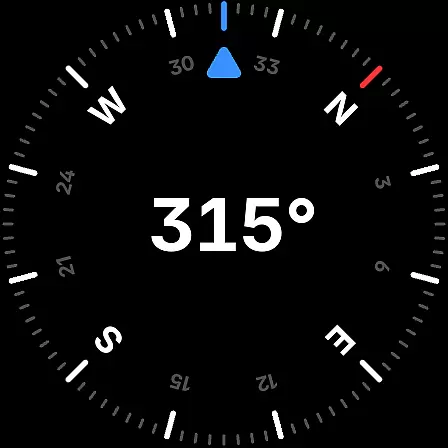
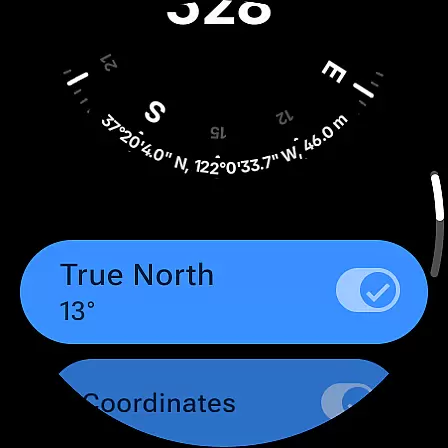
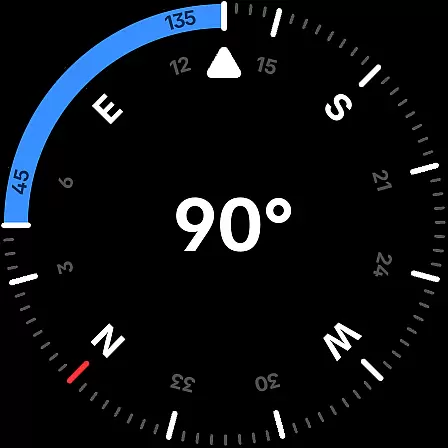
Compass is a sleek and minimalistic navigation app that combines simplicity with elegance, offering users precise direction and multiple practical features. Designed for both Android phones and select Wear OS smartwatches, it provides an intuitive dark-themed interface for effortless navigation. The app displays exact location coordinates in various formats, including DMS, UTM, and Plus Codes, while supporting advanced functionalities like altitude tracking and geomagnetic declination adjustment.
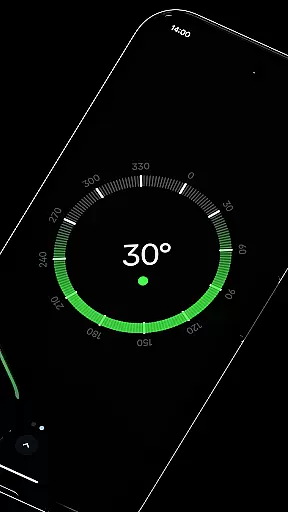
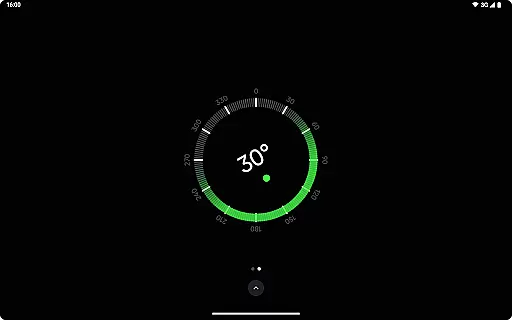
Beyond basic navigation, Compass includes tools such as a bubble level, angle measurement, and a high-contrast display option for better visibility. Users can personalize their experience by switching themes, adjusting units, or enabling a red screen filter for nighttime use. With rich haptic feedback, privacy-first design, and no ads, this app caters to explorers, hikers, DIY enthusiasts, and professionals who demand accuracy and reliability in their navigational tools.
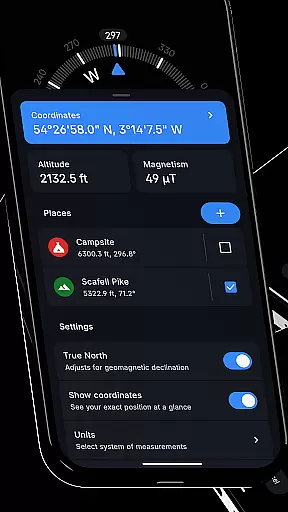
Compass stands out with its comprehensive set of features tailored for precision and convenience. One of its core strengths is the ability to display location coordinates in multiple formats, catering to different user preferences. Whether you need DMS, UTM, or MGRS, the app ensures flexibility and accuracy. Additionally, the inclusion of altitude tracking and true north alignment makes it indispensable for outdoor activities.
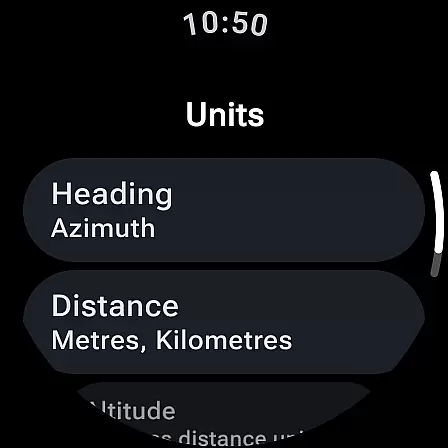
The app also offers unique tools like a bubble level for checking surface balance, an anomaly detector for magnetic field interference, and customizable units for angles and distances. Its privacy-focused design ensures no trackers or analytics are used, while the offline functionality guarantees uninterrupted access. With rich haptic feedback, dynamic color options, and a red screen filter for nighttime use, Compass delivers both innovation and practicality in one elegant package.
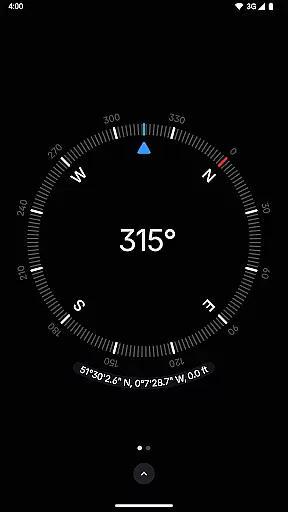
Compass stands out for its precision and reliability in delivering navigation data. The app provides users with exact location coordinates, including altitude, in multiple formats such as DMS, DDM, DD, UTM, MGRS, and OLC (Plus Codes). This versatility ensures that users can access geographic information in the format most useful to them, whether they are hikers, travelers, or professionals requiring specific data presentations.
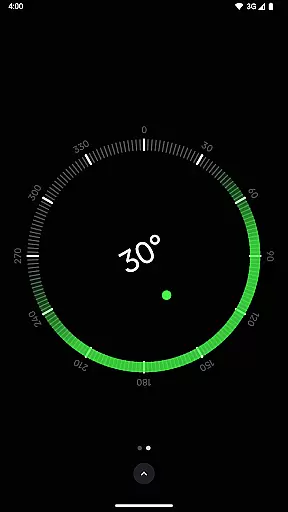
The application's ability to adjust for geomagnetic declination by aligning with true north enhances its navigational accuracy. This feature is crucial for explorers who depend on precise bearings in their adventures. Additionally, the integrated bubble level and angle difference measurement tools offer carpenters and DIY enthusiasts practical utilities beyond basic navigation, making Compass a multifunctional tool.
Users benefit from the app's high responsiveness and real-time data processing capabilities. Whether it's through rich haptic feedback that provides a tactile experience during navigation or the anomaly detector that alerts users to magnetic interference, Compass ensures an effective and uninterrupted user experience. These features collectively contribute to the app's core function accuracy, making it an indispensable tool for various user groups.
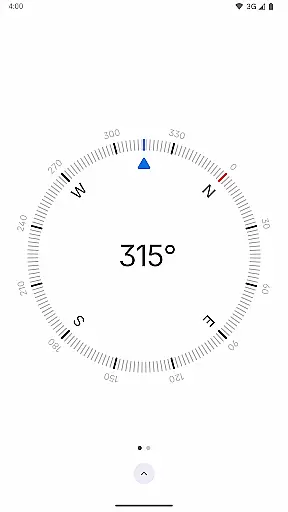
The interface of Compass is designed with simplicity and user-friendliness in mind, ensuring that users can navigate the app effortlessly. Its modern, dark-themed design not only offers a sleek aesthetic but also enhances visibility in different lighting conditions. Users can easily switch between dark and light themes, adapting the app to their environment or personal preference, which underscores the app's commitment to accessibility and ease of use.
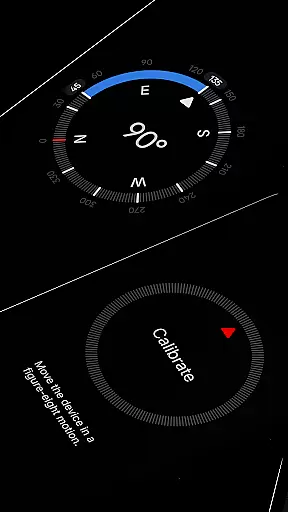
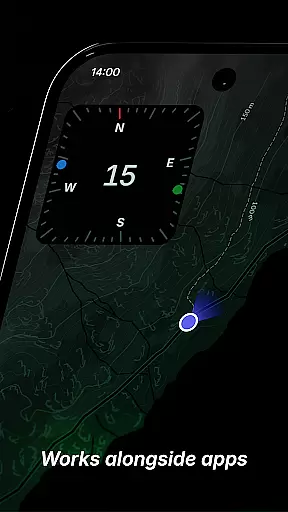
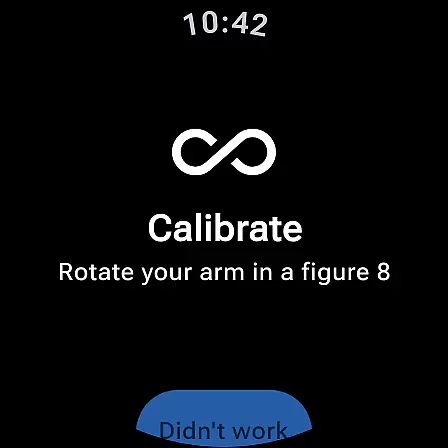
Compass further simplifies navigation with intuitive features like the calibration guide, which ensures accurate readings without overwhelming the user with complex procedures. The ability to dock the compass to the edge of the screen while using other apps exemplifies the app's focus on practicality and multitasking, allowing users to maintain orientation without interrupting their workflow.
Personalization options, such as Android 12's dynamic colours and a red screen filter for better night vision, add layers of customization that cater to individual preferences without compromising the app's intuitive layout. These thoughtful design elements ensure that users of all technical backgrounds can utilize Compass effectively, enjoying both functionality and style in one compact package.
User-friendly interface
Highly customizable settings
Accurate geomagnetic readings
No ads or trackers
Offline functionality
Limited Wear OS compatibility
Advanced features may overwhelm beginners
Red screen filter requires Android 10+
Occasional calibration needed
Not ideal for complex mapping

Unit and currency converter with easy and simple UI.
 4.80
4.80
Quickly & easily calculate the spacing of handrail balusters
4.20
Detect hidden spy camera with advanced scanning {{ Premium version }}
4.00
Mirror your screen to Chromecast and Android TV - Super fast and simple
4.60
A simple app to back up and restore SMS & MMS messages and call logs.
4.10
NFC Tools can read and write NFC tags.
4.70
Remote Play with FSR upscaling, low latency & full controller support
4.80
Screen recorder with audio to record high-quality videos and take screenshots.
4.40
Enjoy a smooth mobile reading experience!
3.60
Enjoy smooth gameplay with Game Booster
4.90
Powerful collection of electronics tools and reference.A must for any enthusiast
4.90
Learn the vast amount of system information about device and monitor it's state
4.70
Optimize your WiFi network, turn your phone into Wifi Analyzer
4.70
Protect your device with antivirus, storage cleanup, and system monitoring
4.70
Play your X-Box games remotely in 1080p with any controller and zero latency
4.60 4.50
4.50
Remote for Roku, Fire TV, Samsung TV, LG TV, Android TV, Chromecast and VIZIO TV
4.20
MS-DOS in your pocket. Play old DOS games anywhere you are ;)
4.10
Transfer Files, APK from Phone to Watch & Install.
4.5


User Reviews