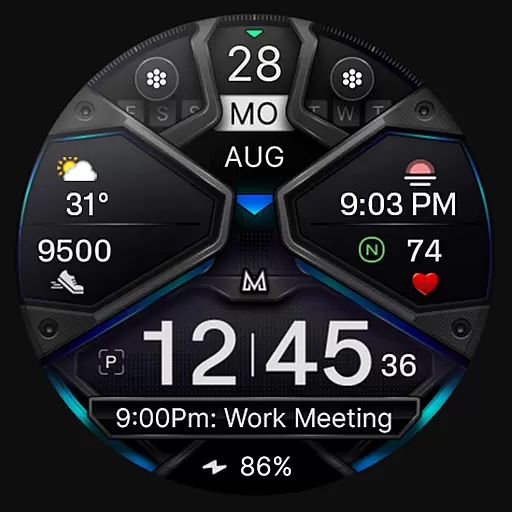
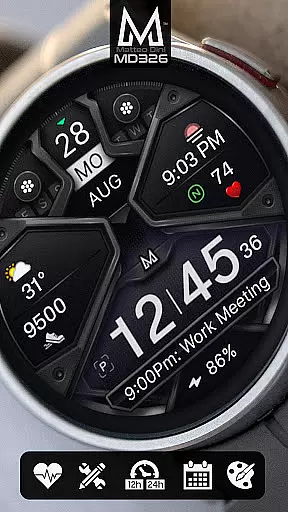
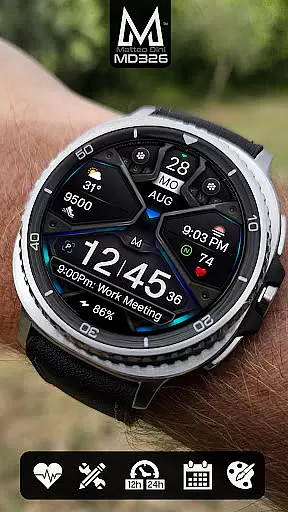
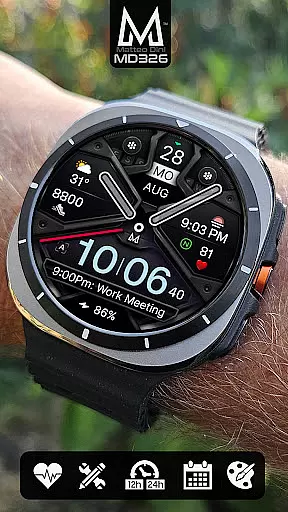
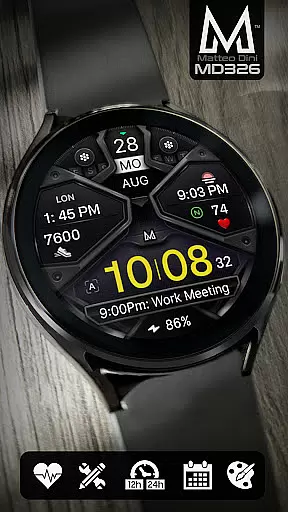
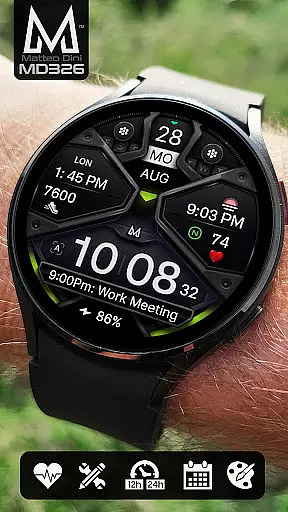
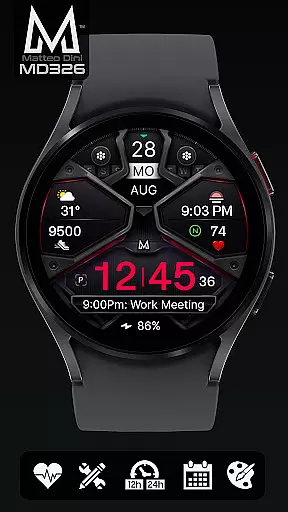
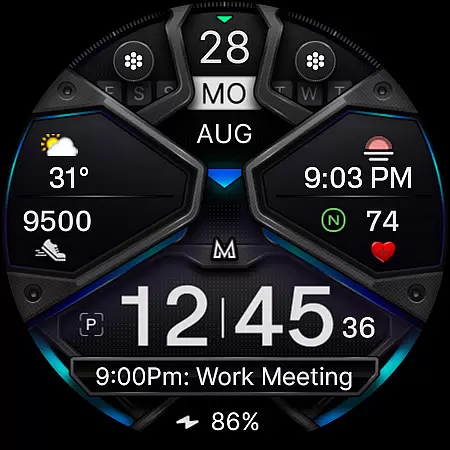
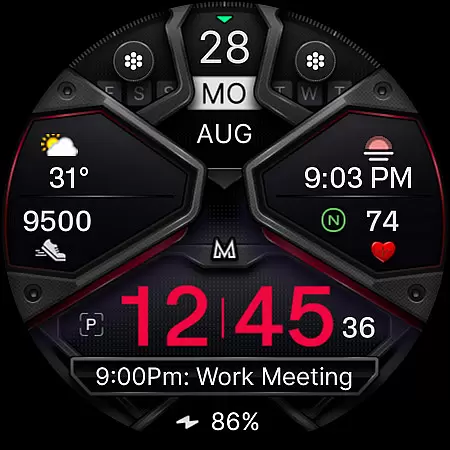
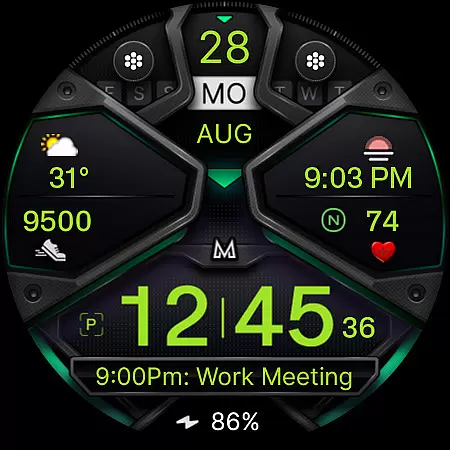
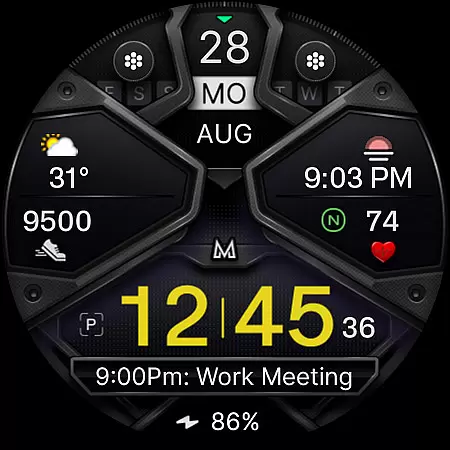
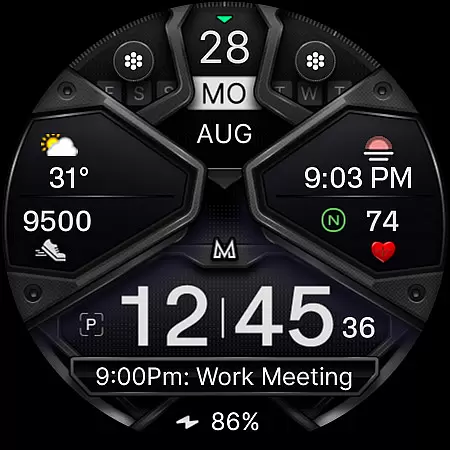
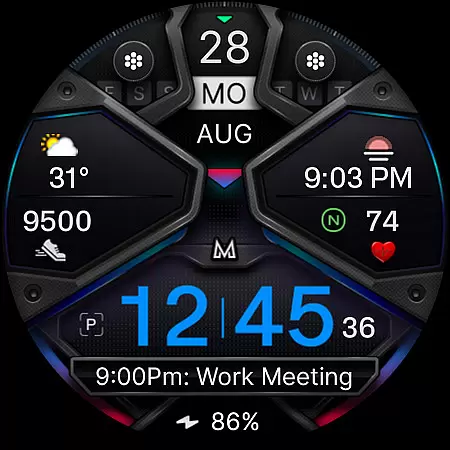
MD326 3D Modern Watch Face offers a sophisticated and customizable timekeeping solution for Wear OS devices. Designed with advanced features, it supports all Wear OS devices running API Level 33+ including Samsung Galaxy Watches and Pixel Watches.
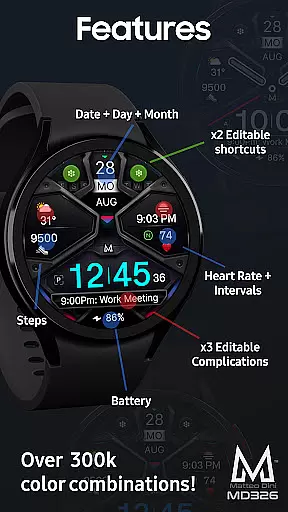
The watch face includes three preset app shortcuts, two customizable shortcuts, and three complications that can display various data types such as weather and UV index. With options like Always ON Display and changeable colors, users can tailor the appearance to their preferences.
Ideal for those seeking both functionality and style on their smartwatch, MD326 enhances daily wearability by providing essential information at a glance while maintaining an elegant aesthetic.
MD326 stands out with its comprehensive feature set tailored for modern smartwatches. It automatically adjusts to 12/24-hour formats based on phone settings and displays date, day, month, battery level, steps, and heart rate intervals.
Customization is key; users can personalize app shortcuts and complications directly from the watch interface. The inclusion of an Always ON Display ensures constant access to vital stats without needing to wake the device.
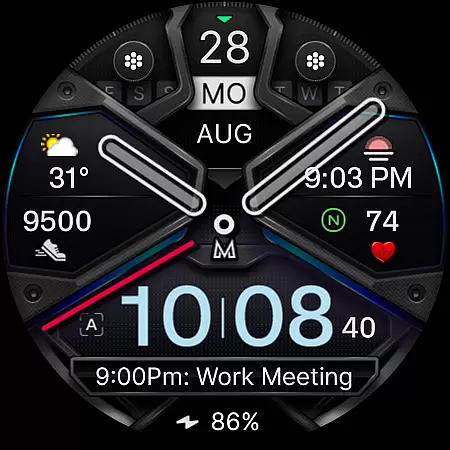
With support for hiding hands and altering colors of time elements, bezels, backgrounds, this watch face combines practicality with personal flair, making each user's experience unique.
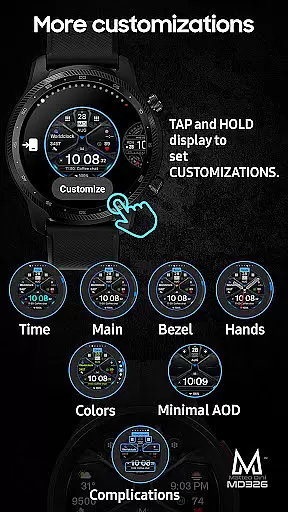
Companion app integration is essential for a seamless smartwatch experience. The MD326 3D Modern Watch Face offers users the ability to customize their watch face directly on their device, bypassing common issues with the Samsung Wearable app's editor.
This customization process is straightforward and efficient. Users can tap and hold the screen on their watch, then select the customize option to personalize shortcuts and complications. This ensures that even if the companion app has loading issues, the user's experience remains uninterrupted.
The watch face supports all Wear OS devices with API Level 33+ including Samsung Galaxy Watches and Pixel Watches. With features like Always ON Display and changeable colors, users have extensive control over both aesthetics and functionality.
By customizing directly on the watch, users can access important data such as weather, barometer readings, and UV index without needing to rely on a potentially faulty companion app interface. This makes the MD326 both versatile and user-friendly.
Ensuring broad device compatibility is crucial for any Wear OS application. The MD326 3D Modern Watch Face is designed to support all Wear OS devices with API Level 33+, encompassing models like Samsung Galaxy Watch 4-8, Ultra, and Pixel Watch.
This wide compatibility means that regardless of the specific Wear OS device a user owns, they can enjoy the advanced features of this watch face. These include 12/24hr time display based on phone settings, date, day, month, battery status, step count, heart rate monitoring, and more.
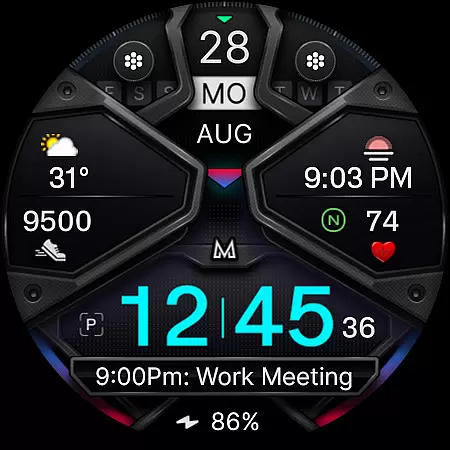
In addition to its functional features, the MD326 also offers aesthetic customization options. Users can modify the colors of various elements such as time, bezel, background, and general colors, ensuring the watch face fits their personal style.
With preset app shortcuts and customizable complications, the MD326 provides a tailored experience across a range of devices, making it a versatile choice for Wear OS users seeking both form and function in their smartwatch interfaces.
Highly Customizable
Modern Aesthetic Design
Comprehensive Data Display
User-Friendly Interface
Wide Device Compatibility
Complex Setup Process
Limited Support for Older Devices
Preset Shortcut Limitations
Occasional Sync Issues
Feature Availability Varies by Device

A full-featured Amazon Alexa voice assistant that can show you things.
 3.70
3.70
Elegant animated Christmas tree with multiple customization options
4.20
Simple Analog-Digital Watchface For Wear OS 3.0 and Up Smartwatches
4.5
The most customizable minimal watch face. For Wear OS 5.0, API 34+ and later
4.70
Gym & home workout plans with strength training, exercise tracking, HIIT & more.
4.60
Get helpful reminders, take progress photos and find answers to your questions.
3.90
Stylish, Energizing and Modern Watch Face crafted by Dominus Mathias.
4.50
Hyper-Realistic Airplane Dashboard Watch Face With 10 Skins and Custom AOD
4.00
Want to take charge of your health? Let Google Fit help you reach your goals.
3.50
Gym Log & Workout Tracker | Fitness Journal, Training & Weight Lifting Planner
4.90
Hybrid watch face for Wear OS with customizable complications by Matteo Dini MD
4.70
Real-time results, stats, schedules and player profiles for all leagues
4.60
Ideal for surviving in the wasteland left after nuclear fallout
4.50
Premium hybrid watch face with many customizations for Wear OS devices.
4.40
Daily Weather forecast with 15 weather images for Day & Night plus Big Bold time
4.10
Structured watch face with seven complications and modular UI elements
3.90
Authentic military-tactical design with ZULU time! Realistic and functional!
3.80
Stay in touch with your friends and family using LINE!
3.40
Sleek, highly customizable watch face inspired by Galaxy Watch Circle Dashboard.
4.5


User Reviews