
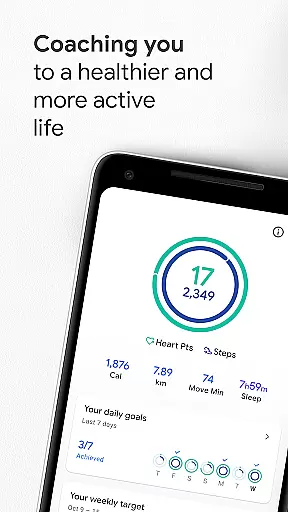
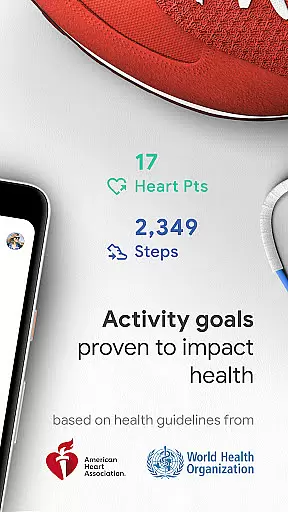
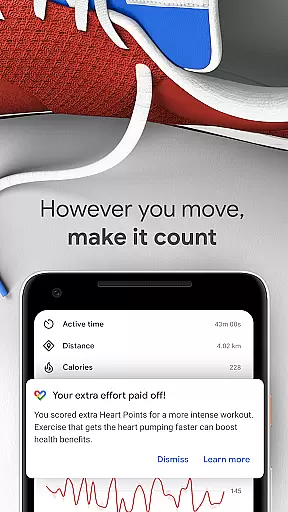
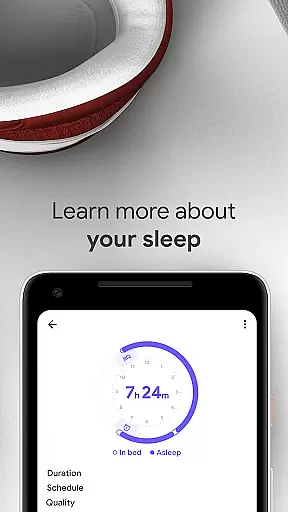
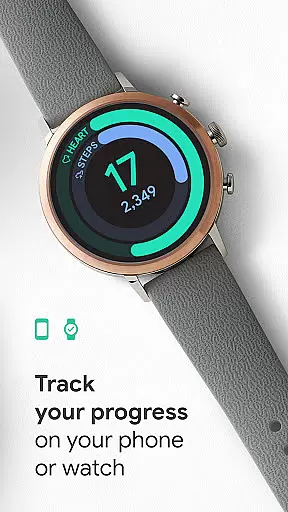
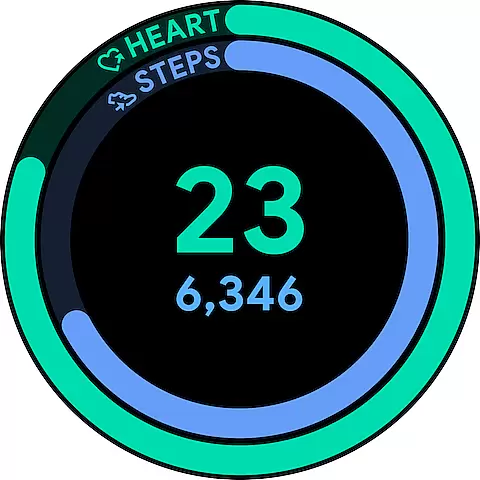
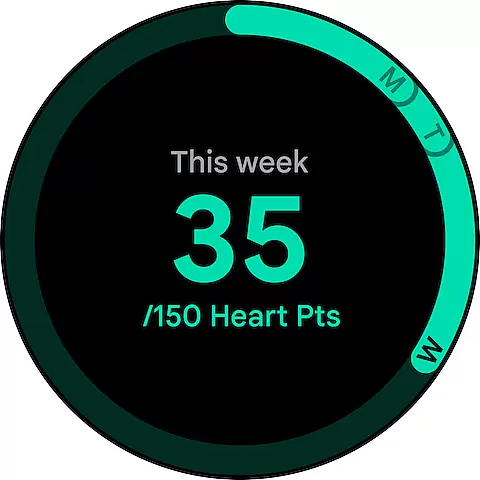
Google Fit is a comprehensive health and fitness application designed to help users achieve a healthier and more active lifestyle. Developed in collaboration with the World Health Organization (WHO) and the American Heart Association (AHA), it introduces Heart Points, an innovative activity goal system that promotes cardiovascular and mental wellbeing. By tracking both moderate and intense physical activities, the app ensures users meet recommended health standards while offering instant insights through Android and Wear OS devices.
The app goes beyond basic step counting by automatically detecting various forms of movement such as walking, running, or biking, ensuring all physical efforts are recognized. With features like workout tracking, goal monitoring, and integration with third-party apps and devices, Google Fit provides a holistic view of your health data. Whether you're using your phone's sensors or a smartwatch, the app delivers real-time stats and personalized challenges to keep you motivated on your wellness journey.
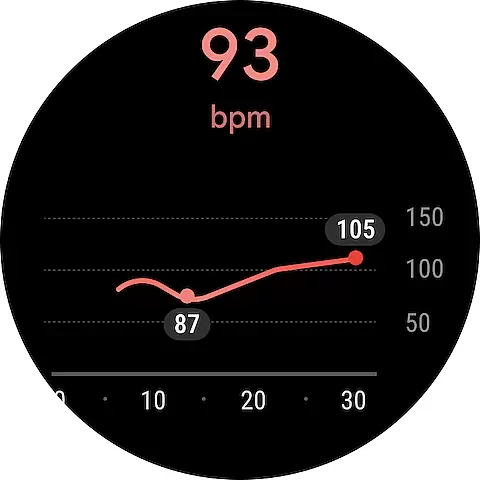
Google Fit is especially useful for individuals who want to seamlessly integrate fitness tracking into their daily routine. The app's ability to monitor heart rate and respiratory patterns adds another layer of health awareness, making it a versatile tool for maintaining overall wellbeing. With customizable widgets and easy-to-use interfaces, staying on top of your fitness goals has never been easier or more intuitive.
Google Fit stands out with its robust feature set tailored for health-conscious individuals. One of its key highlights is the Heart Points system, which assigns value to different types of physical activities based on intensity. This encourages users to engage in exercises that offer greater cardiovascular benefits, such as brisk walking or running, while still crediting everyday movements. The app leverages smartphone and smartwatch sensors to provide accurate, real-time data on speed, pace, distance, and heart rate, creating a seamless tracking experience.
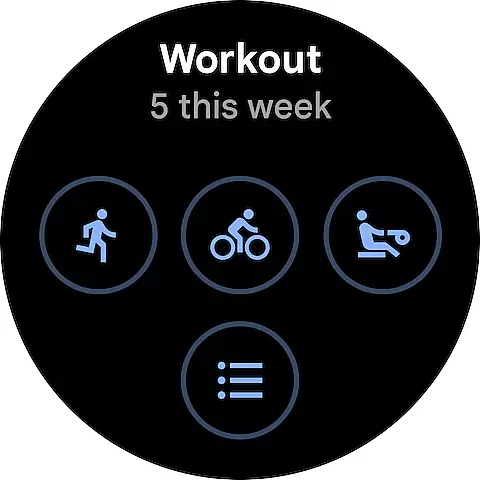
Another notable feature is its automatic activity detection. Whether you're cycling to work or taking a weekend hike, Google Fit recognizes these actions and logs them without requiring manual input. For structured workouts, users can choose from a variety of activities like yoga, rowing, or spinning, allowing the app to track specific metrics related to each exercise. Integration with popular third-party apps and devices further enhances its functionality by consolidating all health data into one place.
Additionally, Google Fit offers mindfulness tools such as heart rate and respiratory rate measurements, helping users manage stress effectively. Its redesigned journal provides a clear overview of past activities, while customizable widgets allow quick access to daily stats. These thoughtful design elements make Google Fit not just a tracker but a complete companion for achieving long-term health goals.
Companion app integration is crucial for wearable devices to function seamlessly with smartphones. Google Fit excels in this area by establishing a robust connection between its mobile application and Wear OS devices. This ensures that users can transition effortlessly between their phone and smartwatch while tracking their fitness activities.
The app employs advanced synchronization protocols, allowing real-time data exchange between the phone and wearable. Whether you're monitoring your heart rate during a workout or tracking your daily step count, the information is consistently updated across both devices. This unified ecosystem provides a comprehensive view of your health metrics without any interruptions.
Users benefit from this integration through features like instant workout insights and continuous progress tracking. When exercising outdoors, the GPS on your phone can map your route while your watch monitors your heart rate, creating a detailed analysis of your performance. This cohesive system empowers users to maintain an active lifestyle without worrying about device compatibility issues.
By prioritizing companion app integration, Google Fit delivers a reliable and user-friendly experience that maximizes the potential of wearable technology. The seamless interaction between devices makes it easier than ever to stay committed to your fitness goals.
Device compatibility is essential for ensuring that applications work optimally across various hardware platforms. Google Fit demonstrates exceptional compatibility with Wear OS devices, offering users a wide range of supported smartwatches. This broad compatibility allows individuals to choose a device that best suits their preferences while maintaining access to vital fitness tracking features.
The app leverages the unique capabilities of different Wear OS watches, optimizing performance based on each device's specifications. Whether using a high-end model with advanced sensors or a more basic version, Google Fit adapts its functionalities to provide accurate readings and insights. This adaptability ensures that all users receive consistent quality regardless of their chosen device.
For users, this means they can enjoy features such as automatic activity detection, heart rate monitoring, and goal tracking directly from their wrist. The ability to customize watch faces with fitness stats further enhances the user experience, making it convenient to monitor progress at a glance. Such comprehensive support fosters greater engagement with personal health objectives.
Google Fit's commitment to Wear OS/device compatibility underscores its dedication to accessibility and convenience. By supporting multiple devices, the app empowers users to embrace a healthier lifestyle without being constrained by technological limitations.
User-friendly interface
Accurate activity tracking
Integration with third-party apps
Real-time health insights
Customizable fitness goals
Limited offline functionality
Battery consumption on phones
Premium features require subscription
Occasional syncing issues
Advanced metrics need Wear OS

Gym Log & Workout Tracker | Fitness Journal, Training & Weight Lifting Planner
 4.90
4.90
Christmas and New Year - Themed Watchface
4.2
Christmas is near, let's count together the days left until Santa comes
4.3
Elegant animated Christmas tree with multiple customization options
4.20
Wear Os Watch Face - Animated Snow Effect & Magic Spark - 6 Scenes
4.10
Artistic Digital Watchface
4.5
Digital watch face with big numbers and many customization for Wear OS devices
4.40
Real-time weather radar with temperatures, warnings, hurricanes, and widgets
4.80
Stylish, Energizing and Modern Watch Face crafted by Dominus Mathias.
4.50
Period, ovulation & pregnancy tracker. Fertility insights & menstrual calendar.
4.90
Diet tracker for weight loss - track calories, food and macros. Simple and easy!
4.70
Easy Voice Recorder is your everyday companion to record important moments.
4.70
Real-time results, stats, schedules and player profiles for all leagues
4.60
Simple, helpful messaging by Google
4.60
Digital watch face. For Wear OS devices.
4.40
Calming & relaxing sounds for sleeping and stress relief. Stay focused all day!
4.20
Embrace the festive spirit with our Christmas Countdown watchface for Wear OS
4.10
Wear Os Watch Face - Animated Snow Effect & Christmas Lights
4.3
A Wintery Snow Globe on Your Wrist; now celebrating Christmas!
4.2


User Reviews