
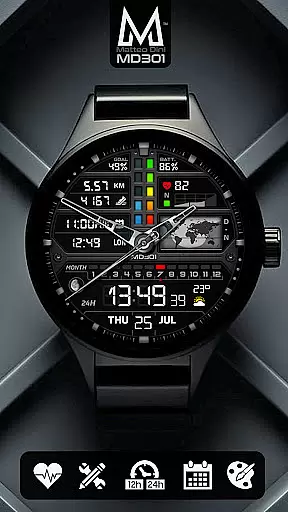
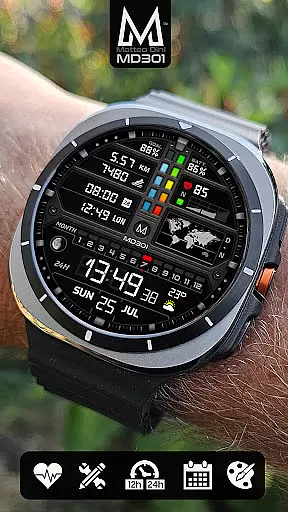
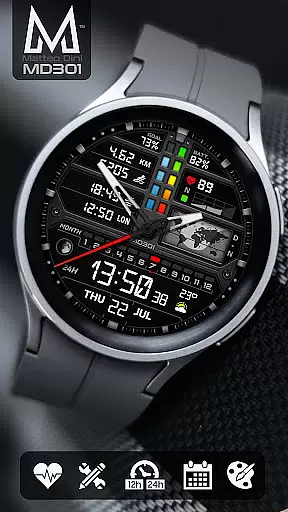
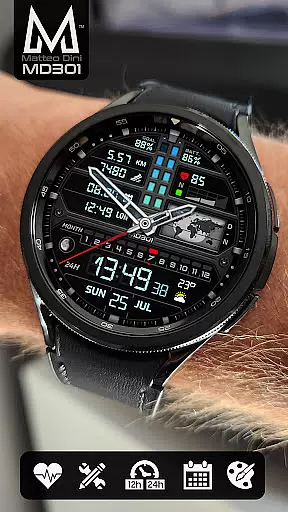
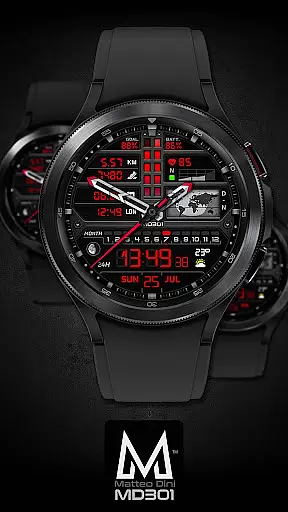
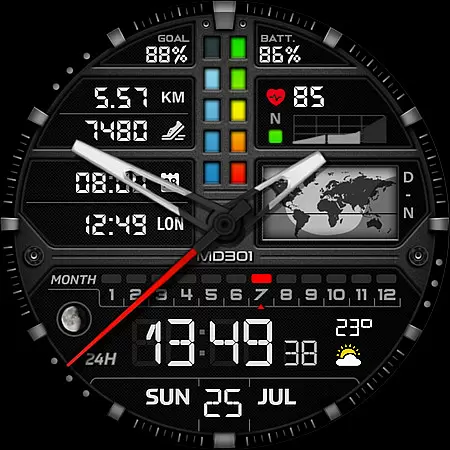
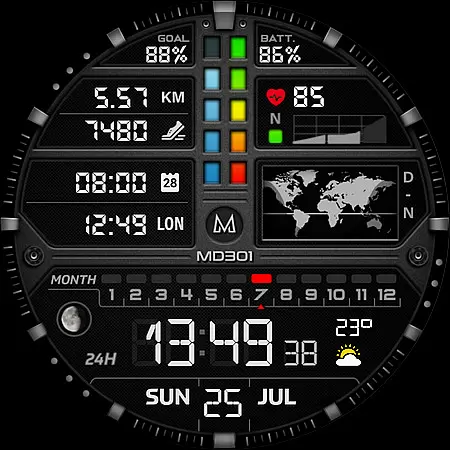
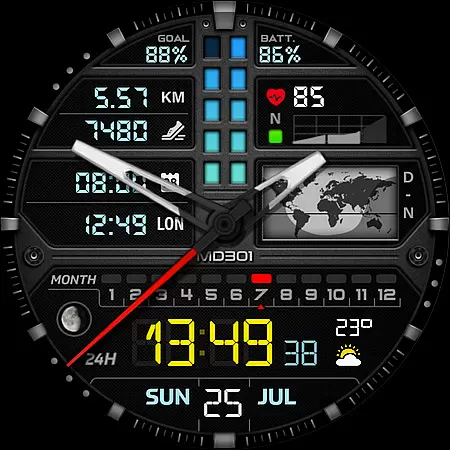
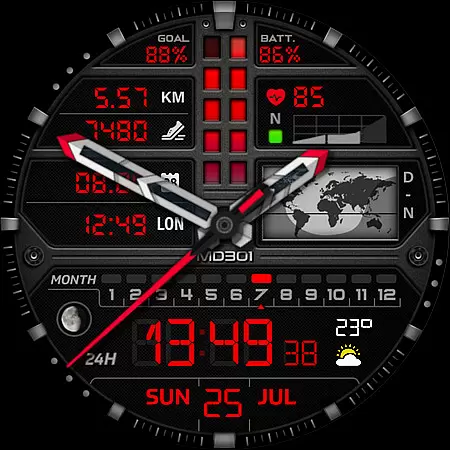
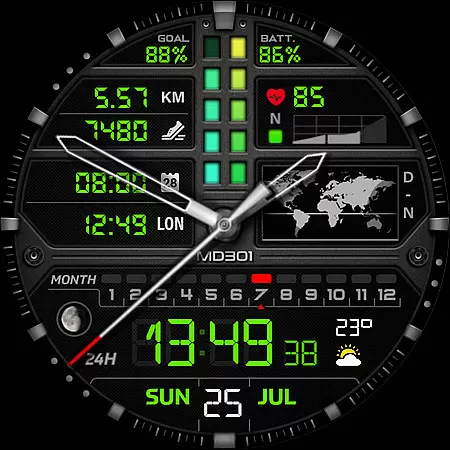
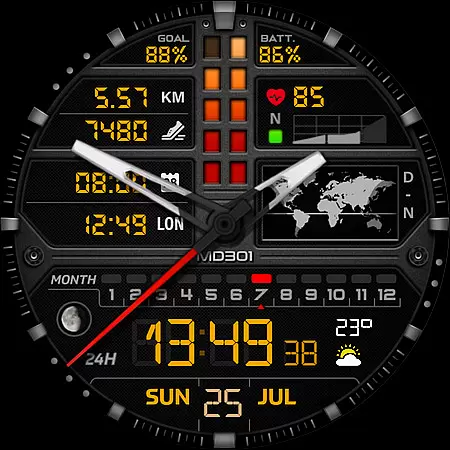
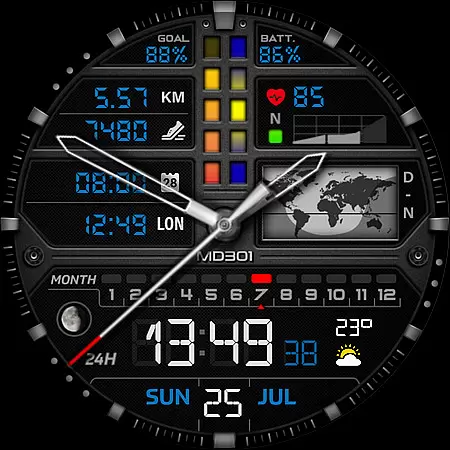
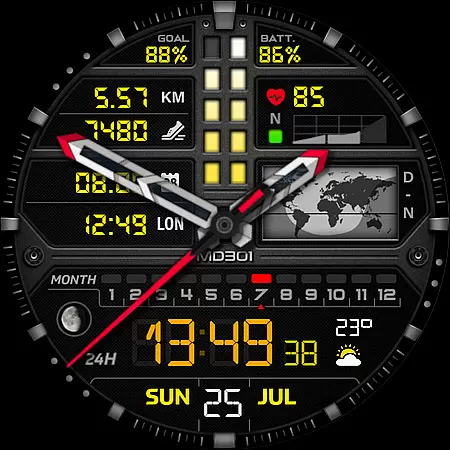
MD301 Hybrid watch face is a feature-rich wearable application designed for smartwatch users. This innovative watch face format offers both digital and analog time display options, supporting 12/24-hour formats. It includes essential features such as date, month, moon phase, day and night world map, battery status, heart rate monitoring, daily step goals, and steps tracking.
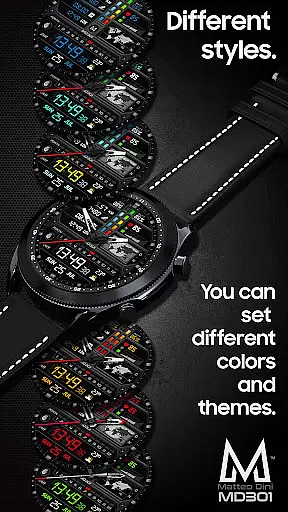
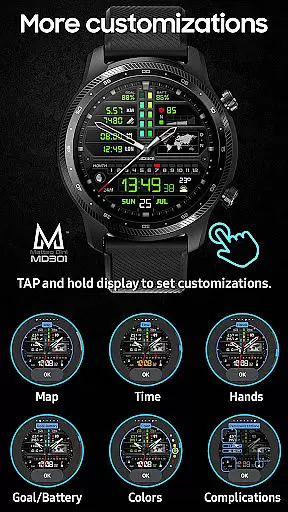
The watch face stands out with its customizable elements including 3 preset app shortcuts, 3 customizable shortcuts, and 4 customizable complications. Users can personalize their watch face by selecting preferred data like weather, moved distance, and more. The always-on display feature with changeable colors ensures optimal visibility while allowing personalization of hands, digital time, general colors, and map.
This versatile watch face supports all Wear OS devices with API Level 33+ (Wear OS 4 and later versions), making it compatible with Samsung Galaxy Watch 4-8, Ultra, Pixel Watch, and other similar devices. Its comprehensive customization options and rich feature set make it an excellent choice for users seeking both functionality and personal style in their smartwatch display.
MD301 Hybrid watch face distinguishes itself through its extensive feature set and customization capabilities. The application provides both digital and analog time displays with support for 12/24-hour formats, catering to different user preferences. Its unique day and night world map feature offers global time awareness, while the moon phase display adds astronomical interest to the watch face.
The watch face includes practical health and fitness tracking features such as heart rate monitoring with intervals, daily step goals, and step counting. These features are complemented by three preset app shortcuts for Calendar, Battery, and Measure HR functions, providing quick access to essential tools. Additionally, users can customize three additional shortcuts according to their specific needs.
One of the most notable aspects of MD301 is its four customizable complications, allowing users to display various data points including weather information, time zones, sunset/sunrise times, and barometric pressure. The always-on display feature maintains visibility while offering changeable color options for hands, digital time, general colors, and map elements. This combination of practical features and customization options creates a versatile and personalized smartwatch experience.
Companion app integration is crucial for Android Wear devices as it ensures seamless synchronization between the watch and paired smartphone. MD301 Hybrid watch face excels in this area by offering users a comprehensive experience through its connection with the Samsung Wearable app.
The watch face provides detailed customization options that are accessible both from the companion app and directly on the device. This dual approach to customization allows users to personalize their watch face with preferred data complications, shortcuts, and color schemes regardless of app limitations.
Although the Samsung Wearable app may occasionally struggle with loading complex designs, MD301 remains fully functional when customized directly on the watch. This flexibility demonstrates the watch face's ability to deliver a consistent user experience even when facing platform-specific challenges.
Users benefit from having real-time access to their most important information, such as heart rate, steps, and customizable complications like weather updates. The direct-on-watch customization feature ensures that Galaxy Watch users can still enjoy all the benefits of MD301 without being dependent on the companion app's performance.
Ensuring broad device compatibility is essential for any Android Wear application. MD301 Hybrid watch face stands out by supporting all Wear OS devices running API Level 33 and above, including popular models like Samsung Galaxy Watch series, Pixel Watch, and others.
This wide compatibility range means that users across different Wear OS devices can enjoy the sophisticated design and functionality of MD301. The watch face maintains consistent performance whether running on Wear OS 4 or later versions, providing users with features like Always ON Display, customizable complications, and various app shortcuts.
By supporting advanced features such as changeable colors and multiple data points while maintaining system requirements, MD301 demonstrates its technical sophistication. Users can expect the same high-quality experience regardless of their specific Wear OS device model.
The watch face's universal compatibility not only expands its potential user base but also reinforces its position as a versatile solution within the Android Wear ecosystem. Customers can be confident in choosing MD301 knowing it will work seamlessly with their current and future Wear OS devices.
Highly customizable
Feature-rich display
Always-on functionality
Wide device compatibility
Professional design
Complex setup process
Requires additional apps
Customization limitations
Battery consumption
Learning curve

Embrace the holiday spirit with this magical animated watch face!
 4.40
4.40
Elegant animated Christmas tree with multiple customization options
4.20
Hyperlocal rain alerts by MyRadar using patent-pending technology, radar & more
4.80
Stay in touch with your friends and family using LINE!
3.40
Bold weather Digital watchface with forecast & optional animated background
4.40
A modern hybrid informative watch face for Wear OS designed by BALLOZI
4.80
Track your active life in one place and share the journey with friends.
4.40
Start and succeed with PAP
4.10
Back up your contacts & access them anywhere
4.30
The most customizable minimal watch face. For Wear OS 5.0, API 34+ and later
4.70
Highly customizable hybrid watch face for Wear OS, perfect for everyday use.
4.60
Digital watch face. For Wear OS devices.
4.40
Premium hybrid watch face with many customizations for Wear OS devices.
4.40
Viewer for Wyze/Yi/Eufy/Arlo/ONVIF/RTSP/P2P IP cams w/ adv. features & DIY DVR
4.00
Wear Os Watch Face - Animated Snow - Sesonal for Christmas & Winter
4.1
Precision analog watch face with 7 complications and style options
4.1
Christmas is near, let's count together the days left until Santa comes
4.2
3 Complications. All shadow on/off. 30 Themes color palette...
4.4
Minimalistic design modern digital watch face.
4.0


User Reviews