
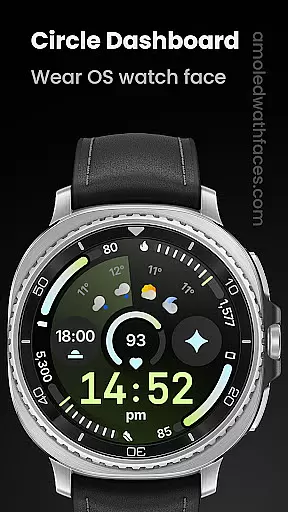
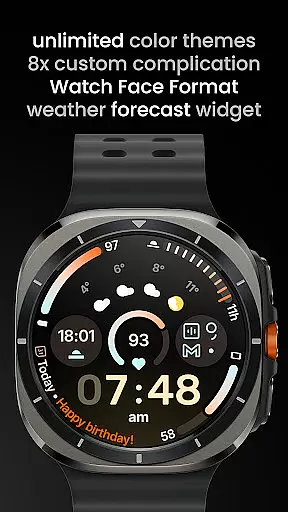
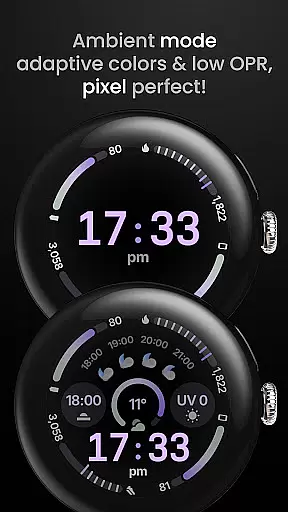
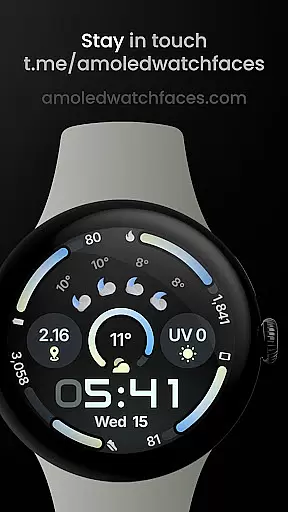
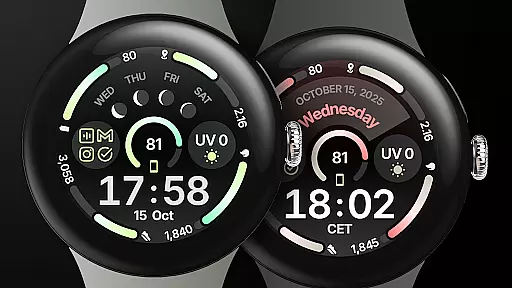
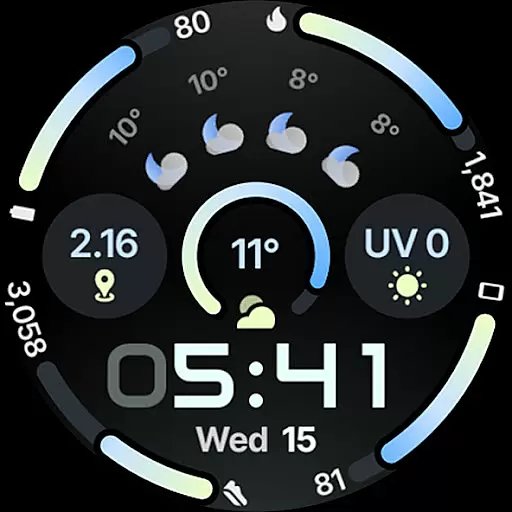
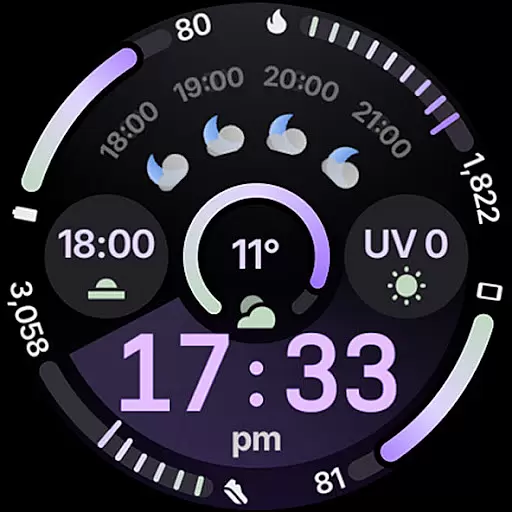
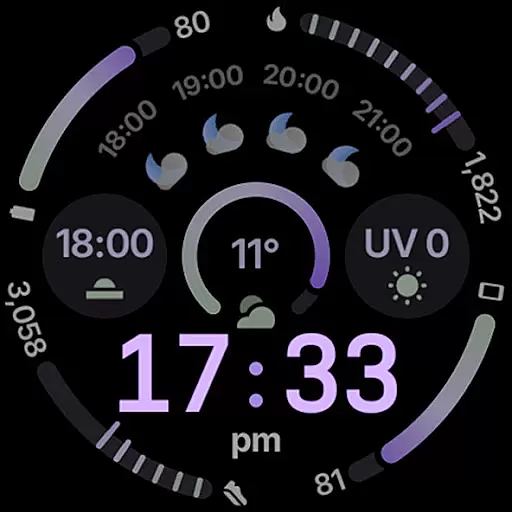
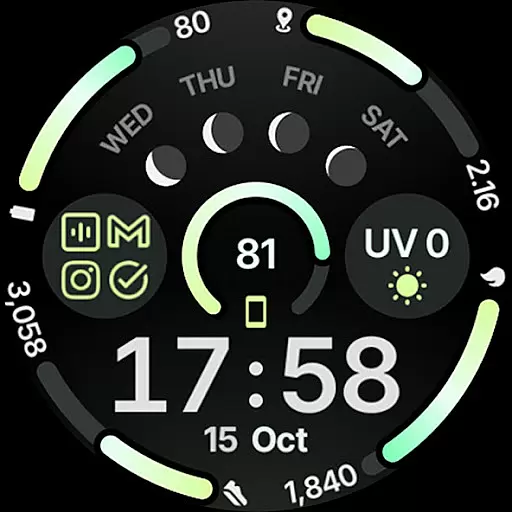
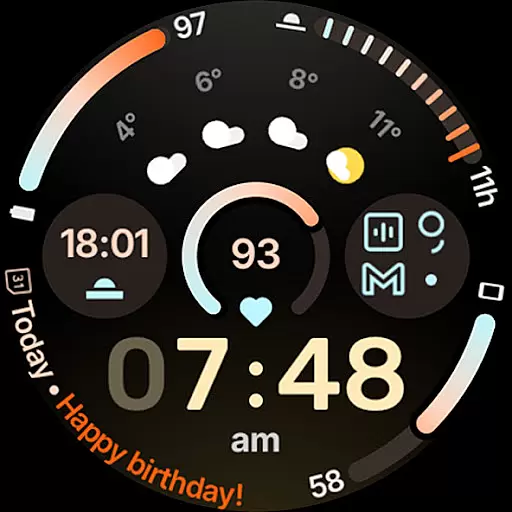
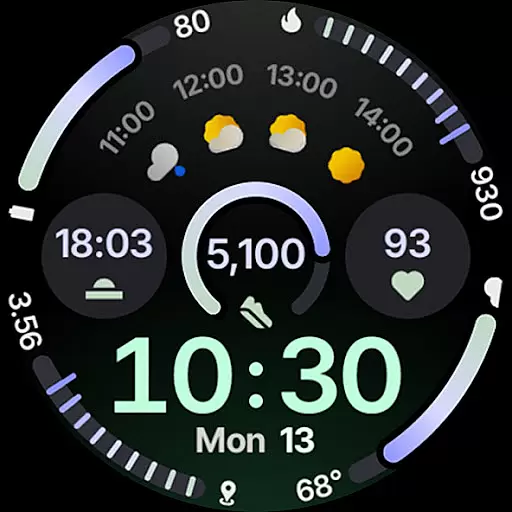
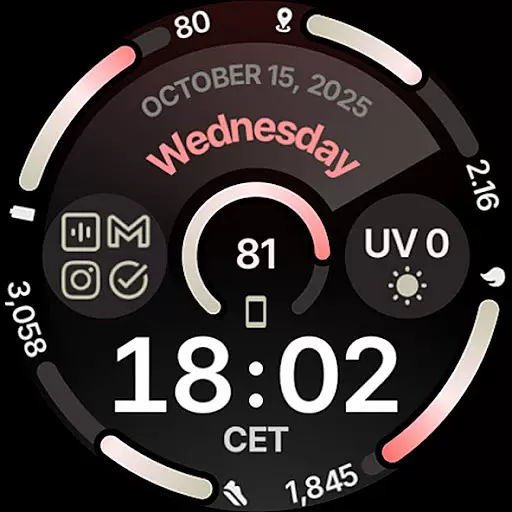
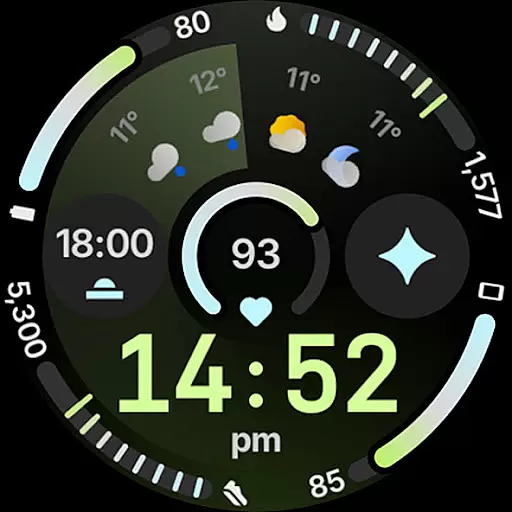
Circle Dashboard Watch Face is a premium watch face designed exclusively for Wear OS 4+ devices. Inspired by the Galaxy Watch 8 series, it utilizes Watch Face Format 4 to deliver an exceptional user experience. The watch face offers advanced features such as custom complication slots, adaptive complication text size, and multiple always-on display styles.
This application stands out with its unlimited color theme combinations, true black background, and battery-friendly design. Users can enjoy various widgets including weather forecast and moon phases. With support for phone notifications complications and multilanguage options, Circle Dashboard ensures both functionality and personalization.
Circle Dashboard Watch Face boasts an impressive array of features that cater to tech-savvy users. It supports eight custom complication slots with various types like SHORT_TEXT, LONG_TEXT, and RANGED_VALUE. The inclusion of new material 3 expressive progress bars and optional seconds indicators enhances usability.
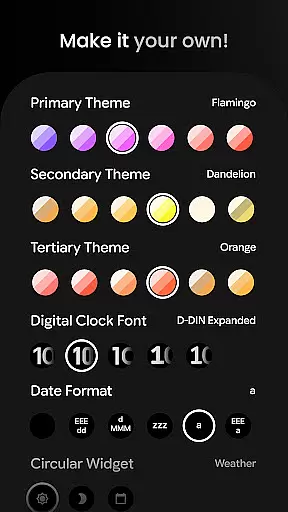
One of the unique aspects is its compatibility with Wear OS 5+ features such as animated AOD entering and weather forecast widgets. The application provides extensive user configurations including 60+ theme options, five digital clock fonts, and multiple date formats. These features collectively offer unparalleled customization possibilities while maintaining optimal performance.
Companion app integration is essential for wearable devices to synchronize data and settings with a smartphone. Circle Dashboard Watch Face offers seamless companion app support, ensuring that users can easily manage their watch face configurations from their mobile device.
This application leverages the capabilities of Wear OS 4+ to provide users with an intuitive interface for setting up custom complications, adjusting themes, and configuring widgets. The synchronization process is streamlined, allowing real-time updates between the phone and the watch.
Users benefit from this integration by having access to advanced features such as weather forecasts, moon phases, and notifications directly on their watch face. This connectivity enhances the overall user experience by making information more accessible and personalized.
Device compatibility is crucial for ensuring that a watch face runs smoothly across different Wear OS devices. Circle Dashboard Watch Face is designed specifically for Wear OS 4+ devices, guaranteeing optimal performance and access to the latest features like expressive progress bars and animated AOD entering.
The application supports a wide range of customizations, including digital clock fonts, color themes, and always-on display styles. These features are compatible with the hardware capabilities of supported devices, providing users with a versatile and visually appealing experience.
By focusing on Wear OS 4+, the app ensures that users benefit from enhanced battery efficiency and system stability. This targeted compatibility allows developers to optimize performance and deliver a refined product that meets the expectations of modern smartwatch users.
User-friendly interface
Highly customizable
Battery efficient
Multiple language support
Premium design quality
Wear OS 4+ only
Some features need Wear OS 5+
Additional app required for full functionality
Paid purchase necessary
Complex for beginners

Animated Watch Face and Customizable with 24 Backgrounds. Perfect for Christmas!
 3.90
3.90
A heartwarming Christmas scene featuring a cute image of Santa and Rudolf
4.3
Elegant animated Christmas tree with multiple customization options
4.20
Real-time weather radar with temperatures, warnings, hurricanes, and widgets
4.80
Minimalistic design modern digital watch face.
4.2
A white realistic classic analog watch face with many customization options.
4.40
Control your Samsung Smart TVs, appliances, and SmartThings-compatible devices
4.60
From periods to pregnancy & perimenopause, Flo helps you track it all. Try now.
4.70
Download full tracks, listen to music offline, make unlimited playlists.
4.80
Christmas Theme Watch Face for Wear Os
5.00
Gym Log & Workout Tracker | Fitness Journal, Training & Weight Lifting Planner
4.90
Your second brain for organizing your life: to-do, calendar, reminder.
4.70
Kia Access makes getting your vehicle information easier than ever
4.60
MyNISSAN® lets you remotely control your car from your phone.*
4.50
Watch face for Wear OS.
4.20
Wear Os Watch Face - Animated Snow Effect & Magic Spark - 6 Scenes
4.10
Viewer for Wyze/Yi/Eufy/Arlo/ONVIF/RTSP/P2P IP cams w/ adv. features & DIY DVR
4.00
Get helpful reminders, take progress photos and find answers to your questions.
3.90
an Analog Watch Face for winter season with freeze winter background for Wear OS
4.1


User Reviews