
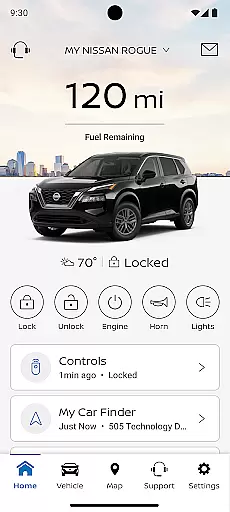
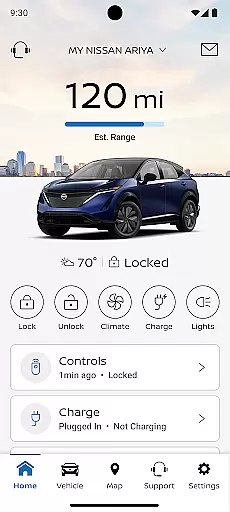
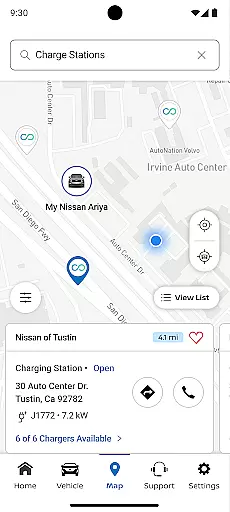
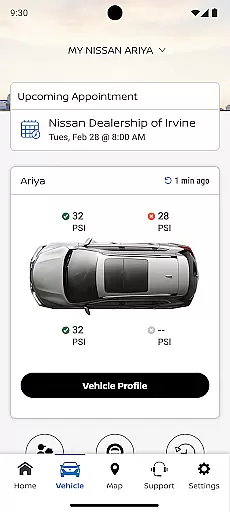
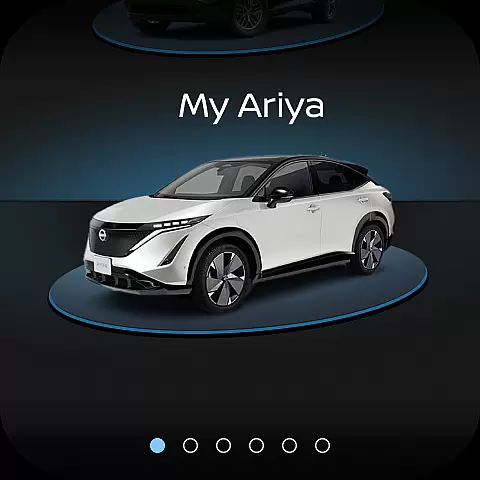
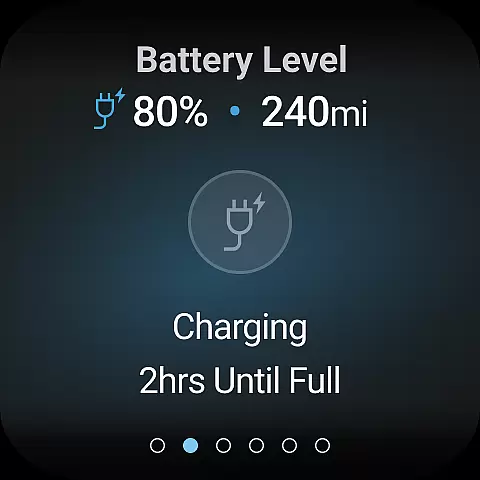
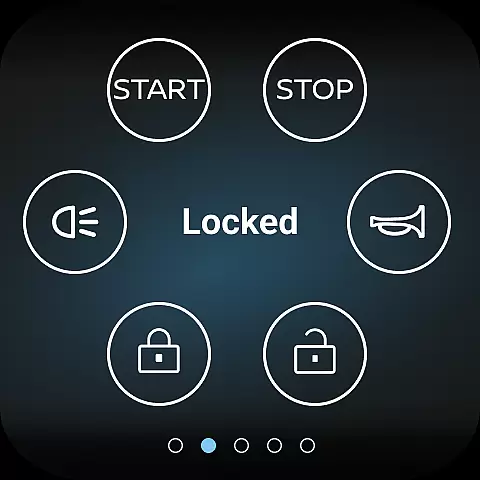
MyNISSAN is a comprehensive vehicle management application designed to enhance the ownership experience for Nissan vehicle owners. The app provides an array of features that allow users to remotely interact with their vehicles, ensuring convenience and security. Compatible with Android phones and Wear OS, it offers functionalities such as remote start/stop, door lock/unlock, and vehicle status checks.
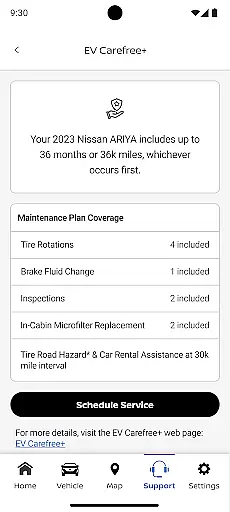
In addition to remote access capabilities, MyNISSAN also delivers essential maintenance notifications, service history tracking, and the ability to schedule dealer appointments. For vehicles equipped with NissanConnect® Services, users can enjoy an optimized experience with advanced features like boundary alerts, climate control, and real-time updates from repair shops. This app bridges the gap between digital convenience and automotive reliability, making vehicle management seamless and efficient.
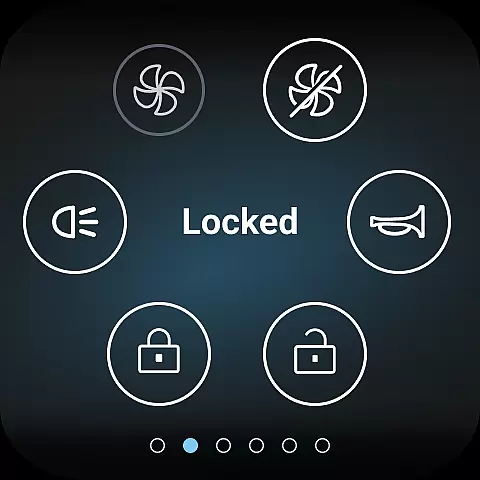
The MyNISSAN app boasts a rich set of features tailored to provide maximum utility to Nissan owners. One of its standout capabilities is the remote vehicle management system, which allows users to start or stop their engine, lock or unlock doors, and even activate the horn and lights from their mobile device. This feature ensures that users have full control over their vehicle's security at all times.
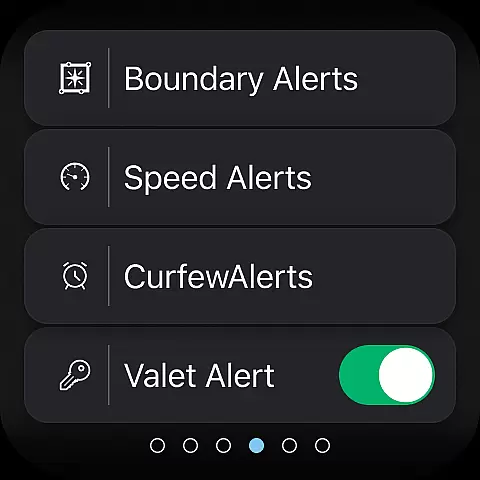
Beyond remote access, the app excels in delivering personalized services such as customizable alerts for speed, boundary, and curfew violations, ensuring peace of mind for vehicle owners. It also supports sending points of interest directly to the vehicle's navigation system and offers detailed vehicle diagnostics including mileage, fuel range, and tire pressure. These innovative tools not only simplify vehicle management but also enhance safety and convenience, setting MyNISSAN apart from other automotive apps.
Companion app integration is a crucial feature for Android Wear devices, ensuring seamless synchronization between your smartphone and wearable. The MyNISSAN app excels in this area by extending essential vehicle controls and information to compatible Wear OS devices.
This integration allows Nissan owners to access key features directly from their smartwatch. Users can remotely start or stop their vehicle, lock or unlock doors, and even activate the horn and lights, all from their wrist. This level of connectivity provides unprecedented convenience, especially when carrying items or when the phone is not immediately accessible.
The companion app functionality also includes important notifications and alerts. Owners receive updates about vehicle status, boundary breaches, or maintenance reminders directly on their wearable device. This ensures drivers stay informed about their vehicle's condition without needing to check their phone constantly.
By implementing robust companion app integration, MyNISSAN enhances the overall ownership experience while maintaining security and reliability standards. The feature demonstrates Nissan's commitment to embracing modern technology and providing practical solutions for today's connected drivers.
Wear OS and device compatibility represents the foundation of any successful Android Wear application. The MyNISSAN app has been optimized to work seamlessly with both Android smartphones and Wear OS devices, ensuring maximum accessibility for Nissan owners.
This compatibility extends across multiple vehicle models, particularly those from 2014 onwards. While the complete feature set is available for newer models with active NissanConnect Services, basic functions remain accessible to all Nissan owners. The app automatically adjusts its capabilities based on the user's specific vehicle model and configuration.
For vehicles equipped with Google built-in features, additional functionalities become available. These include remote climate adjustment, enhanced security notifications, and real-time maintenance alerts. The system intelligently adapts to the vehicle's capabilities, providing users with the most comprehensive set of features their car supports.
By maintaining broad device compatibility while offering advanced features for supported vehicles, MyNISSAN successfully balances accessibility with technological advancement. This approach ensures that regardless of vehicle age or trim level, owners can benefit from meaningful smart device integration.
User-friendly interface
Comprehensive vehicle control
Remote climate adjustment
Real-time maintenance alerts
Customizable security settings
Limited to Nissan vehicles
Requires active subscription
Dependent on network coverage
Feature availability varies
Potential data charges

Precision analog watch face with 7 complications and style options
 4.4
4.4
A Wintery Snow Globe on Your Wrist; now celebrating Christmas!
4.1
Embrace the festive spirit with our Christmas Countdown watchface for Wear OS
4.10
Easy Voice Recorder is your everyday companion to record important moments.
4.70
Authentic military-tactical design with ZULU time! Realistic and functional!
3.80
Connect to your Bluelink equipped Hyundai vehicle from your smartphone.
4.50
Locate your family members by GPS phone location tracker everywhere and anytime
4.30
The #1 source of faces for your smartwatch!
4.00
Track your active life in one place and share the journey with friends.
4.40
Monitor health with the stress test and pulse checker in the heart rate app.
4.60
Real-time results, stats, schedules and player profiles for all leagues
4.60
Embrace the holiday spirit with this magical animated watch face!
4.40
Current temperature, weather hourly, weather radar by the weather forecast app
4.40
Premium hybrid watch face with many customizations for Wear OS devices.
4.40
Calming & relaxing sounds for sleeping and stress relief. Stay focused all day!
4.20
Let's celebrate Thanksgiving - Wear Os watch face
4.20
"PER27 Galaxy Digital" is a digital Wear OS watch face designed by PERSONA
4.10
Stay in touch with your friends and family using LINE!
3.40
Christmas and New Year - Themed Watchface
4.3


User Reviews