
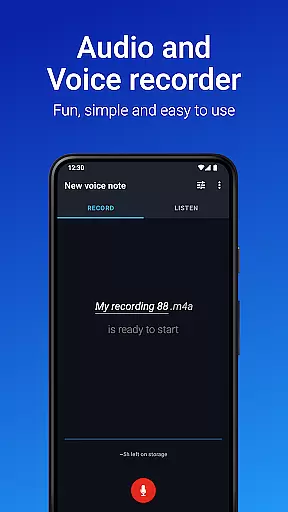
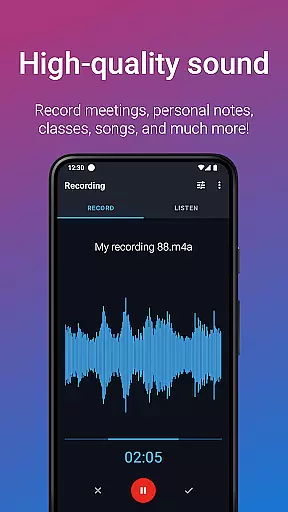
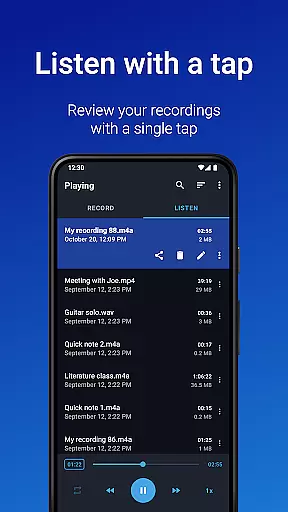
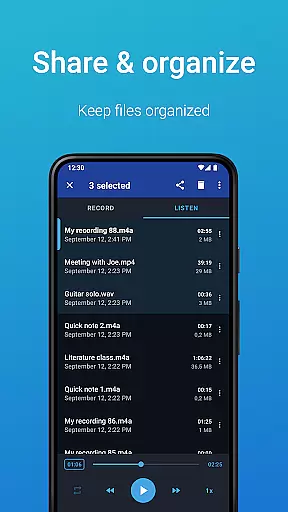
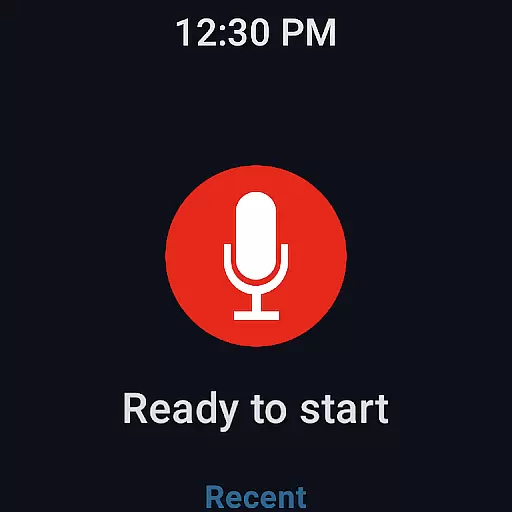
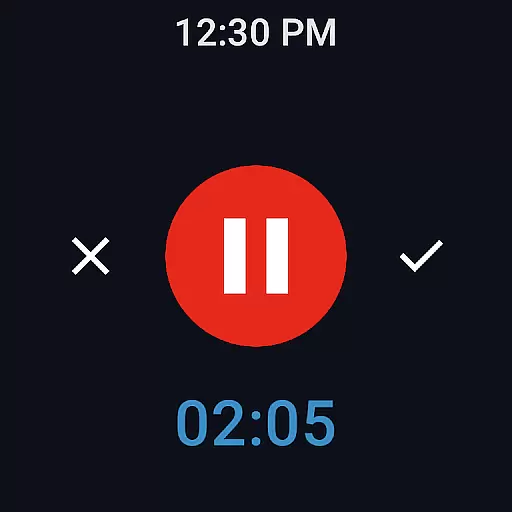
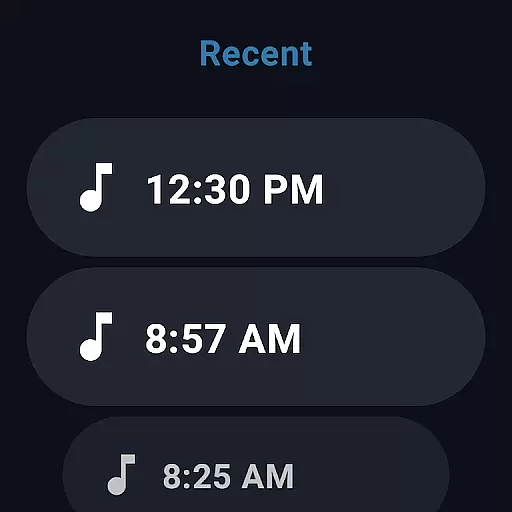
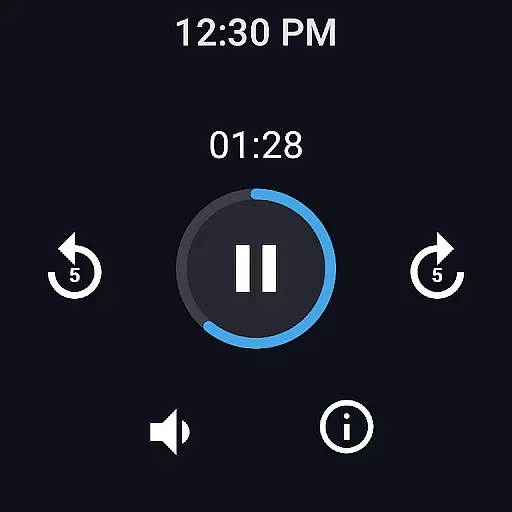
Easy Voice Recorder is a versatile audio recording application designed for Android devices, including smartwatches. It allows users to capture high-quality recordings of meetings, lectures, personal notes, and even music without any time restrictions. The app offers multiple recording formats such as PCM, MP4, and AMR, providing flexibility in managing storage space while maintaining excellent sound quality.
One of the standout features of Easy Voice Recorder is its user-friendly interface that caters to various user groups. Students can benefit from clear lecture recordings with adjustable playback speeds, aiding in effective study sessions. Business professionals can utilize powerful widgets and shortcuts to start recordings instantly and share them seamlessly via email or messaging apps. Additionally, musicians will appreciate the fine-tuning options available for capturing creative ideas quickly and efficiently.
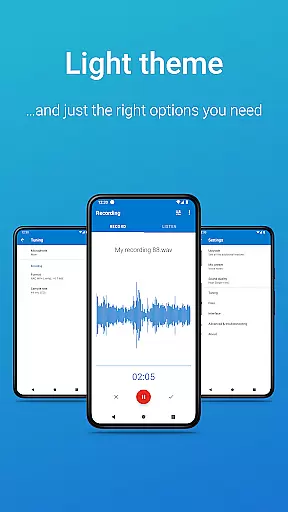
The app also supports Wear OS, enabling users to record directly from their smartwatches. This feature, combined with light and dark themes, makes it adaptable to different environments and preferences. Whether you're recording voice notes, meetings, or music, Easy Voice Recorder provides an intuitive solution tailored to meet diverse recording needs.
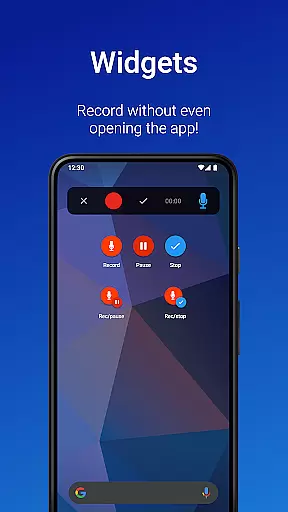
Easy Voice Recorder boasts a comprehensive set of features that enhance the recording experience. Users can choose from various high-quality recording formats like PCM, MP4, and AMR, ensuring optimal sound clarity while offering options to save space. The inclusion of quick-start widgets and shortcuts allows for immediate recording initiation, which is particularly useful during unexpected moments requiring documentation.
Sharing capabilities are another significant advantage of this app. Recordings can be effortlessly shared through email or popular messaging applications, making collaboration seamless. For those interested in customization, the Pro version unlocks advanced functionalities such as automatic uploads to Google Drive or Dropbox, support for additional formats like MP3 and FLAC, and Bluetooth microphone compatibility. These enhancements cater to power users seeking more control over their audio files.
Additional features include trimming unwanted sections using Edit mode, organizing recordings into folders, and controlling the recorder via the notifications bar. Bonus tools like stereo recording, file importing, silence skipping, volume boosting, and custom bitrates further enrich the user experience. With its adaptability across different scenarios and device types, Easy Voice Recorder stands out as a reliable choice for all your audio capturing needs.
Easy Voice Recorder offers seamless companion app integration, allowing users to record audio directly from their Wear OS smartwatches. This feature ensures that you can capture important moments or ideas even when your phone is not immediately accessible.
The app's watch tile provides quick access to start new recordings, making it exceptionally convenient for users who are on the go. With this integration, users can effortlessly manage their recordings across multiple devices, ensuring they never miss an important moment.
Furthermore, the synchronization between the smartphone and smartwatch versions of Easy Voice Recorder is reliable and fast. This means that whether you're recording a meeting on your phone or capturing a spontaneous idea on your watch, all your recordings will be available wherever you need them.
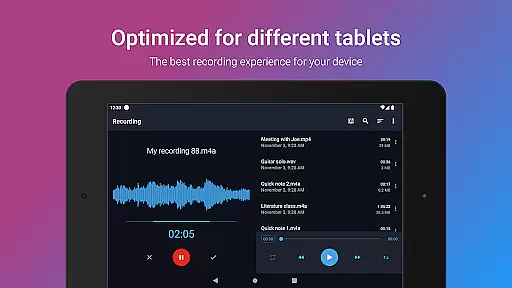
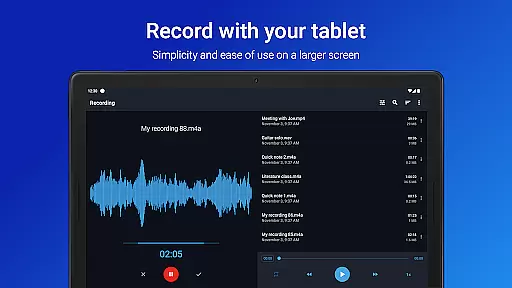
Compatibility with Wear OS and various devices is one of Easy Voice Recorder's standout features. The app supports a wide range of devices, including smartphones, tablets, and smartwatches, providing flexibility in how and where you record audio.
For smartwatch users, the app offers dedicated functionalities such as quick-start tiles and background recording capabilities. These features ensure that users can initiate recordings swiftly and continue with their activities without interruption.
Moreover, Easy Voice Recorder's support extends to using Bluetooth microphones, enhancing its versatility. Whether you're recording a lecture, a business meeting, or a musical rehearsal, the app adapts to your device's capabilities, delivering high-quality audio recordings every time.
User-friendly interface
Multiple recording formats
Wear OS support
Quick sharing options
Advanced Pro features
No call recording capability
Pro version requires purchase
Limited free features
External storage permission needed
Microphone access required

Diet tracker for weight loss - track calories, food and macros. Simple and easy!
 4.70
4.70
Artistic Digital Watchface
4.5
Sleek, highly customizable watch face inspired by Galaxy Watch Circle Dashboard.
4.5
Bold, Modern Hybrid Watch Face for Wear OS. 10 Colors, Rich Info Display.
4.30
Real-time results, stats, schedules and player profiles for all leagues
4.60
Hybrid watch face for Wear OS with customizable complications by Matteo Dini MD
4.70
Daily Weather forecast with 15 weather images for Day & Night plus Big Bold time
4.10
Fast and smart typing with Emojis, GIFs, and more
4.50
Toyota app currently supports 2010 or newer vehicles (2018 or newer for Hawaii).
4.50
A modern hybrid informative watch face for Wear OS designed by BALLOZI
4.80
Real-time weather radar with temperatures, warnings, hurricanes, and widgets
4.80
Highly customizable hybrid watch face for Wear OS, perfect for everyday use.
4.60
Connect to your Bluelink equipped Hyundai vehicle from your smartphone.
4.50
Stylish, Energizing and Modern Watch Face crafted by Dominus Mathias.
4.50
Beautiful artistic animated digital watch face, with a customizable layout!
4.40
Find EV charging stations
4.30
Wear Os Watch Face - Animated Snow Effect & Magic Spark - 6 Scenes
4.10
Connect, create, and collaborate with Gmail, part of Google Workspace.
4.10
The #1 source of faces for your smartwatch!
4.00


User Reviews