
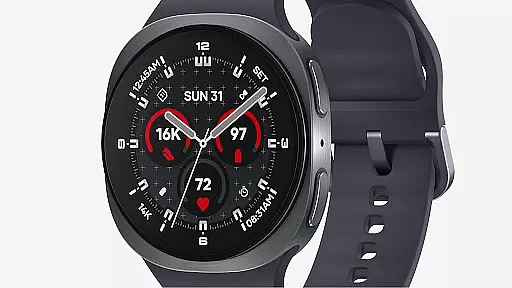
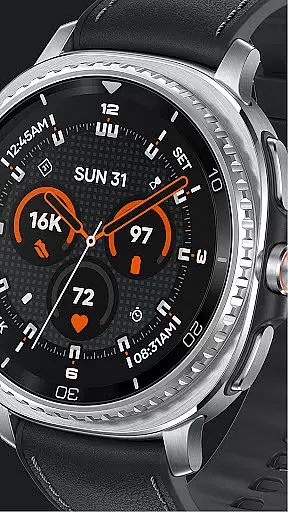
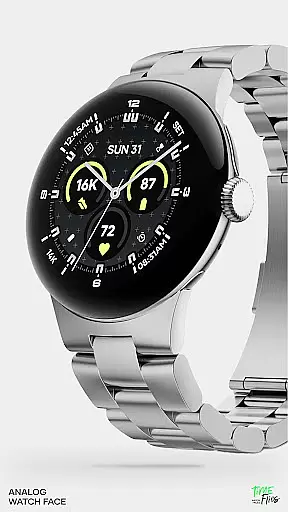
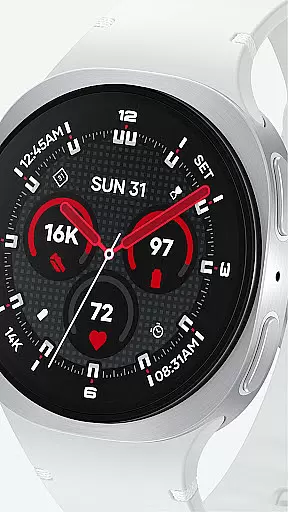
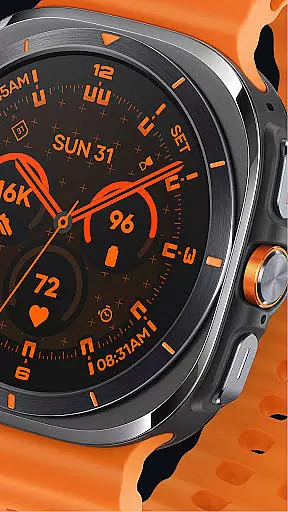
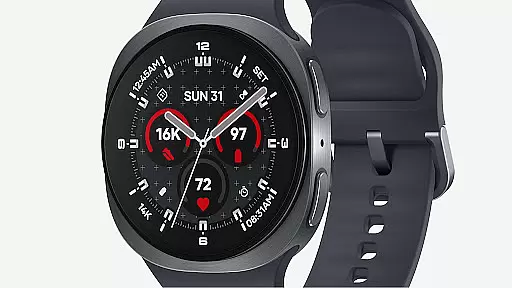
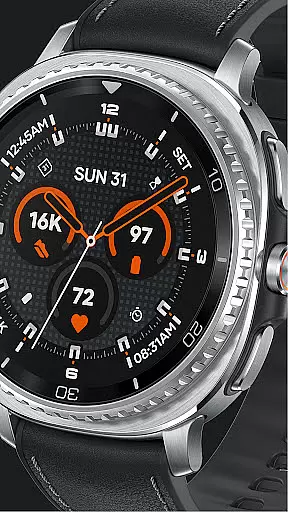
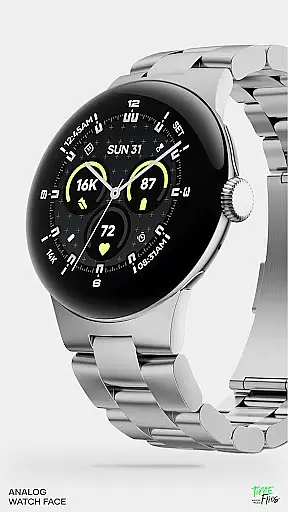
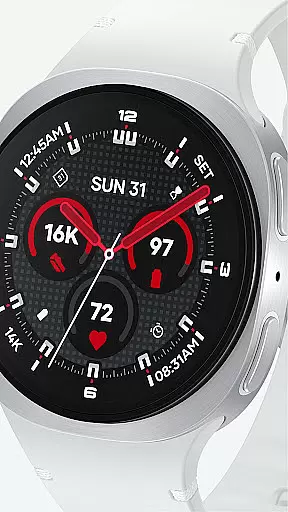
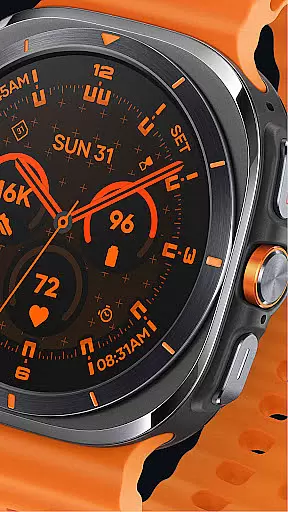
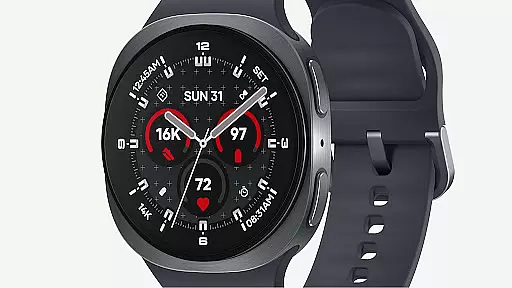
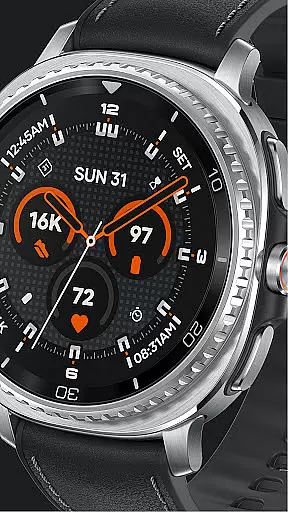
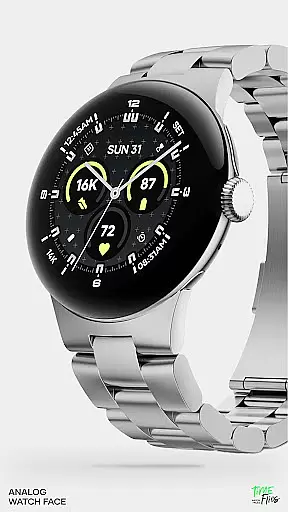
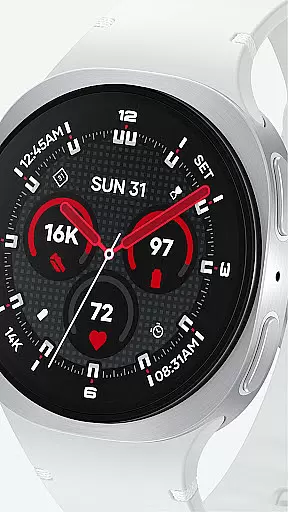
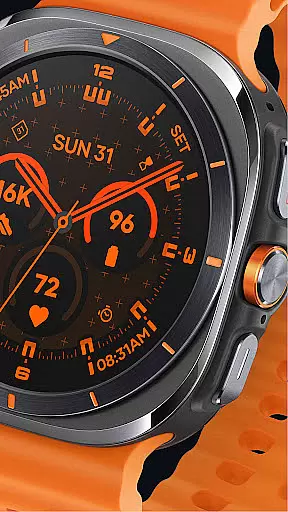
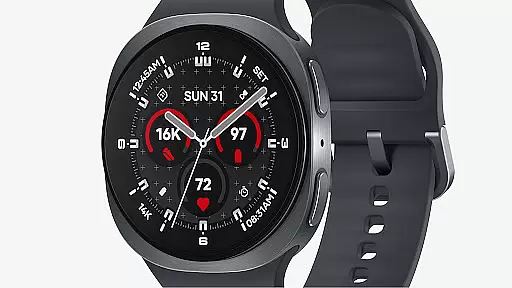
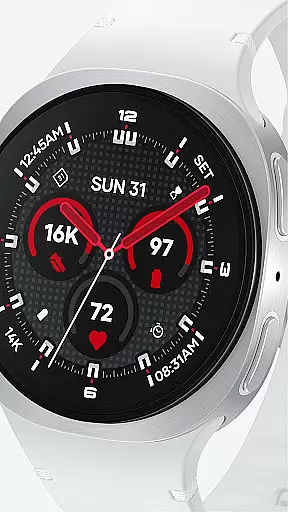
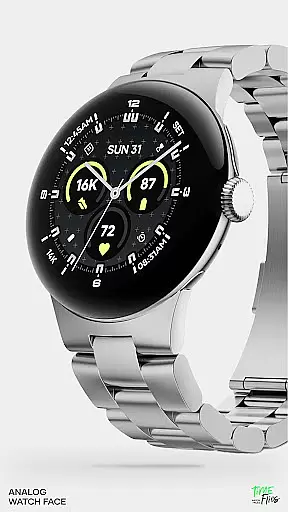
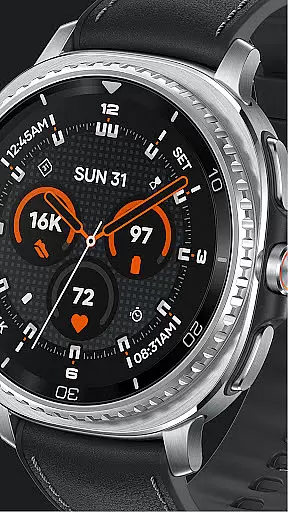
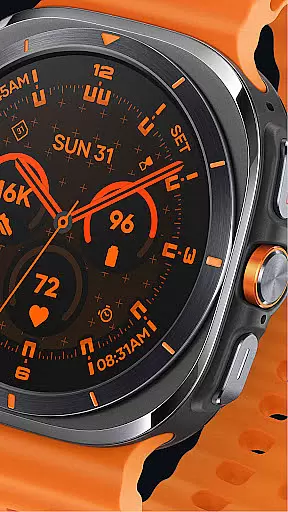
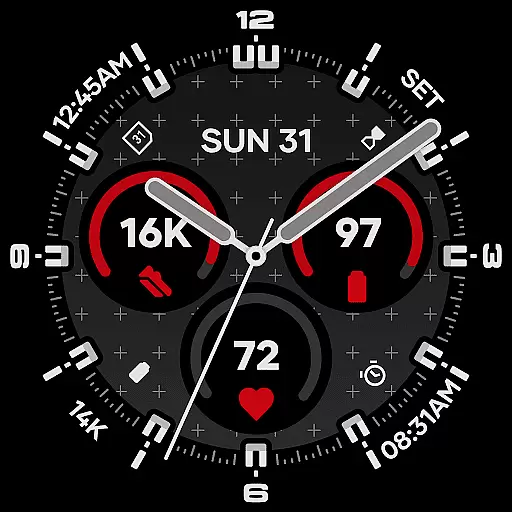
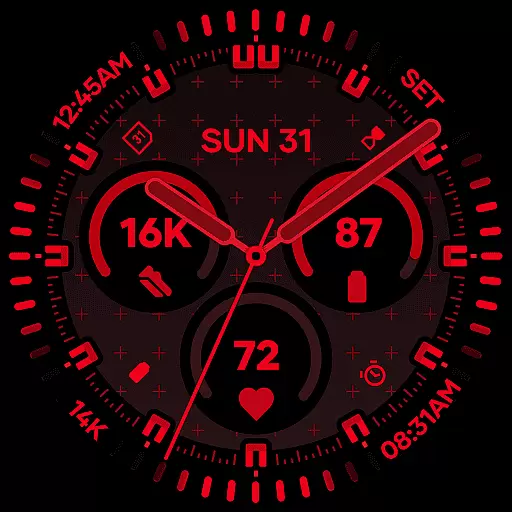
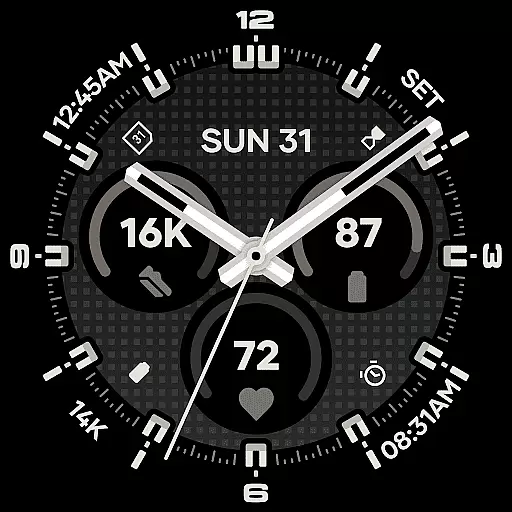
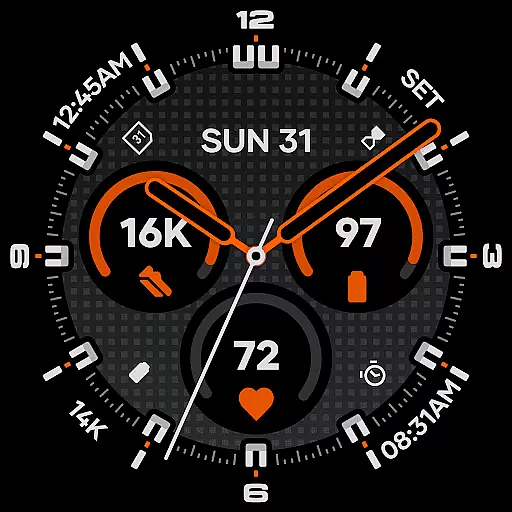
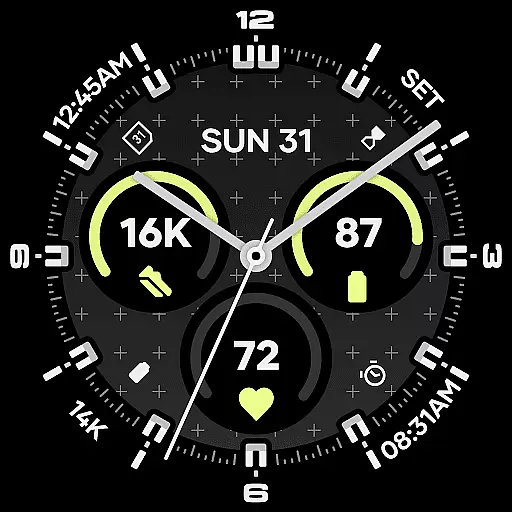
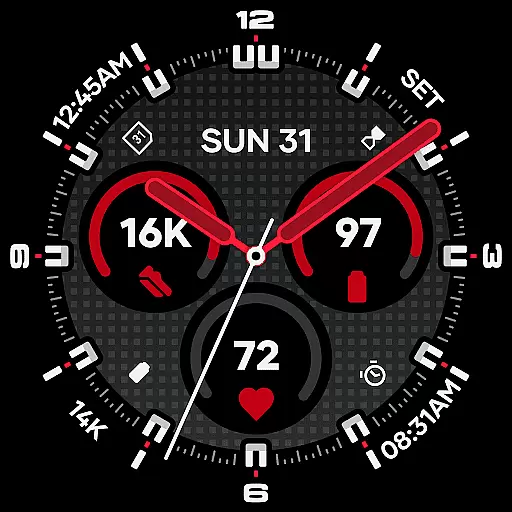
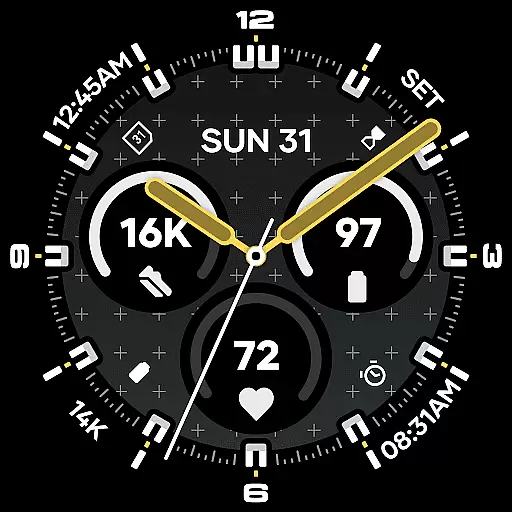
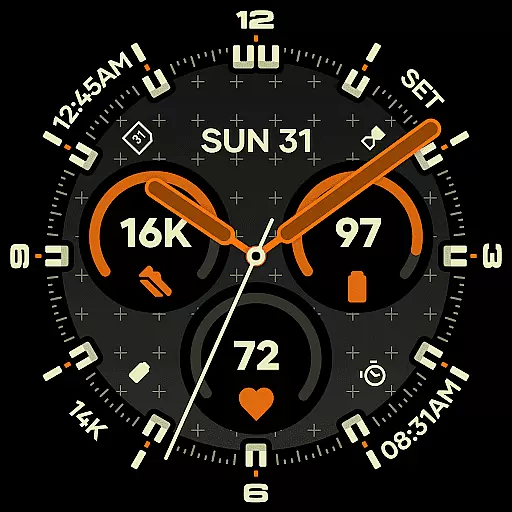
Starlyn Analog Watch Face offers a sophisticated analog design tailored for Wear OS devices. This watch face combines symmetry, contrast, and modular geometry to create a functional yet stylish timepiece. The layout emphasizes clear timekeeping with universal complications integrated seamlessly into the dial structure.
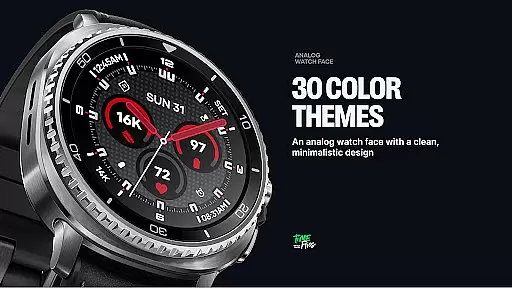
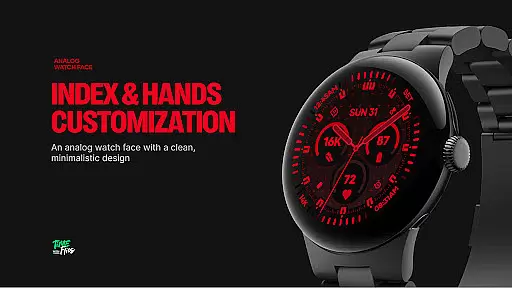
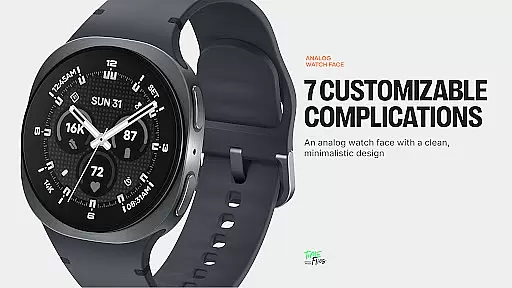
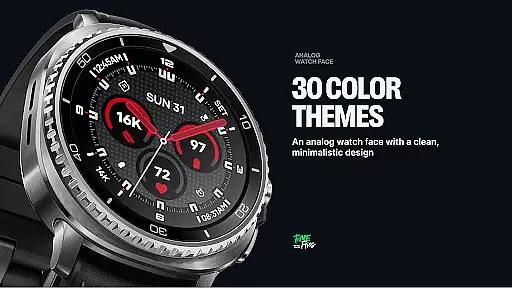
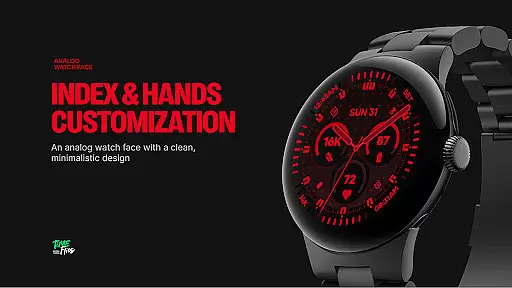
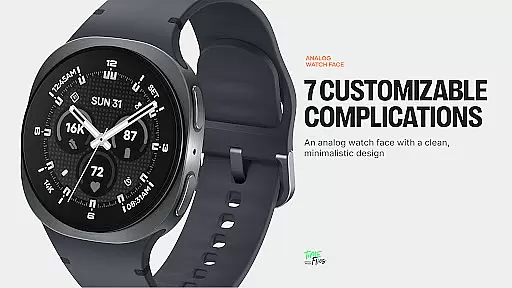
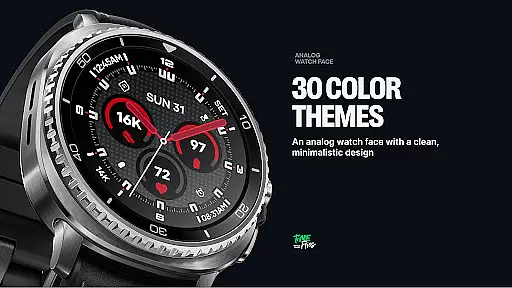
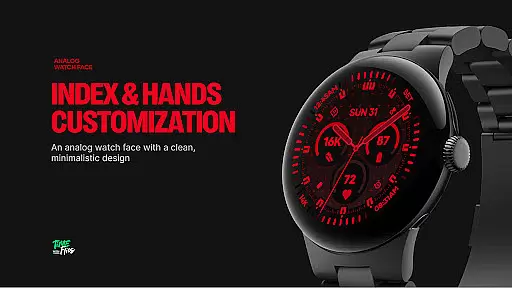
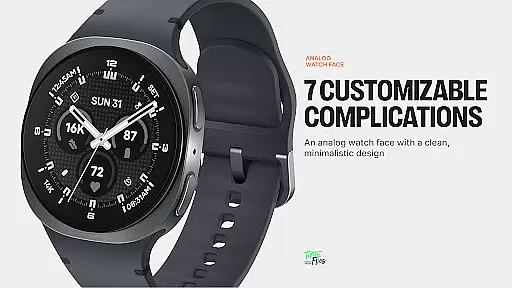
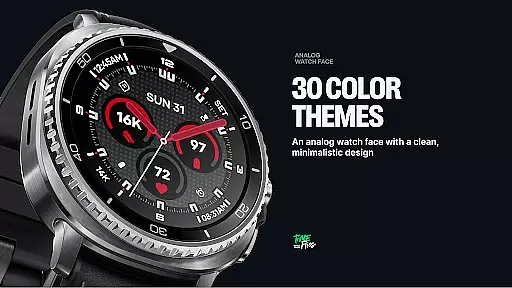
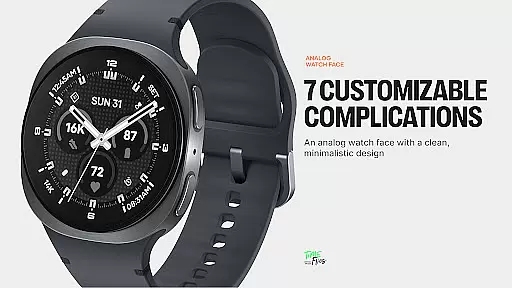
With seven customizable complications, built-in day and date display, and 30 color schemes, users can personalize their experience while maintaining optimal readability. The inclusion of multiple bezel and hand styles, along with two geometric background patterns, allows for further customization. Designed for various settings, Starlyn ensures performance and battery efficiency through three distinct Always-on Display modes.
Starlyn Analog stands out with its modern Watch Face File format, ensuring efficient battery usage and seamless system integration on Wear OS. The watch face features a rational dial layout centered around three core complication slots, complemented by four peripheral zones for additional functionality.
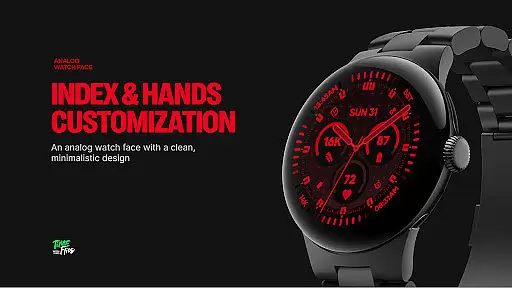
Users benefit from an integrated day and date display that aligns with the overall grid structure, avoiding unnecessary decoration. With 30 carefully curated color schemes, multiple bezel and hand styles, and optional geometric background patterns, the design caters to diverse aesthetic preferences while maintaining clarity.
The inclusion of three Always-on Display modes provides flexibility between full, dimmed, or minimal hands-only configurations. An optional companion app keeps users informed about future updates from Time Flies, enhancing the overall experience.
Companion app integration is essential for wearable devices, ensuring seamless synchronization between the watch face and its paired mobile application. Starlyn Analog Watch Face offers an optional companion app that enhances user experience by providing timely updates and additional customization options.
The dedicated Android app allows users to stay informed about new features and future releases from Time Flies. This ensures that users can continually access the latest enhancements and optimizations tailored for their smartwatch experience.
By integrating with the companion app, Starlyn maintains a cohesive ecosystem where users can manage preferences, receive notifications, and access support resources conveniently from their mobile device.
This integration not only simplifies the management of watch settings but also enriches the overall utility of the analog watch face, making it a versatile choice for those seeking both style and functionality in their Wear OS devices.
Ensuring broad compatibility across various Wear OS devices is crucial for any watch face application. Starlyn Analog Watch Face has been purposefully developed using the modern Watch Face File format, guaranteeing optimal performance and seamless integration on a wide range of devices.
The design prioritizes battery efficiency without compromising on aesthetics or functionality. With three distinct Always-on Display modes, users can choose configurations that best suit their usage patterns while maintaining excellent battery life.
Starlyn supports multiple bezel and hand styles, allowing personalization that caters to individual tastes and device specifications. Whether on classic bezels or minimalist cases, each element aligns perfectly to maintain clarity at a glance.
This commitment to compatibility ensures that regardless of the specific Wear OS device you own, Starlyn Analog Watch Face will deliver a consistent and high-quality experience, blending contemporary design with practical utility.
Modern design
Customizable
Battery efficient
Clear readability
Versatile use
Limited free options
Companion app needed
Complex setup
Fewer widgets
Premium cost

Watch the sharpness of the sky on your wrist..
 3.70
3.70
Animated Watch Face and Customizable with 24 Backgrounds. Perfect for Christmas!
3.90
A full-featured Amazon Alexa voice assistant that can show you things.
3.70
A watch face that fuses motorsport precision with contemporary smartwatch design
4.5
A modern premium sporty hybrid watch face for Wear OS by Ballozi
4.70
3 Complications. All shadow on/off. 30 Themes color palette...
4.2
Get helpful reminders, take progress photos and find answers to your questions.
3.90
Daily Weather forecast with 15 weather images for Day & Night plus Big Bold time
4.10
Control your Samsung Smart TVs, appliances, and SmartThings-compatible devices
4.60
Christmas - Festive - Christmas Village - Winter - Christmas lights
5.00
Period, ovulation & pregnancy tracker. Fertility insights & menstrual calendar.
4.90
Diet tracker for weight loss - track calories, food and macros. Simple and easy!
4.70
MyNISSAN® lets you remotely control your car from your phone.*
4.50
Ideal for surviving in the wasteland left after nuclear fallout
4.50
Current temperature, weather hourly, weather radar by the weather forecast app
4.40
Watch face for Wear OS.
4.20
A digital watch face that celebrates Christmas.
4.00
Stay in touch with your friends and family using LINE!
3.40
Stunning modern digital watch face with 7 complications and strong contrast
4.5


User Reviews