
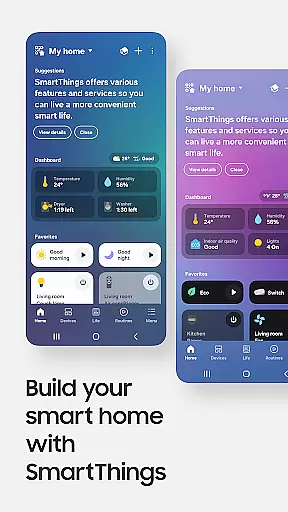
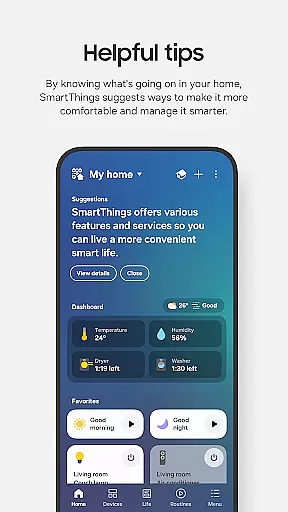
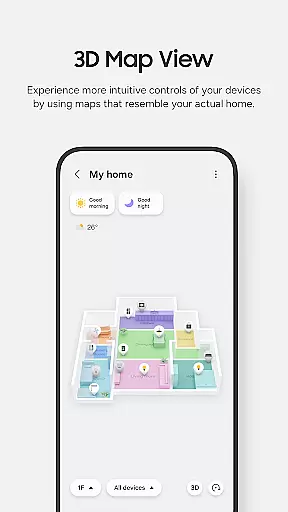
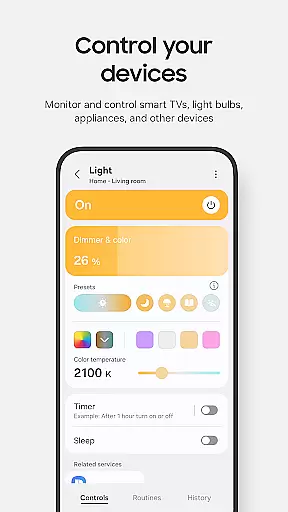
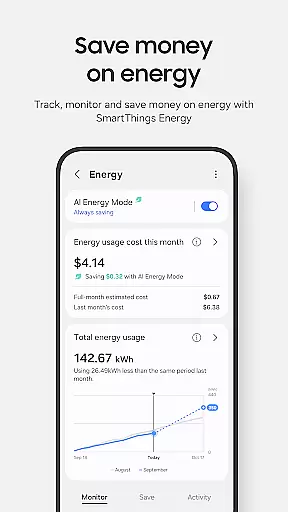
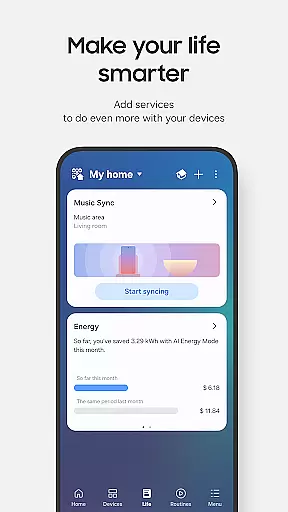
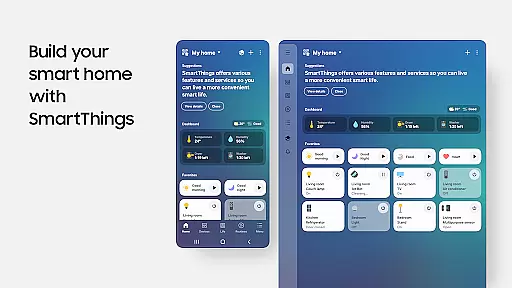
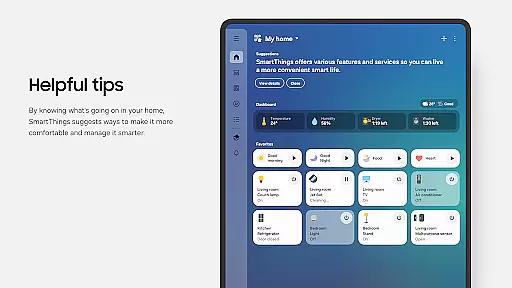
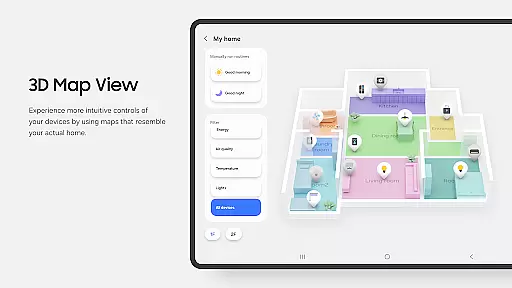
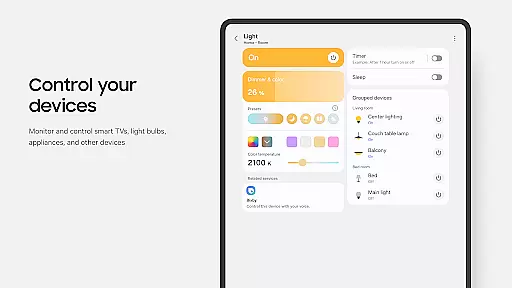
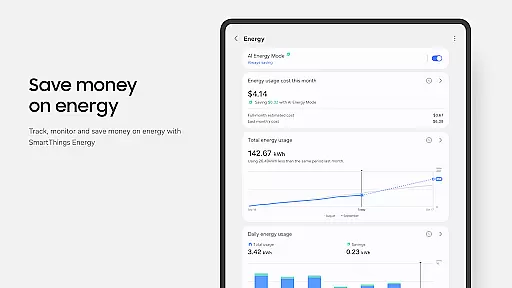
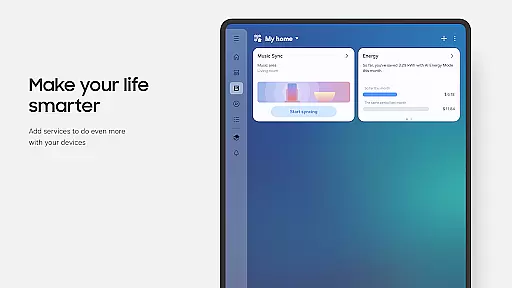
SmartThings is a comprehensive smart home management application that allows users to seamlessly connect and control all their smart devices from a single platform. Compatible with hundreds of smart home brands, the app supports Samsung Smart TVs, smart appliances, and integrates with popular voice assistants like Alexa, Bixby, and Google Assistant.
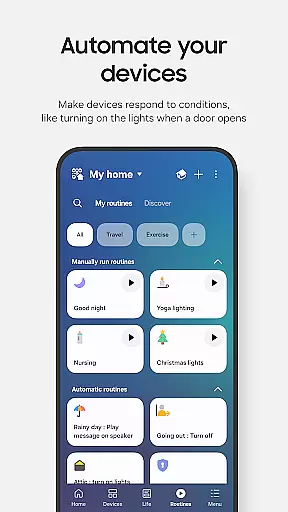
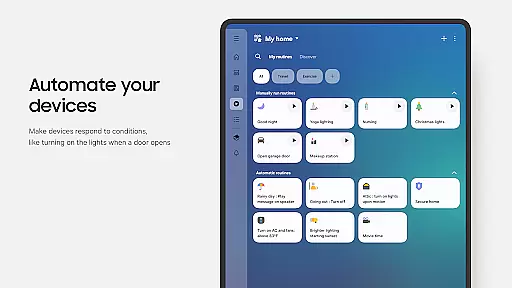
The app's core functionality lies in its ability to unify device management, enabling users to monitor and control their smart home gadgets remotely. Whether it's setting up automated routines based on time or weather conditions, or receiving real-time status updates through notifications, SmartThings ensures smooth operation of your smart home ecosystem.
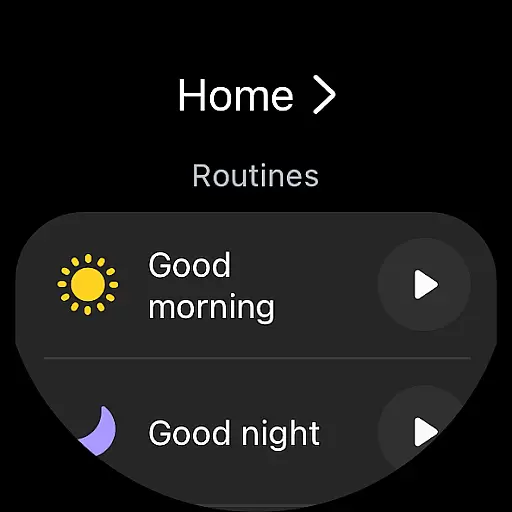
Particularly useful for Samsung smartphone users, SmartThings offers an optimized experience while maintaining compatibility with other Android devices. The app also extends its functionality to Wear OS-based watches, providing quick access to routines and device controls directly from your wrist.
SmartThings stands out with its extensive feature set designed to simplify smart home management. One of its key strengths is the unified control center that consolidates hundreds of smart home brands into a single interface. This eliminates the need for multiple apps and streamlines device management.
The app's routine-building capability is particularly innovative. Users can create complex automation sequences based on various triggers including time, weather conditions, and device statuses. The shared control feature enables granting access to family members or trusted individuals, making it ideal for managing household operations.
Advanced notification systems provide real-time updates about device statuses and potential issues. The integration with voice assistants adds another layer of convenience, while the support for Wear OS devices demonstrates the app's commitment to accessibility and cross-platform functionality.
SmartThings offers seamless companion app integration, allowing users to control their smart home devices from a unified platform. This feature is crucial for simplifying the management of multiple smart devices.
The app connects with Samsung Smart TVs, smart appliances, and other brands like Ring, Nest, and Philips Hue. By integrating all these devices into one interface, it streamlines the user experience significantly.
Users benefit from the ability to manage their smart home gadgets through voice assistants such as Alexa, Bixby, and Google Assistant. This comprehensive connectivity ensures that your home remains accessible and manageable no matter where you are.
This integration not only enhances convenience but also boosts efficiency by enabling routines based on time, weather, and device status. The result is a smoothly running smart home environment tailored to individual needs.
SmartThings provides excellent compatibility with Wear OS-based watches, enhancing its utility beyond smartphones. This compatibility is essential for users who want quick access to their smart home controls directly from their wrist.
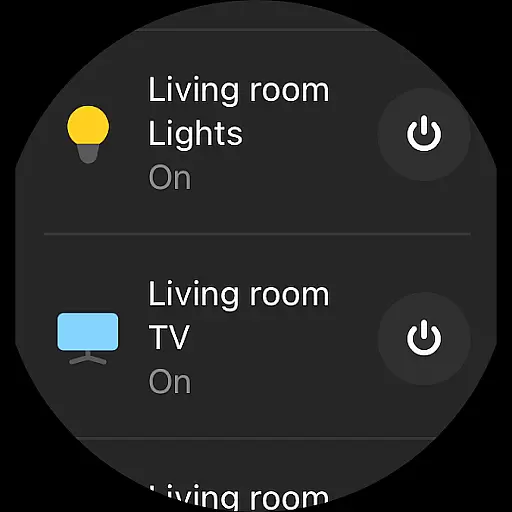
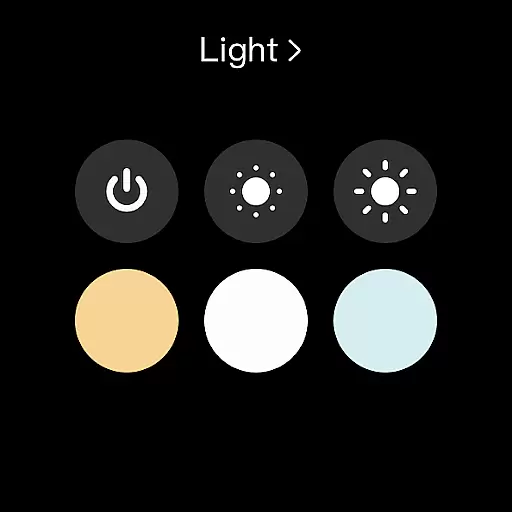
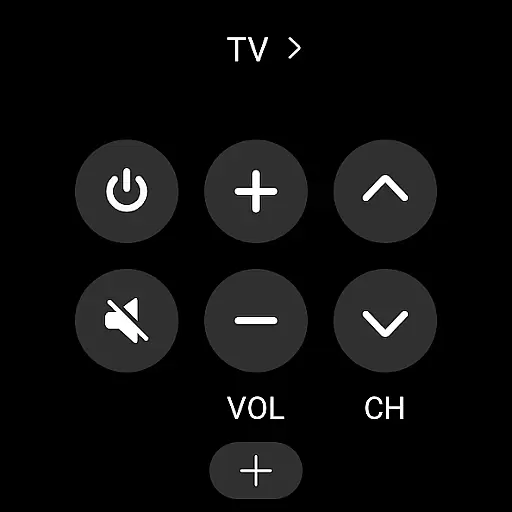
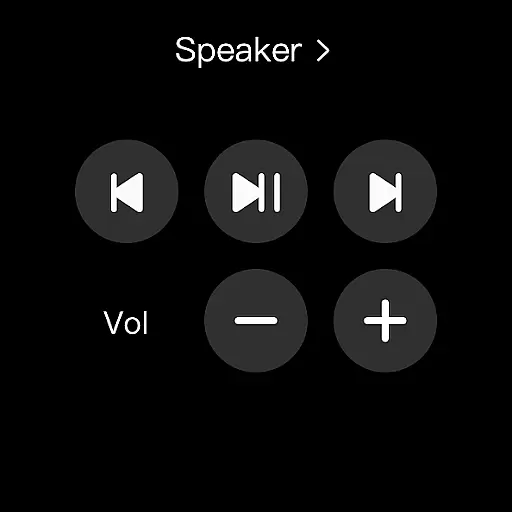
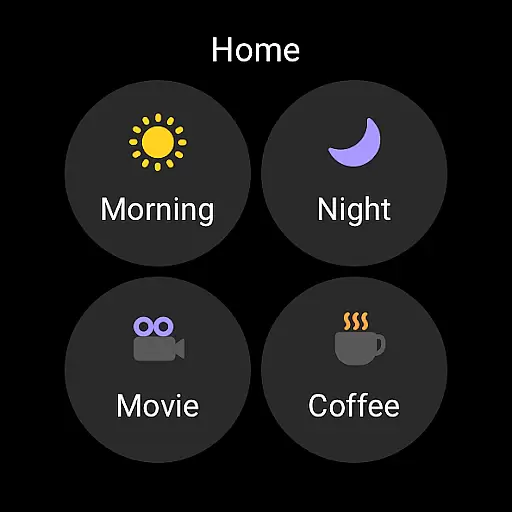
By adding SmartThings tiles on a Wear OS watch, users can execute routines and control devices effortlessly. The app's complications allow direct access to services right from the watch face, making interactions swift and intuitive.
While SmartThings for Wear OS requires a connected mobile phone, it delivers significant advantages. Users can enjoy streamlined control without needing to pull out their phones, thus offering greater mobility and ease.
This compatibility highlights SmartThings' commitment to versatility and accessibility, ensuring that users have consistent control over their smart homes across different devices and platforms.
User-friendly interface
Wide device compatibility
Robust automation features
Reliable remote monitoring
Comprehensive notification system
Limited iOS support
Occasional connectivity issues
Complex setup process
Battery consumption concerns
Feature limitations on non-Samsung devices

Watch the sharpness of the sky on your wrist..
 3.70
3.70
Current temperature, weather hourly, weather radar by the weather forecast app
4.40
Contemporary digital watch face with five complications
4.4
Fitness interactive virtual pet super fighter boy watch face
4.2
Connect to your Bluelink equipped Hyundai vehicle from your smartphone.
4.50
Gym & home workout plans with strength training, exercise tracking, HIIT & more.
4.60
Period, ovulation & pregnancy tracker. Fertility insights & menstrual calendar.
4.90
Minimalistic design modern digital watch face.
4.5
Stylish, Energizing and Modern Watch Face crafted by Dominus Mathias.
4.50
Beautiful, colorful and practical watch face. For Wear OS devices.
5.00
Real-time weather radar with temperatures, warnings, hurricanes, and widgets
4.80
Rose gold watch face with festive lights & customizable features.
4.60
A realistic hybrid watch face with many customization options.
4.60
A customizable Christmas watch face for Wear OS with a countdown.
4.20
Wear Os Watch Face - Animated Snow Effect & Magic Spark - 6 Scenes
4.10
Connect, create, and collaborate with Gmail, part of Google Workspace.
4.10
Get helpful reminders, take progress photos and find answers to your questions.
3.90
Authentic military-tactical design with ZULU time! Realistic and functional!
3.80
Hybrid Vibrant Health Watch Face for Wear OS
4.0


User Reviews