
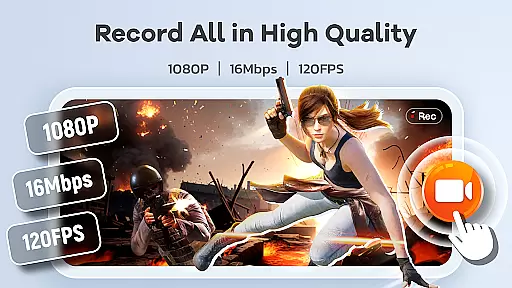
Screen Recorder Video Recorder is a comprehensive mobile application designed for effortless screen recording and video editing. This all-in-one tool allows users to capture high-quality videos, create engaging tutorials, record gameplay, and preserve memorable video calls with ease. The app supports HD recording at up to 1080P resolution, 16Mbps bitrate, and 120FPS frame rate, ensuring every detail is captured in stunning clarity.
Beyond basic recording, the app offers advanced features like built-in video editing tools, live drawing, facecam integration, and instant video-to-GIF conversion. These capabilities make it an ideal solution for content creators, educators, and gamers who want to produce professional-looking videos directly from their mobile devices. With intuitive controls such as one-tap floating ball and customizable gesture commands, users can manage recordings seamlessly without interruptions.
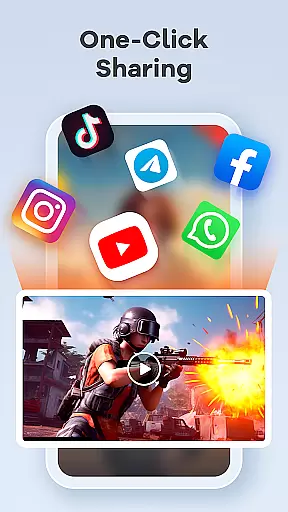
The app's versatility extends to its sharing options, enabling users to distribute their creations on platforms like YouTube and social media with just a tap. Whether you're producing tutorials, capturing epic gaming moments, or preserving personal memories, Screen Recorder Video Recorder provides the tools needed to transform your screen into a creative studio.
Screen Recorder Video Recorder stands out with its robust feature set tailored for both casual and professional users. One of its core strengths is the ability to record in crystal-clear HD quality, supporting resolutions up to 1080P, bitrates of 16Mbps, and frame rates of 120FPS. This ensures that every frame of your recording is sharp and detailed, making it suitable for various use cases, from gameplay captures to professional presentations.
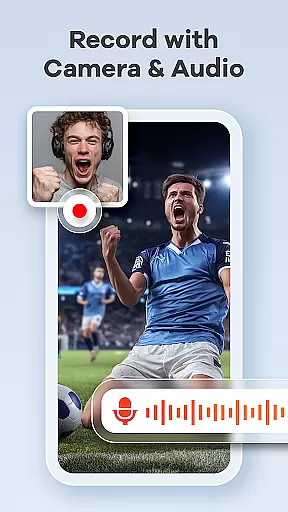
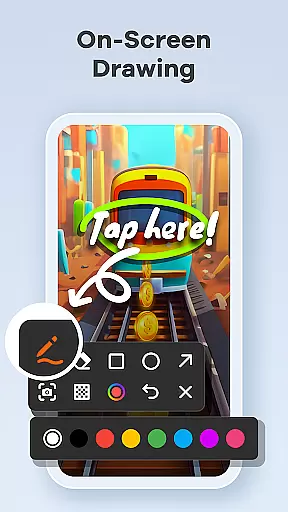
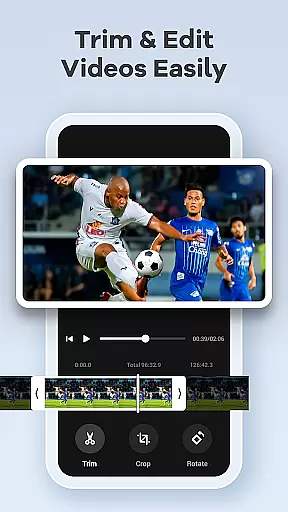
In addition to high-quality recording, the app includes a built-in video editor that allows users to trim, crop, and rotate videos effortlessly. Advanced functionalities like live drawing and annotation enable real-time explanations, while the facecam feature lets creators add personal reactions to their content. The inclusion of video-to-GIF conversion adds another layer of creativity, allowing users to share highlights in a more dynamic format.
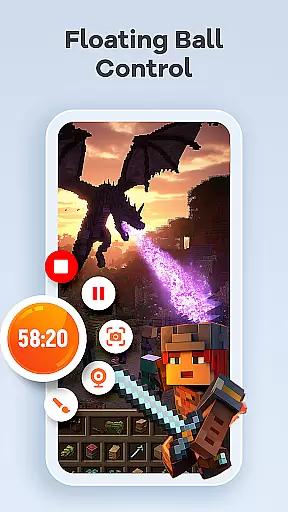
Usability is further enhanced by innovative control options such as the one-tap floating ball and customizable gesture controls. These features ensure that users can start, pause, and manage recordings without interrupting their workflow. With no time limits or watermarks, Screen Recorder Video Recorder empowers users to create unrestricted, professional-grade content that can be shared across multiple platforms instantly.
Screen Recorder Video Recorder exemplifies core function accuracy and effectiveness by providing users with a comprehensive suite of tools for capturing high-quality screen recordings. The app supports HD recording at up to 1080P resolution, with bitrates reaching 16Mbps and frame rates as high as 120FPS, ensuring every detail is captured with precision.
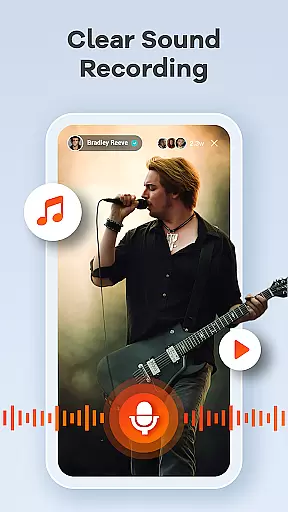
In addition to video clarity, the app offers robust audio recording capabilities, allowing users to capture both internal device sounds and external microphone input with exceptional clarity. This dual-audio functionality ensures that tutorials, gameplay sessions, and video calls are not only visually engaging but also audibly clear, enhancing the overall quality of content produced.
The built-in video editor further amplifies the app's effectiveness by enabling users to trim, crop, and rotate their videos effortlessly. These editing features ensure that final outputs are polished and professional-looking, ready for sharing across various platforms. Moreover, the ability to convert videos into GIFs adds an extra layer of versatility, catering to different content needs and audience preferences.
Overall, Screen Recorder Video Recorder stands out in its category by delivering accurate and effective core functions that cater to diverse user requirements, from creating dynamic tutorials to capturing epic gaming moments, all while maintaining ease of use and high output quality.
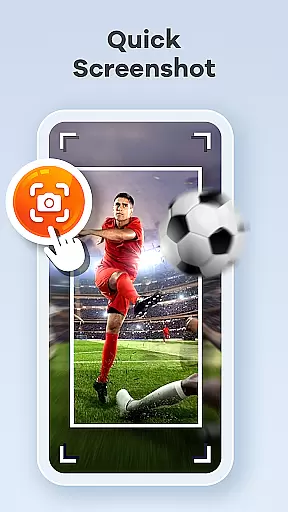
Screen Recorder Video Recorder excels in interface simplicity and intuitiveness, offering users a streamlined experience through its one-tap floating ball feature. This innovative control mechanism allows users to start, pause, resume, and take screenshots without interrupting their workflow, making the recording process seamless and efficient.
Gestures play a crucial role in enhancing the app's intuitive nature. Users can customize specific gestures for quick actions, such as starting or stopping recordings, which significantly reduces the time and effort required to manage recordings. This level of customization empowers users to tailor the appu2019s functionality according to their unique preferences and operational habits.
Furthermore, the absence of time limits and watermarks underscores the app's commitment to providing an unobstructed user experience. By removing these common constraints, Screen Recorder Video Recorder enables creators to focus on producing content that truly reflects their vision, without worrying about artificial limitations or distractions.
With customizable settings that allow adjustments to recording parameters and operation methods, the app ensures that both novice and experienced users can navigate its features with ease. This adaptability enhances the overall user experience, positioning Screen Recorder Video Recorder as a top choice for those seeking a simple yet powerful tool for their video creation needs.
User-friendly interface
High-quality recording
Built-in editing tools
Facecam integration
Instant sharing options
Advanced features may require learning
Storage-intensive recordings
Limited functionality in some apps
Privacy concerns with screen recording
Premium features may cost extra

Quickly switch to an encrypted DNS server on Android TV
 4.50
4.50
This app unlocks the Pro features of the Central for DayZ app
3.60
Unlock your Essential Key. Create custom shortcuts to your favorite apps!
4.3
Quickly & easily calculate the spacing of handrail balusters
4.20
ADB support Android 4.X-Android 13(Support wireless pair mode).No root required!
4.70
Unleash gamepad precision for ultimate mobile gaming dominance.
3.90
PC precision for mobile gaming: dominate with keyboard and mouse!
4.30
Create your own custom widget with endless possibilities
3.90
Download any file easily and quickly with Downloader
4.2
Unit and currency converter with easy and simple UI.
4.80
The one-and-only remote control for PC, Mac, and Linux
4.70
The Ultimate Flex Drivers Utility App - Convenient Tapping & Block Filters
4.70
Canon PRINT is a companion app for your Canon printer.
4.60
App to pay for FUTO Keyboard
4.60 4.50
4.50
With videos, electrical calculators, and built-in ebook, Ugly’s has your answer.
4.50
pdf merge, word to pdf, jpg to pdf, edit pdf, convert to pdf and much more!
4.20
Just one-tap to easy translate in any language after calls within seconds.
4.20
MS-DOS in your pocket. Play old DOS games anywhere you are ;)
4.10


User Reviews