
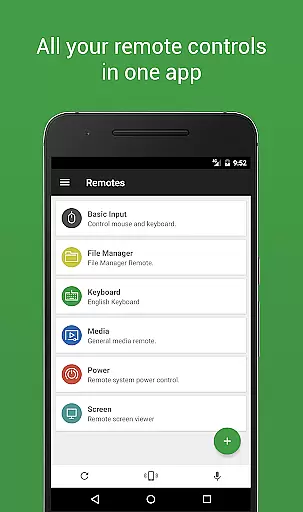
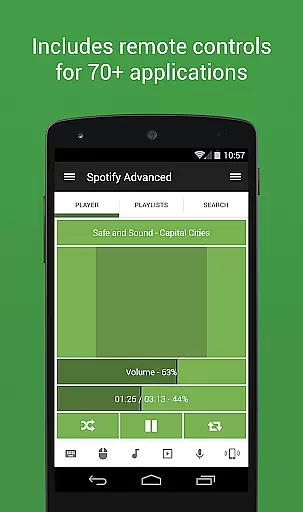

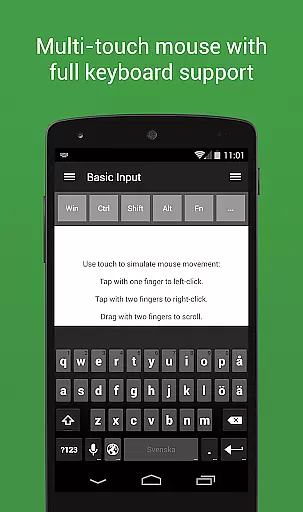
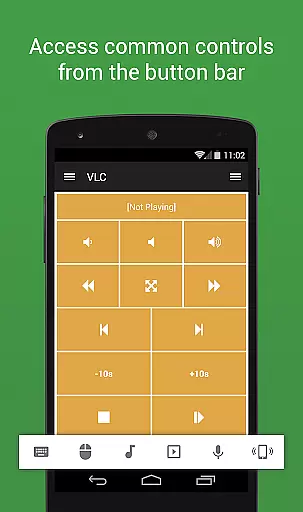
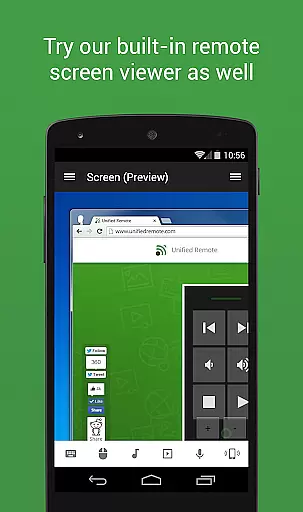
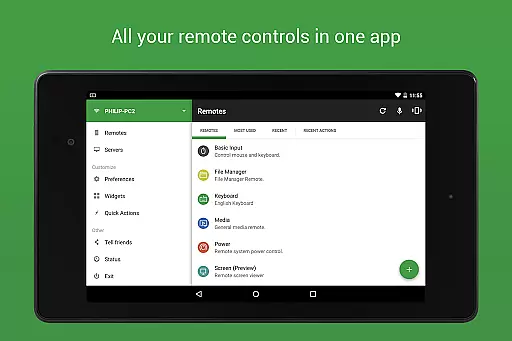
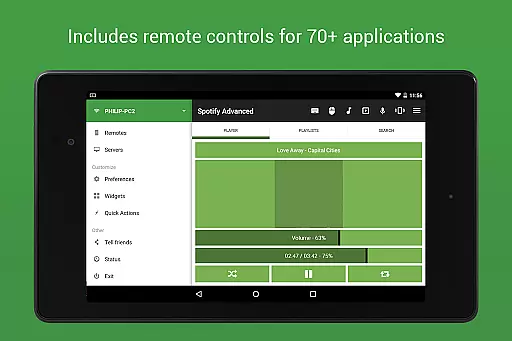
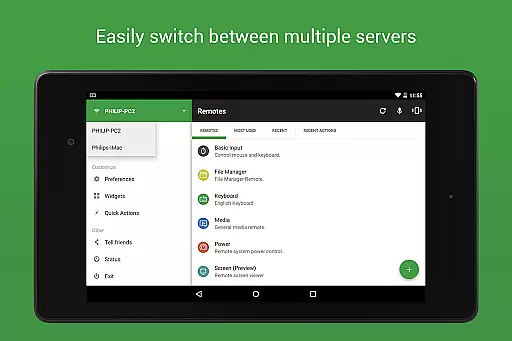
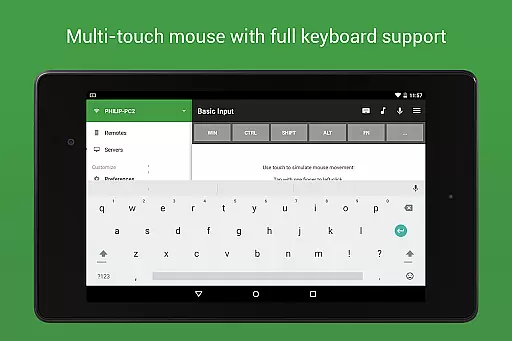
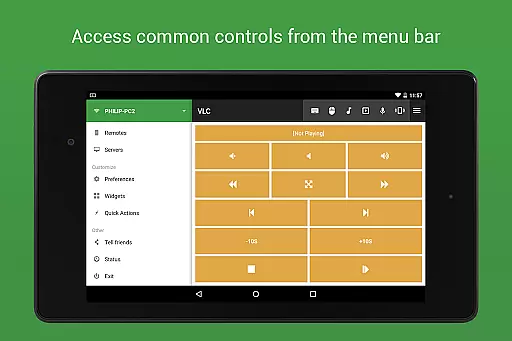
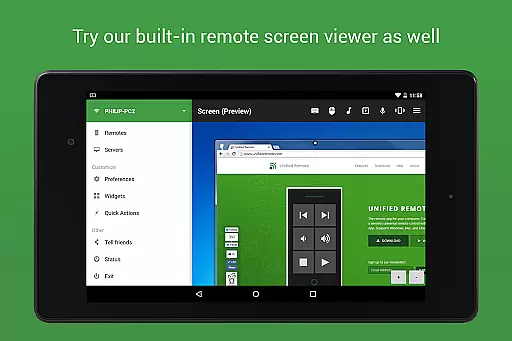
Unified Remote Full is the ultimate remote control solution for your computer, turning your mobile device into a versatile WiFi or Bluetooth universal remote. Compatible with Windows PC, Mac, and Linux systems, this app offers an impressive range of functionalities that cater to various needs. With support for over 90 programs, it includes essential tools like mouse and keyboard control, media players, presentation management, screen mirroring, power control, file manager, terminal access, and much more.
The app stands out through its user-friendly setup process and robust security features such as server password protection and encryption. Whether you're looking to enhance your productivity or enjoy seamless multimedia experiences, Unified Remote Full provides a comprehensive suite of tools that make controlling your computer effortless and efficient.
Unified Remote Full boasts an extensive array of features designed to maximize convenience and efficiency. The app supports both single and multi-touch mouse control, Wake On LAN functionality, and includes light and dark color themes for personalized use. It also allows users to control other devices like Raspberry Pi and Arduino Yún, expanding its utility beyond traditional computing environments.
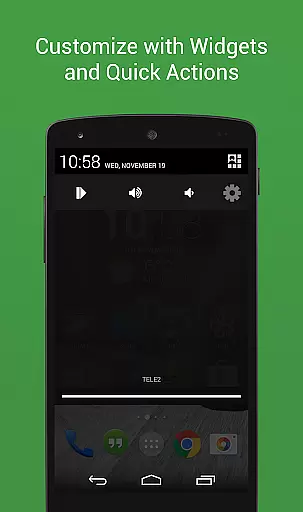
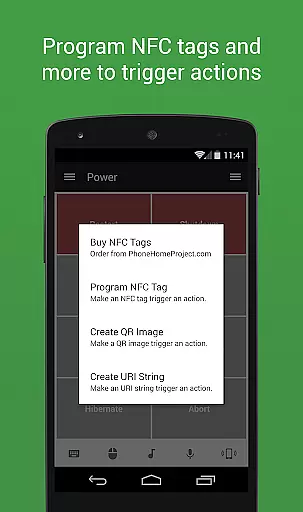
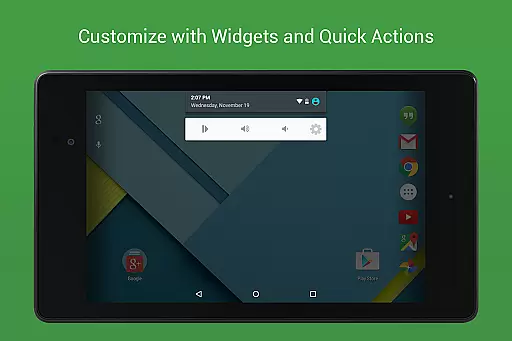
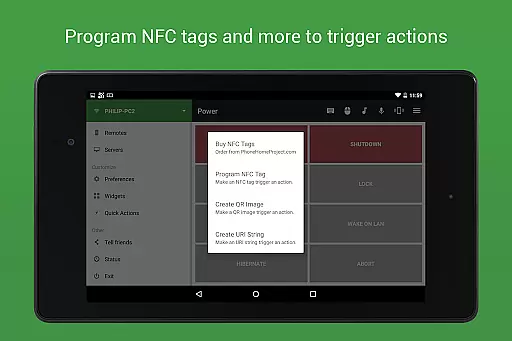
Among its standout features are floating remotes that can be used over other apps, custom remotes tailored to specific needs, widgets and quick actions for streamlined access, voice commands for hands-free operation, and compatibility with Android Wear. Additionally, advanced options such as IR actions, NFC actions, and support for 90+ remotes ensure that users have unparalleled flexibility in managing their digital ecosystems.
Unified Remote Full excels in delivering precise and effective control over a wide range of computer functions. The app transforms your device into a universal remote, supporting 90+ programs across Windows PC, Mac, and Linux platforms.
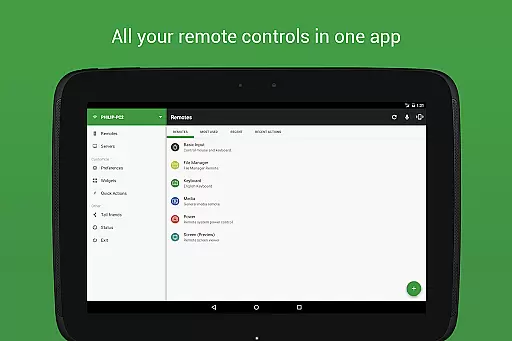
The application offers dedicated remotes for essential tasks such as mouse and keyboard control, media players, presentations, and power management. Each remote is designed to provide accurate input and responsive feedback, ensuring seamless interaction with your computer.
Advanced features like Wake On LAN, floating remotes, and custom remote creation demonstrate the app's commitment to functional depth. These tools allow users to start their server remotely, use controls over other apps, and personalize their experience according to specific needs.
With support for both single and multi-touch mouse control, automatic server detection, and secure connections through password protection and encryption, Unified Remote Full ensures that users can efficiently manage their systems while maintaining high security standards.
The interface of Unified Remote Full strikes an optimal balance between functionality and user-friendliness. Its setup process is straightforward, allowing users to quickly establish a connection between their device and the server without extensive technical knowledge.
Preloaded with 18 free remotes and offering access to over 90 additional specialized controls in the full version, the app provides an intuitive way to navigate various computer programs. Users can easily switch between different remotes for music players, video streaming services, presentation software, and more.
Including both light and dark color themes, Unified Remote Full caters to user preferences while maintaining visual clarity. The thoughtful design extends to widgets & quick actions, voice commands, and NFC actions which enhance usability by providing shortcuts for common tasks.
Moreover, compatibility with Android Wear enhances the app's accessibility by enabling Quick Actions, Voice & Mouse functionalities on wearable devices. This extension of interface options underscores the app's dedication to creating an intuitive user experience across multiple platforms.
User-friendly interface
Wide compatibility
Comprehensive feature set
Robust security measures
Versatile device control
Premium version required
Complex setup for beginners
Limited free remotes
Occasional connectivity issues
Advanced features may overwhelm casual users

A convenient photo, video, and file recovery tool.
 4.00
4.00
Carry a FTP server in your pocket and avoid USB cables for file transfer
4.20
Detect hidden spy camera with advanced scanning {{ Premium version }}
4.00
Monitor car performance in real time and troubleshoot malfunctions.
4.80
Making emulation easy for everyone!
4.30
Game Booster, GFX Tool is now compatible with newer game update
4.50
Protect your device with antivirus, storage cleanup, and system monitoring
4.70
Clean up your phone, find files, play media, and share files offline
4.50
Enhance your Beats
3.70
Optimize your WiFi network, turn your phone into Wifi Analyzer
4.70
FV File Manager Pro, Fast and powerful file manager for Android
4.60
HD Video player and downloader for all formats, fast & smooth 4K video playback.
4.60
App to pay for FUTO Keyboard
4.60
Just swipe the edge to do something!
4.40
Pro Emulator is an easy to use game console emulator for a range of consoles.
4.40
Quickly check the frequency of the Earth
4.30
VESC Tool can monitor and configure VESC-compatible devices over BLE and Wifi
4.20
1-Click close all background apps on Android TV
3.90
Smart and comfortable browsing experience.
3.80


User Reviews