
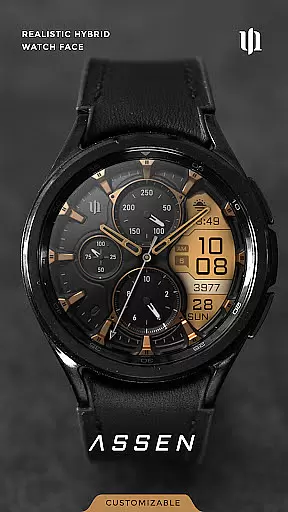
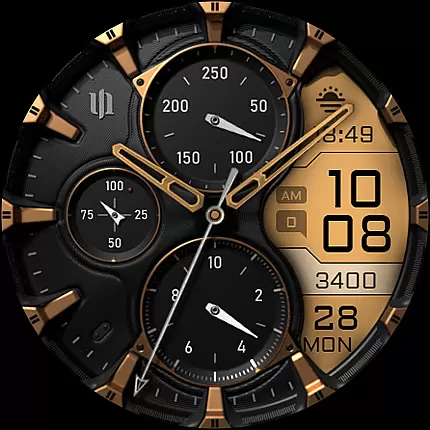
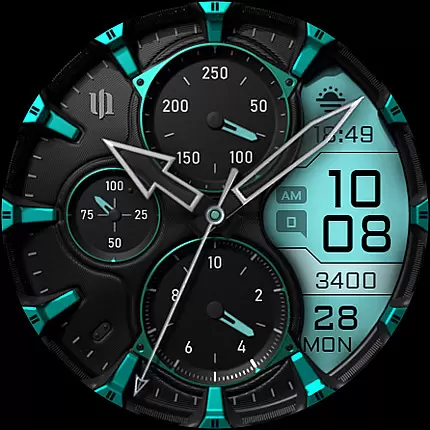
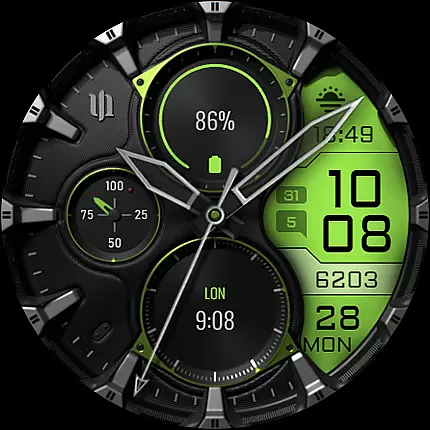
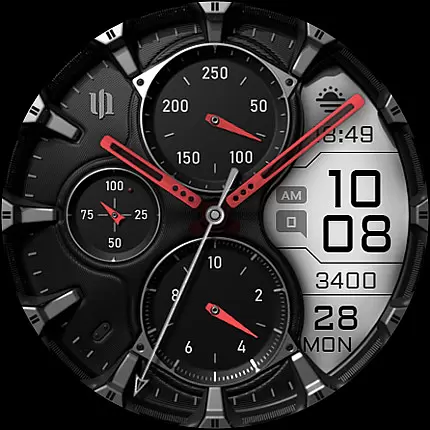
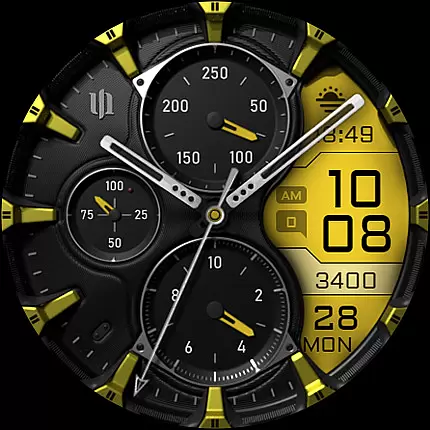
S4U Assen is a premium Wear OS watch face that combines realistic analog design with practical digital features. This hybrid watch face offers both aesthetic appeal and functional utility, making it suitable for users who value customization and information accessibility on their smartwatches.
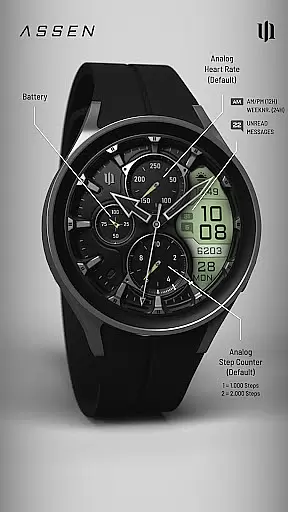
The watch face displays essential data such as time, steps, heart rate, calendar details, unread messages, and two customizable complications. With support for Wear OS 4 and above, it is compatible with Samsung Galaxy Watches, Google Pixel Watches, and other modern Wear OS devices.
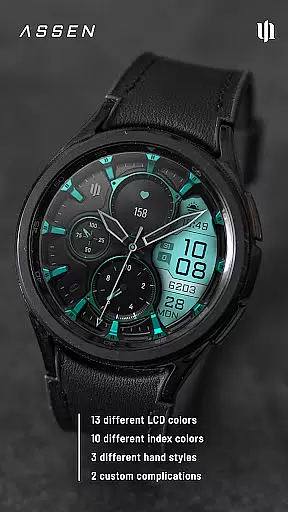
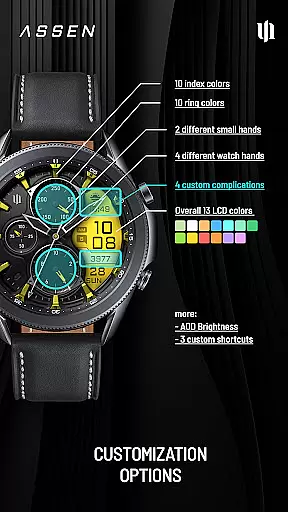
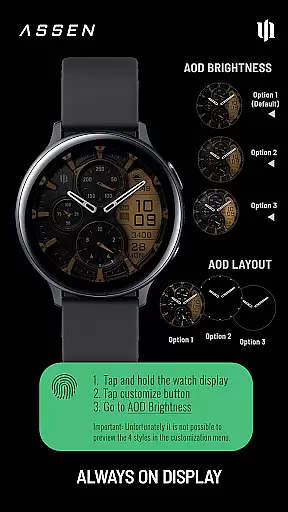
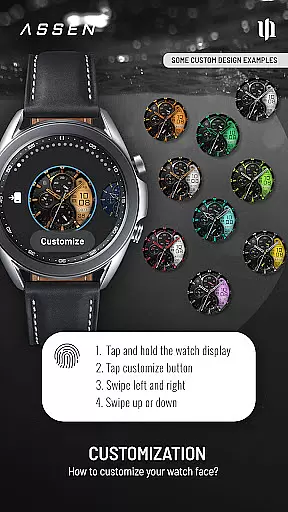
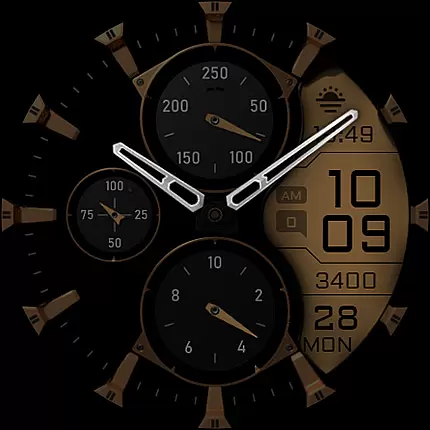
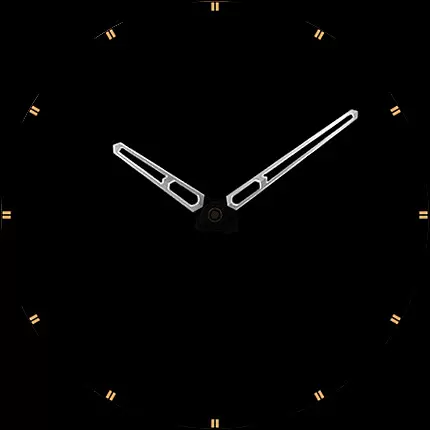
S4U Assen stands out with its extensive customization options. Users can personalize the watch face with 13 LCD colors, 10 index colors, and multiple hand styles. The always-on display (AOD) feature includes three brightness levels and an optional minimal layout, ensuring both visibility and battery efficiency.
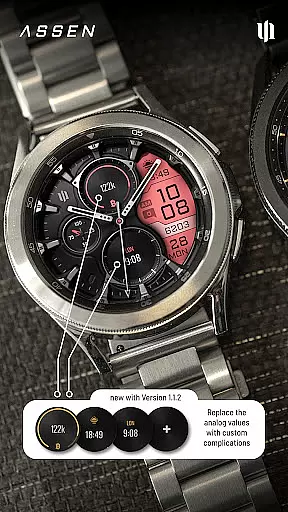
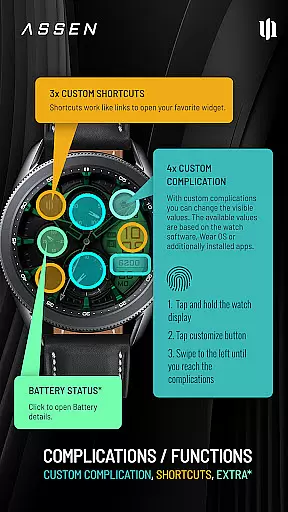
Functionality is enhanced through four customizable complications and three app shortcuts, allowing quick access to favorite widgets and personalized data views. Additional features include tap interactions for battery details and comprehensive compatibility with various Wear OS smartwatches.
Companion app integration is essential for a seamless Wear OS experience. The S4U Assen watch face offers robust companion app support, ensuring that users can easily manage settings and troubleshoot any issues.
The companion app provided with your purchase simplifies the installation process and addresses potential compatibility concerns. By following the clear steps in the Install/Issues section, users can quickly resolve common problems.
For further assistance, direct support is available through email, creating a reliable safety net for users. This ensures that help is readily accessible when needed.
This level of integration enhances user satisfaction by providing comprehensive support and easy access to customization options, making the overall experience more enjoyable and stress-free.
Device compatibility is crucial for ensuring optimal performance of the S4U Assen watch face. This application supports smartwatches running Wear OS 4 or higher (Wear OS API 33+), catering to a wide range of devices.
Compatible devices include popular models such as Samsung Galaxy Watch 4, 5, 6, 7, 7 Ultra, and Google Pixel Watch 1-3. This extensive compatibility ensures that most Wear OS users can enjoy the realistic hybrid dial and customization features.
It's important to note that some advanced features like Always-On Display (AOD) may behave differently depending on the specific smartwatch model and its settings. Users should consider their device's capabilities to fully utilize all functionalities.
By focusing on broad compatibility, the S4U Assen watch face provides a versatile and enhanced experience across various Wear OS devices, allowing users to personalize their smartwatch according to their preferences.
Highly customizable
Realistic analog design
Useful complications
Always-On Display
Wide device support
Short battery life
Complex setup
Limited AOD
Premium cost
Not for all devices

an Analog Watch Face for winter season with freeze winter background for Wear OS
 4.2
4.2
A Wintery Snow Globe on Your Wrist; now celebrating Christmas!
4.3
Sleek, highly customizable watch face inspired by Galaxy Watch Circle Dashboard.
4.3
3 Complications. All shadow on/off. 30 Themes color palette...
4.2
The Chevron App allows you to pay for fuel from the comfort of your car!
4.80
Professional weather radar and more
3.90
Hybrid Vibrant Health Watch Face for Wear OS
4.4
Fast and smart typing with Emojis, GIFs, and more
4.50
Your local weather forecast, storm tracker, radar maps & live weather news
3.40
Hyperlocal rain alerts by MyRadar using patent-pending technology, radar & more
4.80
Hybrid watch face for Wear OS with customizable complications by Matteo Dini MD
4.70
Retro digital watch face with customizable colors and a unique lighting effect
4.60
A customizable Christmas watch face for Wear OS with a countdown.
4.20
Your music, your playlists, and more—offline and unlimited.
4.20
Snowflake Rose Gold Watch Face - Digital, modern, & sleek with GYRO effect.
4.10
sleep, alarm, snoring, stress, healing, focus, sound therapy, circadian rhythm
4.10
Watch the sharpness of the sky on your wrist..
3.70
Stunning modern digital watch face with 7 complications and strong contrast
4.2
Fitness interactive virtual pet super fighter boy watch face
4.5


User Reviews