
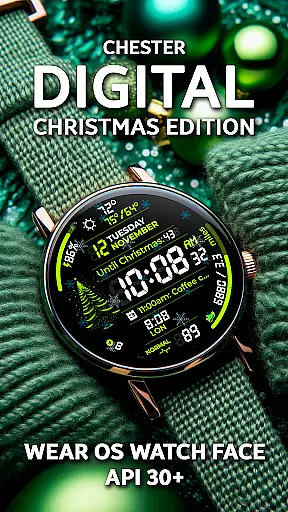
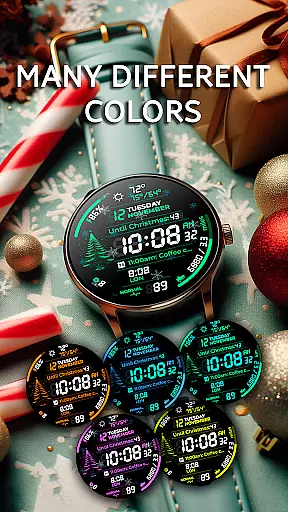
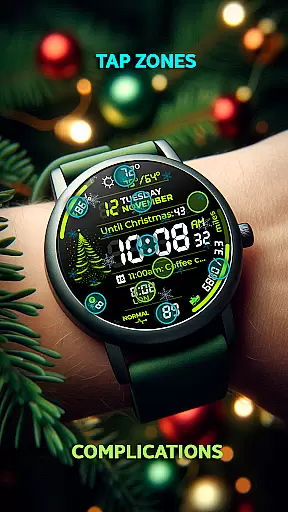
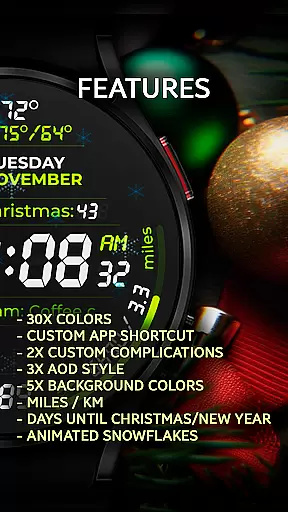
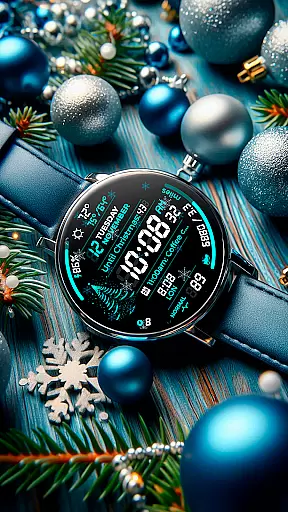
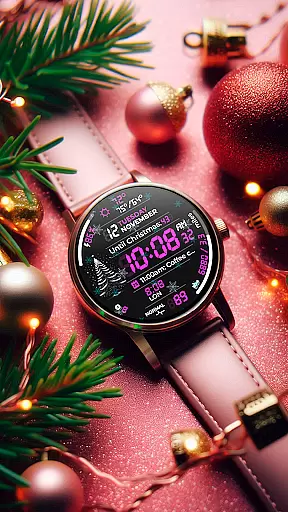
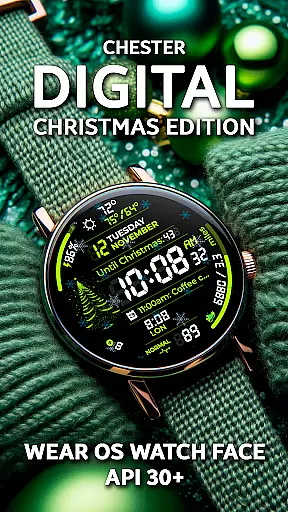
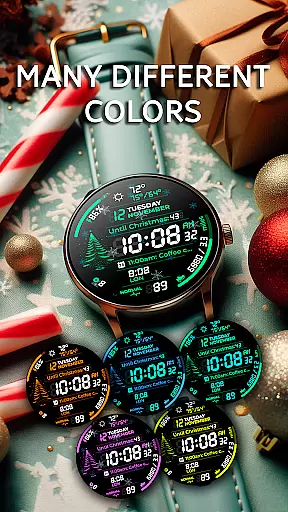
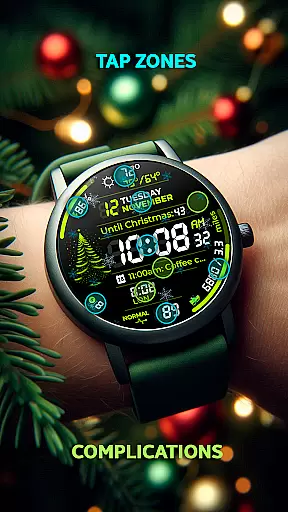
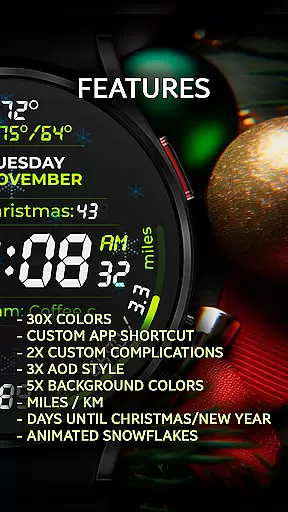
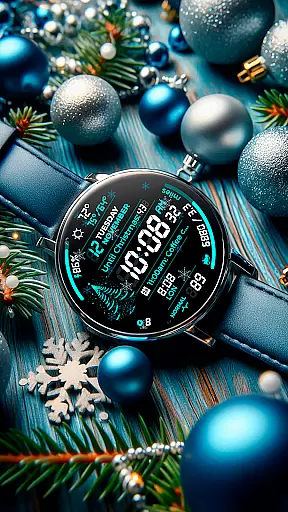
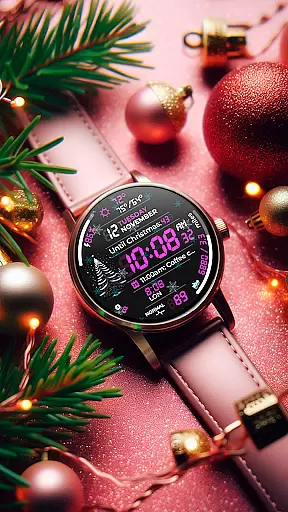
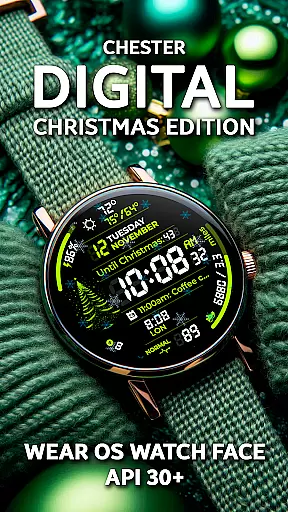
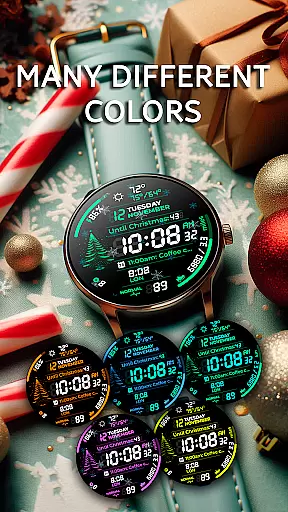
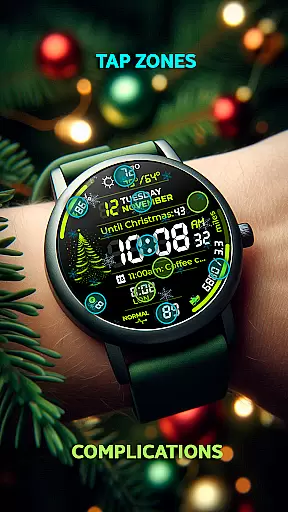
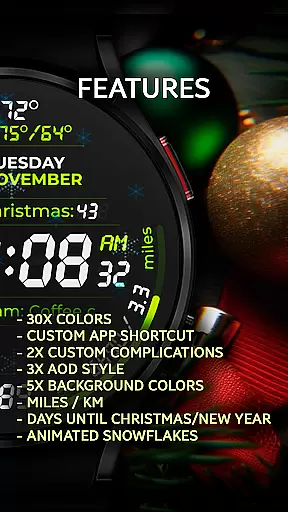
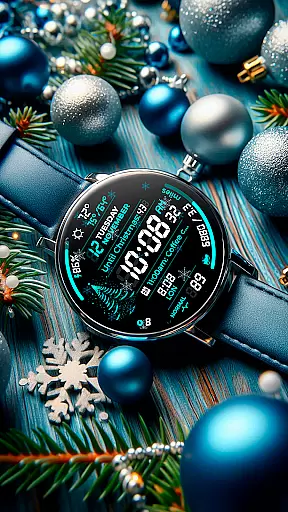
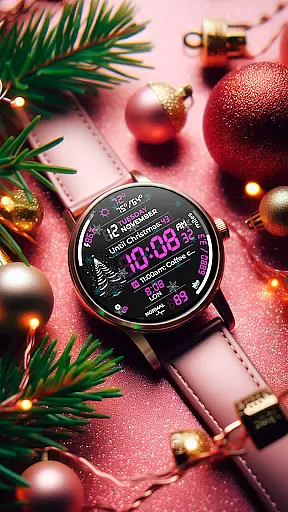
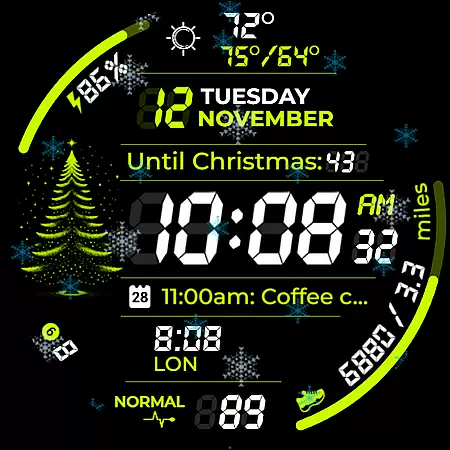
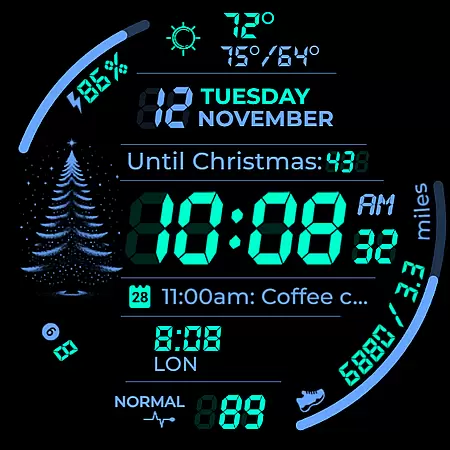
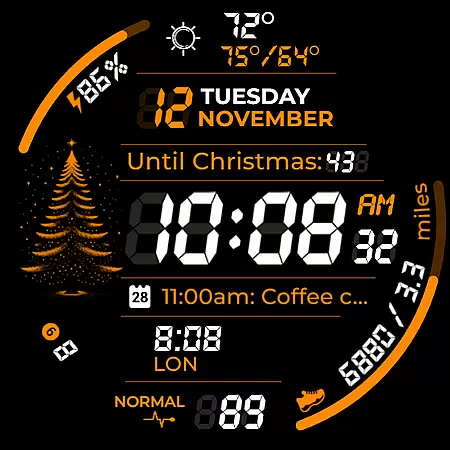
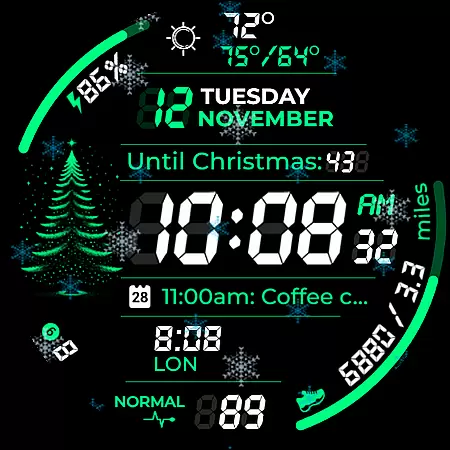
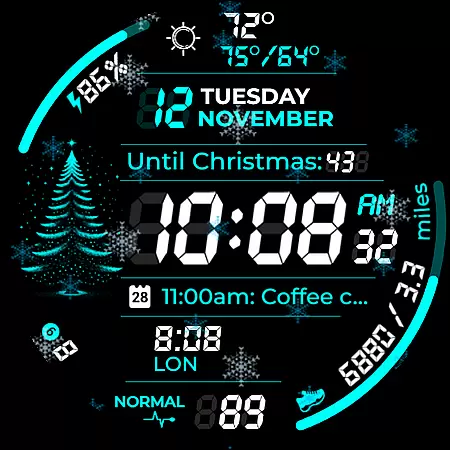
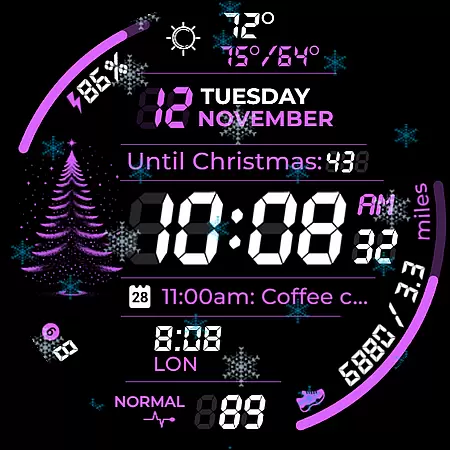
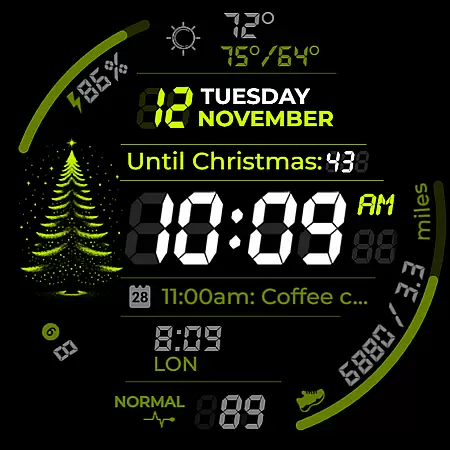
Chester Digital: Christmas is a festive watch face designed for Wear OS, bringing holiday cheer to your smartwatch. This customizable watch face offers 30 vibrant color schemes, app shortcuts, and interactive tap zones, making it both stylish and functional. With features like countdowns to Christmas and New Year, weather updates, and full calendar reminders, it keeps users connected and prepared throughout the holiday season.
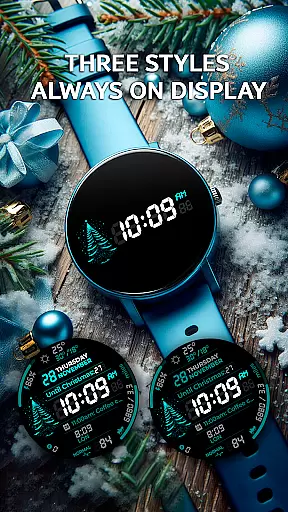
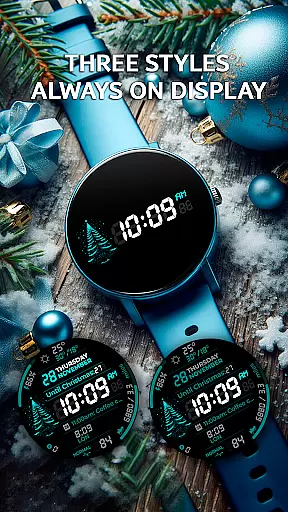
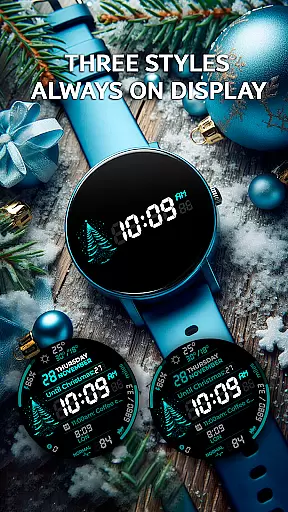
Compatible with all Wear OS API 30+ devices, including Google Pixel Watch and Galaxy Watches, this watch face supports various functionalities such as Always-On Display styles and distance tracking in miles or kilometers. Whether you're monitoring your weekly progress or enjoying the animated snowflakes, Chester Digital: Christmas enhances your wearable experience with a perfect blend of utility and festivity.
Chester Digital: Christmas stands out with its extensive customization options and interactive features. Users can choose from 30 color schemes and five background colors, allowing for a personalized look that matches their style. The inclusion of app shortcuts and complication zones ensures quick access to favorite functions and important information directly from the watch face.
This watch face also provides practical tools such as distance tracking, weekly and yearly tracking, and full calendar reminders. Additionally, it displays maximum and minimum temperatures, keeping users informed about weather conditions. The countdown to Christmas and New Year adds a festive touch, while the unread notifications counter helps manage daily tasks efficiently, making it an ideal choice for those seeking functionality with a holiday spirit.
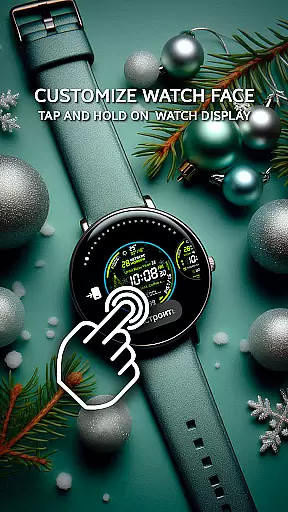
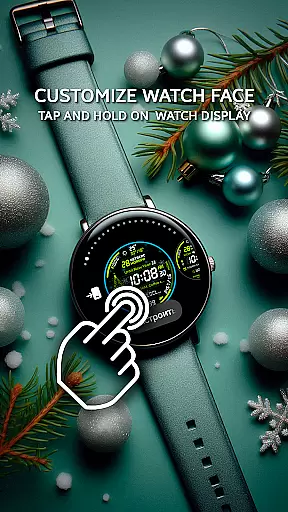
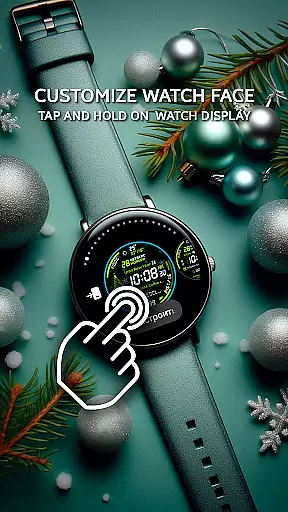
Companion app integration is essential for a seamless smartwatch experience. Chester Digital: Christmas ensures that your watch face settings and preferences are perfectly synchronized with your smartphone. This allows users to easily customize color schemes, app shortcuts, and complication zones through a user-friendly mobile interface.
The app provides a dedicated companion application that enables detailed personalization options. Users can choose from 30 vibrant color schemes, set up quick-access app shortcuts, and configure two customizable complication zones without directly interacting with the watch interface. This makes the customization process more accessible and efficient.
By maintaining real-time synchronization between the watch and smartphone, users benefit from continuous connectivity and effortless management of their watch face features. Whether adjusting background colors or setting distance display preferences, all changes are instantly reflected on the wearable device.
This level of integration enhances user convenience while ensuring that all personalized settings remain consistent across devices. The ability to manage notifications, calendar events, and weather updates from a single interface creates a unified and optimized wearable experience.
Device compatibility is crucial for ensuring optimal performance across various Wear OS devices. Chester Digital: Christmas is designed to work seamlessly with all Wear OS API 30+ devices, including popular models like Google Pixel Watch and Galaxy Watch series. This wide compatibility range guarantees that users can enjoy the festive watch face regardless of their specific device model.
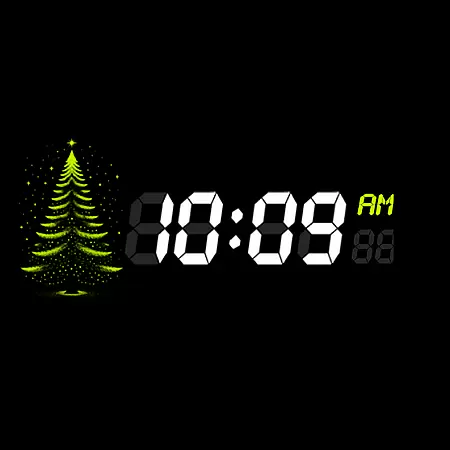
The watch face supports both circular and rounded rectangular displays, making it suitable for most modern smartwatches. It maintains high-resolution graphics and smooth animations across different screen sizes and resolutions. This ensures that features like snowflake animation and AOD styles display consistently well on all supported devices.
With compatibility extending to devices such as Galaxy Watch 4/5/6/7 and Galaxy Watch Ultra, users can take advantage of advanced features including interactive tap zones and weekly tracking. The watch face automatically adjusts its layout and functionality based on the device's capabilities.
This broad compatibility ensures that users won't face limitations when switching devices or sharing their customized watch face with friends. The consistent performance across various Wear OS devices demonstrates the developer's commitment to quality and accessibility in smartwatch personalization.
Highly customizable
Festive animations
Weather updates
Event reminders
Holiday countdowns
Not for rectangular watches
Limited AOD styles
No iOS support
Premium features cost extra
Complex setup for beginners

Walking app for weight loss: walk & step tracker, pedometer, indoor treadmill
 4.60
4.60
Precision analog watch face with 7 complications and style options
4.1
Christmas is near, let's count together the days left until Santa comes
4.5
Be an elegant and classy secret agent, with this carefully detailed watch face
4.70
Fitness interactive virtual pet super fighter boy watch face
4.0
Stay in touch with your friends and family using LINE!
3.40
Real-time weather radar with temperatures, warnings, hurricanes, and widgets
4.80
A modern hybrid informative watch face for Wear OS designed by BALLOZI
4.80
Back up your contacts & access them anywhere
4.30
Simple, helpful messaging by Google
4.60
Connect to your Bluelink equipped Hyundai vehicle from your smartphone.
4.50
Calming & relaxing sounds for sleeping and stress relief. Stay focused all day!
4.20
Your music, your playlists, and more—offline and unlimited.
4.20
"PER27 Galaxy Digital" is a digital Wear OS watch face designed by PERSONA
4.10
Watch the sharpness of the sky on your wrist..
3.70
Watch face designed for Thanksgiving Day. 7 Background Styles included.
3.20
Wear Os Watch Face - Animated Snow Effect & Christmas Lights
4.0
Christmas and New Year - Themed Watchface
4.2
Simple Analog-Digital Watchface For Wear OS 3.0 and Up Smartwatches
4.4


User Reviews