
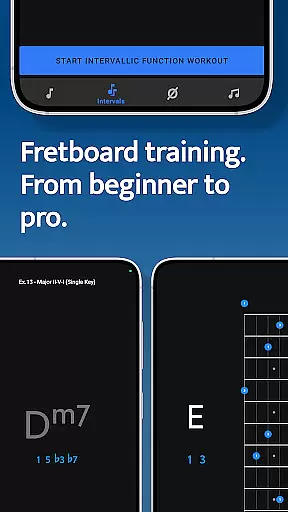
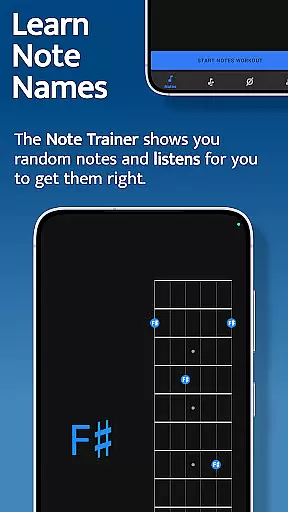
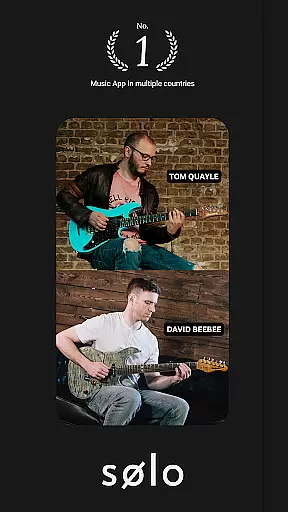
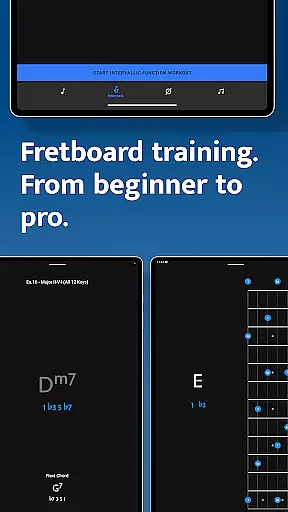
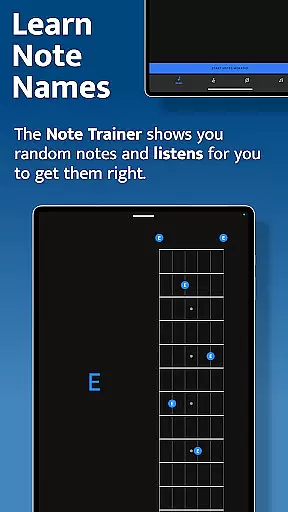
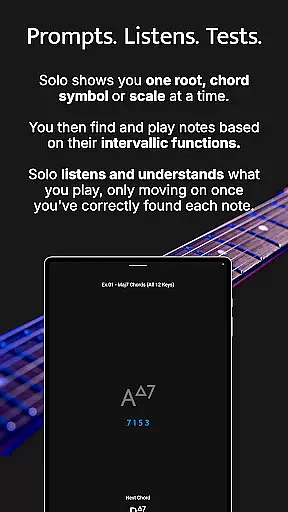
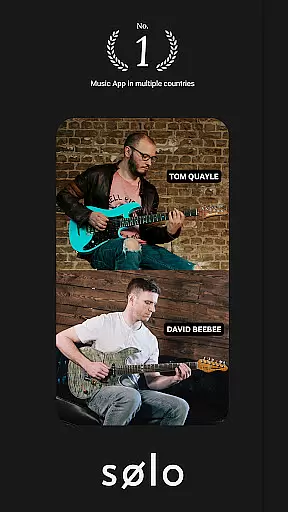
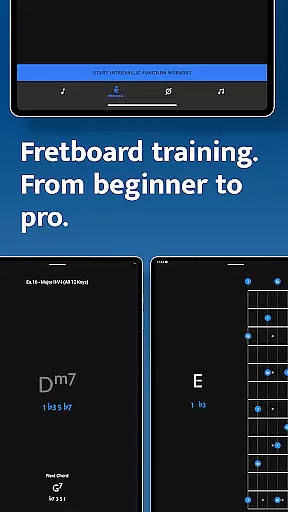
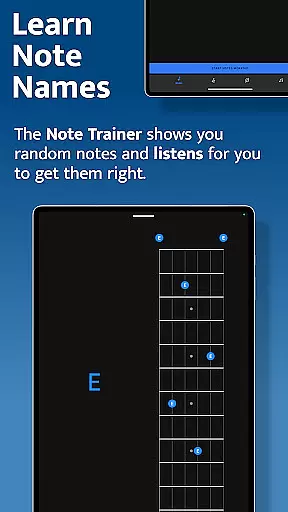
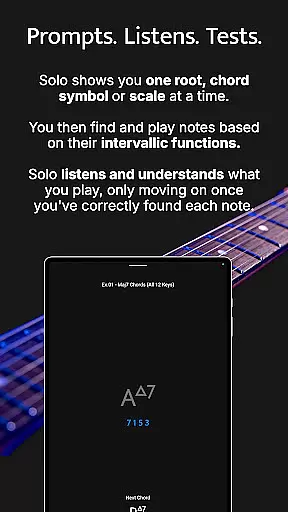
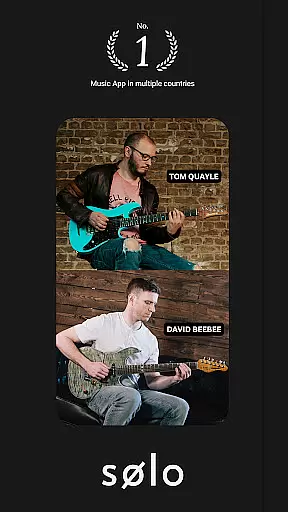
Solo is an innovative practice app designed to help guitarists and bassists master fretboard visualization. Developed by renowned guitarists Tom Quayle and David Beebee, this app provides a systematic approach to learning note names, interval shapes, chord changes, and scales through interactive exercises.
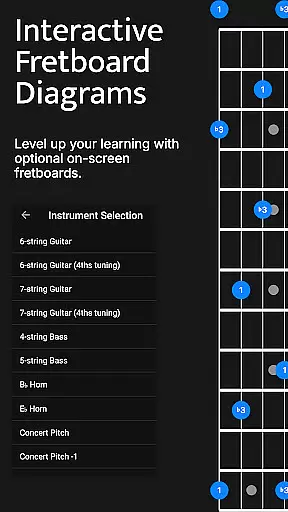
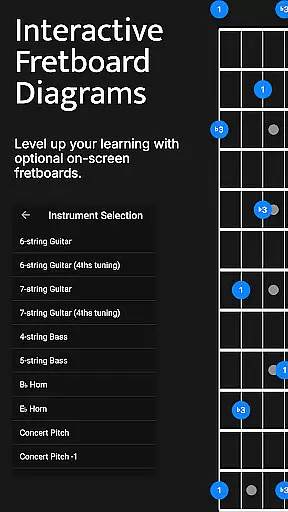
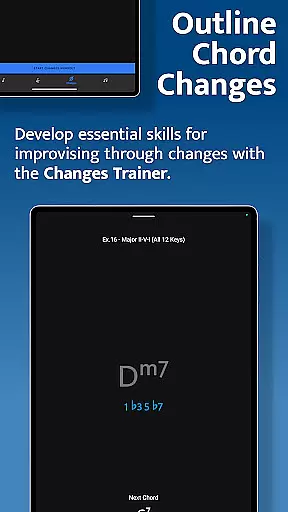
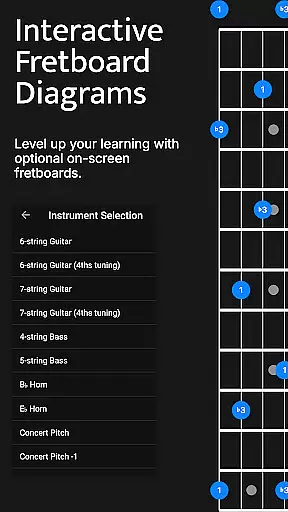
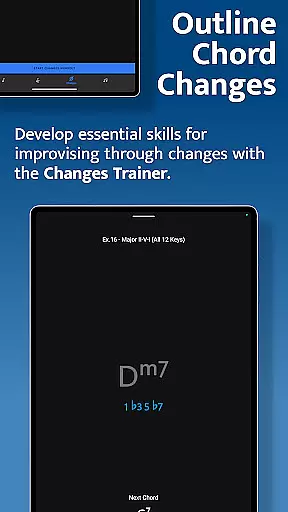
The app features four specialized training modules - Note Trainer, Interval Trainer, Changes Trainer, and Scale Trainer. Each module uses interactive fretboards and intelligent feedback systems to guide users through various aspects of fretboard mastery. The app supports multiple string configurations including 6-string guitars, 7-string guitars, and 4/5-string basses.
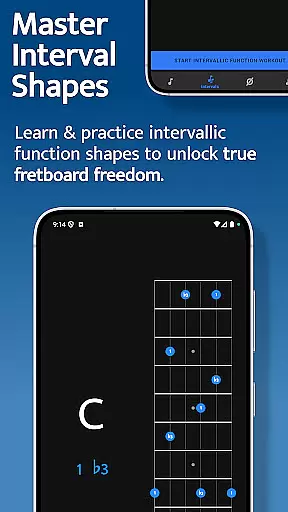
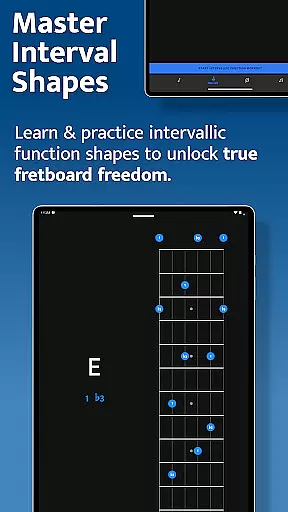
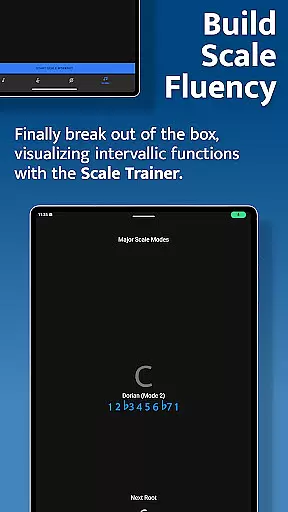
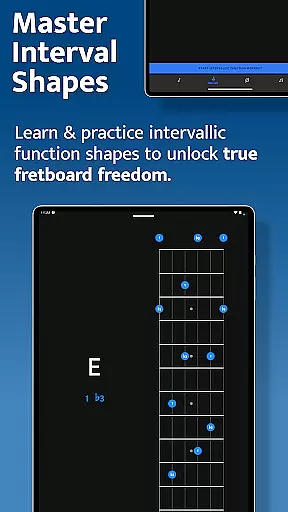
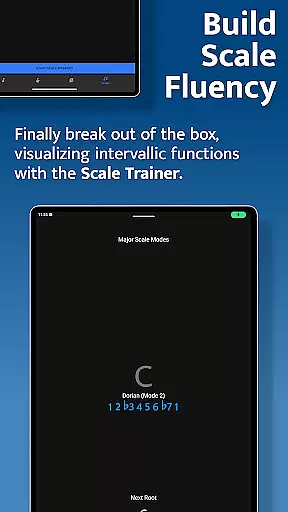
Whether you're a beginner learning basic notes or an advanced player working on complex melodic structures, Solo offers customizable practice sessions that adapt to your skill level. The app's unique intervallic function approach helps musicians break out of scale boxes and develop true fretboard freedom.
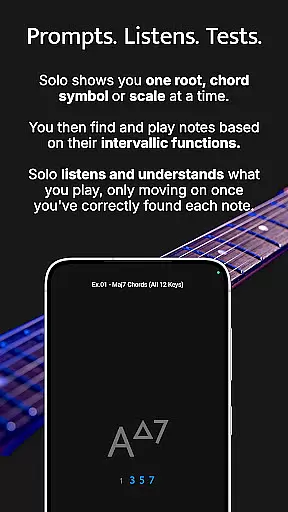
Solo stands out with its comprehensive set of training tools designed for serious musicians. The app's core feature is its ability to listen to user input and provide real-time feedback on accuracy. This interactive approach ensures proper learning and helps users build confidence in their playing.
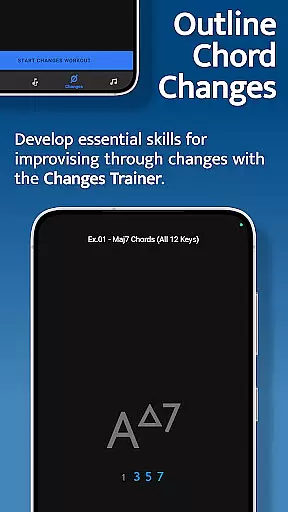
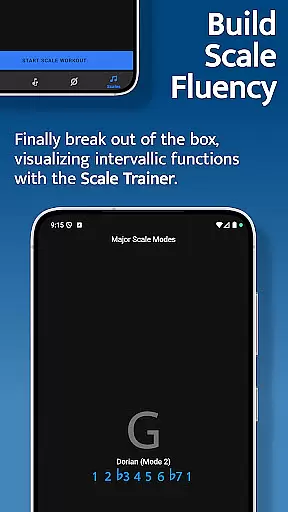
The Interval Trainer allows users to create custom interval groups or select from various chord types and scales. With support for over 50 intervallic function levels and more than 100 common chord progressions, the app offers extensive practice options. The Changes Trainer intelligently maps intervals over chords, while the Scale Trainer includes over 50 scales and modes with melodic sequence options.
Additional features include duration-based workouts, transposition options, and support for different tunings. The app's interactive fretboards provide helpful diagrams and alternative fingering suggestions, making it an invaluable tool for both practice sessions and theoretical study.
When it comes to music learning applications, the depth and breadth of the music library are crucial for a comprehensive learning experience. Solo - Fretboard Visualization offers an extensive collection of scales and modes, boasting over 50 variations, which cater to a wide range of musical styles and preferences.
The app's vast array of content is not only about quantity but also quality. Each scale and mode has been carefully selected and integrated into the training modules by world-renowned guitarists Tom Quayle and David Beebee, ensuring that users have access to authentic and high-quality learning material.
Copyright authenticity is another cornerstone of Solo. All the content within the app is properly licensed, giving users peace of mind that they are engaging with legitimate educational resources. This dedication to copyright compliance enhances the credibility of the learning process.
For musicians looking to expand their fretboard knowledge and improvisational skills, having such a diverse and legally sound music library at their disposal can significantly enrich their practice sessions and overall musical journey.
Audio quality is paramount in music education apps, as it directly affects the learning process. Solo - Fretboard Visualization takes this aspect seriously, providing users with various audio quality options that ensure clear and accurate sound reproduction during practice sessions.
The app listens to the notes played by the user and provides feedback based on precise audio analysis. This feature is essential for users to correctly identify intervallic functions and improve their playing accuracy.
Moreover, the app supports different stringed instruments, including guitars and basses with varying numbers of strings and tunings. Regardless of the instrument or tuning used, Solo maintains high audio fidelity, allowing users to trust the auditory feedback they receive while practicing.
With duration-based workouts and real-time audio feedback, learners can craft the perfect practice session tailored to their needs, confident in the knowledge that the audio quality will not hinder their progress but rather enhance their musical development.
Comprehensive training modules
Real-time audio feedback
Customizable practice options
Wide range of scales/chords
Multiple instrument support
Steep learning curve
Premium price point
Requires dedicated practice
Complex interface
Limited beginner guidance

Fun & Easy Voice Changer – Record, Edit & Add Hilarious Effects!
 4.50
4.50
The Skullcandy App Experience
3.20
Gorgeous UI, Powerful music Search and Equalizer, the great choice for you!
4.70
Walkout Song DJ is the most intuitive app to manage your sports music.
4.70
Permanently backup Now Playing. Maps, filters & listening stats.
4.00
Offline Music Player & MP3 Player.Powerful equalizer, Lyrics, Themes, Tag Editor
4.80
Simple mp3 and mp4 player with advanced features.
3.40
The Minimalistic Premium Music Player. Handmade with passion for music
2.20
Versatile MP3 recorder with auto-backup to Dropbox and Google Drive
4.10 4.70
4.70
Recording studio w/ 10k beats, pro vocal FX and a network of 20M rappers & fans!
4.60
DJ Music Mixer Pro is a real DJ controllers and DJ Music Studio to remix DJ.
4.40
Manage your Sonos system directly from your home-screen!
4.40
Ringtone Maker is free app create ringtone from music files or your recording.
4.40
Your HD audio recorder on the go for music, meetings, ambience, animal sounds…
4.30
Equalizer, Bass Booster and Volume Booster (Eq & Bass) improve sound quality
4.30
Bass Booster Pro takes auto-equalizing to the next level!
4.30
VB-AUDIO Software / VBAN-Receptor allows listening to any VBAN Streams
4.10
Music Streaming suite for Ampache, Nextcloud Music and compatible backends.
4.5


User Reviews