
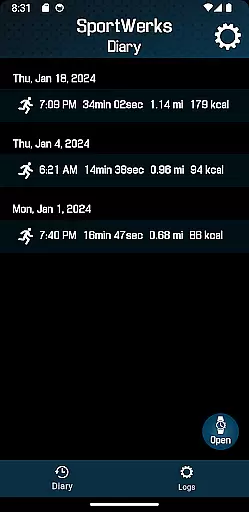
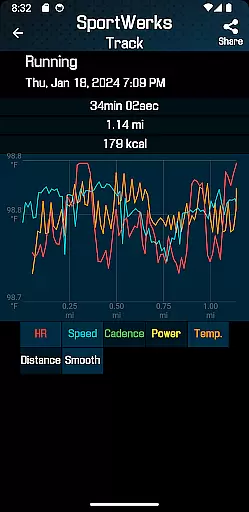
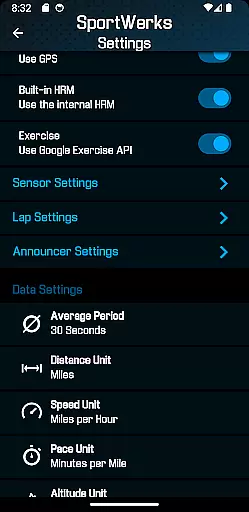
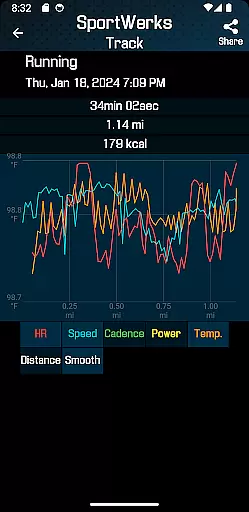
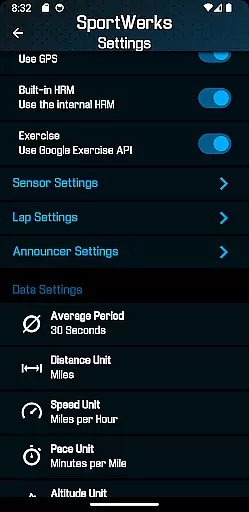
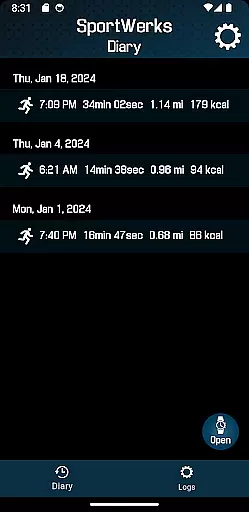
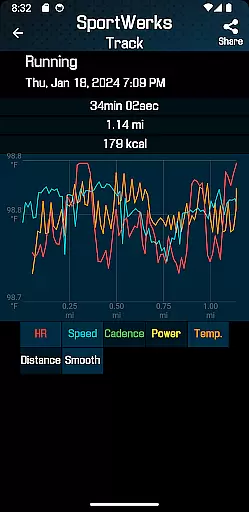
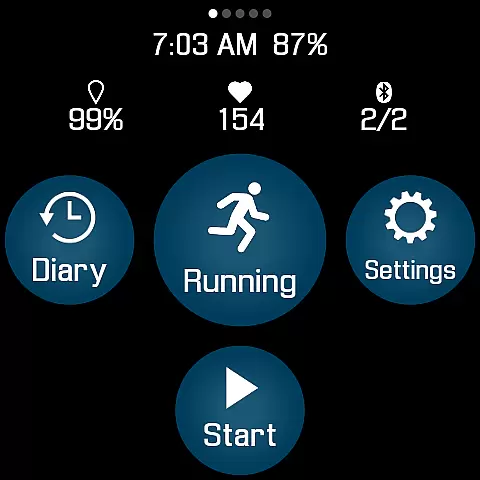
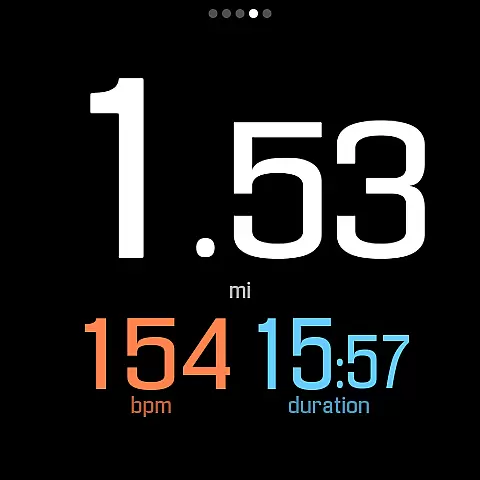
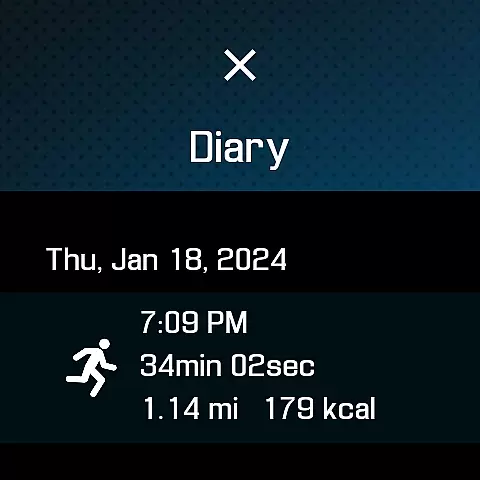
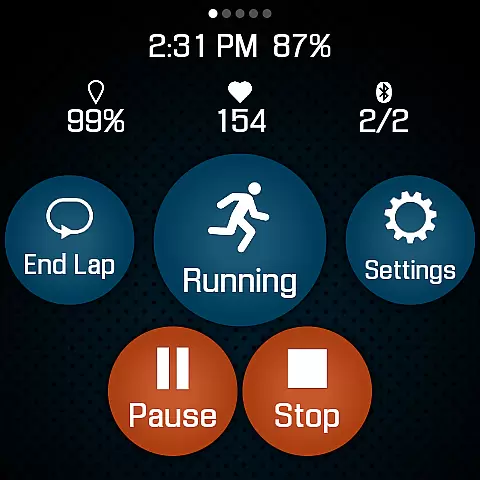
SportWerks is a comprehensive workout tracking application designed specifically for Wear OS devices, offering users the ability to customize their fitness experience directly from their smartwatch. The app supports a wide range of workout types from the Google Exercise library, including running, cycling, swimming, and more, while tracking essential metrics like heart rate, location, pace, and power.
One of the standout features of SportWerks is its seamless integration with popular fitness platforms such as Strava, FinalSurge, and TrainingPeaks. After completing a workout, users can automatically sync their data to these platforms or export it as a .FIT file for use with other fitness management systems. This makes it an ideal tool for athletes who want to maintain a consistent and detailed record of their training sessions across multiple services.
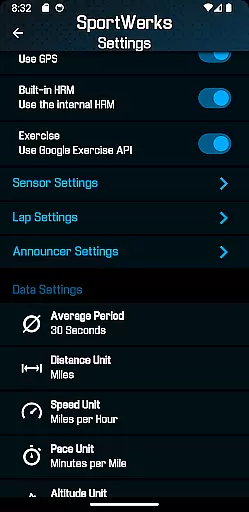
The app also includes a companion Android app that allows users to adjust settings in real-time on their watch and manage .FIT files. With customizable workout screens, support for BLE devices, and audio notifications, SportWerks provides a versatile and user-friendly solution for tracking and analyzing fitness activities right from your wrist.
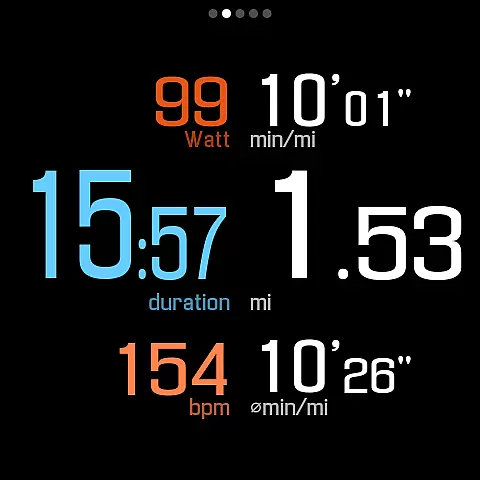
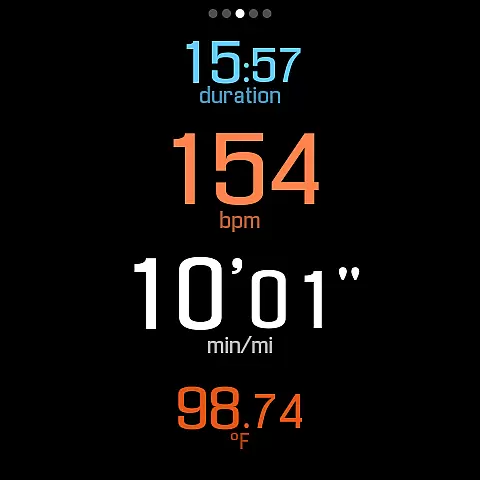
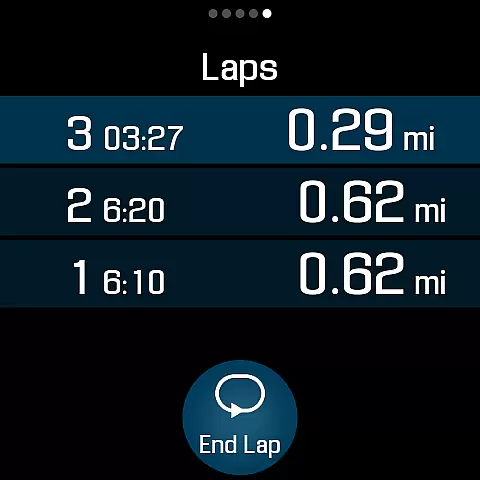
SportWerks stands out with its robust feature set tailored for fitness enthusiasts. The app offers multiple workout screen layouts (6-values, 4-values, 3-values, Laps) that users can toggle on or off with a single tap, ensuring they see only the data they need during their workouts. It also supports a wide array of BLE devices from leading fitness brands like Stryd, CORE, Wahoo, Polar, and Suunto, providing accurate tracking of metrics such as heart rate, stride rate, and power output.
In addition to device compatibility, SportWerks excels in automation and convenience. Workouts are automatically sent to connected platforms like Strava, FinalSurge, and TrainingPeaks, and users receive a .FIT file for each session. The app's audio feedback system notifies users of their progress at set intervals, either by distance or time, allowing them to stay focused without needing to look at their watch. This hands-free approach enhances safety and convenience during workouts.
Another notable feature is the companion Android app, which mirrors the watch app's settings and enables real-time adjustments. Users can customize lap lengths, announcer durations, and manage their .FIT files effortlessly. With constant updates and improvements, SportWerks remains committed to meeting the evolving needs of its users, making it a reliable choice for anyone serious about tracking their fitness journey.
Personalized planning in fitness applications refers to the ability to tailor workouts according to individual preferences and goals. SportWerks - Workout Tracker excels in this area by offering users the flexibility to customize their workout screens, displaying data that aligns with their specific interests during exercise sessions.
The app supports a wide range of activities from the Google Exercise library, ensuring that whether you're running, cycling, or swimming, your plan can be personalized. With options to connect to various Bluetooth-Low-Energy (BLE) devices, users can track all aspects of their workout, including heart rate, location, and power, receiving data that's most relevant to them.
Furthermore, SportWerks allows for setting adjustments directly from an Android-based phone through its companion app. This real-time customization empowers users to adapt their workout experience on-the-fly, making sure each session is as targeted and efficient as possible.
By providing multiple workout screens and enabling users to choose lap lengths and announcement intervals, SportWerks ensures that feedback is both pertinent and timely. This level of personalization not only enhances user engagement but also contributes significantly to achieving personal fitness milestones.
Progress visualization is a critical component of any fitness app, allowing users to see their advancements over time. SportWerks - Workout Tracker offers robust features in this domain, automatically sending detailed workout data to popular platforms like Strava, FinalSurge, or TrainingPeaks, and providing .FIT files for other systems.
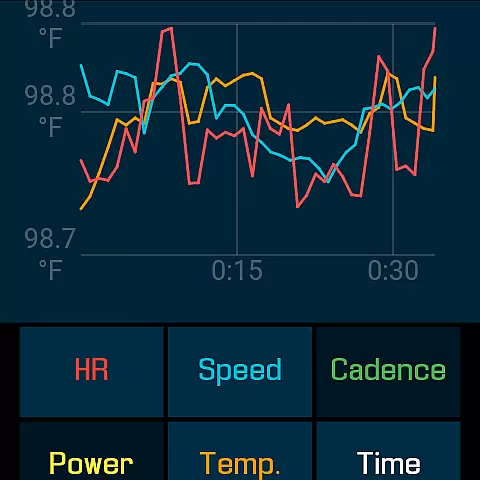
With comprehensive tracking capabilities covering all workout aspects such as HR, pace, and elevation, SportWerks delivers rich datasets for progress analysis. Users can visually track improvements in performance metrics, gaining insights into their training effectiveness.
In addition to external platform integration, the app's companion feature for Android phones enables management of .FIT files and settings adjustments. This facilitates a seamless experience where progress tracking goes hand-in-hand with personalization, letting users view their achievements within the app or through preferred fitness management systems.
By notifying users via watch speaker or headset at set distances or timed intervals, SportWerks keeps athletes informed without disrupting their focus. Such auditory feedback complements visual progress reports, creating a holistic approach to monitoring and celebrating fitness milestones.
User-friendly interface
Wide device compatibility
Automatic data syncing
Customizable workout screens
Real-time setting adjustments
Limited to Wear OS
No iOS companion app
Premium features may require subscription
Occasional bugs reported
Steep learning curve for beginners

The simplest way to track your 21 Day Program containers, exercises, and water.
 4.50
4.50
Using Recognise™ has been shown to reduce pain and improve performance.
4.3
Optimization for TRT & Enhanced Athletes
4.3
Walk. Earn: Get rewarded for every step! Walk, move, and earn real rewards.
4.70
Medbridge GO gets you moving - get back to doing what you love, faster!
4.90
Download MadMuscles to start your positive body transformation!
4.30
Fast Body building & Weight Loss. Home Workouts with Daily Coach, No Equipment.
4.30
Drink water reminder app. Track water intake. Smart simple hydration tracker.
4.70
Jogging app for calorie counter and distance tracker. Running app to lose weight
4.20
Easy to use step counter, calorie counter helps lose weight, count steps offline
4.80
Load the bar with this barbell & plate calculator. It's leg day, not brain day!
4.70
Binaural Beats - Fully Customizable Waves - Pure Sound - No Loops
4.50
Eat smarter with Eato, your personal calorie counter and nutrition tracker!
4.40
Your portable blood pressure tracker. Record, monitor, and analyze BP anytime.
4.30
Interval timer for High Intensity Interval Training, Tabata and Circuit Training
4.20
This is an application that serves as a companion app for smart watch.
4.20
Create powerful subliminal audio with custom affirmations and background music.
4.00
Your Health Assistant
3.90
The Sleep Miracle Sound Machine: Soothes baby to sleep with a gentle "Shhh"
3.00


User Reviews