
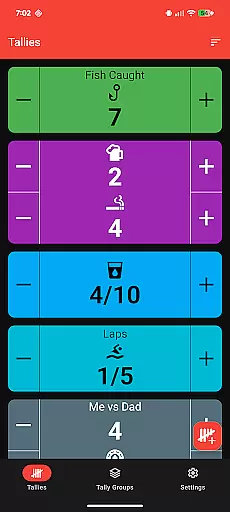
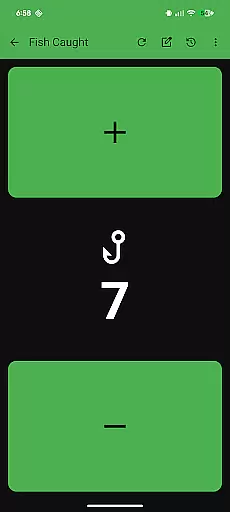
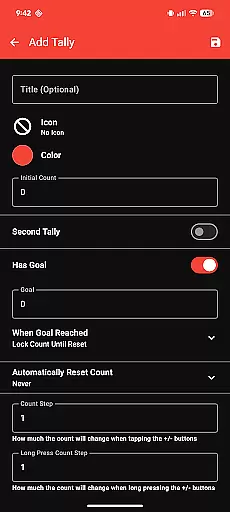
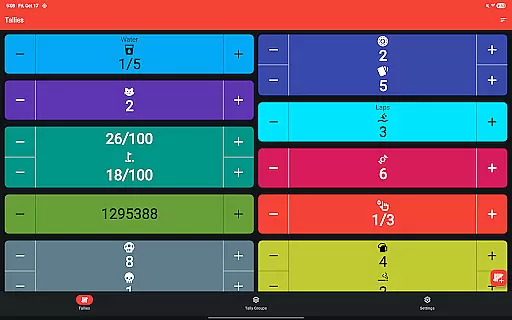
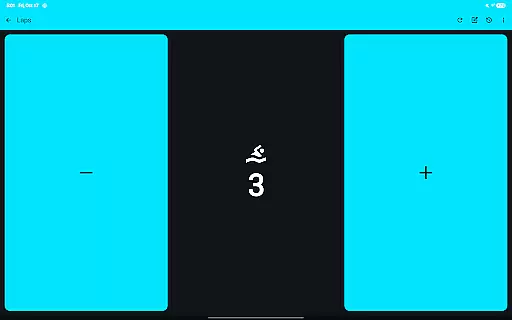
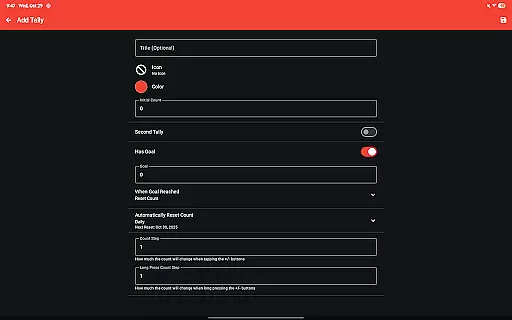
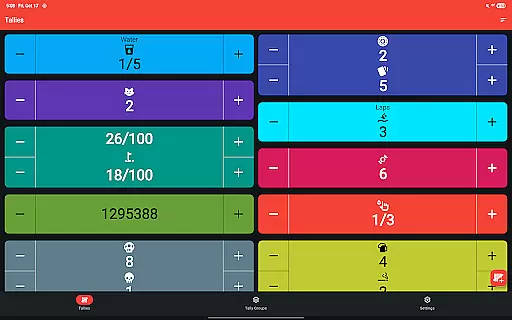
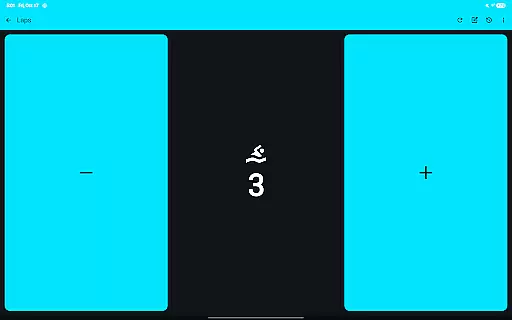
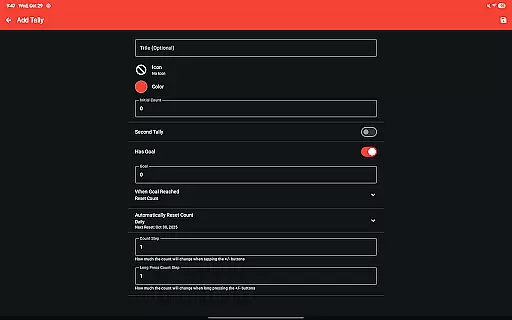
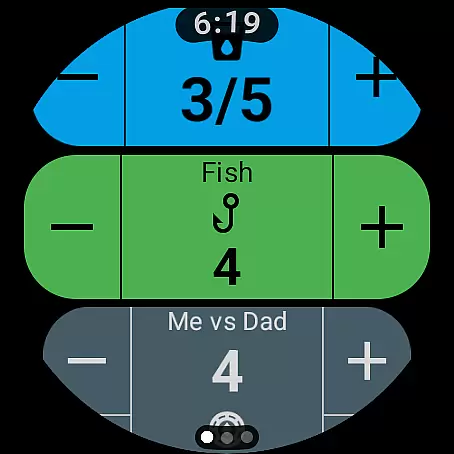
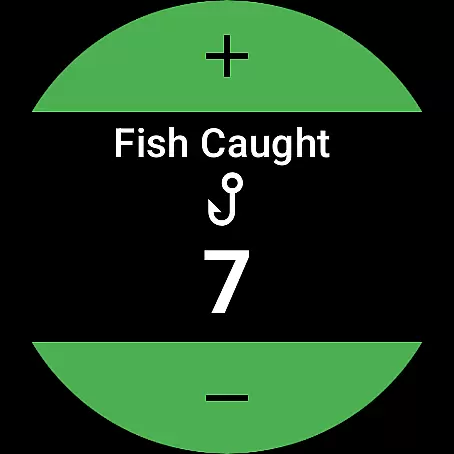
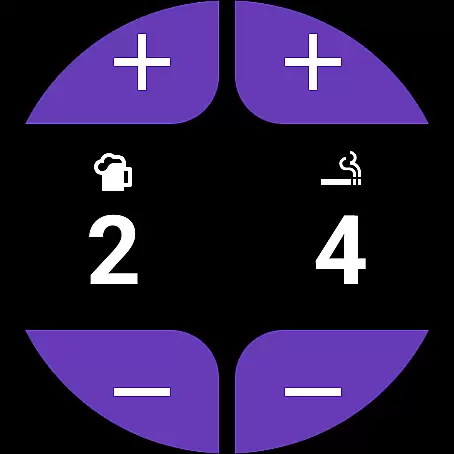
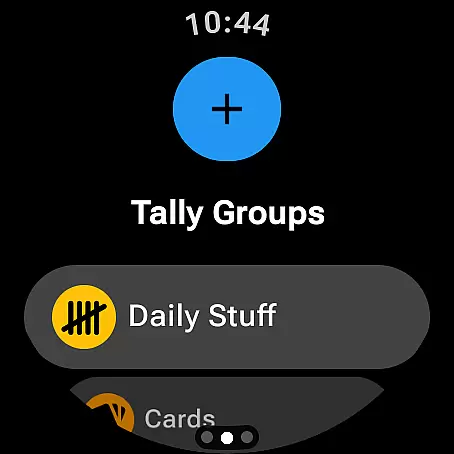
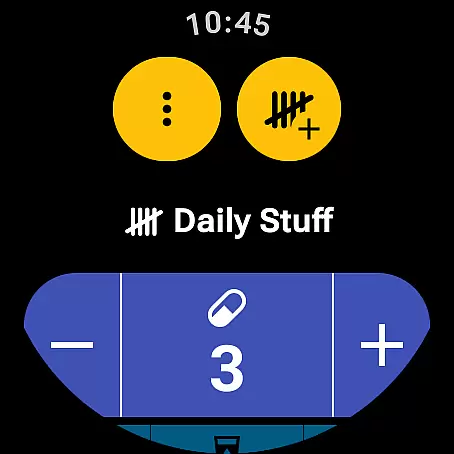
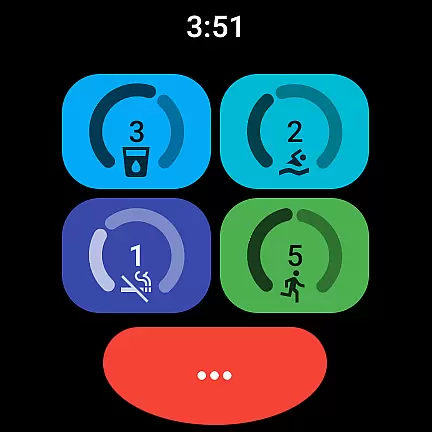
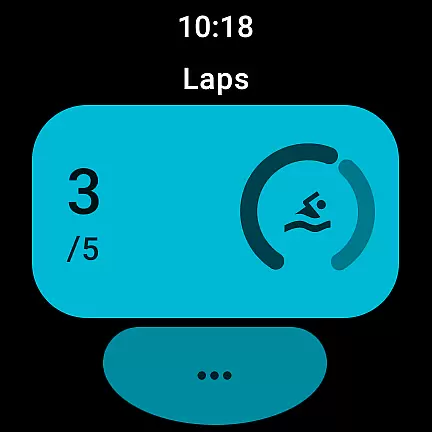
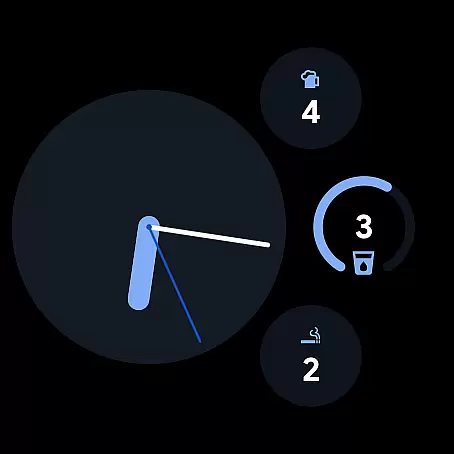
Tallies is a versatile productivity tool designed for both Wear OS and mobile devices, offering users an intuitive way to track and manage counts or goals. The app provides double and single tally counters, ongoing counts, and goal tallies with customizable options such as locking or resetting the count upon reaching a target. With features like automatic resets on a daily, weekly, monthly, or yearly basis, users can maintain consistent tracking over time.
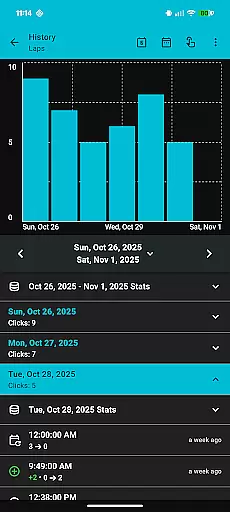
One of the standout capabilities of Tallies is its synchronization functionality between phones and Wear OS watches, ensuring that all data is up-to-date across devices. Users can view detailed tally histories through multiple graphs and statistics on their phones, with the history automatically syncing when changes are made on the watch. Additionally, the app supports exporting tally history as CSV files, making it easy to analyze data outside the app. Its rich customization options include over 200 icons and multiple theme colors, allowing users to tailor the experience to their preferences.
Whether you're managing personal goals, tracking habits, or monitoring work-related metrics, Tallies offers a seamless solution that enhances productivity by simplifying the process of counting and goal-setting. Its user-friendly interface and robust feature set make it suitable for various scenarios, from individual use to professional environments.
Tallies distinguishes itself through a comprehensive set of features tailored for both Wear OS and mobile platforms. For Wear OS, the app includes specialized functionalities such as ongoing tally and goal tally watch complications, quick tally tiles, and multi-goal tally tiles. These features allow users to access and modify their tallies directly from their smartwatch interface, providing unparalleled convenience for on-the-go tracking.
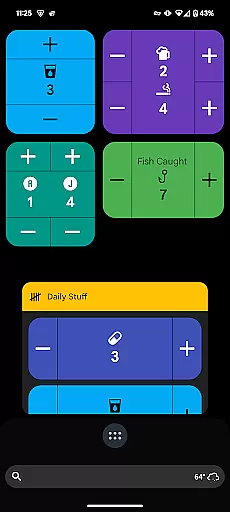
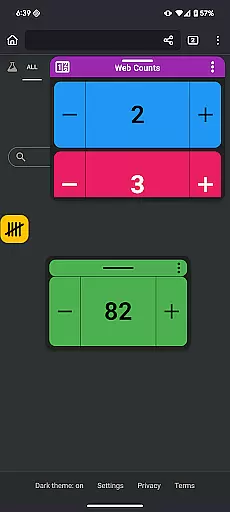
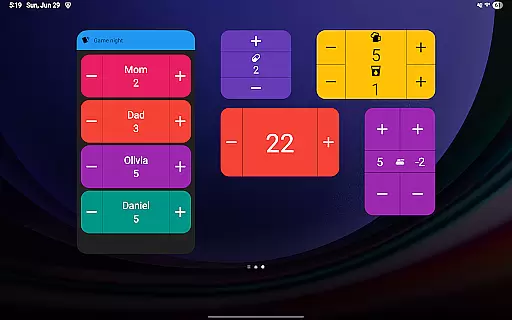
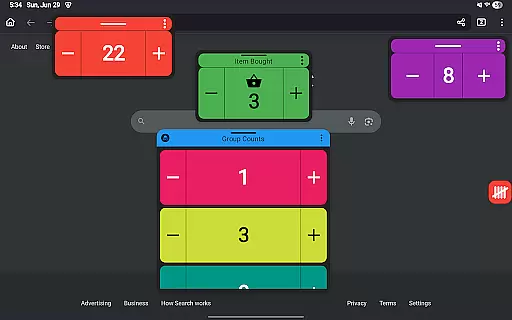
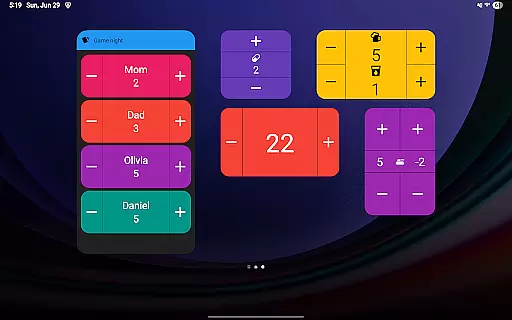
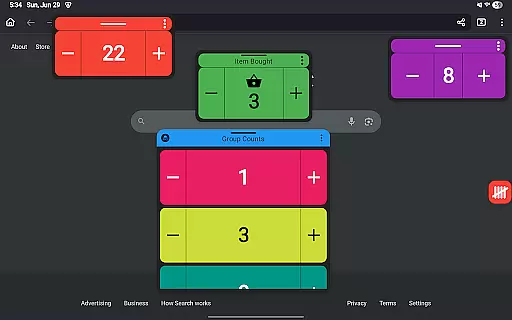
On mobile devices, Tallies offers vertical and horizontal tally home screen widgets, tally list widgets, and tally group widgets, enabling users to monitor their counts without even opening the app. Advanced features like floating tally windows (available on Android 14+) let users overlay tally information on top of other apps, ensuring that important data remains visible at all times. The ability to use volume buttons to adjust counts in full-screen mode further enhances accessibility.
The app also excels in customization and usability. Users can choose from over 200 icons and multiple theme colors to personalize their counters. Additional options such as vibration feedback, sound alerts on count changes, and automatic saving ensure a smooth and engaging user experience. With no subscription required, Tallies delivers exceptional value by unlocking all features through a one-time purchase, making it an attractive choice for users seeking a reliable and flexible tally management solution.
Task management is essential for productivity applications, and Tallies excels in this area by offering a variety of tally and goal counters. These features allow users to track ongoing counts and set goals with options to lock or reset the count upon reaching them.
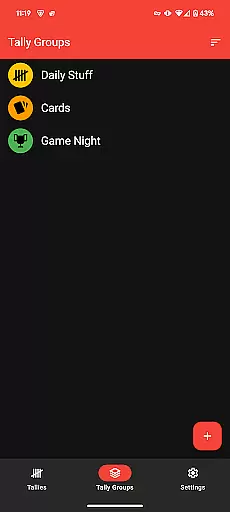
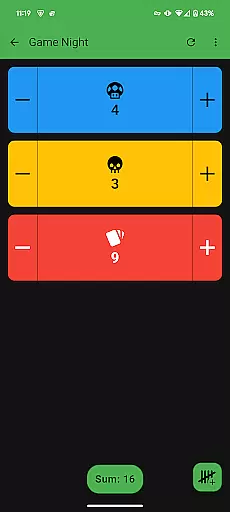
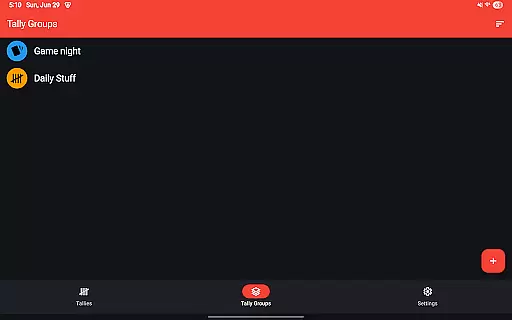
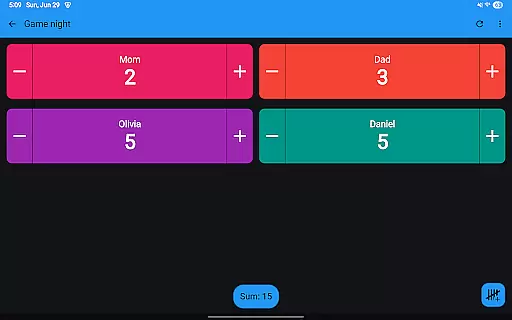
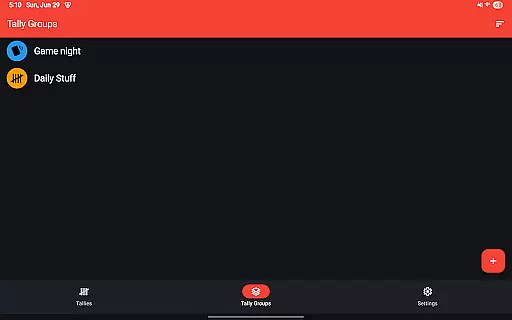
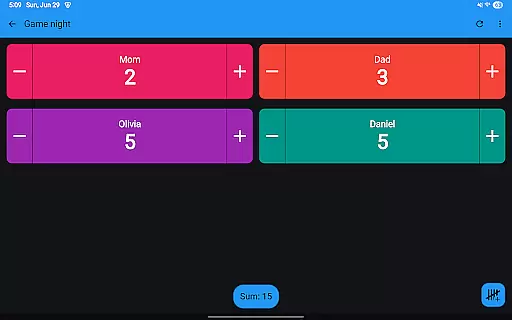
The app provides automatic reset options for tallies on a daily, weekly, monthly, or yearly basis, ensuring that users can maintain their counting routines without manual intervention. Tally groups further enhance task organization by enabling users to categorize and sum related tallies.
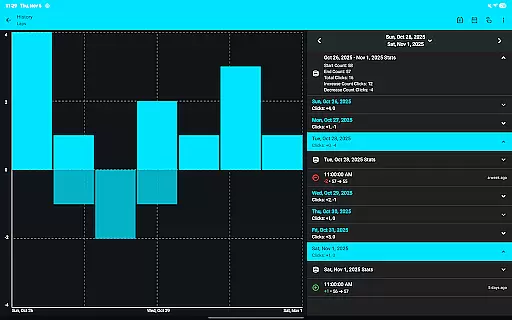
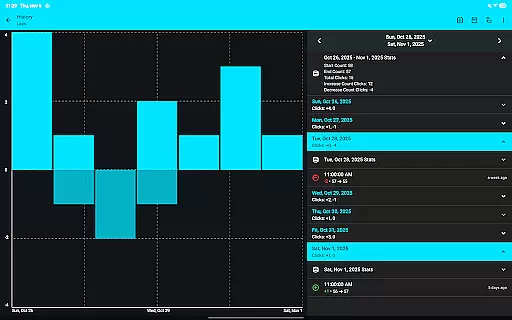
With the ability to view tally history on the phone through multiple graphs, selectable intervals, and stats, users gain valuable insights into their progress over time. This functionality not only helps in monitoring but also motivates continued engagement with personal or professional tasks.
Cross-device synchronization is crucial for users who rely on both mobile and wearable technology to stay organized. Tallies ensures reliable sync between phones and Wear OS watches when the app is installed on both devices, providing seamless access to tally data wherever the user goes.
On the watch, complications display ongoing tallies and goals, while tiles offer quick access to frequently used counters. The inclusion of shortcut tiles allows up to six shortcuts for easy navigation, making it simple to manage counts directly from the wrist.
For phone users, home screen widgets provide at-a-glance information and control over tallies and tally groups. Launcher shortcuts add another layer of convenience, allowing users to jump straight into specific tallies or groups from their device's home screen, thus streamlining workflow across different environments.
User-friendly interface
Extensive customization
Automatic sync
No subscription
Cross-platform support
Limited free version
Watch required for full sync
Advanced features need newer Android
Occasional sync delays
Complex settings for beginners

When you Focus, so will your Bean in this cozy focus timer
 4.30
4.30
8 custom complications. Custom Time Fonts. Beautiful color schemes. A++ Design.
5.00
Send files, sync SMS, notifications & clipboard across devices via local network
4.40
The upgraded version of Name Wheel with AI and the power to add your own wheels.
4.2
Remotely view listen control and record cameras.
3.70
Access, manage and transfer files on Android, PC, Mac, NAS and cloud storages.
4.30
Docker, Kubernetes management over Portainer Mobile
4.40
Best Tool for the professionals Electrician, Electrical contractors, etc.
4.90
Note taking, handwriting, record audio, PDF annotation, planner & journal
4.20
Mind Map and brainstorm, note taking and idea collection
4.80
The AI assistant that thinks with you - write, code, and solve complex tasks
4.60
A lightweight JSON & XML files creator, editor and viewer (Premium Version)
4.40 4.20
4.20
Total remote control for your Android device, PC and cloud services (IFTTT)!
4.20
Pwnagotchi companion app
4.20
Secure, open-source, SPICE and SSH Remote Desktop for QEMU KVM virtual machines
4.00
* block pre-roll ads, pop-up and forced redirect ads * Samsung certification app
4.00
Take control of your clipboard with Clipper!
3.90
IP Camera Viewer - Android TV : RTSP Surveillance camera viewer for Android TV
4.2


User Reviews