
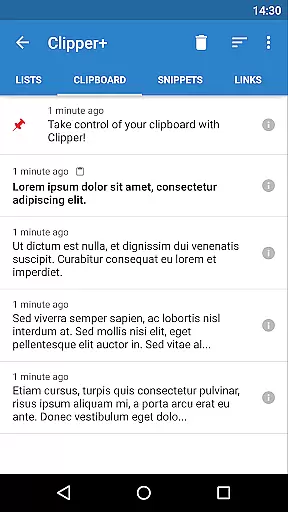
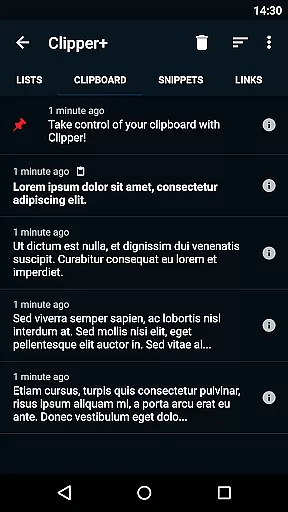
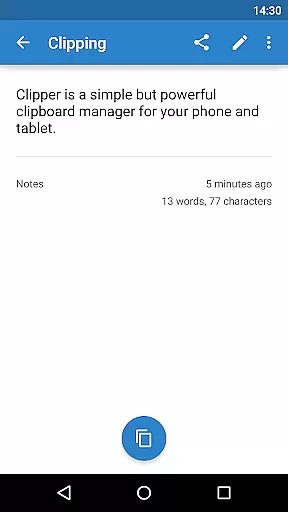
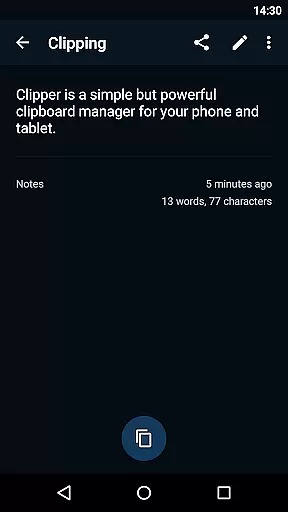
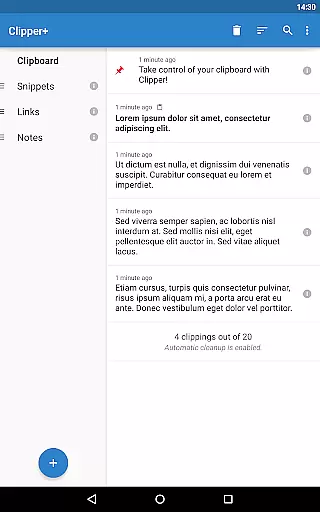
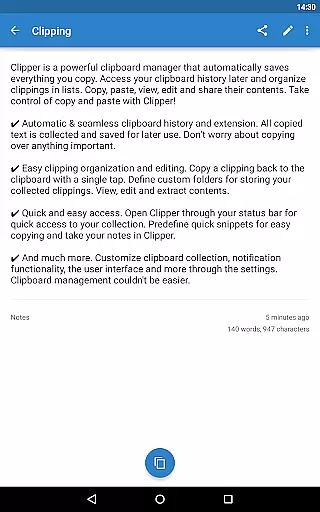
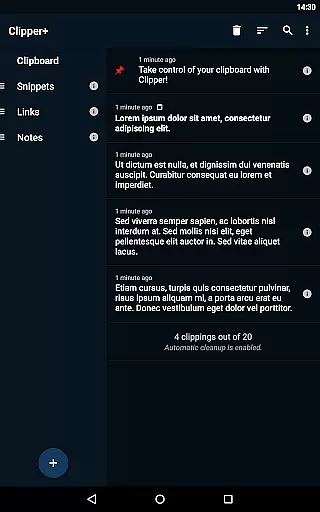
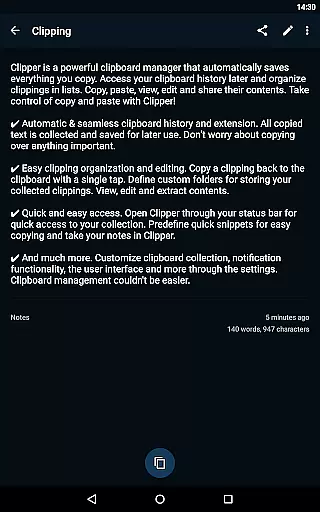
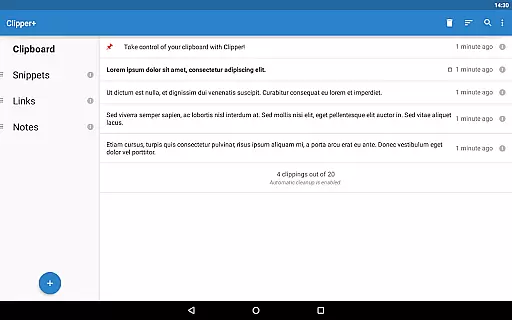
Clipper+: Clipboard Manager is a powerful productivity tool designed to enhance your device's clipboard functionality. This app automatically saves everything you copy, allowing you to access and organize collected clippings later in lists. With features like unlimited clipping storage, dynamic values for custom snippets, and advanced search capabilities, Clipper+ ensures you never lose important copied content.
The app provides complete control over how clippings are collected and managed. You can choose manual collection options, edit clipping contents, and store repetitive text pieces for easy reuse. Its seamless integration with the system clipboard and quick access through the status bar makes it an essential tool for anyone looking to streamline their copying and pasting tasks.
Whether you're a student managing research notes or a professional handling multiple documents, Clipper+ offers practical solutions that save time and reduce frustration. The ability to organize clippings into folders and extract contents efficiently adds significant value to daily workflows.
Clipper+ boasts an array of features that set it apart from standard clipboard managers. One standout feature is its support for unlimited collected clippings, allowing users to keep more than just the latest entries. This is complemented by the option to disable automatic cleanup, ensuring all important data is retained.
The app also supports dynamic values, enabling users to insert current date and time into custom snippets. This is particularly useful for creating templates or standardized messages. Additionally, the built-in clipping search function allows for quick retrieval of specific clippings, saving valuable time when dealing with extensive collections.
Clipper+ offers new settings and options that give users greater flexibility. For instance, you can choose whether each clipping is collected manually or automatically. The app is completely ad-free, providing an uninterrupted experience while supporting ongoing development through user purchases.
Clipper+: Clipboard Manager excels in core task management by offering users an intuitive way to handle their clipboard history. The app automatically saves everything you copy, allowing for seamless organization and access to your collected clippings.
With features like unlimited collected clippings and dynamic values, Clipper+ ensures that users can manage more than just the latest items copied. This functionality supports complex workflows where quick access to a variety of data snippets is crucial.
Moreover, the ability to organize clippings into custom folders and edit their contents provides a structured approach to managing information. Users can easily search through their clipping history, ensuring they can quickly retrieve any piece of information they need.
Cross-device synchronization is a vital feature for users who operate in multi-device environments. Clipper+: Clipboard Manager addresses this need by providing reliable synchronization options that ensure clipboard data is consistently available across all user devices.
While Clipper+ does not explicitly advertise cloud-based sync, its robust local storage solution lays a solid foundation for potential future enhancements in cross-device syncing. The app's capacity to store repetitive pieces of text and predefined snippets means users have consistent access to frequently used content.
Additionally, the appu2019s backup functionality allows for importing and exporting data to internal storage or SD card, which indirectly supports synchronization by enabling users to manually transfer their clipboard collections between devices. This ensures that important data remains accessible, regardless of the device in use.
Unlimited clippings
Dynamic snippet values
Advanced search
Custom organization
Ad-free experience
Paid upgrade
Separate installation
Manual data migration
No cloud sync
Limited UI customization

Experience Reading - Night Mode for Documents
 4.40
4.40
Unlock AutoNotification
4.00
Android Wallet Password Manager
4.80
Send files, sync SMS, notifications & clipboard across devices via local network
4.40
The Pro Version of Android's tiniest Notepad app. Just 0.3MB but feature-packed!
4.60
Find and delete junk files & block unwanted notifications & manage files
3.70
Secure, open-source, SPICE and SSH Remote Desktop for QEMU KVM virtual machines
4.00
A comprehensive suite of tools designed specifically for Lactation Consultants
4.0
Put a lock on your cloud: Take the security of your data into your own hands
3.70
Seamlessly integrate data and reports to build your presentation to impress
4.80
We're working to become the best machining app on the market! www.cncdirt.com
4.80
The long-awaited modern gallery app for your Nextcloud server
4.70
Stay on top of your to-dos with Google Tasks, part of Google Workspace.
4.60
All document reader, all in one file viewer read PDF, DOCX, XLS, PPT, TXT files.
4.60
Secure your apps with lock screens, use custom themes and different features.
4.40
When you Focus, so will your Bean in this cozy focus timer
4.30
Cloud storage, automatic phone backup, and more.
4.10
⏰ Finally a timer app which can run multiple timers simultaneously on your watch
3.90
Auto-shutoff Alarm with Sunrise, Sunset & Fixed Options.
3.50


User Reviews