
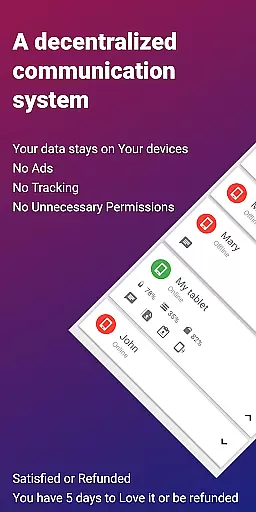
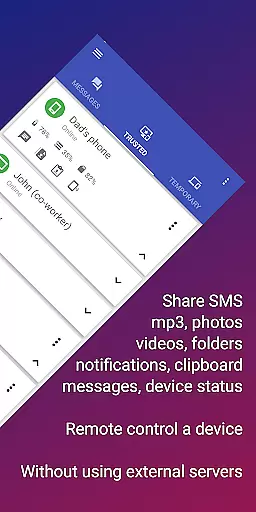
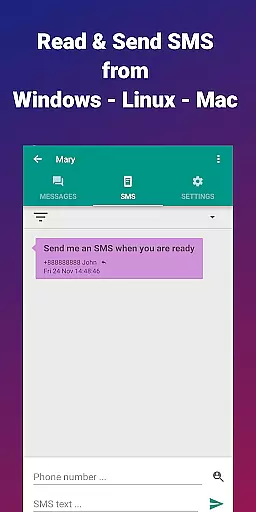
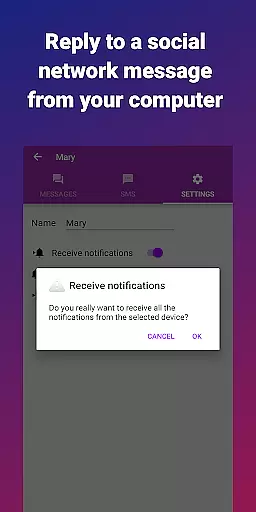
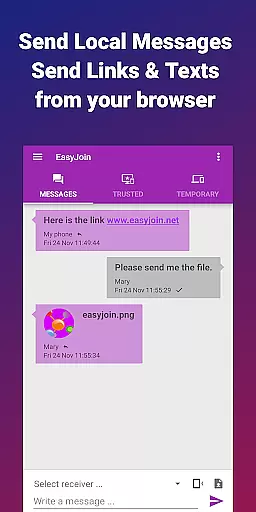

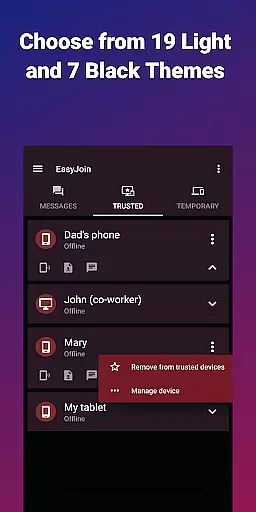
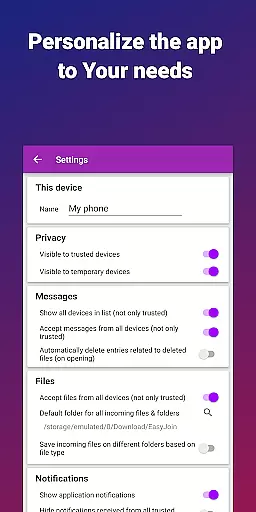
EasyJoin is a powerful productivity tool designed to seamlessly connect your devices and streamline file transfers without relying on cloud services, advertisements, or tracking mechanisms. The app enables users to send files, sync clipboards, manage SMS, read notifications, and even control devices directly through their local network.
With support for multiple platforms including Android, Windows, macOS, iPhone, iPad, and Linux, EasyJoin ensures that all data remains private and encrypted on your devices. Whether you're looking to transfer files between your phone and PC, sync clipboard content across devices, or manage SMS from your computer, EasyJoin offers a secure and efficient solution tailored to enhance your productivity.
This application is particularly useful in professional environments where privacy and speed are critical. By leveraging your local network, EasyJoin eliminates the need for external servers, ensuring that your data never leaves your control while maintaining exceptional transfer speeds.
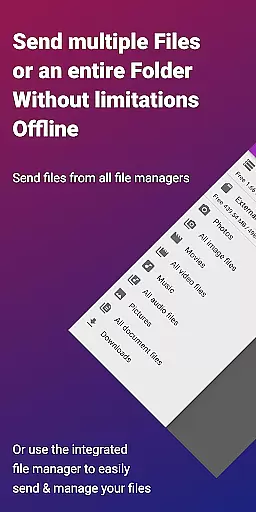
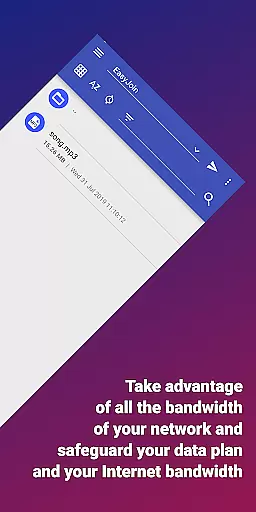
EasyJoin stands out with its comprehensive feature set tailored to maximize productivity and ensure privacy. One of its core functionalities is the ability to transfer files instantly between various devices such as phones, PCs, and tablets without requiring an internet connection or cloud storage. This peer-to-peer encrypted sharing guarantees that all data stays within your local network.
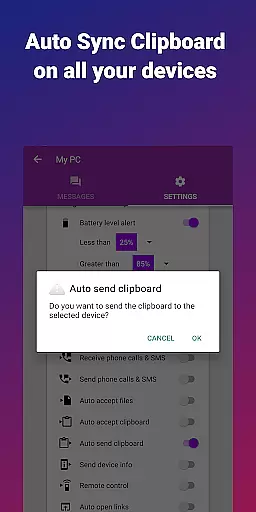
In addition to fast file transfers, EasyJoin offers clipboard synchronization across multiple platforms, allowing users to copy content on one device and paste it on another effortlessly. The app also supports remote notifications and SMS management, enabling users to respond to messages or notifications directly from their computers.
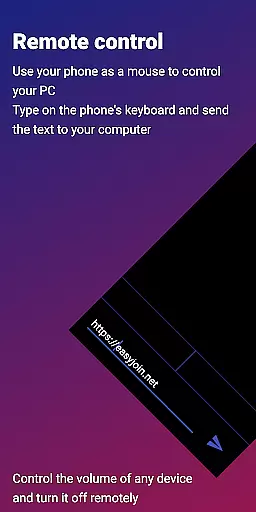
Another innovative feature is the remote control functionality, which allows users to utilize their phone as a keyboard or mouse for their PC or control their phone from their computer. With end-to-end encryption and cross-platform support, EasyJoin provides a secure and versatile environment for both individual and team use, making it an essential tool for modern productivity workflows.
Task management is a cornerstone of productivity applications, and EasyJoin excels in this area by offering a suite of features that streamline the way you handle your digital life. At its core, EasyJoin enables users to manage tasks such as file transfers, clipboard synchronization, and SMS handling with remarkable ease and efficiency.
The app's architecture supports instant actions across devices without relying on cloud services or external servers. This means you can send files, sync your clipboard, and even read notifications from your phone directly on your computer, all within a secure environment. The peer-to-peer encrypted sharing ensures that every piece of data transferred stays private and is only accessible on your linked devices.
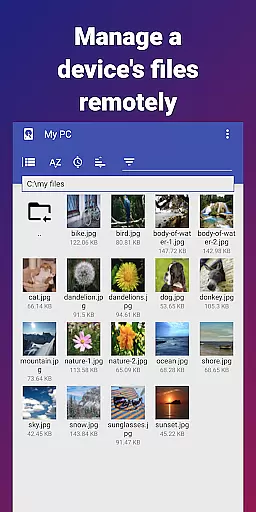
For users seeking a seamless workflow, EasyJoin provides remote control functionalities, allowing one device to act as an input for another. Whether it's using your phone as a keyboard for your PC or controlling your phone from your computer, these capabilities enhance productivity by reducing the friction between device interactions.
Cross-device synchronization is vital for maintaining productivity in a multi-device ecosystem, and EasyJoin addresses this need with robust solutions that ensure reliable and consistent performance. By leveraging the local network, EasyJoin facilitates instantaneous syncing of clipboards, files, and notifications across Android, Windows, macOS, iPhone, iPad, and Linux platforms.
The beauty of EasyJoin's synchronization lies in its simplicity and security. Without the need for internet connectivity, cloud storage, or external servers, users can enjoy a seamless experience when moving content between their devices. Everything from photos and videos to documents and folders can be transferred instantly, staying encrypted and private on your local network.
Moreover, EasyJoin's commitment to privacy means there are no accounts, trackers, or ads to compromise your data. With end-to-end encryption on all connections, users can trust that their information remains confidential and under their control. This dedication to security and privacy makes EasyJoin a reliable tool for both personal use and team collaboration, ensuring that productivity doesn't come at the cost of safety.
Fast file transfer
Clipboard sync
P2P encryption
Cross-platform
No subscriptions
Limited UI
Wi-Fi required
Paid version
Complex setup
Fewer integrations

 4.20
4.20
Take control of your clipboard with Clipper!
3.90
Easily read and manage all your PDF files
4.10
Easiest event planning, volunteer signups & parent teacher conference scheduling
2.20
App lock - lock apps with fingerprint, password, pin or pattern, protect privacy
4.70
Multilingual translator for text, voice, and image translation!
4.90
ID.me Authenticator is a simple and free Two Factor Authentication solution
3.50
Translate text/voice/photos in 150+ languages. Offline & fast translator app.
4.50
The ultimate file manager for rooted devices. The original and still the best.
4.00
Best Tool for the professionals Electrician, Electrical contractors, etc.
4.90
Secure, fast, open-source, VNC and SSH Remote Desktop for Windows, Linux and Mac
4.70
Quickly and easily keep track of your work shifts
4.70
All in One PDF Reader: Manage, Read and Edit your Documents
4.20
Experience real multitasking on your Android!
4.00
Access your phone's notifications, calls, apps, photos & texts on your PC
3.90
Mega cloud explorer plugin for Solid Explorer
3.80
Find and delete junk files & block unwanted notifications & manage files
3.70
IP Camera Viewer - Android TV : RTSP Surveillance camera viewer for Android TV
4.4
A comprehensive suite of tools designed specifically for Lactation Consultants
4.5


User Reviews