
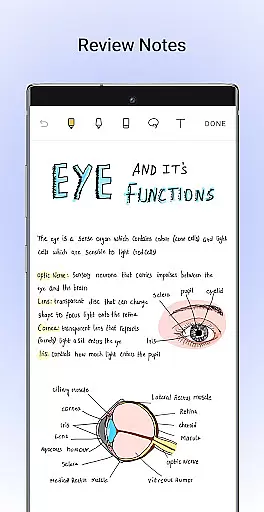
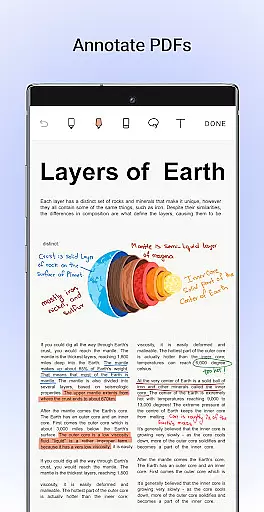
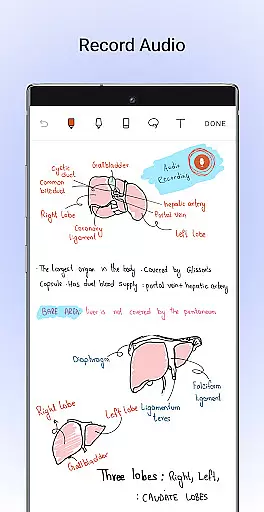
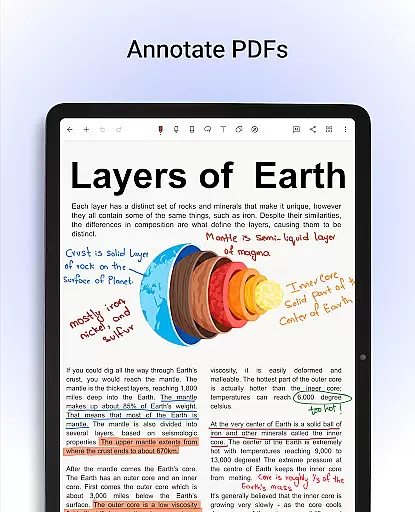
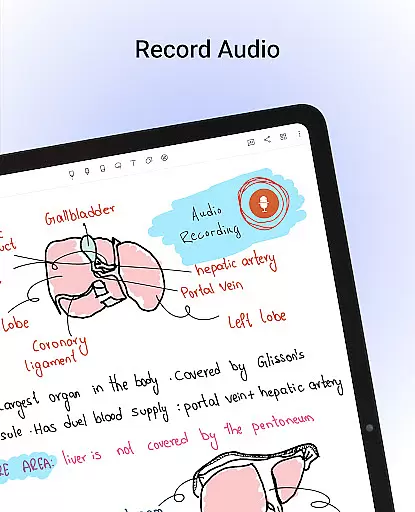
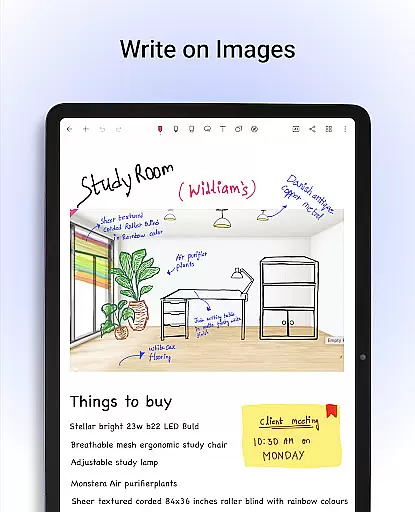
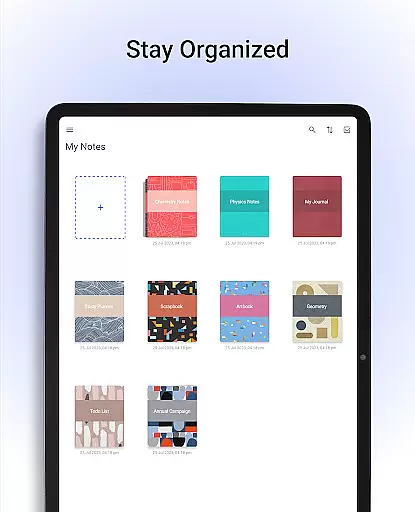
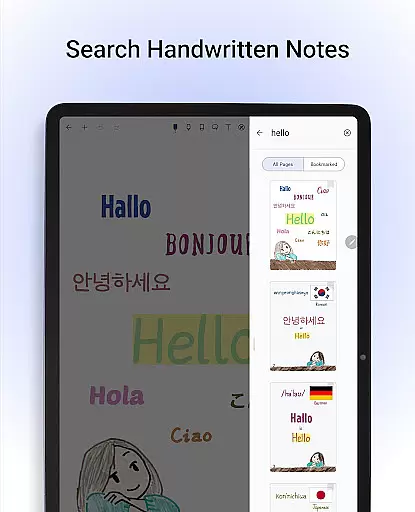
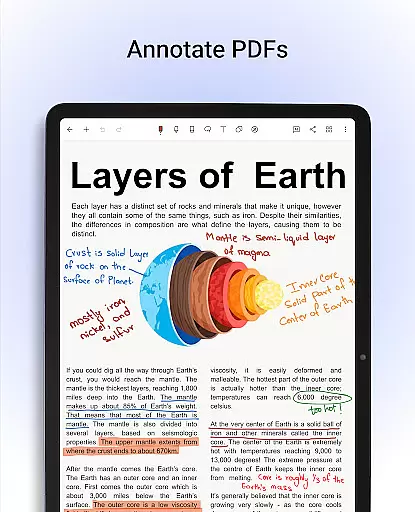
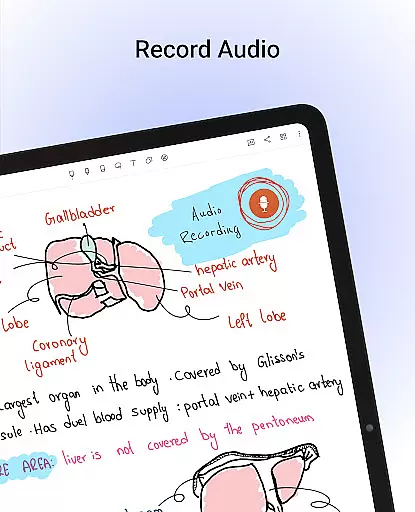
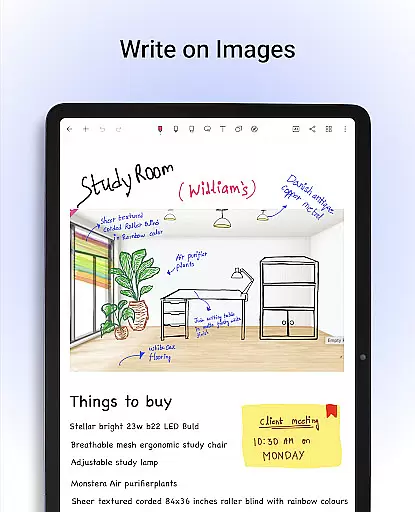
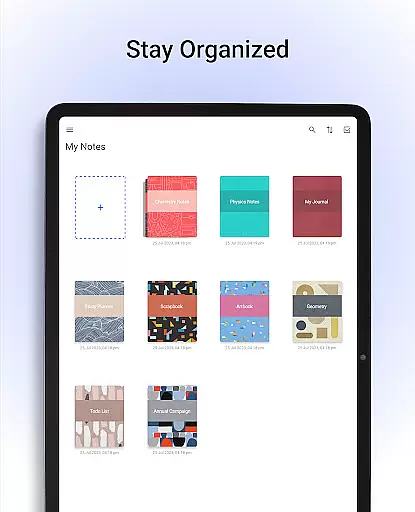
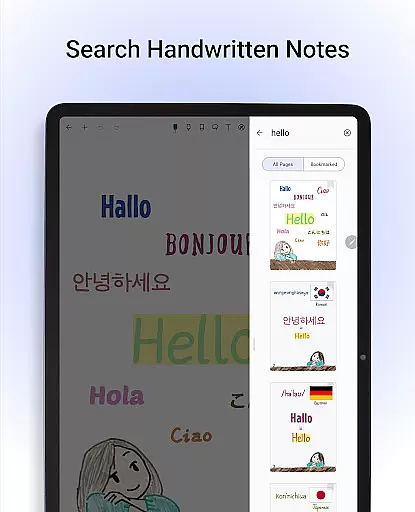
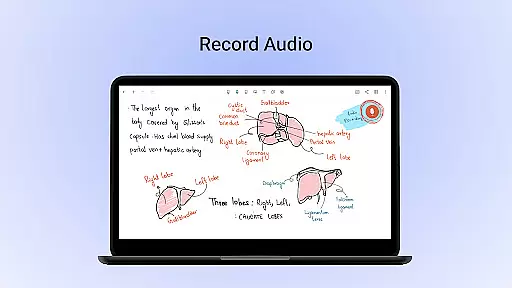
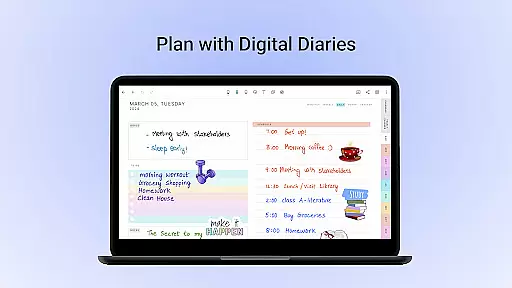
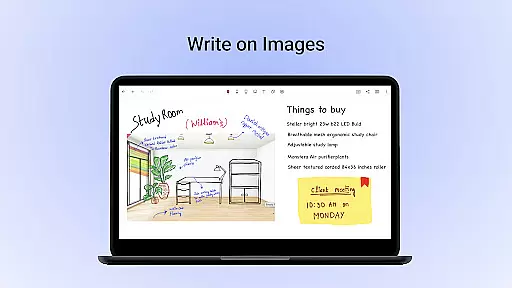
Noteshelf is a powerful note-taking app designed for students, teachers, and professionals. It allows users to take beautiful handwritten notes, annotate PDFs, record audio notes, and organize digital notes with ease. The app offers realistic pens and highlighters, supports various stylus options, and provides features like handwriting recognition in 65 languages and OCR capabilities.
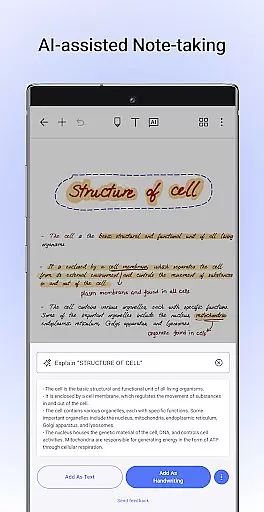
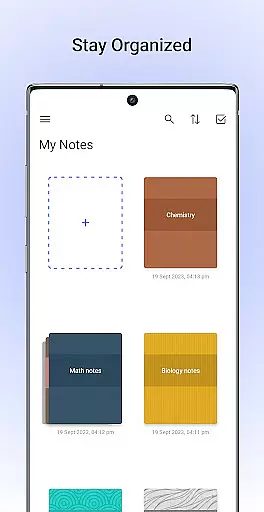
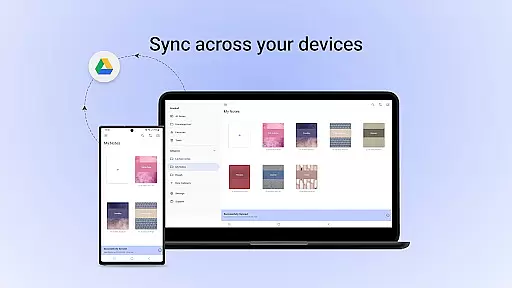
With Noteshelf, users can import and markup PDFs, create notes using customizable templates, and even convert their handwritten notes into typed text. The app also includes Noteshelf AI, an intelligent assistant that helps generate notes, summarize content, translate text, and more. Its organizational tools allow users to categorize notebooks, sync via Google Drive, and access notes across multiple devices.
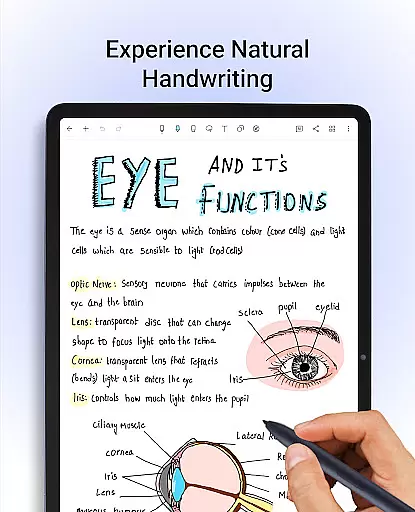
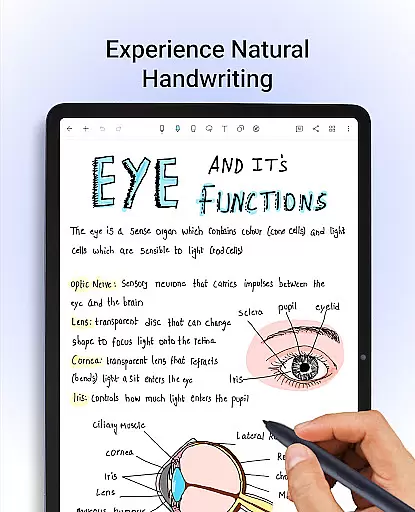
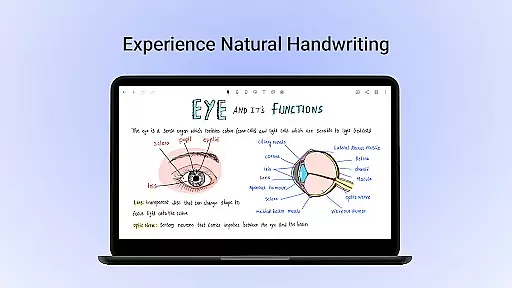
Noteshelf stands out with its rich feature set tailored for productivity enthusiasts. The app provides natural handwriting tools, including pens, highlighters, and support for multiple stylus types, ensuring a seamless note-taking experience. Users can personalize their notes with lined, dotted, or grid paper formats, customizable covers, and typing options with rich formatting styles.
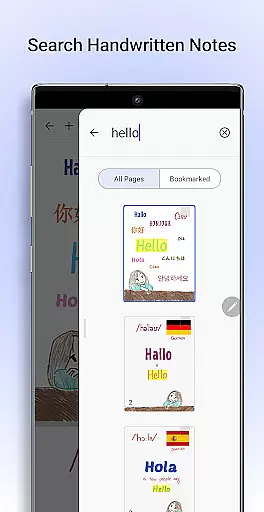
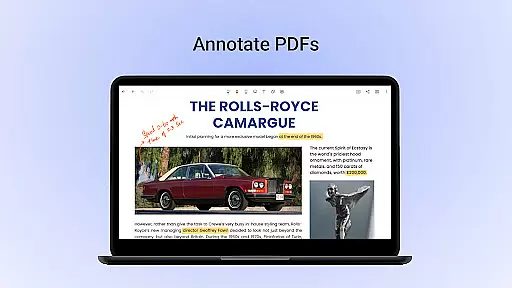
One of the key highlights is its ability to search and convert handwritten notes into text using OCR technology. Additionally, Noteshelf AI enhances productivity by generating notes, summarizing content, and translating text. The app also supports annotating PDFs, recording audio notes, syncing via cloud services like Google Drive, and organizing notebooks with categories and bookmarks.
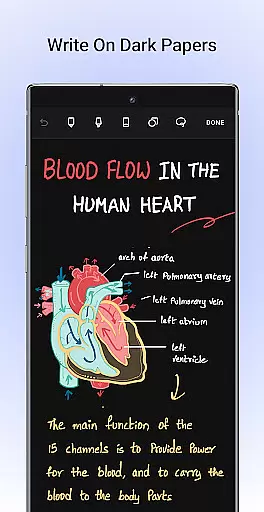
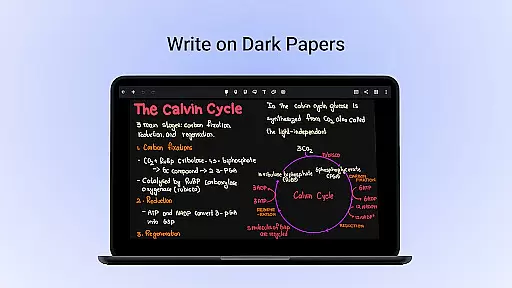
Other notable features include sharing notes as images, adding visuals from libraries like Unsplash and Pixabay, and enabling a dark mode for eye-friendly use. With auto-backup options and cross-device accessibility, Noteshelf ensures users never lose their valuable notes while staying productive.
Noteshelf excels in core task management by offering a comprehensive suite of tools designed to enhance productivity. The app allows users to take beautiful handwritten notes, annotate PDFs, and record audio notes, making it an all-in-one solution for students, teachers, and professionals.
The natural handwriting feature provides a realistic pen experience with a variety of colors and styles, ensuring that note-taking is both efficient and enjoyable. Additionally, the ability to search and convert handwritten notes into text across 65 languages adds a layer of convenience and accessibility not found in many other productivity apps.
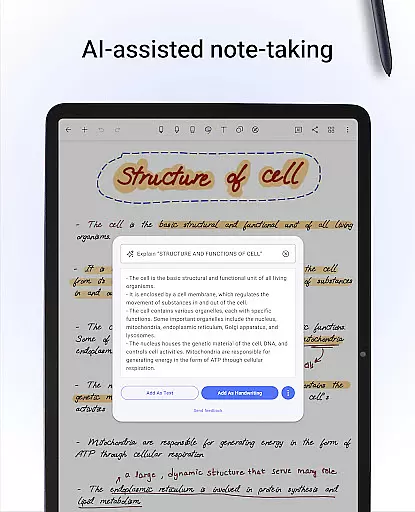
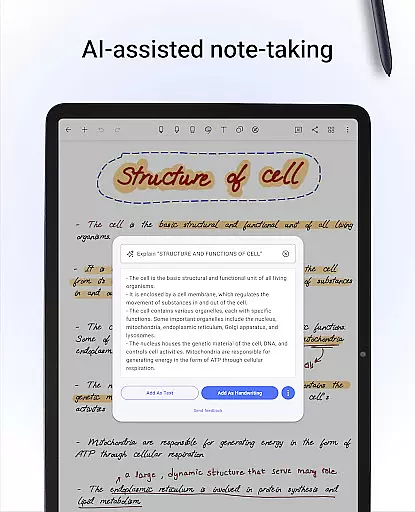
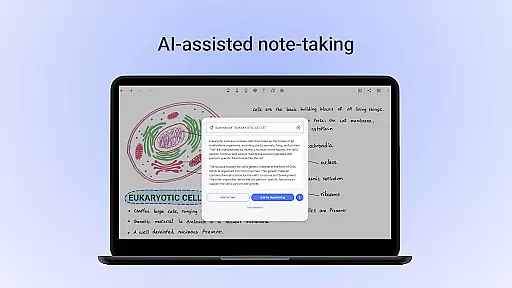
With Noteshelf AI, users can further streamline their workflow. This intelligent assistant understands handwriting and can generate notes, summarize content, translate text, and explain complex terms. Such features ensure that users can focus on their tasks without being bogged down by manual processes.
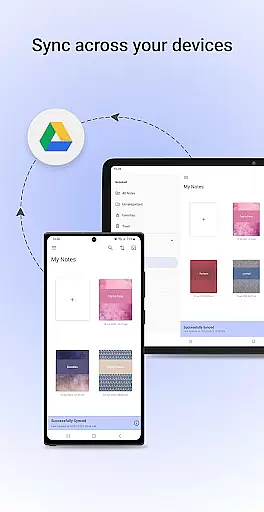
Moreover, the app's organizational capabilities allow users to keep their notes structured and accessible. By syncing via Google Drive and supporting multiple cloud services, Noteshelf ensures that your notes are always safe and available whenever you need them.
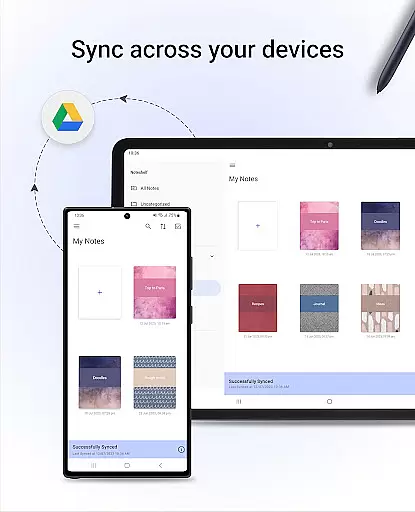
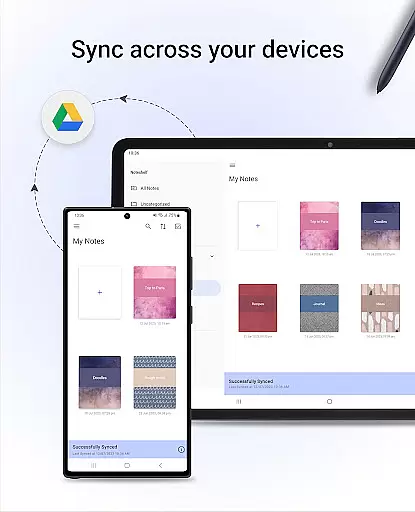
Cross-device synchronization is a critical feature for any productivity app, and Noteshelf delivers this with exceptional reliability. By leveraging Google Drive, OneDrive, Dropbox, and WebDAV, the app ensures that your notes are consistently backed up and accessible from any Android device.
This seamless integration means that whether you're at home, in the office, or on the go, your notes are always up-to-date and available. The automatic backup feature provides peace of mind, knowing that your valuable information is securely stored and can be retrieved anytime.
In addition to cloud storage options, Noteshelf also supports automatic publishing to Evernote. This feature allows users to access their notes from any location, enhancing flexibility and convenience. Whether you're using a smartphone, tablet, or computer, your notes remain synchronized and easily accessible.
Furthermore, the appu2019s ability to sync not only text but also multimedia elements like audio recordings and images ensures a holistic note-taking experience. This cross-device compatibility underscores Noteshelf's commitment to providing a reliable and versatile tool for managing your digital life efficiently.
User-friendly interface
Advanced handwriting recognition
Versatile annotation tools
Excellent organization features
Cross-device synchronization
Limited free features
Requires learning curve
Premium subscription cost
No real-time collaboration
Heavier on storage

A lightweight JSON & XML files creator, editor and viewer (Premium Version)
 4.40
4.40
Simple and reliable communication between inmates, friends and family
3.20
Multilingual translator for text, voice, and image translation!
4.90
Translate text/voice/photos in 150+ languages. Offline & fast translator app.
4.50
A beautiful digital clock with autostart and many other functions
4.70
Experience and share your SolidWorks designs on your Android® phone and tablet.
2.50
Use powerful, industry-leading AI tools to generate visual charts from any data
4.80
Understand anything with a personalized AI research assistant
4.80
QuickEdit is a fast, stable and full featured text and code editor.
4.20
We're working to become the best machining app on the market! www.cncdirt.com
4.80
Scan paperwork into PDF/JPG, generate your own e-signature and send fax or email
4.70
Secure, fast, open-source, Remote Desktop Client for Windows and Linux with SSH
4.60
Pwnagotchi companion app
4.20
Make apps & sites with natural language prompts
4.10
Font maker keyboard with your own handwriting
4.10
Activate Two Factor Authentication (2FA or Multi OTP), Password manager and more
4.10
Find and delete junk files & block unwanted notifications & manage files
3.70
Make your handwriting beautiful, even more than pen on paper.
3.60
The upgraded version of Name Wheel with AI and the power to add your own wheels.
4.2


User Reviews