
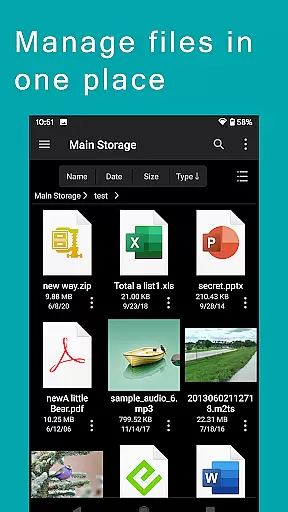
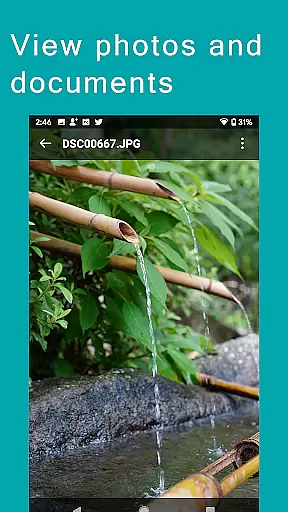
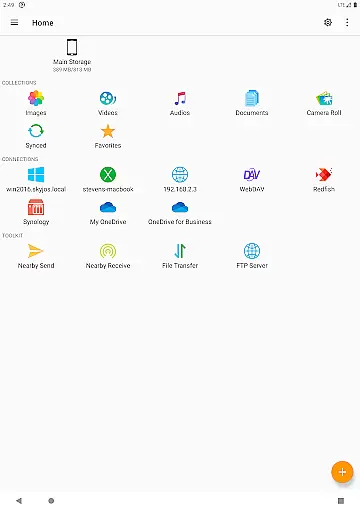
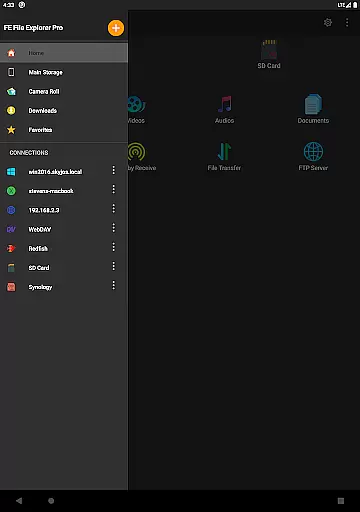
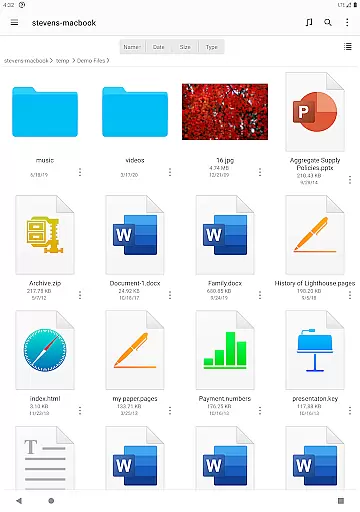
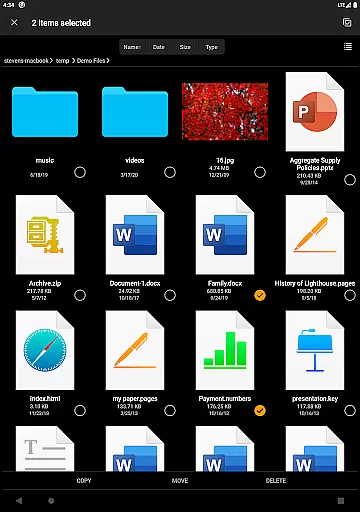
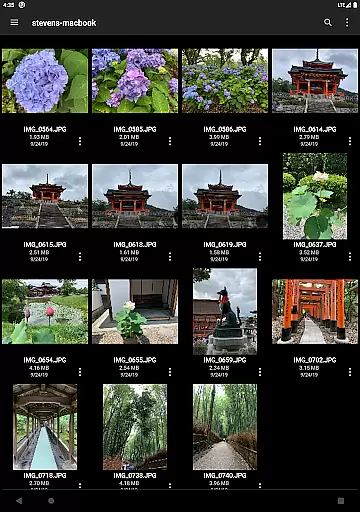

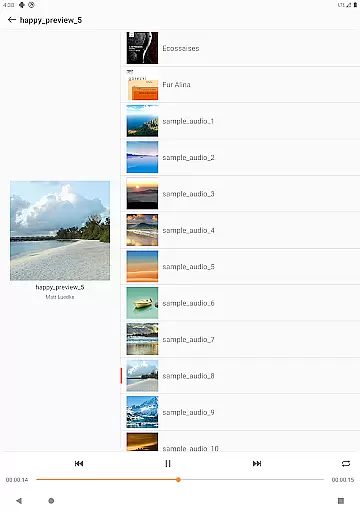
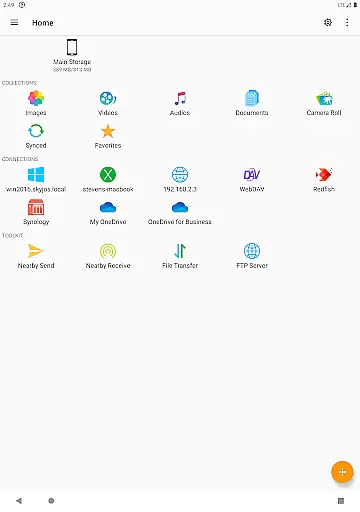
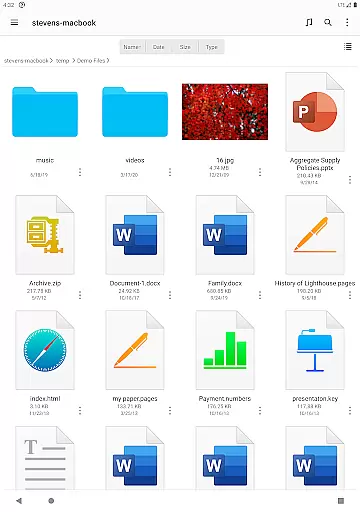
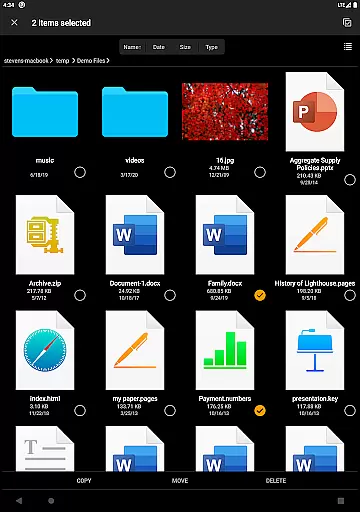
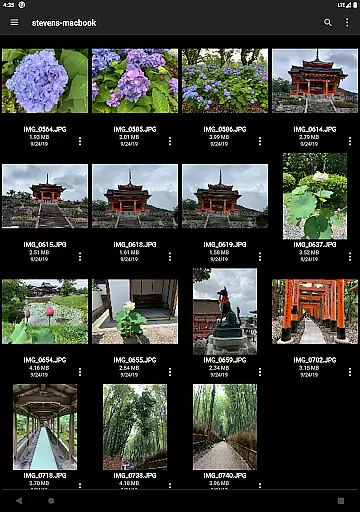

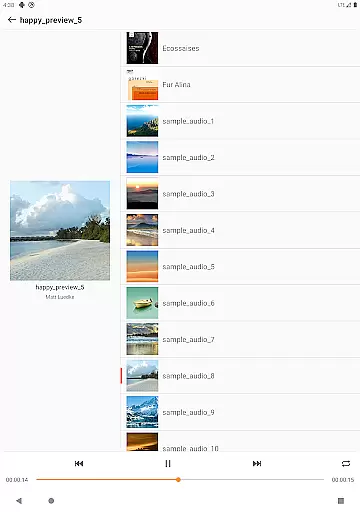
FE File Explorer Pro is a versatile file management application designed for both Android and iOS users. This app allows you to access local files on your device as well as remote files stored on computers, NAS systems, and various cloud storage services. With its powerful transfer capabilities, you can move files between any locations seamlessly. Stream multimedia content like movies and music directly to your mobile devices and manage documents, photos, and other files without the need for downloading.
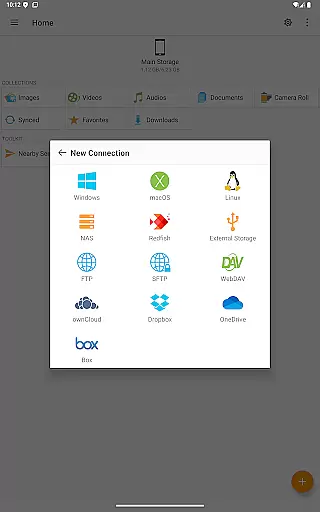
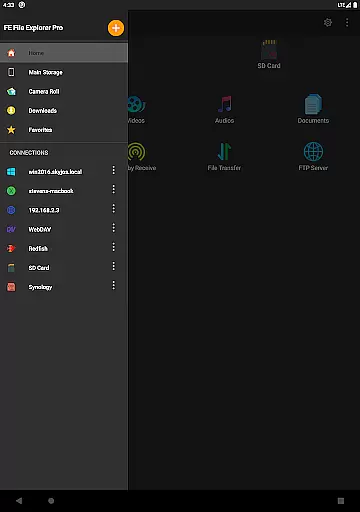
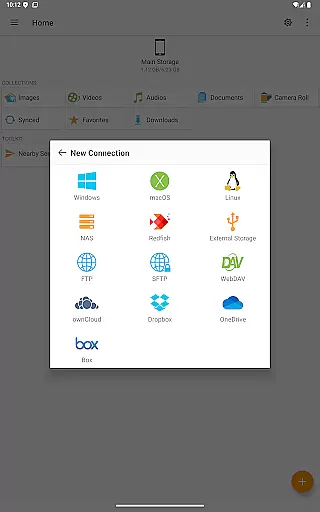
The app supports multiple protocols including SMB/CIFS, WebDAV, FTP, and SFTP, enabling you to connect to network shares on macOS, Windows, Linux, and NAS. It also integrates with popular cloud services such as OwnCloud, Dropbox, OneDrive, and OneDrive for Business. Whether you're managing files on your Android's internal storage, SD card, or USB OTG, FE File Explorer Pro provides an intuitive interface for all your file management needs.
For professionals who require efficient file handling, this app offers features like automatic discovery of networked devices, support for Windows Domain and Active Directory, and the ability to edit documents located on remote storage directly within the app. Its comprehensive functionality makes it an essential tool for anyone looking to streamline their digital workflow across multiple platforms.
FE File Explorer Pro stands out with its extensive feature set tailored for productivity. The app provides seamless access to network shares via SMB/CIFS protocol, allowing you to connect to macOS, Windows, Linux, and NAS systems effortlessly. Additionally, it supports WebDAV, FTP, and SFTP servers, ensuring compatibility with a wide range of network configurations.
One of the key strengths of this app is its ability to integrate with major cloud storage providers like OwnCloud, Dropbox, OneDrive, and OneDrive for Business. This enables you to manage cloud-based files with ease. The app also supports local storage options, including Android internal storage, SD cards, and USB OTG devices, providing a centralized platform for all your file management tasks.
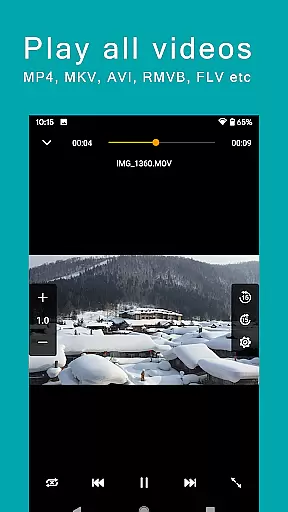
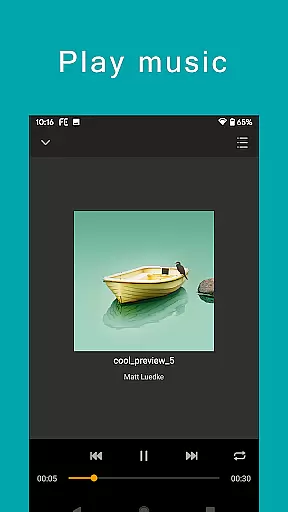
Advanced functionalities include automatic discovery of computers and NAS when setting up new connections, support for Windows Domain, Active Directory, and DFS, and the ability to perform file operations such as copy, move, rename, and delete directly on Android. You can view documents, browse images, play multimedia files, and even edit documents located on remote storage in another app, with changes saved automatically. The app also supports archive management for ZIP, RAR, and 7zip files, file search by name, multimedia streaming, file transfers between storages, file synchronization, photo backup, and nearby file transfer between Android and iOS devices.
FE File Explorer Pro excels in core task management by offering a comprehensive suite of tools for file handling across multiple platforms. This powerful app allows users to access and manage files not only on their local Android device but also on remote computers, NAS systems, and various cloud storage services.
The app supports an extensive range of protocols including SMB/CIFS, WebDAV, FTP, and SFTP, which ensures seamless connectivity with macOS, Windows, Linux, and NAS environments. With features like automatic discovery of networked devices and support for Windows Domain and Active Directory, users can effortlessly navigate through their digital ecosystem.
Task efficiency is further enhanced with capabilities such as copying, moving, renaming, and deleting files directly from the app interface. Additionally, advanced functionalities like editing documents in place and syncing files between different storage locations streamline workflows and save time.
Cross-device synchronization is a standout feature of FE File Explorer Pro, providing reliable and efficient data management across various devices. The app facilitates smooth file transfers between different storage locations, whether they are local or cloud-based, ensuring that your data is always up-to-date and accessible.
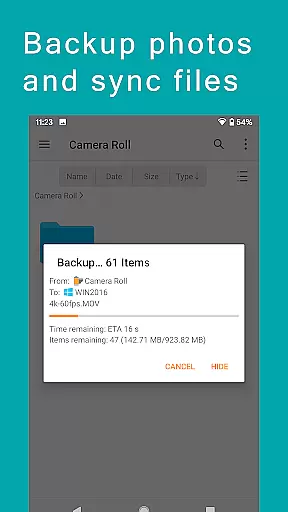
One of the key strengths of this app is its ability to sync files between remote storages and the Android device. This means you can automatically back up important files, such as camera photos, to a more secure remote location. The synchronization process is both dependable and customizable, allowing users to tailor it to their specific needs.
Moreover, FE File Explorer Pro offers a unique 'Nearby file transfer' feature that enables effortless sharing of files between Android and iOS devices. This functionality underscores the app's commitment to delivering a versatile and robust cross-platform experience, making it an invaluable tool for users who operate in multi-device environments.
Powerful file management
Versatile protocol support
Cloud service integration
Remote editing capabilities
Multimedia streaming
Complex for beginners
Occasional sync issues
Limited free features
High resource usage
Interface not intuitive

 4.20
4.20
A customizable calendar for your Wear OS watch
4.20
Todo reminder
4.10
PDF scanner & converter for files, photos, lottery, QR codes. One swipe away!
4.50
Secure, open-source, SPICE and SSH Remote Desktop for QEMU KVM virtual machines
4.00
To do list widget with a notebook organizer, checklist, simple shopping list
4.60
Experience and share your SolidWorks designs on your Android® phone and tablet.
2.50
Intelligent AI Assistant
4.10
AT&T Internet customers can use this app to personalize their Wi-Fi network.
4.40
Scientific calculator for Android - looks and operates like the real thing!
4.90
Android Wallet Password Manager
4.80
The long-awaited modern gallery app for your Nextcloud server
4.70
Scan paperwork into PDF/JPG, generate your own e-signature and send fax or email
4.70
Secure, fast, open-source, Remote Desktop Client for Windows and Linux with SSH
4.60
CalenGoo is a very flexible and feature-rich calendar app
4.40
Secure your apps with lock screens, use custom themes and different features.
4.40
Cloud storage, automatic phone backup, and more.
4.10
All in one sketching tool. Technical and General drawing. Online Maps support.
3.70
Smart PDF reader & editor to view, organize and manage PDF documents easily.
3.70


User Reviews