
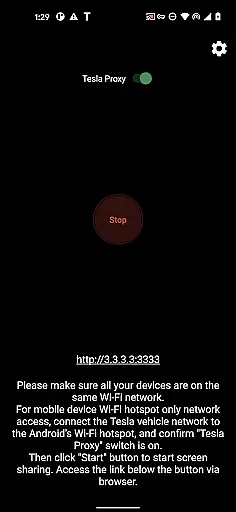
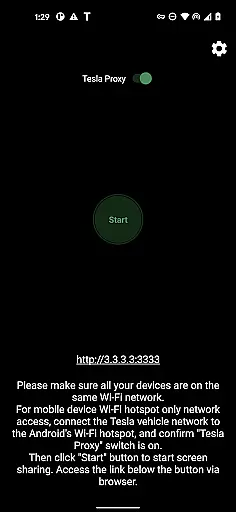
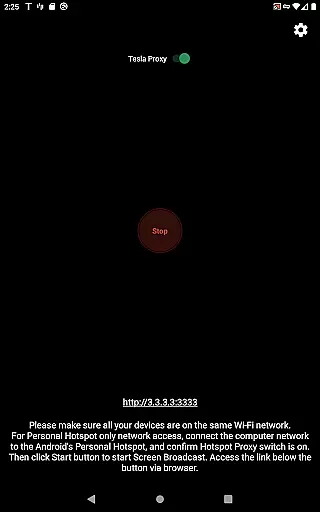
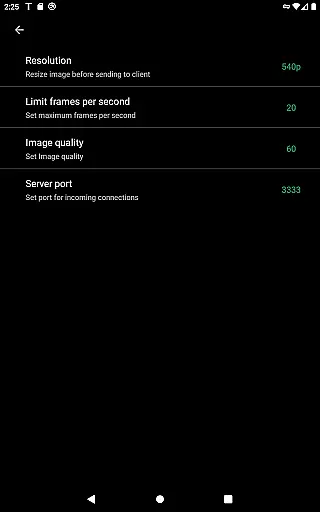
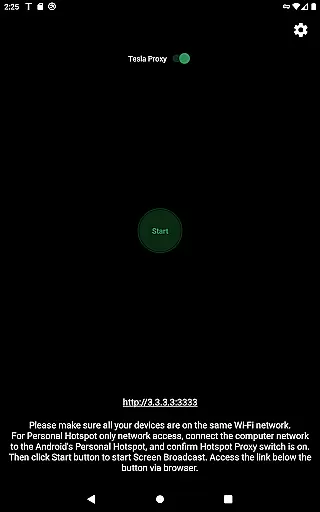
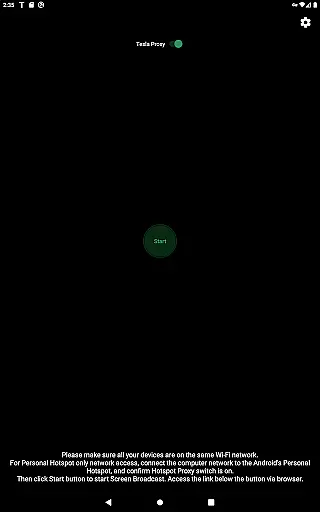
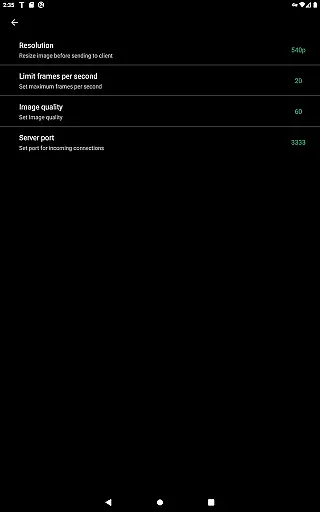
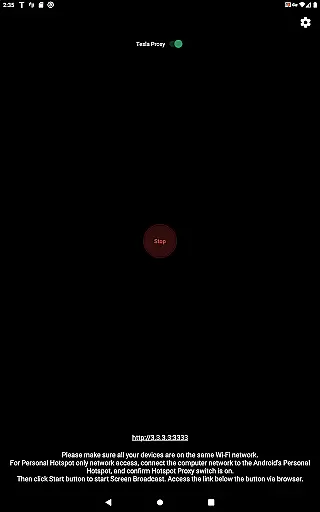
TeslaMirror is a pioneering app on Google Play that enables Tesla app mirroring, allowing users to mirror their Android device screens onto their Tesla vehicle's display. This innovative solution supports both H.264 and H.265 video formats, catering to different hardware capabilities of Tesla models. The app offers a 144-hour free trial period, ensuring customer satisfaction with an easy refund policy.
Designed for Tesla owners with MCU2/3 hardware, TeslaMirror provides a seamless setup process involving connecting the vehicle to the phone’s hotspot and accessing the mirrored screen via the Tesla browser. With features like lossless audio support and remote control functionality, it enhances the in-car entertainment experience while parked.
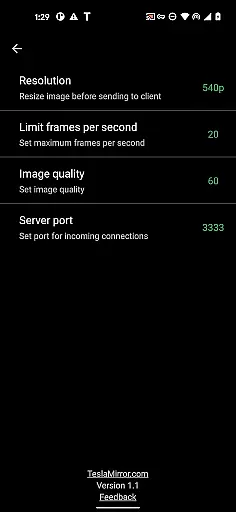
TeslaMirror stands out with its advanced mirroring technology tailored for Tesla vehicles. It supports multiple video encoding standards including H.264 and H.265, optimized for different Tesla infotainment systems. For instance, MCU3 hardware can utilize H.265 at 720p@60fps or even 1080p resolutions, delivering superior video quality compared to standard Bluetooth streaming options.
Beyond video, TeslaMirror also delivers high-fidelity audio experiences, supporting up to Hi-Res quality when using compatible devices. Additionally, the Remote Control feature allows users to interact with their Android device directly from the Tesla touchscreen, providing unparalleled convenience. These features collectively create a comprehensive and immersive in-car media environment.
TeslaMirror provides comprehensive access to detailed vehicle information by enabling seamless screen mirroring from your Android device to your Tesla's infotainment system. This ensures that all essential vehicle data is readily accessible through the larger in-car display.
The application supports Tesla models with MCU2/3 hardware, including Model 3, Model Y, and newer versions of Model S and X. By connecting your Tesla to your Android phone's mobile hotspot, users can view real-time vehicle diagnostics, media playback, and other critical information directly on their car's screen.
With support for advanced video codecs like H.264 and H.265, TeslaMirror delivers high-quality visuals tailored to your vehicle's hardware capabilities. Whether you're monitoring performance metrics or enjoying multimedia content, the app ensures optimal display resolution and smooth playback.
This functionality not only enhances the driving experience but also allows for more informed vehicle management. Users can make better decisions regarding their vehicle's maintenance and performance, thanks to the detailed information presented through TeslaMirror.
TeslaMirror offers a transparent pricing model with a free 144-hour (6-day) trial period available to all new users on Google Play. This trial allows potential customers to thoroughly evaluate the app's features and performance before committing to a purchase.
If users are not satisfied within the trial period, they can request a refund by contacting TeslaMirror support with their order details. This straightforward process ensures that customers have all the necessary information to make an informed purchasing decision without hidden costs or surprises.
The app's pricing structure is clearly outlined on its Google Play store page, ensuring users understand the value proposition before downloading. There are no ambiguous fees or in-app purchases that could affect the overall cost.
This level of price transparency builds trust with users and demonstrates the developer's confidence in TeslaMirror's capabilities. Customers can be assured they are getting fair value for their investment in enhancing their Tesla ownership experience.
User-friendly interface
High-quality video streaming
Lossless audio support
Remote control functionality
Innovative mirroring solution
Limited to Tesla vehicles
Requires specific hardware
No Netflix support
Complex setup process
Parked vehicle usage only

Take Control of Your Car
 4.80
4.80
Realtime Charts is a plugin for the Torque Pro App (OBD 2 & Car)
4.20
DIY Vehicle Wheel Alignment
4.1
Play what you want through Android Auto
4.90
DMV Test Pro offers all the updated FREE DMV tests online.
4.60
Oil change service & coupons for car maintenance at Valvoline Instant Oil Change
4.70
Digital Car Key/Launcher, Screen Mirror, Android Dashboard, Remote Wireless Link
4.40
Boost profits and hit your goals faster with GigU's amazing tools for gigworkers
4.00
Your Path to Driving Licensing Success Begins Here! Develop your driving skills.
4.40
Get more out of your AAWireless adapter with this companion app | aawireless.io
4.80
Find Your Local Store or Shop Online for the Car, Truck, or SUV Parts You Need
4.70
Shop cars & see your financing
4.60
Find, search, and browse 40,000+ used cars, SUVs, and trucks.
4.50
Autotrader is your online solution for buying and selling new and used cars.
4.40
myAudi offers users services and Audi connect services for Audi drivers
4.10
By enthusiasts, for enthusiasts
4.00
Wonder how much horsepower and torque your car/truck makes? Look no further.
3.40
Better fuel to help keep you on the road
3.20
Easily notify car owners in urgent situations, safe, fast, multilingual.
4.2


User Reviews