
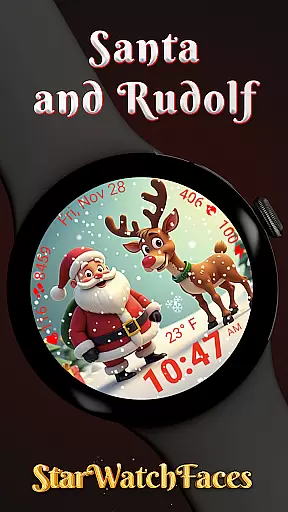
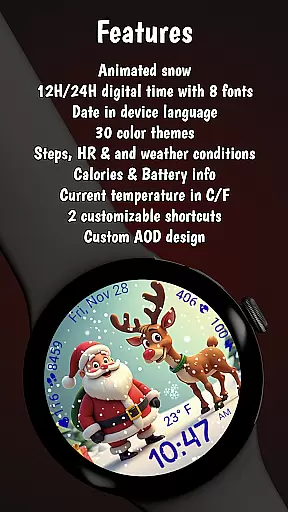
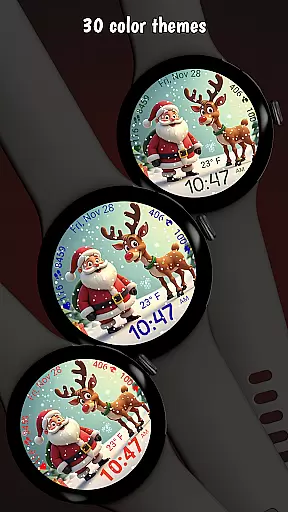
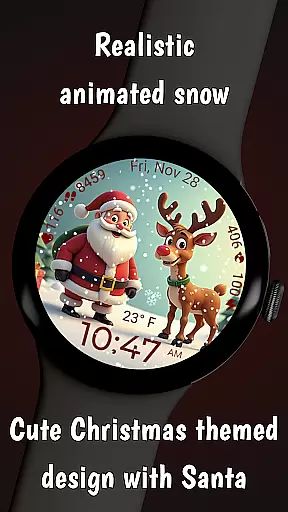
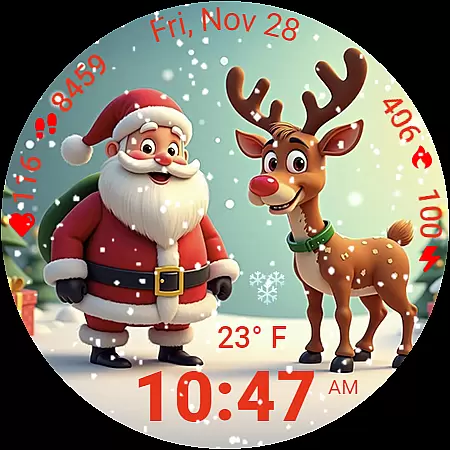
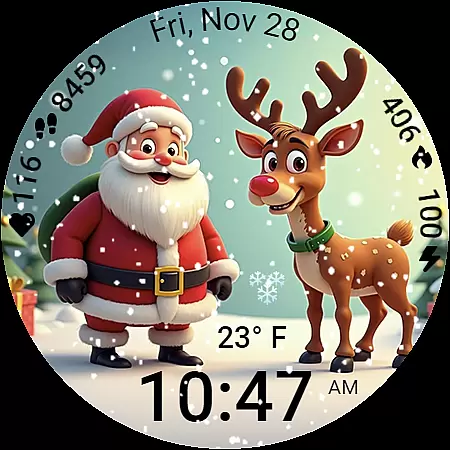
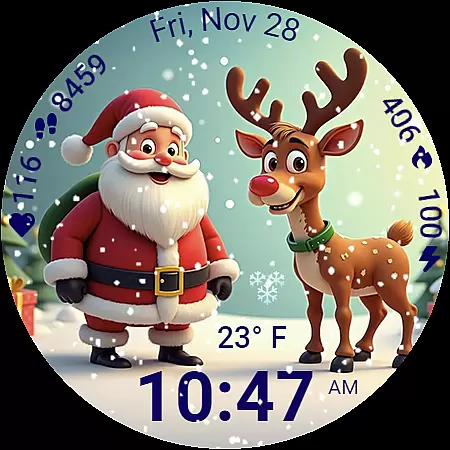
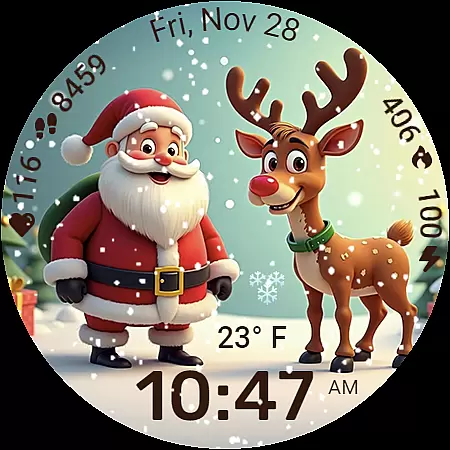
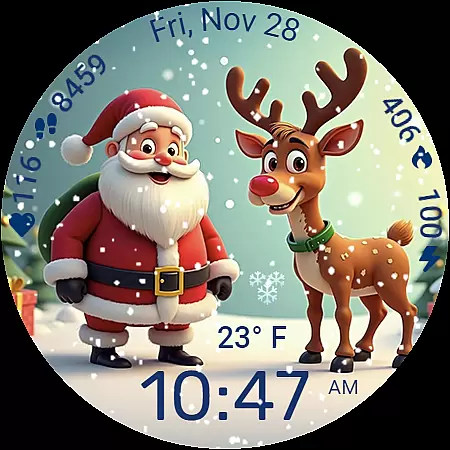
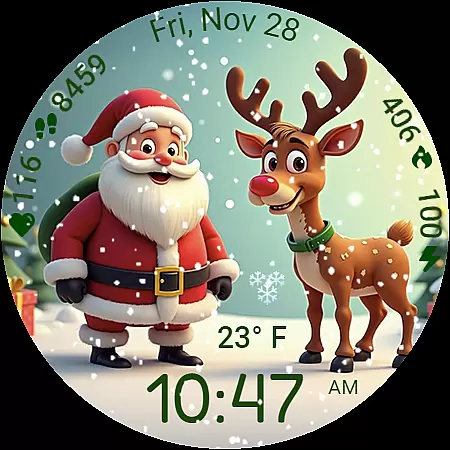
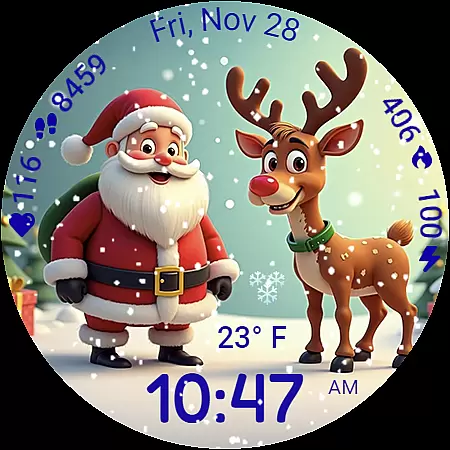
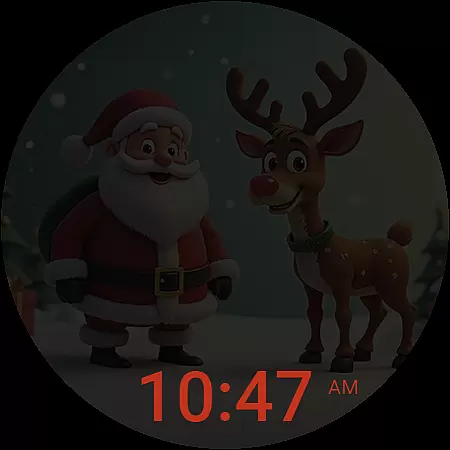
Santa and Rudolf Christmas WF is a premium Wear OS watchface that brings festive charm to your Galaxy Watch. Featuring delightful animations, customizable options, and essential health data, it offers both style and functionality. The animated snowfall and high-quality illustrations create an immersive holiday experience while maintaining optimal performance.
With deep personalization options including 8 time fonts, 30 color themes, and various display formats, users can tailor the watchface to their preferences. It also provides crucial health metrics like calories burned, step count, heart rate, and weather updates. Designed for efficiency, this watchface ensures smooth animations and low battery consumption, making it perfect for daily use during the holiday season.
This watchface stands out with its stunning holiday-themed design featuring Santa and Rudolf illustrations complemented by realistic animated snowfall. Users can enjoy a personalized experience with multiple customization options such as unique time fonts, diverse color themes, and flexible display settings.
Beyond aesthetics, Santa and Rudolf Christmas WF delivers practical utility through comprehensive health and activity tracking. It displays calories burned, steps taken, battery status, heart rate, temperature, and live weather conditions in an easy-to-read format. Engineered for performance, the watchface maintains low battery usage without sacrificing visual quality or responsiveness.
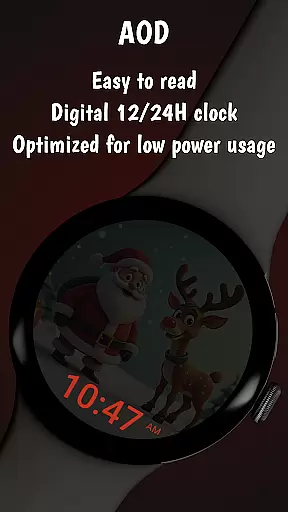
The app's compatibility with Galaxy Watches using Wear OS 5 or newer ensures seamless integration and reliable functionality. Special promotions and additional features like Always On Display optimization further enhance user satisfaction and engagement.
Companion app integration is essential for a seamless wearable experience. The Santa and Rudolf Christmas watchface excels in this area by offering deep connectivity with its dedicated companion app.
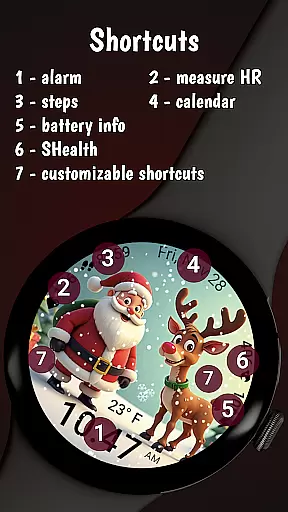
Through the companion app, users can access an extensive customization suite. This includes options to modify time fonts, switch between 30 color themes, and set up personalized shortcuts, all of which sync instantly with the watchface.
The integration extends beyond mere aesthetics. Users can unlock additional features such as localized date settings, weather updates, and health data tracking directly from their smartphone. This ensures that the watchface remains both functional and visually appealing.
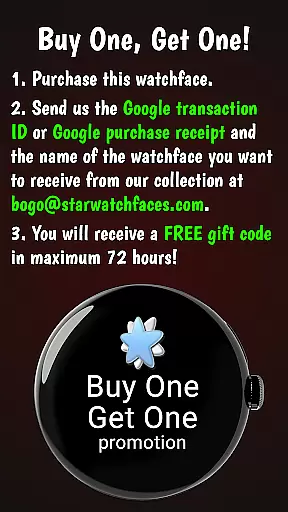
By installing the Watchface Shop app, users not only enhance their customization capabilities but also gain access to exclusive deals and potential free unlocks of premium watchfaces like Santa and Rudolf.
Device compatibility is crucial for ensuring optimal performance across different Wear OS devices. The Santa and Rudolf Christmas watchface is specifically optimized for Galaxy Watches running Wear OS 5 or newer.
This compatibility focus guarantees that users experience smooth animations, accurate health tracking, and reliable Always On Display functionality without excessive battery drain.
While designed primarily for Samsung devices, the watchface maintains basic functionality on other Wear OS platforms. However, certain advanced features like weather updates and customizable shortcuts might be limited on non-Samsung devices.
The development team has implemented careful optimization techniques to ensure that the watchface runs efficiently regardless of the specific device, maintaining both visual quality and system performance throughout the holiday season.
High-quality festive design
Smooth animations
Deep customization
Comprehensive health data
Optimized performance
Limited compatibility
Premium cost
Complex setup
Fewer features on non-Samsung devices
Requires companion app

Embrace the holiday spirit with this magical animated watch face!
 4.40
4.40
Christmas and New Year - Themed Watchface
4.1
Let's celebrate Thanksgiving - Wear Os watch face
4.20
Stylish digital watch face for Wear OS devices with customizable features
4.0
Your second brain for organizing your life: to-do, calendar, reminder.
4.70
Nutrition, Macro tracker: Food, fitness & healthy diet tracking for weight loss
4.60
Connect, create, and collaborate with Gmail, part of Google Workspace.
4.10
Simple, helpful messaging by Google
4.60
Control your Samsung Smart TVs, appliances, and SmartThings-compatible devices
4.60
A modern hybrid informative watch face for Wear OS designed by BALLOZI
4.80
Hybrid watch face for Wear OS with customizable complications by Matteo Dini MD
4.70
A realistic hybrid watch face with many customization options.
4.60
Fast and smart typing with Emojis, GIFs, and more
4.50
Bold weather Digital watchface with forecast & optional animated background
4.40
Find EV charging stations
4.30
The ultimate destination for kids ages 3-8 to explore the Marvel Universe!
4.30
Authentic military-tactical design with ZULU time! Realistic and functional!
3.80
Analog watch face with 8 complications and expedition styling
4.5
Sleek, highly customizable watch face inspired by Galaxy Watch Circle Dashboard.
4.3


User Reviews